

Room color visualizer
Try paint colors on the walls of a render
- Free to start, no credit card
- Up to 4 color schemes of one room
- Same camera, light and furniture
No credit card required
Trusted by architects & interior designers in 100+ countries
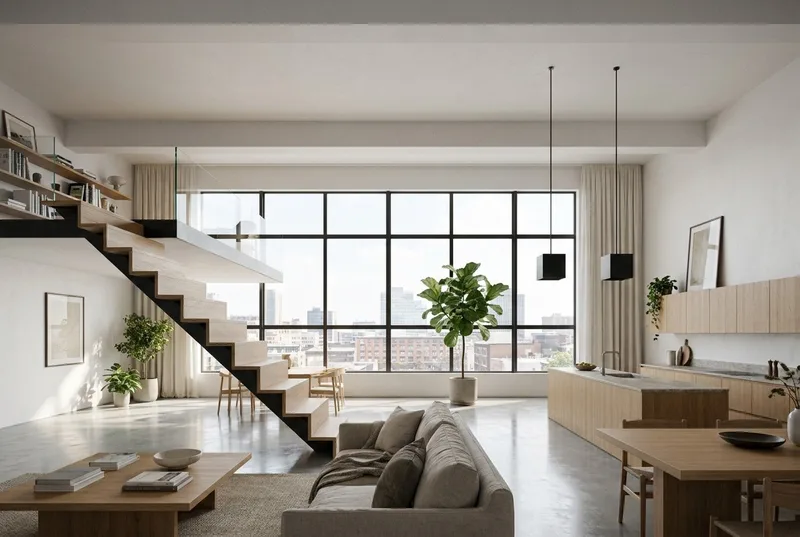
 BeforeAfter
Wall paint colors, floors, kitchen fronts and fabrics
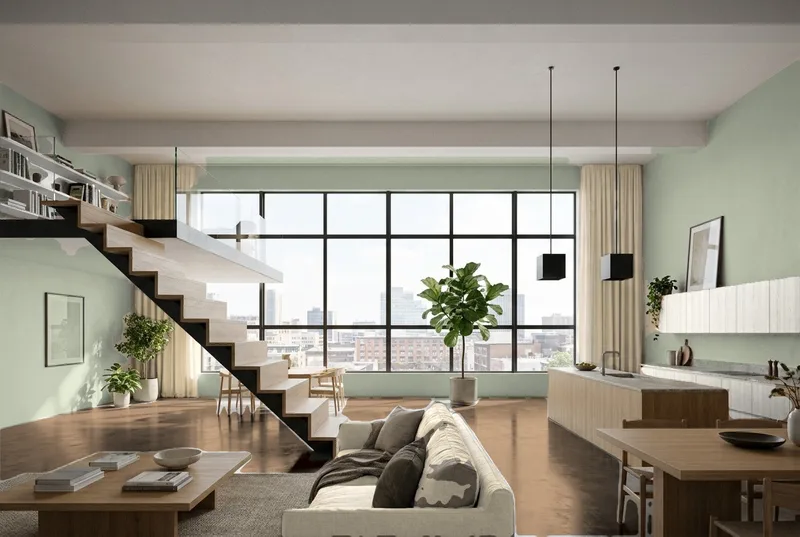
The tool finds the parts of the room. You give each part a color in each scheme, or leave it as it is.
Wall paint colors
Pick one of 10 paints, each with its RAL or NCS code, or type any RAL code or hex code.
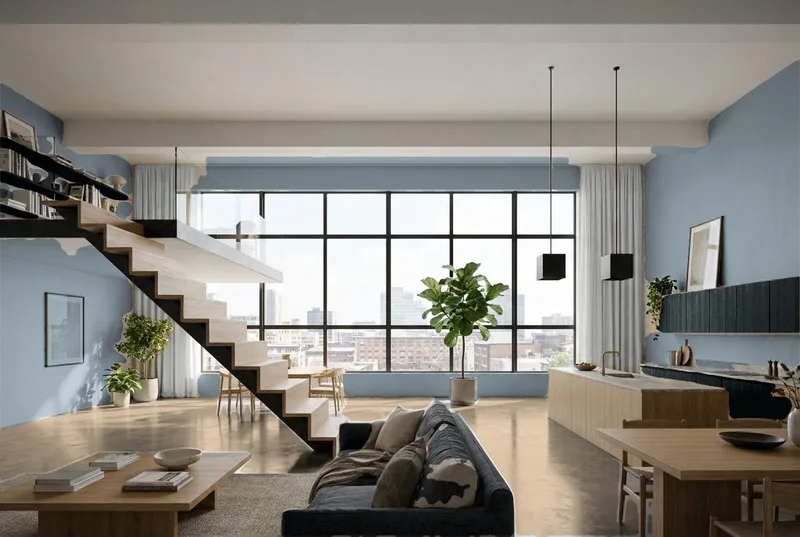
Floor in wood tones
Light oak, natural oak, smoked oak, walnut, grey-washed or white-oiled. The grain of the floor stays.
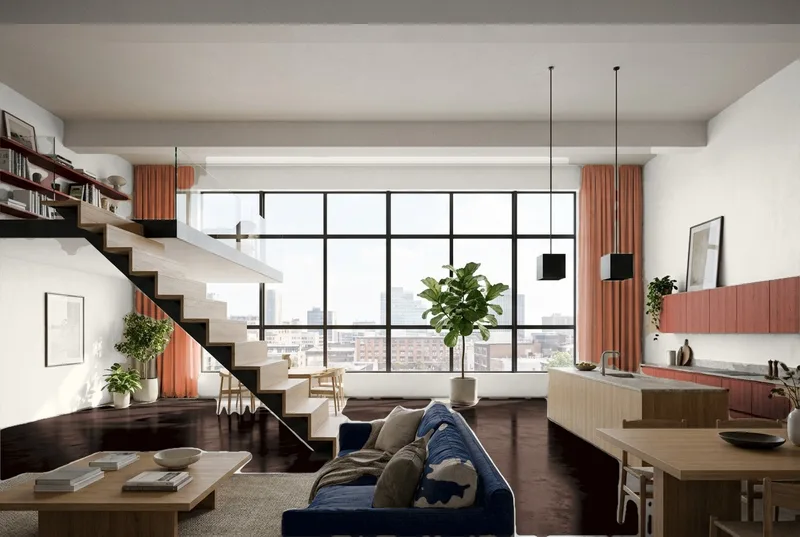
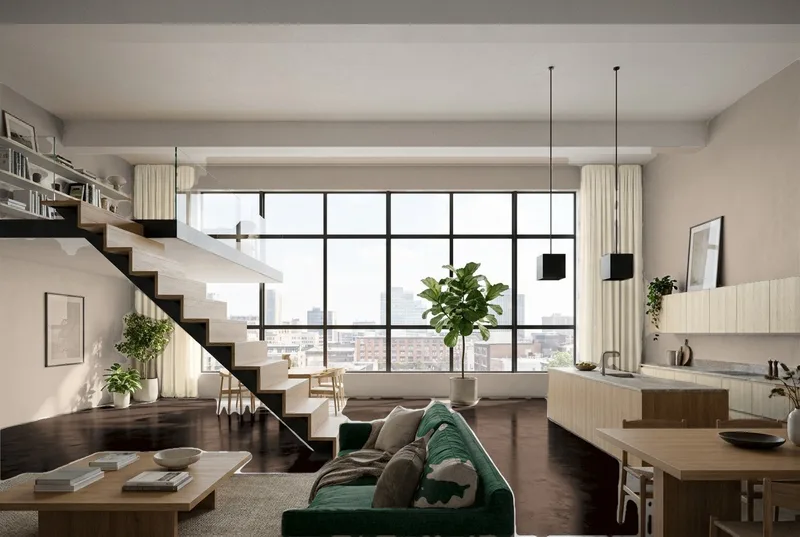
Sofa and curtains
8 fabric colors, from oat and dove grey to forest and clay. The weave of the fabric stays.
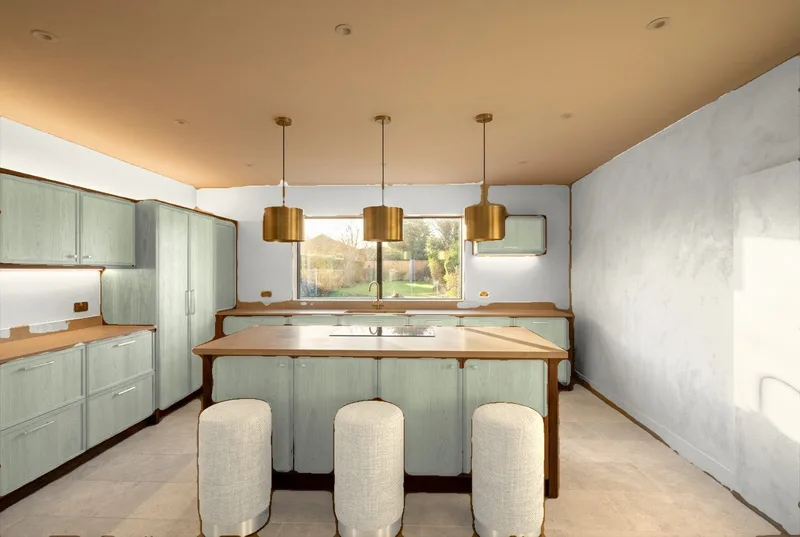
Kitchen and wardrobe fronts
Cabinet fronts and doors take paint colors, like the walls. Rename a part or tap the picture to add one.
How to try colors on a room
3 steps. Free to start, no credit card.
1. Make a render of the room
Upload a screenshot of your 3D model, a sketch or an existing render. Then press Edit.
2. Open More tools, then Colours
The tool finds the walls, the floor, the fronts and the fabrics. Give each part a color in up to 4 schemes.
3. Compare the schemes
Every scheme is saved as a version of the render, and a comparison sheet with the color codes downloads.
What the room color visualizer keeps and what it changes
The pictures on this page are generated samples, not client projects.
What stays the same
The camera, the light and shadows, the furniture shapes, the windows and the view. The picture is not drawn again: outside the parts you color, nothing changes.
What changes
Only the parts you give a color: walls, floor, cabinet and wardrobe fronts, doors, sofa and curtains. A part you leave empty stays as it is.
What can move
The tool is in beta. An edge between two parts can be marked a little off, for example where a curtain meets the wall. Tap the picture to add or take out an area. Colors on screen are approximate.
What happens to your render
Your render is used to make your color schemes. We do not use your images to train AI, and we do not publish your pictures.
Is the room color visualizer free?
You start free, with no credit card. Colours is a tool inside AI Render, and you sign in with Google or your email to use it. A set of up to 4 schemes costs the same as one Standard edit, and a free account's free edit is used first. Pictures from a free account carry a small 3Dstudio.co logo. See AI Render pricing.
Can I pick a paint brand's colors?
No. The colors are RAL and NCS codes, hex codes, wood tones and fabric colors, not the color cards of a paint brand. To match a brand, type the hex code of its color, and check a real sample on the wall before you buy.
Can I use a photo of my own room?
Colours works on pictures made in AI Render. Redesign your room photo with our AI interior design tool first. That picture is drawn again from your photo, and it is saved with your renders, so you can open it, press Edit and try colors on it.
Does it work on the outside of a house?
Yes, the same tool makes up to 4 color schemes of an exterior render. For a photo of your house, use our house color visualizer.
Does the AI change the furniture or the light?
No. Each scheme is the same picture with only the colors of the chosen parts changed, so the camera, the light and the furniture stay exactly as they are.
Are the colors exact?
No. Colors on screen are approximate, and the tool is in beta. Use the schemes to compare ideas, and check real samples in the room before you order paint, flooring or fabric.
Other free photo tools
Have a photo of a real room, house or garden? These tools start from a photo.
1,252
Projects completed
13
Years in business
17
Countries delivered to







★★★★★
Rated 4.9 on Clutch · See our reviews
Architects, developers & interior designers
Working for 215 companies since 2013
125 of 220 clients came back
More than half of our clients have hired us again
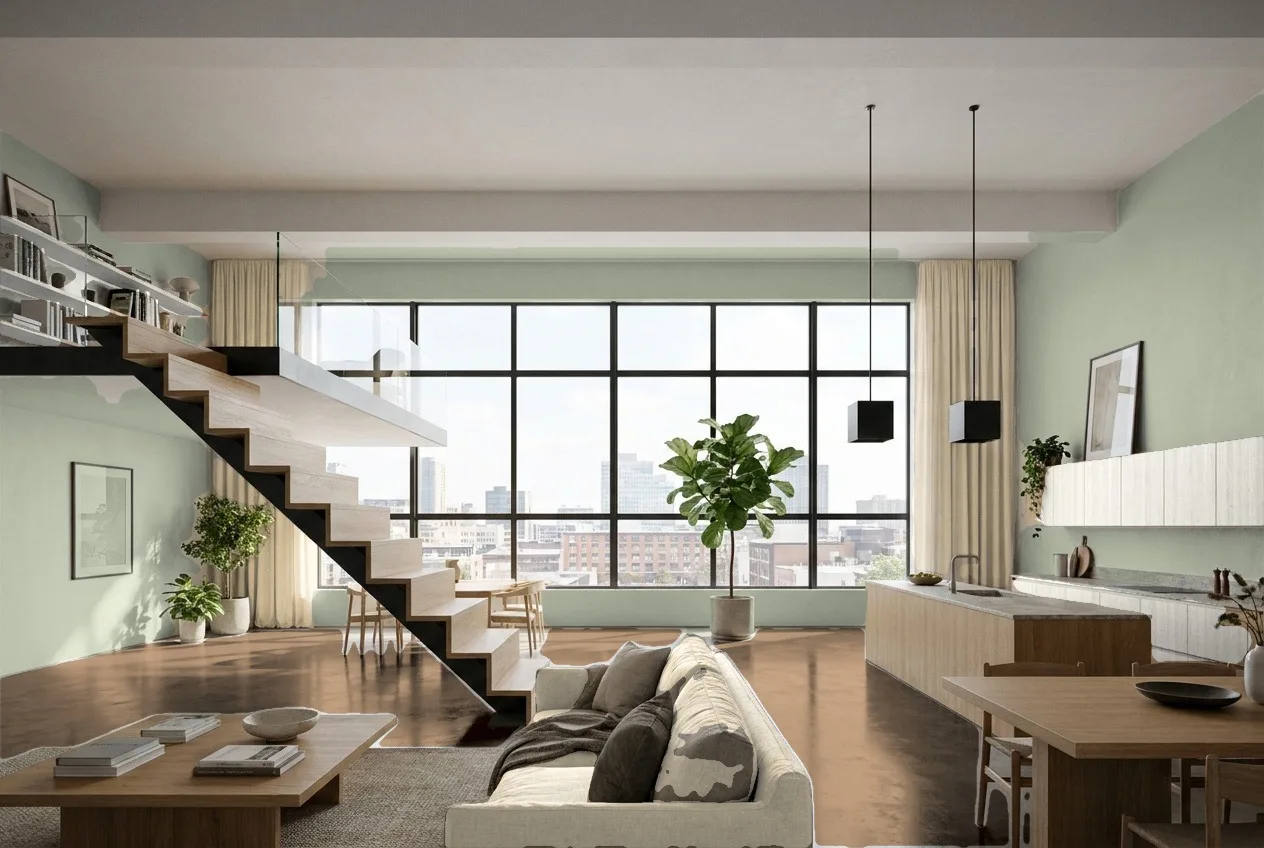
Try new colors on your room now
Make a render of your room, then try up to 4 color schemes on it. Free to start, no credit card.