AI Rendering vs V-Ray and Enscape: When Each Is the Right Tool
AI rendering, V-Ray and Enscape do different jobs. See where V-Ray and Enscape win on full control and animation, where AI rendering wins on speed, and how to use both.
In this article
- V-Ray and Enscape render the 3D scene you build, so they win on full control, repeatable views and animation
- AI rendering starts from a picture of your model and wins on speed to a first image and on no scene setup
- On 3 November 2026 Chaos sold V-Ray and Enscape with AI credits included, and offered free trials of 30 and 14 days
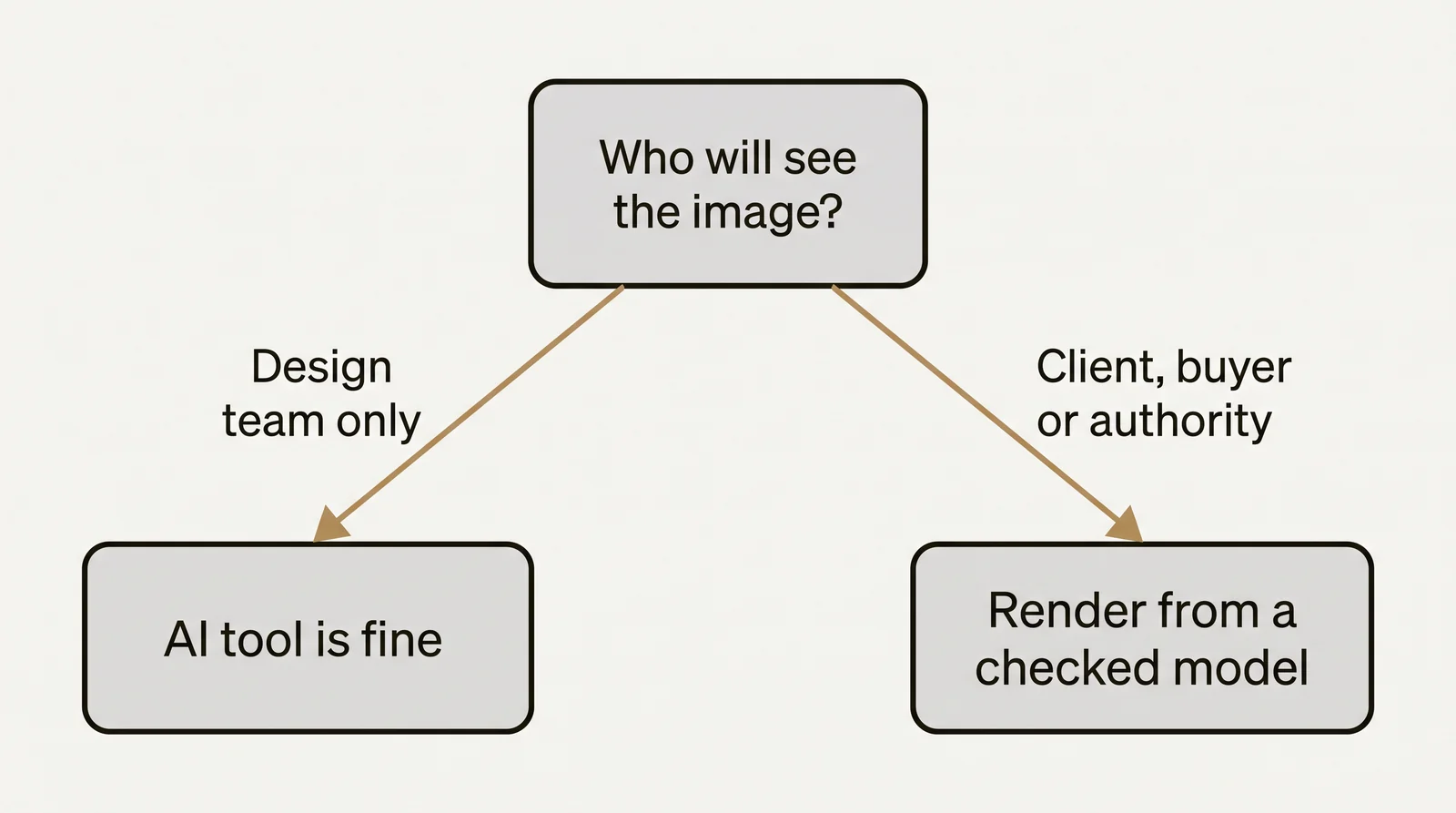
- Use AI for options and early concepts, and a renderer for final images and animation, or enhance a render you already have
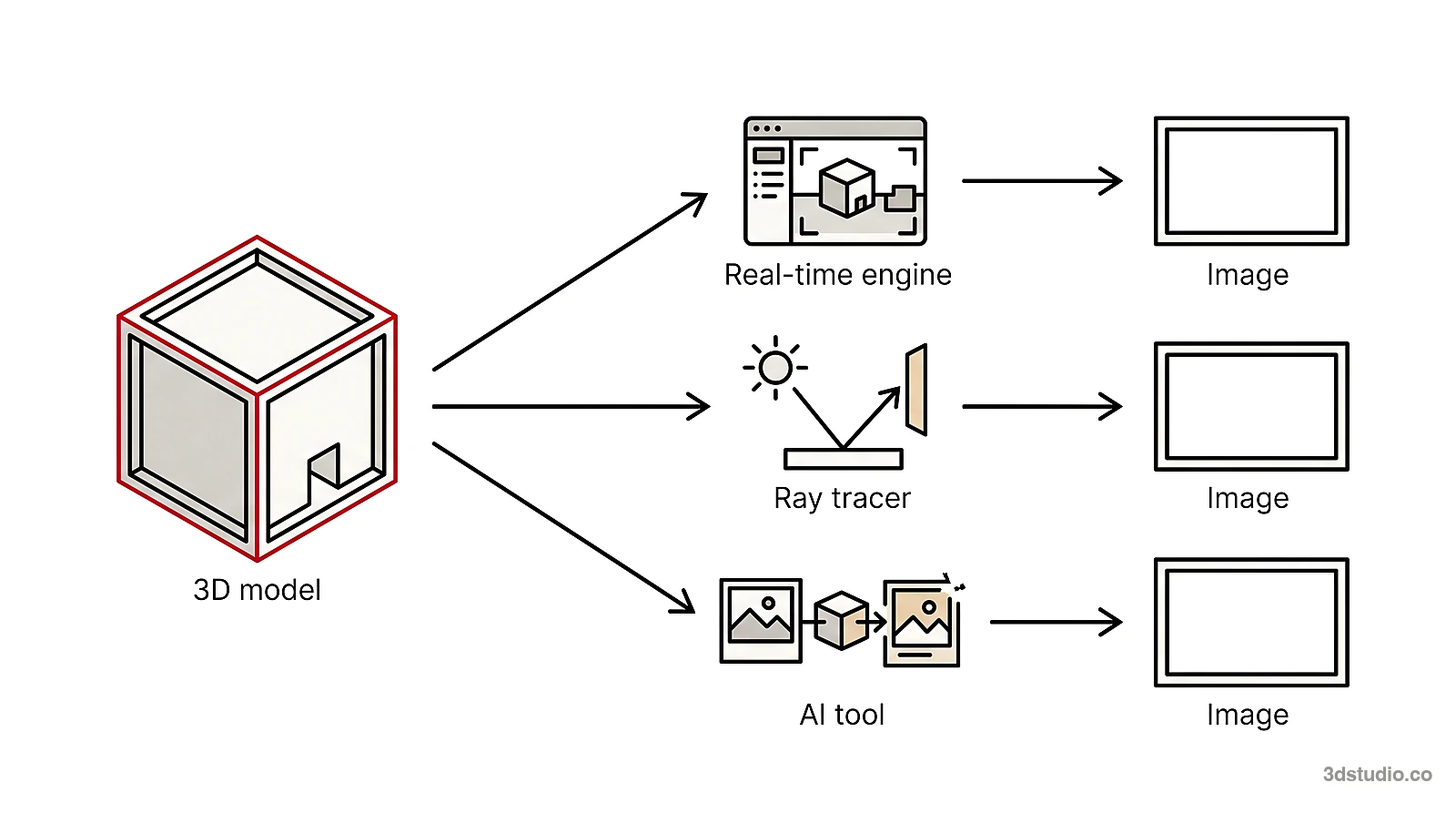
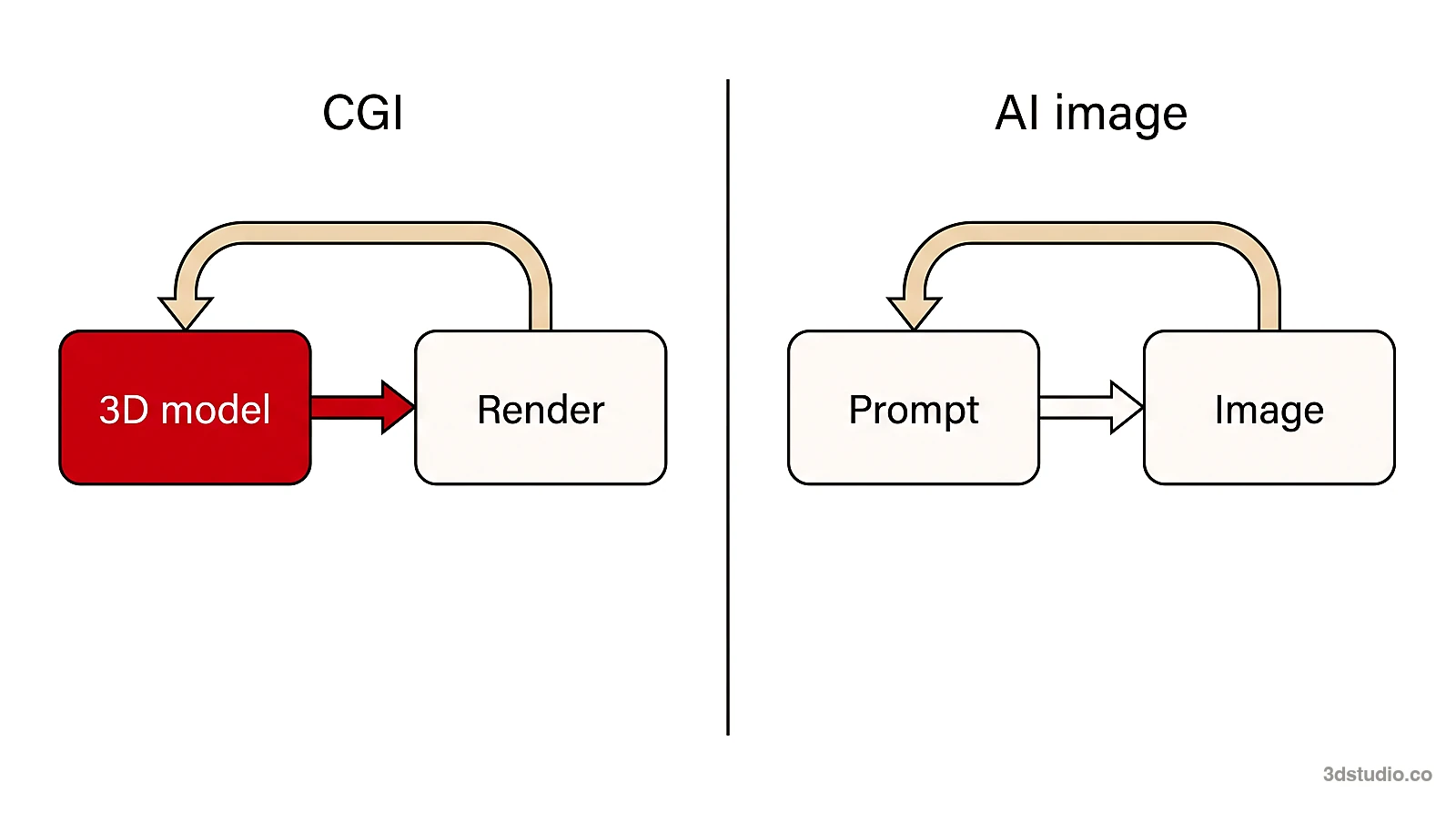
AI rendering and the renderers V-Ray and Enscape do different jobs. V-Ray and Enscape make an image from the 3D scene you build. AI rendering starts from a picture of your model and draws a photoreal image from it. So the useful question is when to use each one, not which one is better.
We make an AI render tool, AI Render Studio, so read this as a comparison written by an AI vendor. We start with where V-Ray and Enscape win, because on full control and animation they do. Every fact about V-Ray and Enscape comes from the Chaos pages listed in the sources, read on 3 November 2026. Prices and plans change, so check those pages before you buy.
The short answer
| Situation | Better choice | Why |
|---|---|---|
| Early concept images and design options | AI rendering | You get an image in seconds, with no scene to set up |
| Final images with exact materials, lights and cameras | V-Ray or Enscape | You control every setting, and the image comes from your 3D scene |
| Animation, walkthroughs and VR | V-Ray or Enscape | They render moving cameras through your model; AI makes a short clip from one image |
| Many views of one project that must match | V-Ray or Enscape | Every view comes from the same scene |
| A quick image from a plain white massing model | AI rendering | The model needs no materials or lights |
| Checking design ideas live while you model | Enscape | It updates as you change the model |
| Sending an image to a client for comments | Either | V-Ray has cloud approvals; AI Render Studio has review links with pins |
What V-Ray and Enscape are
Both are made by Chaos and run inside your design program.
Have a 3D model? Our AI Render Studio turns a screenshot of it into a photoreal image in about 20 seconds. Your first render needs no account.
Render your model free- V-Ray is a physically based renderer for still images and animations. Chaos describes it as giving full artistic control over lighting, materials and cameras. It works in 3ds Max, SketchUp, Revit, Rhino and Cinema 4D, and it can render on the CPU, the GPU or both. Chaos offers a 30-day free trial of the full version. On annual billing, V-Ray Solo was €39.50 a month, before tax.
- Enscape is a real-time renderer for Revit, SketchUp, Rhino, Archicad and Vectorworks. You see every change in the render as you make it, and you can walk through the model and use virtual reality. Chaos offers a 14-day free trial. On annual billing, Enscape Solo was €44.90 a month, before tax, and it includes 100 AI credits a month.
The prices above are the monthly figures shown on annual billing on 3 November 2026. The yearly amounts were €474 for V-Ray Solo and €538.80 for Enscape Solo.
What AI rendering is
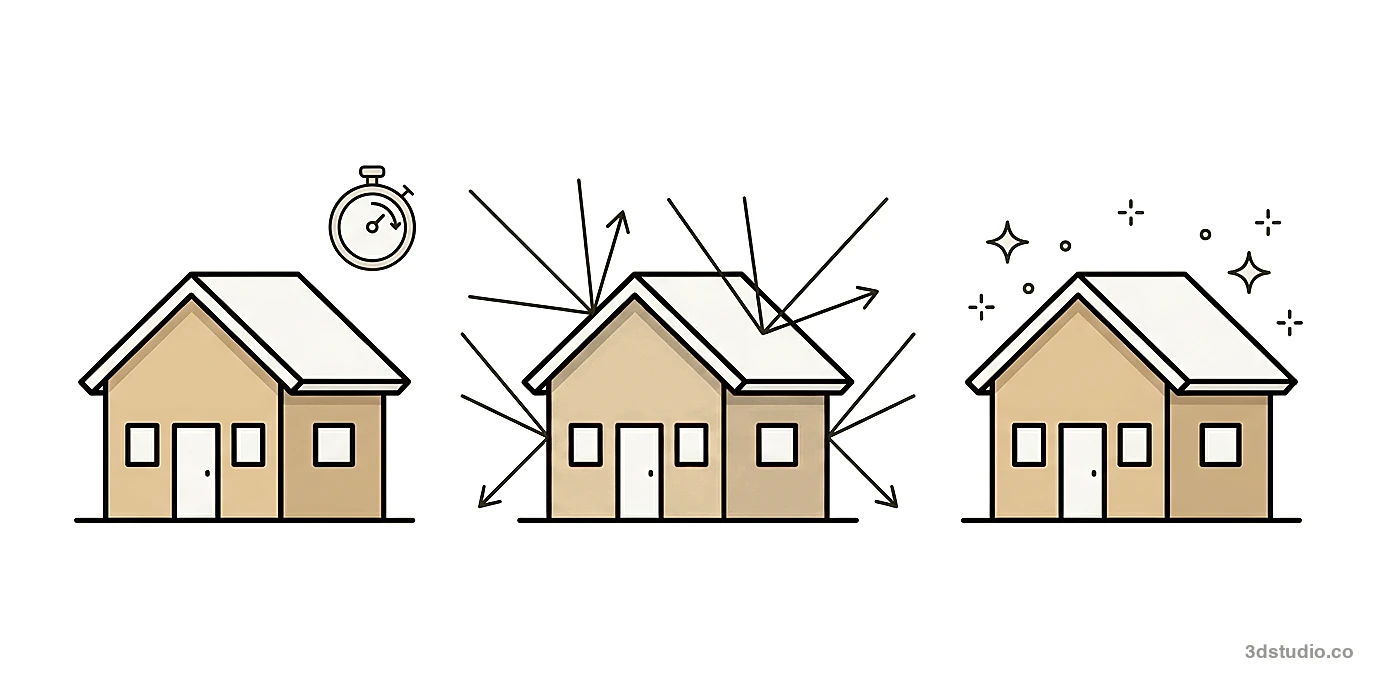
You take a screenshot of a view of your model, from any program, and upload it. A model draws a photoreal image of that view. You do not set up lights, materials or a camera. In our AI Render Studio a render takes about 20 seconds, in the browser, so you need no render machine.
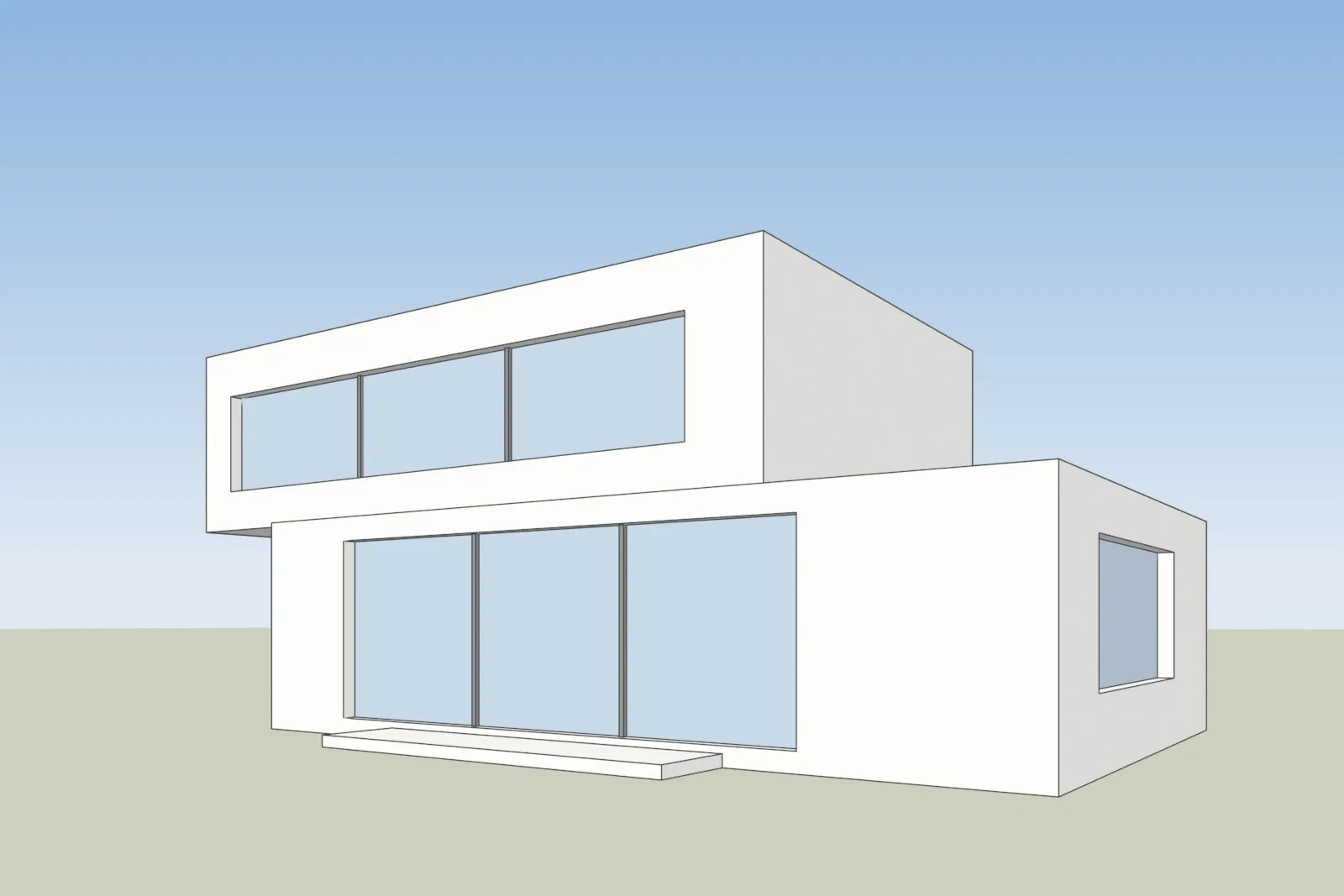
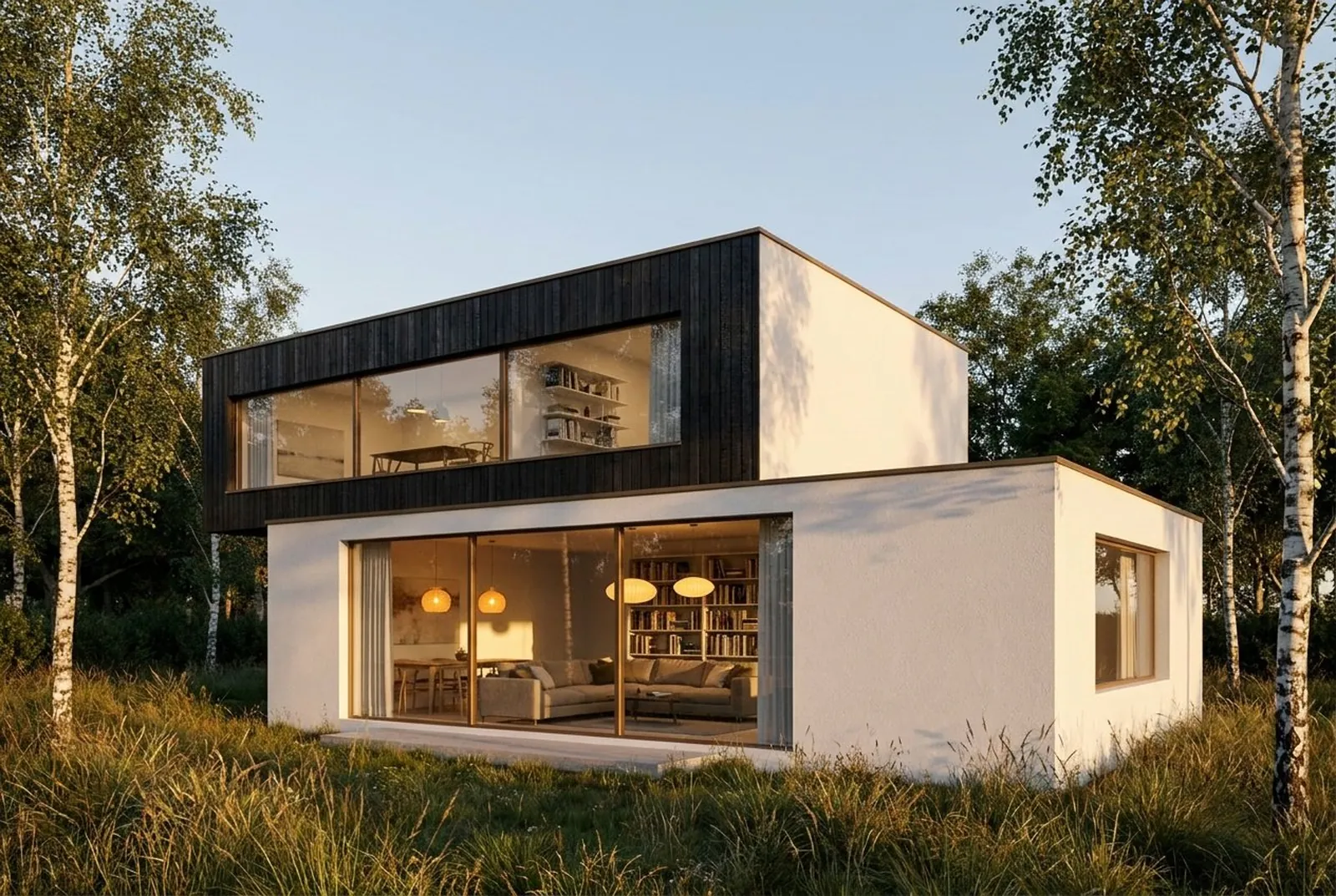
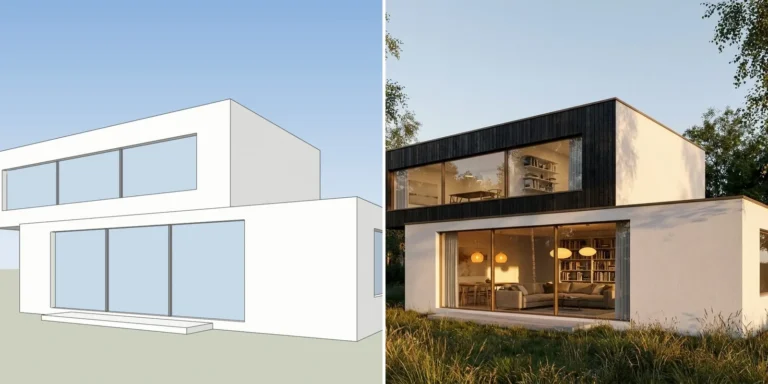
A screenshot of one of our own test models, left, and the AI Render Studio image of the same view, right.
The tool is told to keep your walls, openings, roof line and camera, and to change only light, surroundings and the materials you ask for. If your model already has materials, a setting called Keep my materials adds light and realism and keeps them. An AI image is still drawn from a picture, so it can change a window or a roof line. That is why every result opens with a drag line over your screenshot, and a lines-kept check shows whether the render moved away from it.
Where V-Ray and Enscape win
- Full control. You set the sun, the lights, the materials and the camera. The image comes from your 3D scene, so every window in the image is a window in your model. An AI image is drawn from a picture, and it can add, drop or move details.
- Animation and walkthroughs. V-Ray renders stills and animations. Enscape gives real-time walkthroughs and virtual reality, and its Collection plan lists cinematic animation. Our tool makes a 5-second video from a render, and the Max plan makes 10 seconds. That is a short camera move from one image, not a path through your model.
- Views that match. Every view comes from the same scene, so a material or a lamp looks the same from every camera. In AI rendering each image is drawn again. Our project look setting makes new renders reuse the look of a chosen render, and you should still check each view.
- Live feedback while you design. Enscape updates the render as you change the model, so you can judge an idea as you draw it.
- Heavy production. V-Ray can speed up production rendering with several machines, and it has cloud services for client approvals.
Where AI rendering wins
- Speed to a first image. You can go from a screenshot to a photoreal image in about 20 seconds.
- No scene to build. A plain white model is enough. You do not model furniture, plants or people, and you do not set up materials.
- A short learning curve. You pick a look, press a button and then change the result with words, a brush or a relight.
- Any program. It works from a screenshot, so it works with any program that shows a 3D view.
- Low cost to try. Your first render needs no account, and a credit pack starts at €5 for 8 HD renders, with no subscription.
The first test of any AI tool is the same: render one view of your own project and count the windows and floors in the result.
Setup, time and cost compared
The table uses what each company states on its own pages on 3 November 2026. Our prices are those shown to a visitor in Estonia, Germany or Italy, with VAT included.
| V-Ray | Enscape | AI Render Studio | |
|---|---|---|---|
| What you set up | Plugin in your program, then lights, materials and cameras | Plugin in your program | A screenshot of a 3D view |
| How it renders | Physically based, CPU, GPU or both | Real time, inside the model | AI, from a picture, in the browser |
| Time to an image | Depends on the scene and the hardware | Live as you change the model | About 20 seconds per render |
| Animation | Yes, stills and animations | Walkthroughs and video, cinematic animation on Collection | A 5-second video from a render, 10 seconds on Max |
| Price shown | €39.50 a month on annual billing (Solo), before tax | €44.90 a month on annual billing (Solo), before tax | Credit pack from €5 for 8 HD renders, plans from €25 a month, with tax |
| Free start | 30-day free trial | 14-day free trial | 1 render with no account, then 5 renders and 5 fixes |
| Programs | 3ds Max, SketchUp, Revit, Rhino, Cinema 4D | Revit, SketchUp, Rhino, Archicad, Vectorworks | Any program that shows a 3D view |
Our plans and credit packs in your currency are on the AI Render Studio pricing page.
AI inside Enscape and V-Ray
The choice is not always either-or, because Chaos has built AI into its renderers. Enscape Solo includes 100 Chaos AI credits a month, which Chaos puts at up to 10 images made with the Nano Banana 2 model, or up to 10 AI videos. Chaos also lists Veras in Enscape and V-Ray, for design options and mood boards. For V-Ray, Chaos lists AI turning a still render into a short animation, AI materials from a photo and AI enhancement of single objects. Our guide to Veras pricing explains the credits.
How to use both
- Explore with AI. While the design is open, make options from screenshots of a massing model. Show 2 or 3 versions to the team or a client.
- Build the scene when the design is fixed. For final images, a walkthrough or many views that must match, render the 3D scene in V-Ray or Enscape.
- Enhance a render you already have. Our tool can take a render from another program as the input and add light, atmosphere and people. Compare the result with your render before you use it.
If you model in SketchUp, our SketchUp AI rendering page shows how to export the right view. For other tools, read the best AI rendering software list. The older guide to AI for architectural rendering explains the kinds of AI tools by input.
When to use a studio instead
If the final images or the animation must match your drawings and you do not have time to build the scene, a studio can do it. For those images, we build the 3D model from your drawings and check it against them. See architectural visualization and 3D animation for how that works, and the difference between CGI and AI for the full comparison of the 2 methods.
Questions about AI rendering vs V-Ray and Enscape
Is AI rendering better than V-Ray?
No, and it is not meant to replace it. V-Ray gives full control and renders animation, and its images come from your 3D scene. AI rendering is faster to a first image and needs no scene setup. Use AI for options and V-Ray for final images.
Does Enscape have AI?
Yes. On 3 November 2026 Chaos listed Veras AI in Enscape, and Enscape Solo included 100 AI credits a month, with image-to-video animation built in.
Which is faster, AI rendering or V-Ray?
AI rendering is usually faster to a first image because there is no scene to set up. Our renders take about 20 seconds. V-Ray time depends on the scene and the hardware, and Enscape updates as you change the model.
Can I use an Enscape or V-Ray render in an AI render tool?
In our AI Render Studio you can upload a render from another program as the input and enhance it. The result can differ from your original, so compare the two before you use it.
When should I choose a renderer instead of AI?
Choose a renderer when the image must match your 3D model in every detail, when you need animation or a walkthrough, or when many views of one project must look the same.
Sources
All facts about V-Ray and Enscape were read on 3 November 2026.
Diagrams in this post are drawn with an AI image tool from our brief and checked by our team.
More on AI rendering: AI Render Studio · SketchUp AI rendering · mnml AI Review 2026: Plans, Plugins and How It Compares · Free AI Rendering for Architecture: What Each Tool Gives Free · Rendair Review 2026: Pricing, Features and How It Compares · Best AI Rendering Software in 2026: 7 Tools Compared for Architects · MyArchitectAI Alternative: An Honest Comparison for Architects · Veras Pricing in 2026: Plans, Credits and a Screenshot Alternative · Difference Between CGI and AI for Architecture Images