V-Ray Price in 2026: Plans, Licenses, Host Programs and a Cheaper Route
What V-Ray costs in 2026: every plan and price read on the Chaos pages, named and floating licenses, host programs, trial terms, hardware needs and a cheaper route for a few images.
In this article
- On 5 November 2026 Chaos listed V-Ray as Solo, Premium and Collection plans, shown on annual billing and before tax
- Solo is a named license for one person, while Premium and Collection are floating team licenses
- The real cost also includes a computer that renders well, learning time and render time
- For a few images, a browser-based AI render tool needs no graphics card, and you start free with no credit card
The V-Ray price is set by Chaos, which sells V-Ray as a subscription with 3 plans: Solo, Premium and Collection. On 18 November 2026 the Chaos V-Ray page showed all 3 at list prices for annual billing, before tax. Solo is a named license for one person. Premium and Collection are shared team licenses.
This guide covers every V-Ray plan, the host programs, credits and cloud, the trial, and the costs around the software: a suitable computer, learning time and render time. We also make an AI render tool, so we show a cheaper route for a few images and say where V-Ray is the right tool. Every V-Ray figure was read on the Chaos pages on 18 November 2026. Plans change, so check the page before you buy.
V-Ray price in 2026 at a glance
| V-Ray plan | Price shown, annual billing | Yearly total | License type | AI credits a month |
|---|---|---|---|---|
| Solo | €39.50 a month | €474 | Named license, 1 person | 100 |
| Premium | €58.90 a month | €706.80 | Team license, floating | 500 |
| Collection | €94.90 a month | €1,138.80 | Team license, floating | 1,500 |
The page offers a Monthly and an Annual option. The figures on screen were the annual-billing ones, and we could not read a monthly-billing price, so we give none. Check the checkout price if you pay monthly.

A named license is a personal license you use on any device with your Chaos login. A floating license is shared among users as it becomes available, so 1 license can serve several people, but not at the same time.
What each V-Ray plan includes
- Solo. The V-Ray rendering engine, up to 15,000 3D assets and materials, the Veras AI tool, Chaos Cloud collaboration and 100 AI credits a month.
- Premium. Everything in Solo, up to 18,500 assets, an enhanced material library, a course on V-Ray and 500 AI credits a month.
- Collection. Everything in Premium, 22,000+ assets, animated people, crowds and traffic, real-time viewport rendering with Chaos Vantage, cloud collaboration and cloud rendering, and 1,500 AI credits and 1,500 Chaos Credits a month.
Host programs
V-Ray runs inside other programs. The page lists Revit, SketchUp, Rhino, 3ds Max, Cinema 4D and Blender under “Available in”. It does not say which plan covers which program.
Have a 3D model? 3Dstudio.co turns a screenshot of it into a photoreal image. The first render is ready in under 10 seconds. Free to start, no credit card.
Render your model freeChaos Cloud and credits
Chaos Credits go with the Chaos cloud services. Collection lists cloud rendering and includes 1,500 Chaos Credits a month. The pricing page also sells a Chaos Credit add-on, the Pro tier with 1,000 credits that refresh monthly, at €23.90 a month, billed as €286.80 a year. AI credits are a separate pool: Chaos puts Solo’s 100 at up to about 5 AI-enhanced images a month.
Trial, refunds, tax and student licenses
- Free trial. Chaos offers the full version of V-Ray free for 30 days, with every feature and no credit card required.
- Refunds. Chaos lists a 14-day money back guarantee. Using AI credits voids the right to a refund.
- Tax. Prices do not include taxes. Your checkout total depends on your country.
- Renewal. The subscription renews automatically until you cancel it, at the then-current standard price.
- Students. Chaos has an Educational tab. We do not quote student prices or terms.
The 30-day trial is the only free route we could confirm for commercial work.
What drives the real cost of V-Ray
A computer that can run it
V-Ray can render on the processor, on a graphics card, or on both. The V-Ray for SketchUp system requirements list, for Windows:
- A 64-bit Intel or AMD processor with AVX2 support.
- 8 GB of memory at minimum, and 16 GB recommended.
- For graphics card rendering, an NVIDIA card of the Maxwell generation or later, with the latest recommended driver. This applies to both CUDA and RTX cards.
- 2 GB of disk space at minimum, and 12 GB recommended with the extra content.
The page also lists macOS 12 Monterey or higher, and no video memory figure. Other host programs have their own requirements pages.

Learning time
V-Ray gives full control of materials, lights and cameras, and that takes time to learn. Chaos includes a course with every plan.
Render time
A ray-traced image takes longer than a real-time view, and the time grows with image size, scene detail and quality. Extra machines or the cloud cost money or credits. For 1 or 2 images, setting up materials and lights usually takes longer than the render.
When V-Ray is the right tool
- Final images with exact materials, lights and cameras. You control every setting, and the image comes from your own 3D model.
- Animation. V-Ray renders stills and animations.
- Many matching views. Every view comes from the same scene.
- Large production. A studio that renders every week gets more from a team license than a person who renders twice a year.
- Several programs. The same engine works across 3ds Max, SketchUp, Revit, Rhino, Cinema 4D and Blender.
Our guide to AI rendering vs V-Ray and Enscape has the full comparison.
A cheaper route when you need a few images
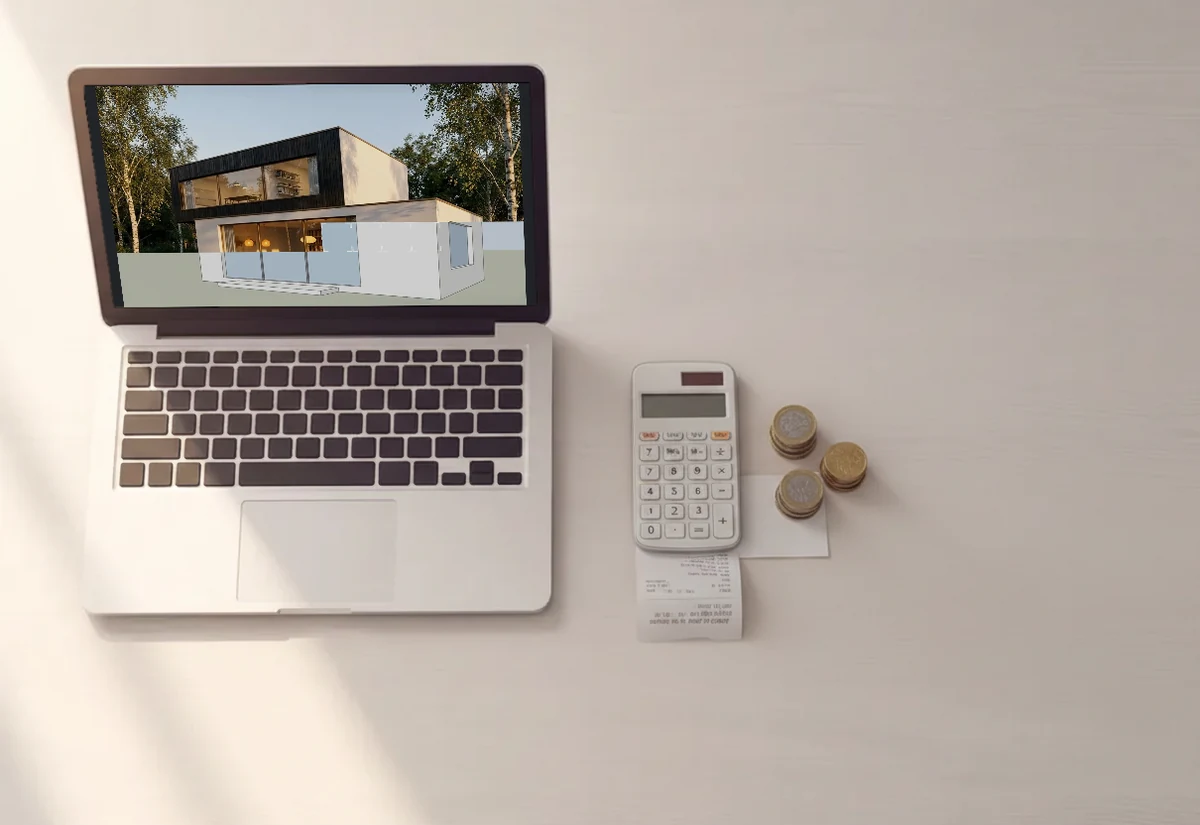
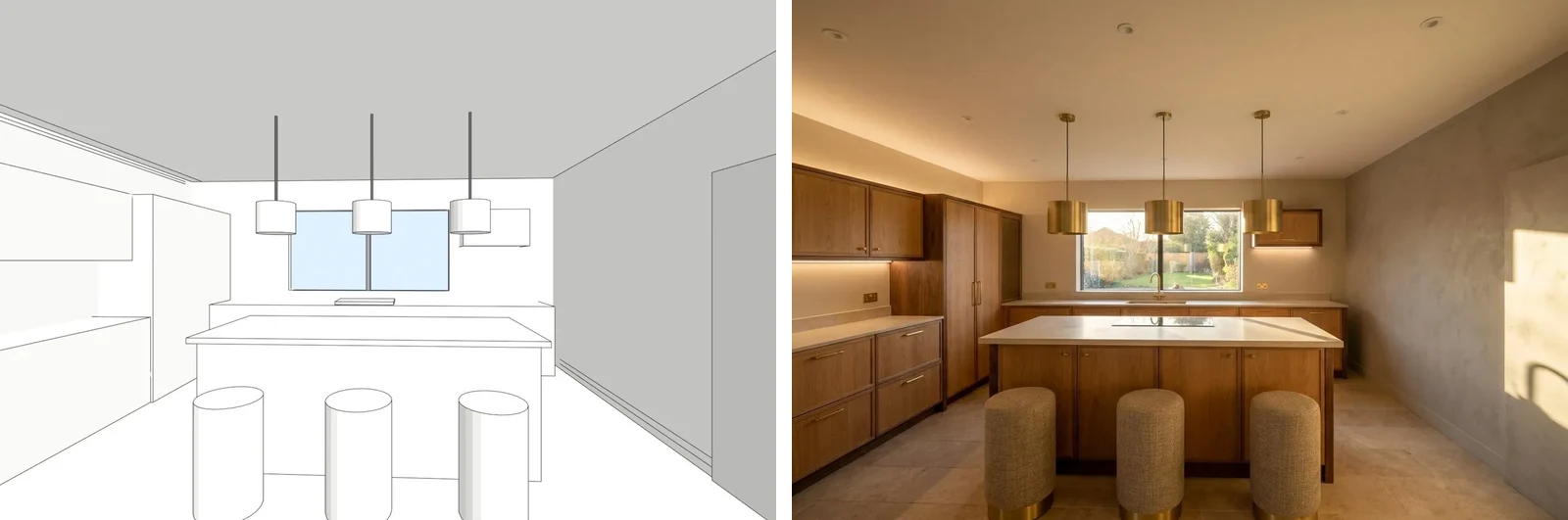
For a few images, a yearly subscription plus a computer that renders well may be more than the job needs. 3Dstudio.co AI Render works from a screenshot or PNG of your 3D model from any program, and a photoreal render comes back, the first one in under 10 seconds. It aims to keep the shape of the building, the windows, the roofline, the floor count and the camera.
It runs in your browser: no graphics card, nothing to install. You start free, with no credit card. Free renders carry a small logo and are for personal use.
Credit packs never expire and need no subscription. Prices include VAT or sales tax. See the 3Dstudio.co AI Render pricing page for plans and credit packs. We do not copy prices here, because they show in each visitor’s currency.
After a render you can fix one area, relight it, or make a 5-second video on paid plans. Clients can comment through a review link on Pro and up. The app has interior and floor plan modes. If you work in SketchUp, our SketchUp AI rendering page shows how to export the view, and the guide to rendering in SketchUp compares the routes.
Already own V-Ray
If you already have a V-Ray render, the Enhance mode takes it as the input. You upload a render from Enscape, Lumion, V-Ray or Twinmotion, and it improves the light and materials.
V-Ray vs 3Dstudio.co AI Render on cost and effort
This table compares what you need to start, not image quality. V-Ray facts come from the Chaos pages read on 18 November 2026.
| V-Ray | 3Dstudio.co AI Render | |
|---|---|---|
| How you pay | Subscription, shown before tax | Plans or credit packs; prices include VAT or sales tax |
| Free start | 30-day free trial, no credit card required | Free renders with a free account |
| Computer | 64-bit processor with AVX2; NVIDIA card for GPU rendering; 16 GB memory recommended | Any computer with a browser |
| What you start from | Your 3D scene in a host program | A screenshot or PNG of the model, or an existing render |
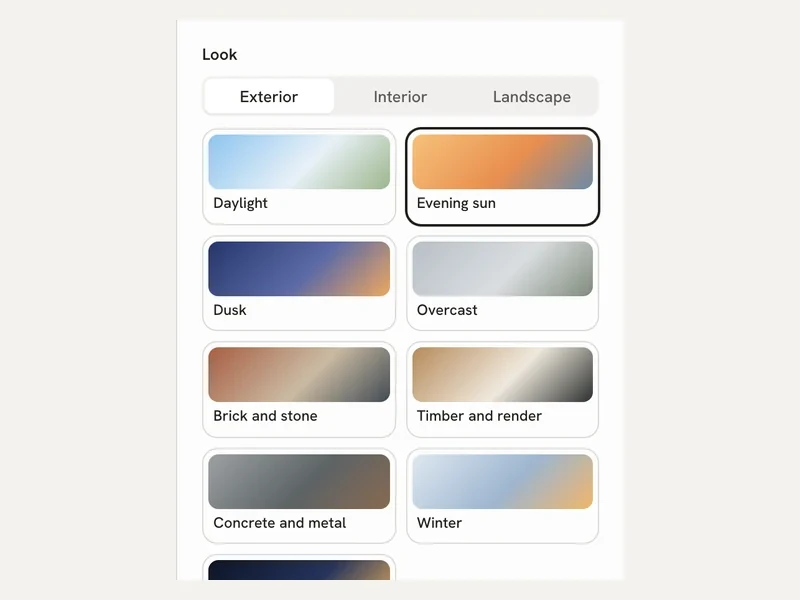
| Setup | Materials, lights and cameras set in the scene | Pick a look, upload, render |
| Animation | Yes | A 5-second video from one render on paid plans |
| Exact materials and lights | Yes, you set each one | Guided by the look you pick and your words |
How to choose
Count the images you need in the next 12 months. If the number is large and the images must match your model exactly, or you need animation, V-Ray is the right tool. If the number is small, try the 30-day trial and a free AI render on the same view of your own project.
For a planning authority, a jury or buyers, details must match the drawings and a person should check them. We build the model from your drawings (see architectural visualization). What that costs is in our 3D rendering cost guide. For a wider list of tools, read architectural rendering software. We are an architectural visualization studio with 1,200+ projects since 2013, rated 4.9 on Clutch.
What we could and could not read
- The page showed annual-billing figures only. We could not read the monthly-billing price.
- Prices are shown to a visitor in Europe, in the currency Chaos picked for that region. Other regions may see other prices, and we did not check them.
- The page does not say which host programs each plan covers.
- We do not quote student prices or terms.
- Other host programs may have different requirements than the SketchUp page.
Questions about the V-Ray price
How much does V-Ray cost?
On 18 November 2026, Chaos listed V-Ray Solo at €39.50 a month, Premium at €58.90 a month and Collection at €94.90 a month, all on annual billing and before tax. Check the Chaos page for the price in your region.
Is V-Ray free?
There is a free 30-day trial of the full version. We found no free license for commercial work.
Which programs does V-Ray work in?
The Chaos page lists Revit, SketchUp, Rhino, 3ds Max, Cinema 4D and Blender. It does not say which plan covers which program.
Does V-Ray need an NVIDIA graphics card?
For graphics card rendering, Chaos lists NVIDIA cards of the Maxwell generation or later. V-Ray can also render on the processor.
Is there a cheaper way to get a few renders?
A browser-based AI tool needs no graphics card and no subscription to start. 3Dstudio.co AI Render lets you start free, and you can compare it with the V-Ray trial on the same view.
Enscape and V-Ray are trademarks of Chaos Software. 3Dstudio.co is not affiliated with Chaos.
Diagrams in this post are drawn with an AI image tool from our brief and checked by our team.
More on AI rendering
- 3Dstudio.co AI Render
- SketchUp AI rendering
- Revit AI in 2026: Built-in Features, Plugins and AI Rendering
- How to Render in Rhino: Built-in Render, Plugins and AI
- Revit Price in 2026: Subscription Costs, Revit LT and Rendering
- Architectural Rendering Software: Real-Time, Ray-Traced and AI
- SketchUp Price in 2026: Every Plan, What It Includes and Render Costs
- AI for Architects in 2026: What It Does Well and Where It Fails
- Free Rendering Software for Architecture: What You Can Do Without Paying
- How to Render in Revit: Built-in Rendering, Plugins and AI
- SketchUp Rendering Software: Plugins and Free Options Compared
- How to Render in SketchUp: Built-in Tools, Plugins and AI
- Twinmotion Price in 2026: Free Tier, Seats and Real Costs
- D5 Render Price in 2026: Community, Pro, Teams and Real Costs