D5 Render Price in 2026: Community, Pro, Teams and Real Costs
What D5 Render costs in 2026: the free Community limits, Pro and Teams prices, the plans announced for December, the graphics card and learning time behind the price, and a cheaper route for a few images.
In this article
- D5 Community is free but limited to learning, personal projects and evaluation; client work needs D5 Pro
- On 5 November 2026 the pricing page showed Pro at $360 a year and Teams at $708 a year per seat, and D5 has announced new plans for early December
- The real cost includes a Windows PC with a ray-tracing graphics card and the time to learn the program
- For a few still images, an AI render tool in the browser needs no graphics card, and its Enhance mode accepts a D5 render
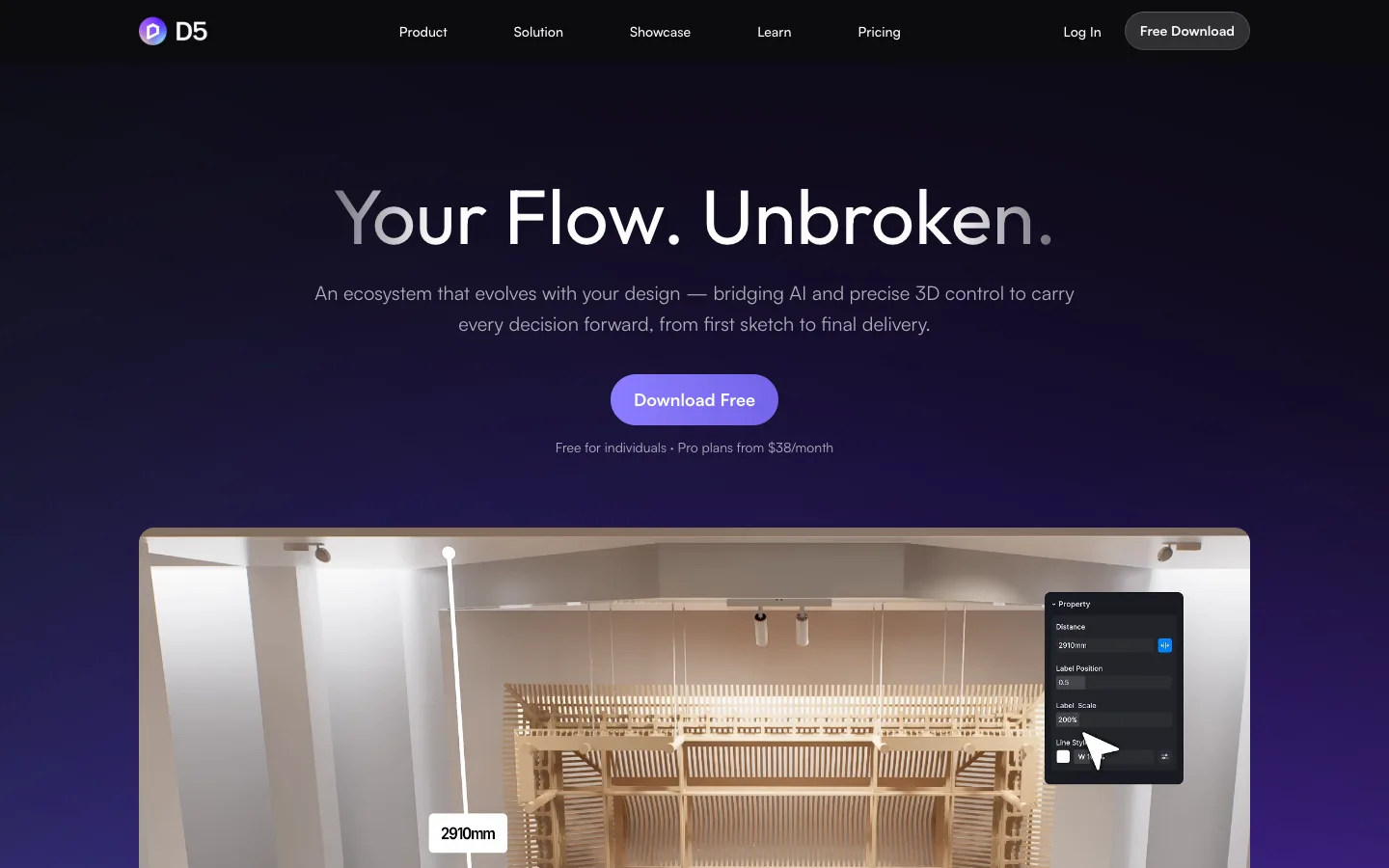
D5 Render has a free Community plan, a Pro plan and a Teams plan. On 5 November 2026 the D5 pricing page showed Pro at $30 a month on yearly billing ($360 a year) and Teams at $59 a month per seat ($708 a year). Community is free, but only for learning, personal projects and evaluation.
D5 has also announced new plans for early December 2026, so this guide covers both what you can buy today and what is coming. It also adds a graphics card and learning time to the real cost, and shows when a few AI-made images are cheaper. We make that route, so we say plainly where D5 is the better tool. Every D5 figure below was read on the D5 pricing page, the D5 pricing update post and the system requirements page on 5 November 2026 and rechecked on 18 November 2026. Prices can change, so check those pages before you buy.
D5 Render price in 2026 at a glance
The page shows only yearly prices, in US currency. It does not say whether tax is included.
| Plan | Price on the page | What it adds |
|---|---|---|
| Community | Free | Unlimited projects, LiveSync, images and panoramas up to 16K, video up to 4K, 2,100+ official assets, 50 AI trial credits |
| Pro | $30 a month, shown as $360 a year | All Community features, unlimited AI features, 16,000+ official assets, VR and XR tours, city generator, 10 GB cloud storage |
| Teams | $59 a month per seat, shown as $708 a year | All Pro features, multi-editor scene editing, member access control, shared libraries, 100 GB team storage, video up to 8K |
Is D5 Render free?
D5 Community is free to download, with unlimited projects, LiveSync with modeling programs, landscaping and vegetation tools, and image, panorama and video rendering. It includes 1 panorama tour, 1 spatial tour and 1 interactive presentation, and fewer official assets than Pro.
Have a 3D model? 3Dstudio.co turns a screenshot of it into a photoreal image. The first render is ready in under 10 seconds. Free to start, no credit card.
Render your model free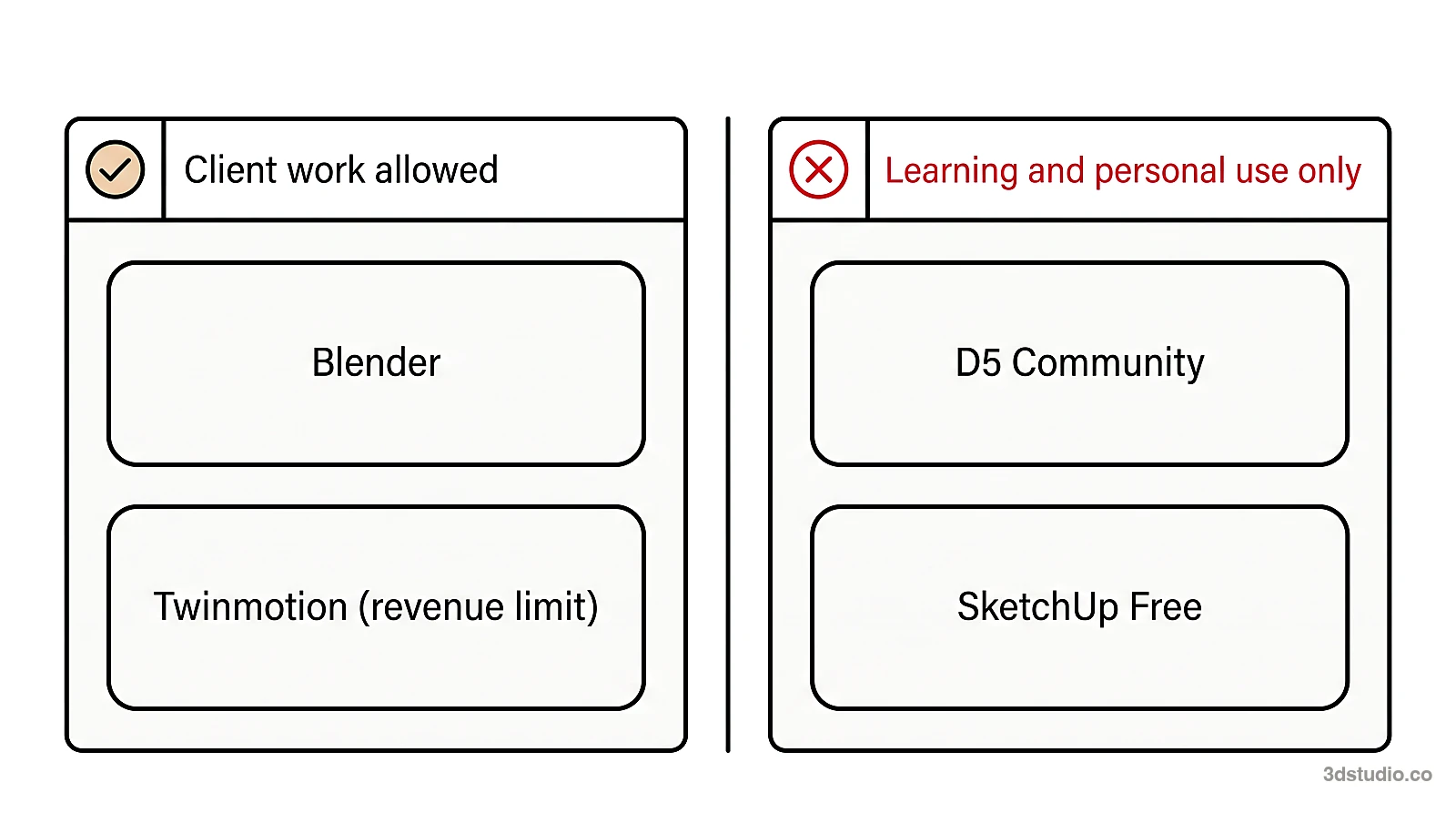
The bigger limit is the license. D5 says Community is for non-commercial use, such as learning, personal projects and evaluation. Commercial, revenue-generating or professional work requires D5 Pro.
D5 for education
The D5 education page says students, educators and educational institutions can get D5 for Education for free. You apply from the D5 launcher with a school email address, and D5 says it reviews applications within 7 working days. You can reapply 15 days before the license expires.
The new D5 plans announced for December 2026
On 3 November 2026 D5 announced that, with D5 Render 3.2 in early December 2026, the personal lineup becomes Community, Basic and Pro. Each paid plan comes in a 1x and a 4x size. Prices are in US currency and regional pricing varies. Until the update nothing changes, so treat this table as announced, not live.
| New plan | Monthly billing | Yearly billing, per month | AI credits a month, with launch bonus |
|---|---|---|---|
| Basic 1x | $7 a month | $6 a month | 1,500 |
| Basic 4x | $25 a month | $20 a month | 6,000 |
| Pro 1x | $38 a month | $30 a month | 1,500 |
| Pro 4x | $55 a month | $42 a month | 6,000 |
The credit figures include a launch bonus on allocations issued before 1 March 2027. Without it, 1x plans get 1,000 credits a month and 4x plans get 4,000. Existing Pro subscribers keep their price and billing cycle, and move to Pro 1x on launch day. Community users get a one-time grant of 300 credits for D5 Arco, valid for 1 year, and the old 50 free AI trial uses end. Text to image and 3D model generation move to credits. The 10+ AI features inside D5 Render stay unlimited on Pro. Monthly billing stays available.
What D5 Render really costs
The computer. D5 needs a ray-tracing-ready graphics card. The card affects speed, not output quality, and video memory decides how well complex scenes run. D5 lists these minimums:
- D5 Render: Windows 10 or newer, and an NVIDIA GTX 1060 with 6 GB or better, an AMD Radeon RX 6400 or better, or an Intel Arc A3 or better.
- D5 Lite (the plugin for real-time rendering inside modeling programs): Windows 10, and an NVIDIA RTX 20-series card or newer.
D5 lists Windows only and offers a benchmark tool to test your machine first. If your computer fails it, add the price of a new graphics card or computer to the subscription.
The learning time. D5 is a separate program with its own scene setup, asset placement and lighting. Each new project repeats those steps. That time is not on an invoice, but you still spend it.
When D5 Render is the right tool
D5 is the better choice when:
- You work live from your model. LiveSync links the D5 scene to your modeling program, and D5 Lite renders in real time inside it.
- The scene is large or outdoors. Pro adds a city generator and Cesium integration, and every plan has terrain, ocean, vegetation and scatter tools.
- You need animation or VR. Video goes up to 4K (Teams 8K), and Pro adds VR walkthroughs and XR tours.
- You need control of every object. You edit the 3D scene, and the model stays exact.
- A team shares projects. Teams adds multi-editor editing, access control and shared libraries.

If you already pay for D5 Pro and render every week, the cost per image is low and a second tool adds little.
A cheaper route when you need a few images
Many people who look up the D5 Render price have a smaller job: a few images for a client meeting or a competition board. 3Dstudio.co AI Render is built for that case. It runs in the browser, so you need no graphics card and nothing to install.
There are 2 ways to use it with D5:
- Improve a D5 render. Export a still from D5 and upload it to Enhance mode. Enhance improves the light and materials of a finished render and keeps your building as it is.
- Start from a screenshot. Upload a screenshot or PNG of a 3D model from any program and get a photoreal render, the first one in under 10 seconds. The tool aims to keep the building’s shape, windows, roof line, floor count and camera.
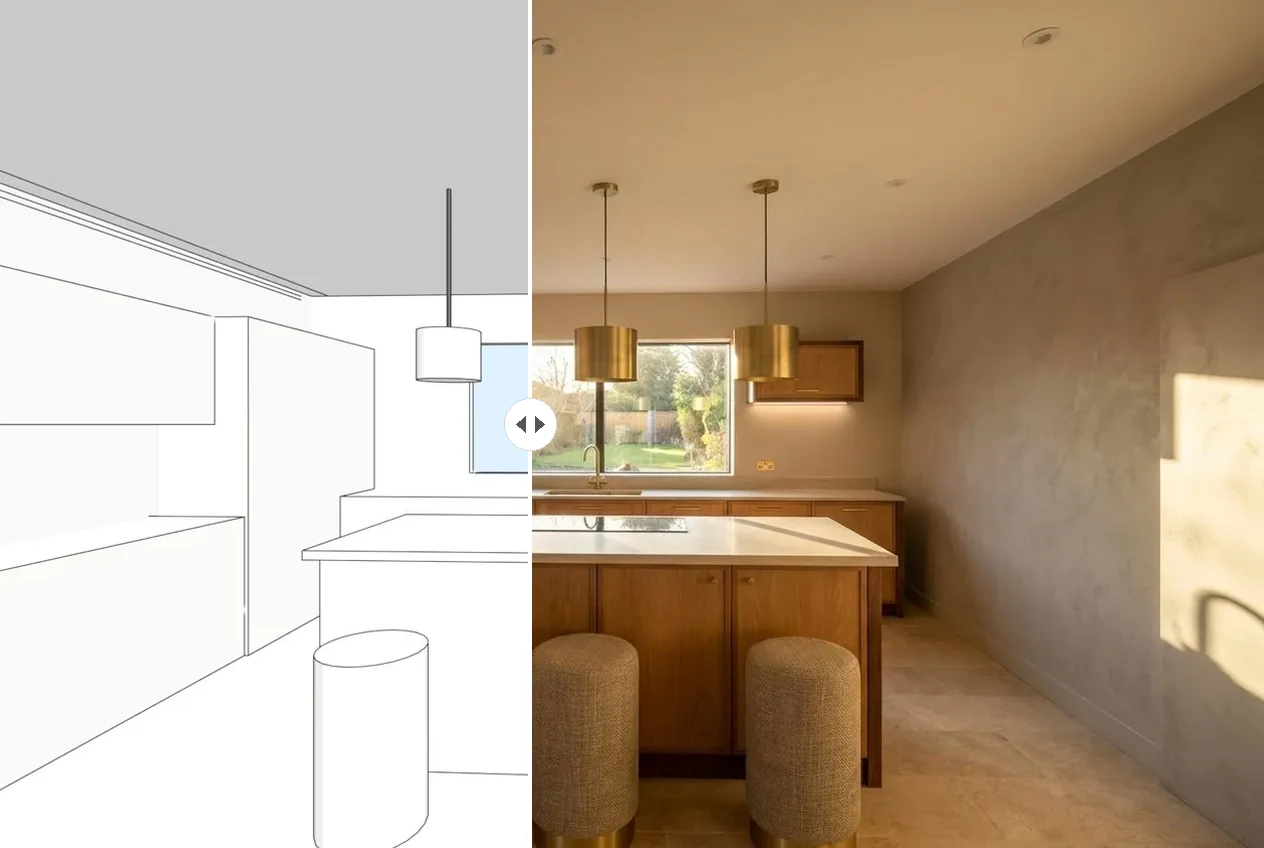
You start free, with no credit card. Free renders carry a small logo and are for personal use. After a render you can fix one area, relight the image, or make a 5-second video on paid plans. Client review links come with Pro and up.
AI can still move a window or change a roof line. Prices include VAT or sales tax. Our plans are on the 3Dstudio.co AI Render pricing page. Credit packs never expire and need no subscription. We do not copy them here, because they are shown in each visitor’s currency.
D5 Render vs 3Dstudio.co AI Render side by side
The D5 column uses what D5 states on its own pages on 5 November 2026. The other column is what our app states about itself.
| D5 Render | 3Dstudio.co AI Render | |
|---|---|---|
| How you pay | Free Community for non-commercial use; Pro and Teams by yearly subscription | Plans, or credit packs that never expire; see our pricing page |
| Computer | Windows PC with a ray-tracing graphics card | Any computer with a browser, no graphics card needed |
| Free start | Community plan, non-commercial only | Free renders with a free account (small logo, personal use) |
| Animations and tours | Video up to 4K, VR and XR tours on Pro | 5-second video from a render on paid plans |
| Large scenes | Terrain, city generator and scatter tools | Works from one view of your model |
| Control of each object | Full control inside the 3D scene | Fix one area or relight; the 3D model itself is not editable |
| Keeping your design | It renders your model exactly | Aims to keep your shape and windows |
| Improving a D5 render | Built-in AI features | Enhance mode accepts a render from D5 |
| Teams | Teams plan with shared libraries | Client review links on Pro and up |
How to choose between them
- Choose D5 if you need real-time work, large scenes, animation, VR or a shared team setup, and you render most weeks.
- Choose 3Dstudio.co AI Render if you need a few still images, you have no graphics workstation, or you want to improve a render you already have.
- Use both. Render a view in D5, run it through Enhance and compare the two. Count the windows and floors before you send one to a client.
Related reading: AI rendering vs V-Ray and Enscape, the Enscape price and V-Ray price guides, the free rendering software list and the architectural rendering software guide. If you work in Rhino or Archicad, the Rhino AI rendering page and the Archicad AI rendering page show how to export the right view.
When to use a studio instead
D5 and an AI tool both suit options and early concepts. Neither checks the image against your drawings. For planning, a competition jury or a sales launch, every detail must match and a person must check it. For those images, we build the 3D model from your drawings and check it. We are an architectural visualization studio with 1,200+ projects since 2013. See architectural visualization or our 3D rendering cost guide.
Questions about the D5 Render price
How much does D5 Render cost?
Pro is $30 a month on yearly billing ($360 a year) and Teams is $59 a month per seat ($708 a year), read on 5 November 2026. Community is free. Prices are in US currency, and the page does not say whether tax is included.
Is D5 Render free?
D5 Community is free, but it is for non-commercial use only. D5 says commercial, revenue-generating or professional work requires D5 Pro. Students and educators can apply for a free education license.
Is there a monthly D5 Render plan?
The current pricing page showed only yearly prices. D5 says monthly billing stays available under its new plans, where Pro 1x is $38 a month and $30 a month on yearly billing. Those plans start in early December 2026.
What graphics card do I need for D5 Render?
D5 Render needs a ray-tracing-ready card. The listed minimum is an NVIDIA GTX 1060 with 6 GB, an AMD Radeon RX 6400 or an Intel Arc A3. D5 Lite needs an NVIDIA RTX 20-series card or newer.
Can I improve a D5 render without buying more software?
Yes. Enhance mode in 3Dstudio.co AI Render takes a render from D5 and improves the light and materials while keeping your building.
D5 Render is a trademark of Dimension 5 Techs. 3Dstudio.co is not affiliated with it.
Diagrams in this post are drawn with an AI image tool from our brief and checked by our team.
More on AI rendering
- 3Dstudio.co AI Render
- SketchUp AI rendering
- Revit AI in 2026: Built-in Features, Plugins and AI Rendering
- How to Render in Rhino: Built-in Render, Plugins and AI
- Revit Price in 2026: Subscription Costs, Revit LT and Rendering
- Architectural Rendering Software: Real-Time, Ray-Traced and AI
- SketchUp Price in 2026: Every Plan, What It Includes and Render Costs
- AI for Architects in 2026: What It Does Well and Where It Fails
- Free Rendering Software for Architecture: What You Can Do Without Paying
- How to Render in Revit: Built-in Rendering, Plugins and AI
- SketchUp Rendering Software: Plugins and Free Options Compared
- How to Render in SketchUp: Built-in Tools, Plugins and AI
- Twinmotion Price in 2026: Free Tier, Seats and Real Costs
- Lumion Price in 2026: Every Plan, Real Costs and a Cheaper Route