Rhino Price in 2026: Rhino 9 License, Upgrade and Render Costs
What Rhino 3D costs in 2026: the Rhino 9 license, upgrade and student prices, the 90-day evaluation, what rendering is built in, and a cheaper route for a few images.
In this article
- Rhino 9 is a permanent license: one commercial user costs €995 on McNeel's Europe price list, with no maintenance fee
- An upgrade costs €595, shown at €395 until 1 March 2027, and a student license costs €195
- Rhino has a built-in ray-tracing renderer, and a plugin such as V-Ray or Enscape is a separate cost
- For a few images, a browser-based AI render tool starts from a Rhino screenshot and needs no graphics card
Rhino 3D from McNeel costs €995 for one commercial license of Rhino 9, a one-time purchase that runs on Windows and Mac. The upgrade from an older version is €595, shown on 19 November 2026 at a promotional €395 until 1 March 2027. A student or faculty license is €195, and the free evaluation lasts 90 days.
This guide explains each Rhino license type, what a license does and does not include for images, and what rendering costs on top. We also make an AI render tool, so we compete with some of the tools it mentions. Every Rhino figure below was read on McNeel’s own pages on 19 November 2026 and can change. The buy page lists Europe prices and says international prices may vary, so check the page for your country.
Rhino price in 2026 at a glance
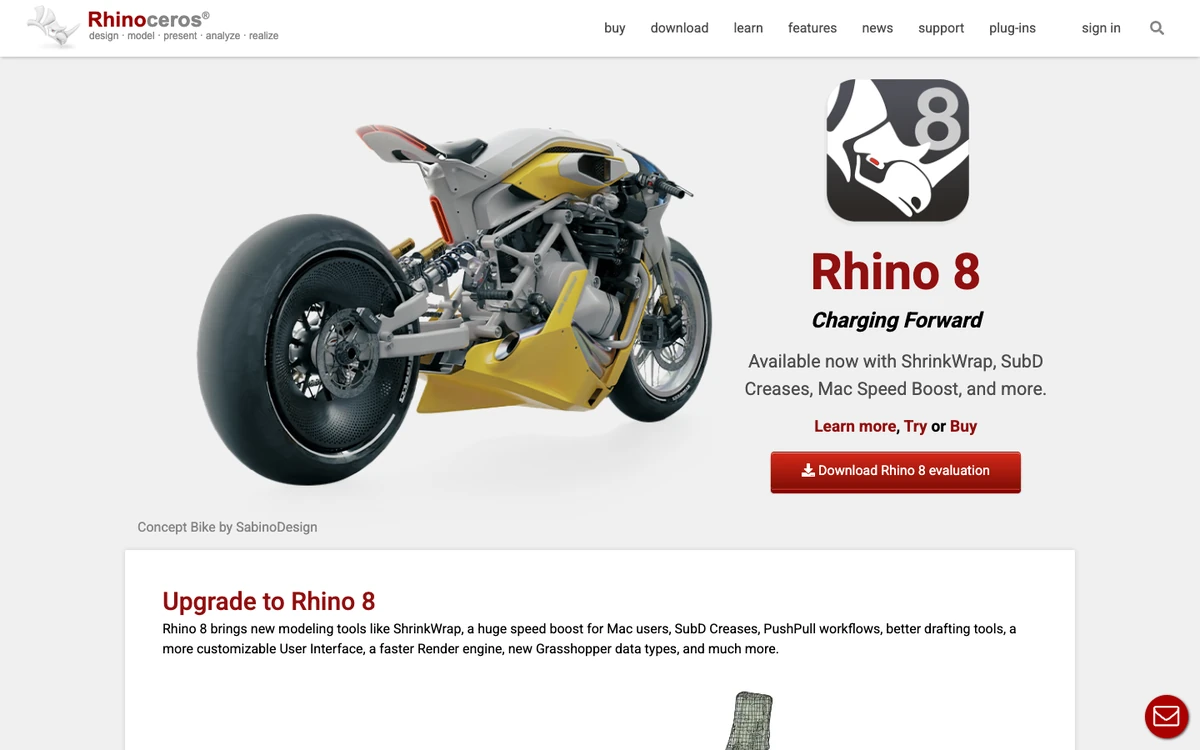
The McNeel buy page lists Rhino 9 only. It does not mention Rhino 8. A Rhino license is a permanent license: the page says all purchased licenses are permanent and do not expire, and that there are no maintenance fees. We found no subscription or renewal plan on the page. The page says prices do not include taxes.
| License type | Full price | Upgrade price |
|---|---|---|
| Commercial, single concurrent user | €995 | €595, promotional €395 |
| Commercial, 10 concurrent users | €9,950 | €5,950, promotional €3,950 |
| Commercial, 50 concurrent users | €49,750 | €29,750, promotional €19,750 |
| Student or faculty, single user | €195 | €95 |
| School, single user | €195 | €95 |
| School, lab of 30 users | €975 | €495 |
All commercial prices are for Rhino 9 on Windows and Mac. McNeel also sells Bongo 2, an animation plugin for Windows only, at €495, which we do not cover further.
Rhino commercial license and upgrade price
The single concurrent user license is €995. The page lists it for Windows and/or Mac, so one license is not tied to one operating system. Concurrent means the number of people using Rhino at the same time, not the number of people who have it installed.
Have a 3D model? 3Dstudio.co turns a screenshot of it into a photoreal image. The first render is ready in under 10 seconds. Free to start, no credit card.
Render your model freeThat is why the larger licenses are sold by concurrent users. A license for 10 concurrent users costs €9,950, and a license for 50 costs €49,750. This is the same price per seat as the single license. For a team that shares seats, the floating setup is described in the section on labs and networks below.
McNeel says all products are shipped electronically. Hardware or operating system changes can need a newer version: the page says you may need to buy an upgrade to stay compatible.
Rhino upgrade price from an older version
An upgrade license is for people who already own an older Rhino license. The single-user upgrade to Rhino 9 is €595. On 19 November 2026 the page showed a promotional price of €395 for that upgrade, and said the promotion ends on 1 March 2027. The promotion also applies to the larger licenses: €3,950 for 10 concurrent users and €19,750 for 50.
One rule on the page matters for trial users: evaluation versions are not upgradable. A 90-day evaluation does not turn into the cheaper upgrade price. If you only used the evaluation, you pay the full price.
Rhino lab and network licenses: the Zoo
To share licenses across computers, McNeel offers the LAN Zoo and the Cloud Zoo. The page says that using them is free. A commercial team can buy the concurrent-user licenses above and manage them there. Schools use the Zoo or the Cloud Zoo to manage lab licenses, and the page says that is free too.
Before you buy a large license, read McNeel’s documentation for the Zoo, because the page we read gives only these short lines.
Rhino student price and free evaluation
A student or faculty license for Rhino 9 on Windows and Mac is €195, or €95 if you upgrade from an old version. The page says there is one license per student or faculty member. Education versions are the same as the commercial versions, but they are not transferable to another user. Orders need proof of status.
Schools can buy as many licenses as they need. A single-user school license is €195, and a lab of 30 users is €975 (€495 as an upgrade). Treat an education license as a learning license and check McNeel’s terms before you use it for client work.
Rhino free evaluation: 90 days
McNeel’s download page offers all of Rhino 9 free for 90 days, on Windows or Mac. It asks for no credit card. After the 90 days, saving files and loading plugins need a license. So the evaluation is long enough to model a whole project, but once it ends you cannot save your work without buying a license.
If you start from the evaluation, buy the full license, not an upgrade.
What a Rhino license includes for images
Rhino comes with a ray-tracing engine called Rhino Render. McNeel’s rendering page says it is built in and uses the Cycles engine, with GPU acceleration on Apple Metal, NVIDIA and AMD HIP. The page describes 3 display options:
- Rhino Render. The ray-tracing engine, opened in a dedicated rendering window for final images.
- Raytraced display mode. The same engine as a real-time preview in the viewport, for quick feedback on materials and light.
- Rendered mode. A faster photorealistic display mode that skips the long calculations of the render engine.
The rendering page does not state licensing terms or a separate price for these tools. It describes them as part of Rhino. For the steps to set up a scene and save an image, see our guide to how to render in Rhino.
What rendering costs on top of Rhino
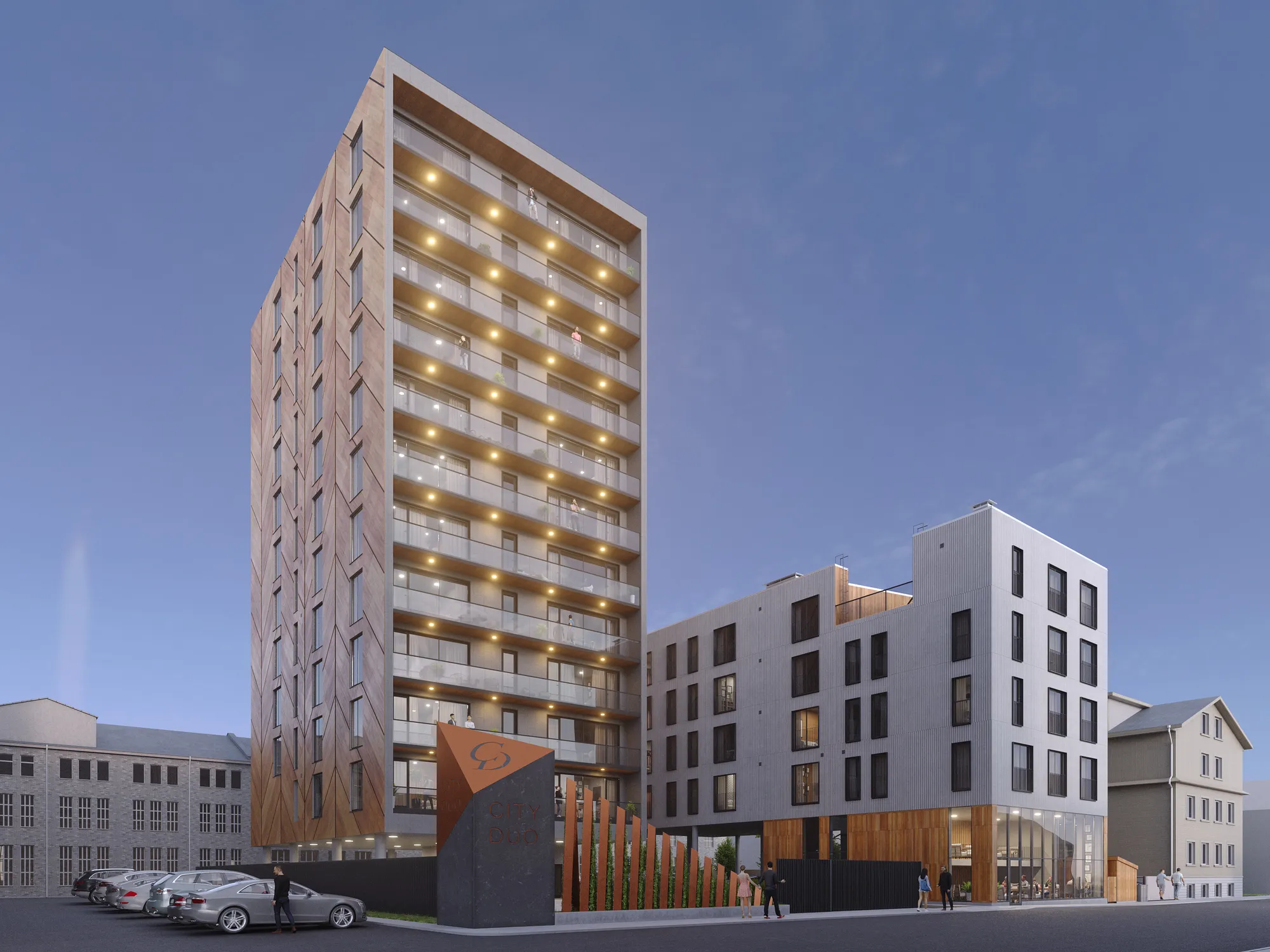
The built-in Rhino Render needs no extra purchase, but it needs your time and a computer that renders well. Many people want a faster or more polished result for client images, so they add a plugin or another program. The license of that tool is a second cost.
- V-Ray for Rhino. A render engine that runs inside Rhino. We read its plans on the Chaos pages: see our V-Ray price guide for the plans and terms.
- Enscape. Real-time visualization inside the design tool, also from Chaos. See our Enscape price guide.
- Other programs. Our architectural rendering software guide compares other options, and the free rendering software list covers tools with no license fee.
Add the learning time too. Each engine has its own light, material and camera settings, and the first scene takes longest to set up.
When Rhino plus a renderer is the right buy
Buy Rhino if you model complex or curved forms, or if modeling is your daily work. A license that never expires and has no maintenance fee suits a tool you use for years. The built-in renderer is enough for checks and early images.
Add a renderer if you produce many images, need walkthroughs or animation, or need control over every light and material. Then the plugin price and a strong graphics card are part of the budget. If you render most weeks, a dedicated engine saves time on every image.
If you only model in Rhino and need images now and then, a plugin may cost more than it returns. That is the case the next section is about.
A cheaper route for a few Rhino images
If you need a few images, not a full rendering setup, you can start from a screenshot. 3Dstudio.co AI Render makes a render from a screenshot of your 3D model. The model file is never sent. It runs in a web browser, with nothing to install and no graphics card needed. Our Rhino AI rendering page describes the Rhino workflow.
To make the screenshot in Rhino:
- Set the viewport to Shaded or Arctic.
- Frame the view you want. The camera angle you choose is the angle in the result.
- Run the ViewCaptureToFile command and save a PNG.
- Upload the PNG and choose a look. There are 36 looks, such as daylight, dusk and night.
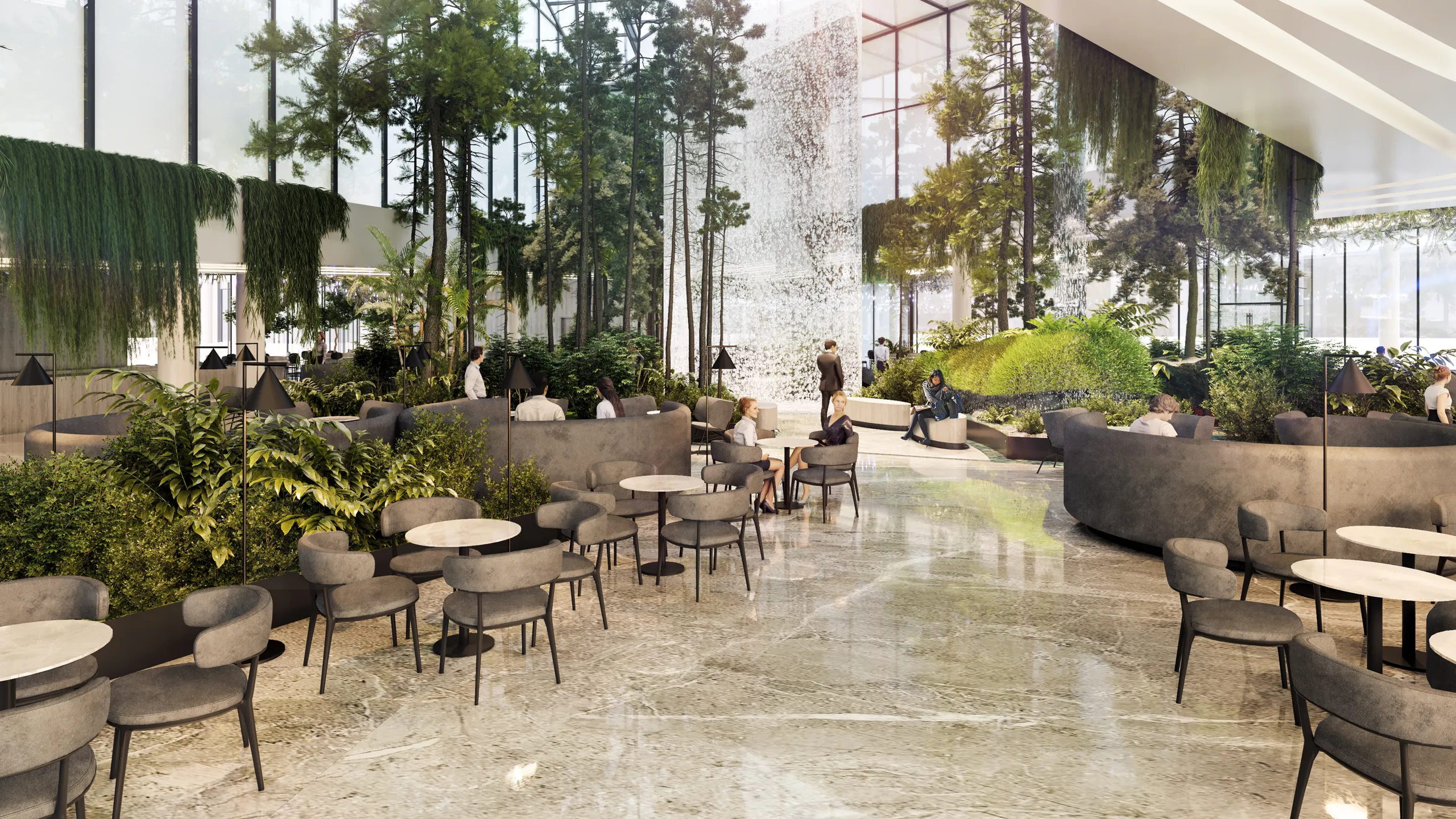
The tool aims to keep the shape of the building, the windows, the roofline, the number of floors and the camera. It changes materials, light and surroundings. Very fine details, such as thin window bars, can come out simpler than in the model. If a render loses your design, the app renders it again once, for free. You can also brush over one area, such as a floor or the sky, and change only that part.
You start free with no credit card. You sign in with Google or email to see your first render. Free renders carry a small 3Dstudio.co logo and are for personal use. Client work is allowed on every paid plan and credit pack. Try it with a Rhino screenshot, or read the pricing page. Prices there show in your own currency.
AI tools are good for exploring options and early concepts. Rhino models often have curved forms, so check those parts closely. Nothing in the output is checked against your drawings. Our AI for architects guide covers where AI fits in a design workflow.
Rhino with a renderer vs AI Render for a few images
The Rhino figures are from McNeel’s pages on 19 November 2026. The other column is what our app states about itself.
| Rhino 9 with its built-in renderer | 3Dstudio.co AI Render | |
|---|---|---|
| How you pay | One-time license, no maintenance fee | Plans, or credit packs that never expire |
| Free start | 90-day evaluation, saving needs a license | Free renders with a small logo, personal use |
| Computer | Windows or Mac, GPU helps rendering | Any device with a browser, no graphics card |
| You need a 3D model | Yes, you build it in Rhino | Yes, a screenshot of it from any program |
| Control of light and materials | Full control in the scene | Choose a look, fix one area, relight |
| Matches your drawings | Renders your model exactly | Aims to keep your design, not checked against drawings |
The two are not rivals. You still need Rhino, or another 3D program, to make the model. The question is how you turn the model into an image.
When to use a studio instead
Rhino rendering and an AI tool both suit options and early concepts. For marketing, a planning submission, a competition jury or a sales launch, every detail must match your drawings and a person must check it. For those images we build the model from your drawings and check it. We are an architectural visualization studio, with 1,200+ projects since 2013. See our architectural visualization service, or send your Rhino file.
Questions about the Rhino price
How much does Rhino cost?
On 19 November 2026 the McNeel buy page listed a single concurrent user license of Rhino 9 at €995 on its Europe tab. Prices do not include taxes and can vary by country.
Is Rhino a subscription?
We found no subscription on the buy page. It says purchased licenses are permanent and do not expire, and that there are no maintenance fees.
Is there a free version of Rhino?
McNeel offers a free evaluation of all of Rhino 9 for 90 days, with no credit card. After that, saving files and loading plugins need a license.
Does one Rhino license work on Windows and Mac?
The buy page lists the commercial and education licenses as for Windows and/or Mac. Bongo 2, the animation plugin, is Windows only.
Does the Rhino price include rendering?
Rhino comes with the Rhino Render engine built in, according to McNeel’s rendering page. A plugin such as V-Ray or Enscape is a separate purchase.
Rhino is a trademark of Robert McNeel & Associates. 3Dstudio.co is not affiliated with it.
More on AI rendering
- 3Dstudio.co AI Render
- SketchUp AI rendering
- Revit AI in 2026: Built-in Features, Plugins and AI Rendering
- How to Render in Rhino: Built-in Render, Plugins and AI
- Revit Price in 2026: Subscription Costs, Revit LT and Rendering
- Architectural Rendering Software: Real-Time, Ray-Traced and AI
- SketchUp Price in 2026: Every Plan, What It Includes and Render Costs
- AI for Architects in 2026: What It Does Well and Where It Fails
- Free Rendering Software for Architecture: What You Can Do Without Paying
- How to Render in Revit: Built-in Rendering, Plugins and AI
- SketchUp Rendering Software: Plugins and Free Options Compared
- How to Render in SketchUp: Built-in Tools, Plugins and AI
- Twinmotion Price in 2026: Free Tier, Seats and Real Costs
- D5 Render Price in 2026: Community, Pro, Teams and Real Costs