SketchUp Price in 2026: Every Plan, What It Includes and Render Costs
What SketchUp costs in 2026: every plan, which one includes V-Ray, the AI credits, the free trial, what a render adds, and a cheaper route when you only need a few images.

In this article
- On 19 November 2026 SketchUp listed Go, Pro and Studio, billed annually and before tax, and only Studio includes V-Ray
- Go, Pro and Studio include monthly AI credits, and one AI Render output costs 10 credits
- A SketchUp render also costs a renderer, a capable computer and learning time
- For a few images, a screenshot of your model in a browser AI tool needs no graphics card
SketchUp Go costs $10.75 a month, SketchUp Pro $33.25 a month and SketchUp Studio $71.58 a month, all per user and billed annually, before tax. SketchUp Studio is the only plan that includes V-Ray. Every paid plan includes monthly AI credits, and Pro has a free 7-day trial.
This guide lists every current SketchUp plan, what each one includes for making images, and what a render costs on top. We also make an AI render tool, so this is written by a competitor, and we say plainly where SketchUp is the better buy. Every SketchUp figure below was read on SketchUp’s own pages on 19 November 2026. Prices can change, so check the SketchUp plans and pricing page before you pay.
SketchUp price in 2026 at a glance
The prices below are the US prices, per user, billed annually. The page says core and Pro prices exclude tax and VAT, and that payment options can vary by location or region. It shows a monthly price, but the page also says monthly billing is offered without giving monthly-billing figures.
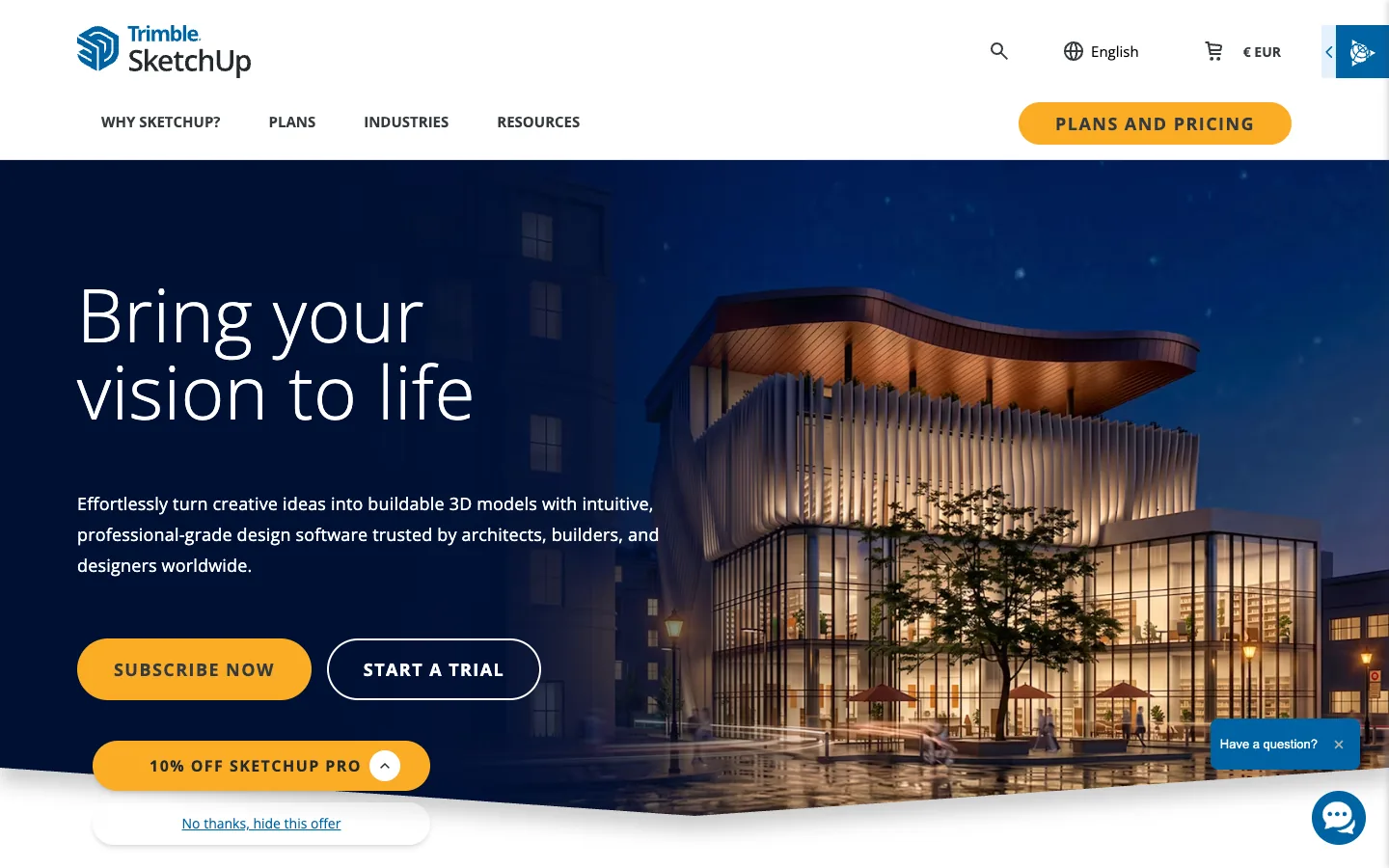
| Plan | Price, billed annually | What it adds |
|---|---|---|
| SketchUp Go | $10.75 a month | Web and iPad only. Premade furnishings and materials, unlimited cloud storage |
| SketchUp Pro | $33.25 a month | Desktop modeling, LayOut, PreDesign climate insights, more than 1,000 extensions |
| SketchUp Studio | $71.58 a month | Windows only. Revit import and export, point clouds, photorealistic visuals, animation and 360-degree panorama export, V-Ray |
| Pro Scan | $41.58 a month | Windows only. Point cloud import and modeling |
| Pro Civil Contractor | $41.58 a month | Trimble Siteworks connectivity and field data import |
| Pro Advanced Workflows | $49.92 a month | Windows only. Point cloud to 3D, Revit and IFC-style interoperability |
The 3 Pro variants are for survey, civil and Revit-heavy work. Most architects and interior designers choose between Go, Pro and Studio.
What each SketchUp plan includes
The plan comparison page splits the 3 core plans like this:
Have a 3D model? 3Dstudio.co turns a screenshot of it into a photoreal image. The first render is ready in under 10 seconds. Free to start, no credit card.
Render your model free- Go: modeling in the web app and on iPad only. It has no desktop program, no LayOut and no extensions. It includes 250 daily and 2,500 monthly 3D Warehouse downloads.
- Pro: adds SketchUp for desktop, LayOut for drawing sets, Dynamic Components, PreDesign and the Extension Warehouse. Downloads rise to 1,500 daily and 15,000 monthly.
- Studio: adds V-Ray, Scan Essentials, the Revit importer and a site contractor extension. Downloads rise to unlimited daily and 25,000 monthly.
All 3 plans list Photoreal Materials (on Go, for iPad only), Environments and unlimited Trimble Connect storage.
Which plans can render
On the comparison page only Studio lists rendering. Its entry reads “Generate high-quality, photorealistic visuals”, and it lists rendered animations and 360-degree panoramas. Studio is also the only core plan with V-Ray. Go and Pro do not list V-Ray or a renderer.
That matters for the price. If you want photoreal images inside SketchUp, the SketchUp price is the Studio price, or Pro plus a rendering plugin bought from another company. Our V-Ray price guide and Enscape price guide show what those plugins cost, and SketchUp rendering software compares them with free options.
SketchUp AI Render and credits
SketchUp has its own AI image tool, AI Render, formerly called SketchUp Diffusion. The AI credits page, updated on 4 November 2026, lists these monthly allowances:
| Plan | AI credits a month |
|---|---|
| Free | 0 |
| Go | 100 |
| Pro, Pro Scan, Pro Advanced Workflows, Pro Civil Contractor | 150 |
| Studio | 200 |
One AI Render output costs 10 credits. That is 10 outputs a month on Go, 15 on Pro and 20 on Studio. Credits are taken only when an image is saved to your Gallery, and failed generations are not charged. Plan credits reset at each monthly renewal and do not carry over.
You can buy more. Credits cost $0.01 per credit with a minimum purchase of $20, which is 2,000 credits. At that price one output costs $0.10. Purchased credits expire 365 days after purchase, and plan credits are used first. The page also says that from 9 November 2026 AI credits became Trimble Credits, with one balance across SketchUp products.
For how the tool behaves, what it keeps from your model and what it changes, read our guide to SketchUp Diffusion and AI Render. We do not repeat it here.
SketchUp free trial, education and free options
The trial page advertises a free 7-day Pro trial. It says no credit card is required. It lists 3D modelers for desktop, web and iPad, LayOut, PreDesign, more than 1,000 extensions and unlimited cloud storage. The page does not say the trial includes Studio or V-Ray, so test rendering on the trial only for what Pro lists.
Education prices on the pricing page are per user and billed annually:
- Students: $55 a year, with photorealistic visuals and Revit-to-SketchUp imports.
- Educators: $55 a year, with web, iPad and desktop, and photorealistic materials and AI renders.
- Universities: from $50 a year per user for 10 to 50 seats, falling to $40 for 201 to 500 seats.
SketchUp for Schools, for primary and secondary education, is free with a Google Workspace for Education or Microsoft Education account. The trial page also lists a separate 7-day trial for higher education.
The AI credits page lists a Free plan with 0 credits, but the pricing page shows no Free plan. We could not confirm the terms of a free SketchUp web version on SketchUp’s pages on 19 November 2026, so we do not describe them. Our free rendering software list covers licenses for free tools.
Refunds, per the pricing page: annual subscriptions within 14 days of purchase or renewal, monthly subscriptions within 7 days. Subscriptions renew automatically unless you cancel.
What a SketchUp render really costs
The subscription is only the first cost. Three more sit behind it.
The renderer. On Pro or Go you need an outside renderer or an AI tool. On Studio, V-Ray is included, but you still set up materials, lights and cameras yourself.
The computer. Studio runs on Windows only. Rendering engines use the processor or the graphics card, so a slow computer means long waits for each image. We do not quote requirements here because SketchUp’s pages we read did not list them.
Learning time. A photoreal image needs clean geometry, real materials, a light setup and a saved camera. The first image from a new engine usually takes much longer than the tenth. That time is a cost even when no invoice shows it.

For a full walk through, see how to render in SketchUp.
When SketchUp plus a renderer is the right buy
- You model every week. SketchUp Pro is a modeling and drawing program first. You pay for the modeling tool, not only for images.
- You need LayOut drawings. Go has no LayOut. Pro and Studio do.
- You make animations or panoramas. Studio lists animation and 360-degree panorama export. A single AI image does not do that.
- You need control of every object. A render engine draws your 3D model as built. You move a tree, change a material and render again.
- You work with Revit or point clouds. Studio and the Pro variants list those tools.
If those apply, the subscription price is the better buy than any shortcut.
A cheaper route when you need a few images
Many people search for the SketchUp price because they only need a few images for a client meeting, a competition board or a planning pack. Paying for Studio, or learning a render engine, can be more than that job needs.
3Dstudio.co AI Render for SketchUp starts from a screenshot of your model. The model file is never sent. It runs in a web browser, so you need no graphics card and nothing to install, and it works with a SketchUp plan of any kind, including Go on the web.
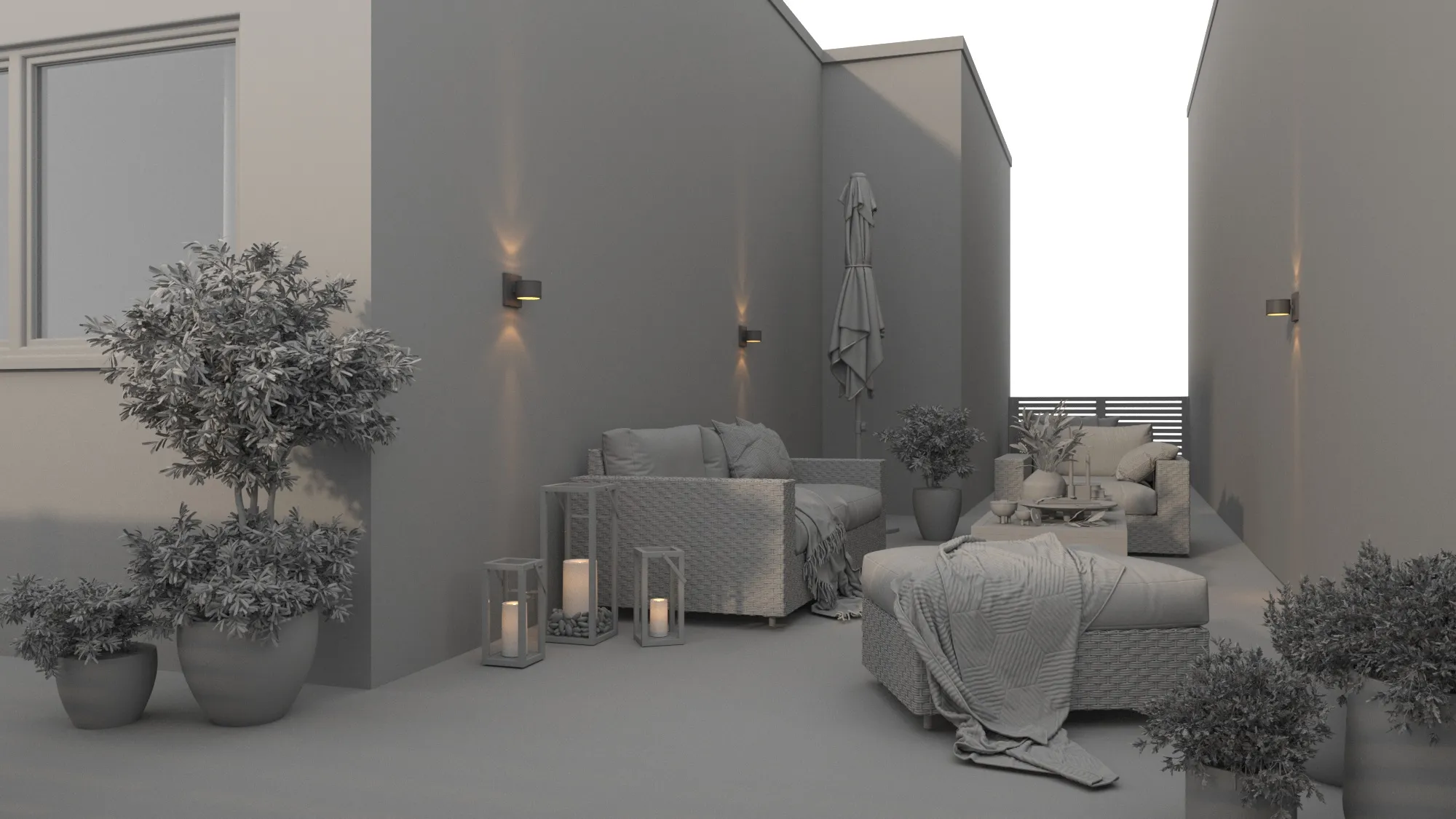
- Your first render is ready in under 10 seconds. A render after a quiet period can take a little longer.
- It aims to keep the shape of the building, the windows, the roofline, the number of floors and the camera. It changes materials, light and surroundings. Very fine details, such as thin window bars, can come out simpler than in the model.
- If a render loses your design, the app renders it again once, for free.
- There are 36 looks, such as daylight, evening sun, dusk and night. You can also brush over one area, such as the floor or the sky, and change only that part.
- Paid renders have no logo and download as a 4K PNG.
You start free with no credit card. Free renders carry a small 3Dstudio.co logo and are for personal use. Client work is allowed on every paid plan and credit pack. See the 3Dstudio.co AI Render pricing page, where prices show in your own currency. You can also try it on a screenshot of your own model.
It is built for exploring ideas, not for final images. Nothing in the output is checked against your drawings, so count windows and floors before you send an image to anyone.
SketchUp plans vs 3Dstudio.co AI Render side by side
The SketchUp column uses what SketchUp states on its own pages on 19 November 2026. The other column is what our tool states about itself.
| SketchUp Pro or Studio | 3Dstudio.co AI Render | |
|---|---|---|
| How you pay | Subscription billed annually, $33.25 or $71.58 a month | Free plan, paid plans and credit packs; see our pricing page |
| Photoreal images | Studio lists photorealistic visuals and V-Ray; Pro lists neither | From a screenshot of your model |
| Own AI image tool | AI Render, 10 credits an output, 150 or 200 credits a month | The whole tool is AI rendering |
| Computer | Windows only for Studio | Any device with a browser |
| Modeling and drawings | Yes, with LayOut on Pro and Studio | No, it does not model or draw |
| Animations and panoramas | Studio lists both | 5-second video from a render on paid plans |
| Control of each object | Full control in the 3D scene | Fix one area or relight; the 3D model is not editable |
| Free start | 7-day Pro trial, no card | Start free, no card |
How to choose
- Choose SketchUp Studio if you model in SketchUp every week and want V-Ray, animations or panoramas in one subscription.
- Choose SketchUp Pro if you need modeling and drawings first, and a separate renderer or AI tool for images.
- Choose 3Dstudio.co AI Render if you need a few still images and no graphics workstation.
- Use both. Keep your SketchUp plan for modeling and send screenshots to an AI tool when you need a quick concept image. Compare tools in our AI rendering software list and read AI rendering for architects before you rely on one.
When to use a studio instead
SketchUp renderers and AI tools both suit options and early concepts. For planning, a competition jury or a sales launch, every detail must match your drawings and a person should check it. For those images, we build the 3D model from your drawings and check it. We are an architectural visualization studio with 1,200+ projects since 2013. See architectural visualization.
Questions about SketchUp pricing
How much is SketchUp per month?
On 19 November 2026 the pricing page showed SketchUp Go at $10.75 a month, Pro at $33.25 a month and Studio at $71.58 a month, billed annually and excluding tax.
Which SketchUp plan includes V-Ray?
Only Studio. The comparison page lists V-Ray as included in Studio and not included in Go or Pro.
Does SketchUp have a free trial?
Yes. The trial page advertises a free 7-day Pro trial with no credit card required.
How many AI renders do I get with SketchUp?
One AI Render output costs 10 credits. Go includes 100 credits a month, Pro 150 and Studio 200. Extra credits cost $0.01 each, with a minimum purchase of $20.
Is there a cheaper way to get a few SketchUp renders?
A screenshot of your model can go into a browser tool such as 3Dstudio.co AI Render, with no graphics card needed. It suits concept images, not final images that must match your drawings.
Does the SketchUp price include tax?
No. The pricing page says core and Pro prices exclude tax and VAT.
SketchUp is a trademark of Trimble Inc. 3Dstudio.co is not affiliated with it.
More on AI rendering
- 3Dstudio.co AI Render
- SketchUp AI rendering
- AI for Architects in 2026: What It Does Well and Where It Fails
- Free Rendering Software for Architecture: What You Can Do Without Paying
- How to Render in Revit: Built-in Rendering, Plugins and AI
- SketchUp Rendering Software: Plugins and Free Options Compared
- How to Render in SketchUp: Built-in Tools, Plugins and AI
- Twinmotion Price in 2026: Free Tier, Seats and Real Costs
- D5 Render Price in 2026: Community, Pro, Teams and Real Costs
- Lumion Price in 2026: Every Plan, Real Costs and a Cheaper Route
- V-Ray Price in 2026: Plans, Licenses, Host Programs and a Cheaper Route
- Enscape Price in 2026: Every Plan, What It Includes and a Cheaper Route
- Nano Banana Architecture: How to Keep Your Design in AI Renders
- SketchUp Diffusion: What It Is Now, What It Costs and How to Keep Your Model