ArchiVinci Alternative: An Honest Comparison for Architects
An honest ArchiVinci alternative comparison: its unlimited plans, passes and coins, where it is ahead, and where 3Dstudio.co AI Render is ahead for architects who show renders to clients.
In this article
- ArchiVinci sells unlimited renders on its own engine by the week, month or year, plus coins for other AI models
- It is ahead on unlimited renders, a SketchUp plugin, one-time passes, 3D exports and free renders without a watermark
- 3Dstudio.co AI Render is ahead on a free re-run when lines drift, automatic refunds, client review links and prices with tax included
- Test both with the same view of your own project before you pay for either
ArchiVinci is an AI architecture tool that turns sketches, photos, floor plans and 3D model views into renders. It sells unlimited renders on its own engine, has a SketchUp plugin and can export 3D models. It is a capable product with many registered users. People look for an ArchiVinci alternative for a few clear reasons: they render a few views a week and do not want a weekly or monthly pass, they want a clear rule for what happens when a render changes the design, or they want to send renders to a client for approval.
We make one of those alternatives, 3Dstudio.co AI Render, so read this as a comparison written by a competitor. We state where ArchiVinci is stronger as plainly as where we are. Every ArchiVinci fact below comes from its pricing page and home page, read on 5 November 2026. Check those pages before you decide, because plans change.
What ArchiVinci offers in 2026
ArchiVinci runs in the browser and inside SketchUp, through a plugin on the SketchUp Extension Warehouse. You upload an image from any CAD or 3D program, a sketch, a floor plan or a photo. Its tools cover interior, exterior, bird’s-eye, landscape, floor plan and masterplan renders, relight, style change, furnishing empty rooms, 3D model generation with DXF, OBJ, GLB, SVG, PDF and PNG export, and video. Up to 4 renders can run at once.
The pricing page listed subscriptions and one-time passes on 5 November 2026. Every plan gives unlimited renders on the ArchiVinci engine.
| Option | Price | Billing |
|---|---|---|
| Weekly subscription | $39 a week | Renews every week |
| Monthly subscription | $79 a month | Renews every month |
| Yearly subscription | $549 a year, about $46 a month | Renews every year |
| One-time passes | $49 for 3 days, $99 for 1 month, $299 for 3 months, $499 for 6 months, $599 for 1 year | Pay once, no renewal |
Other AI models in ArchiVinci, such as Nano Banana 2 and GPT Image 2, use coins: 1 coin an image, and 5 to 25 coins a video. Plans include some coins, and extra packs run from 125 coins for $40 to 5,000 coins for $1,100. There are also passes for 2 users.
Where ArchiVinci is stronger
A fair comparison starts with what the other tool does better. On the facts we could check, ArchiVinci is ahead in these areas:
Have a 3D model? 3Dstudio.co turns a screenshot of it into a photoreal image. The first render is ready in under 10 seconds. Free to start, no credit card.
Render your model free- Unlimited renders. On its own engine you do not count renders. If you render many variations every day, that can cost less than our credits.
- A SketchUp plugin. You can render without leaving SketchUp, with unlimited renders on a plan.
- One-time passes. A short project can be covered by a pass that does not renew.
- 3D output. It generates 3D models from images and exports DXF, OBJ, GLB and more. Our tool makes images only.
- Free renders without a watermark. New users get 3 free renders with no watermark, for testing only.
- A warning on long prompts. ArchiVinci claims near-100 geometry tracking and warns you when a prompt is long enough to pull the result away from your structure. Its FAQ adds that this depends on the render mode and the prompt.
Why choose an ArchiVinci alternative
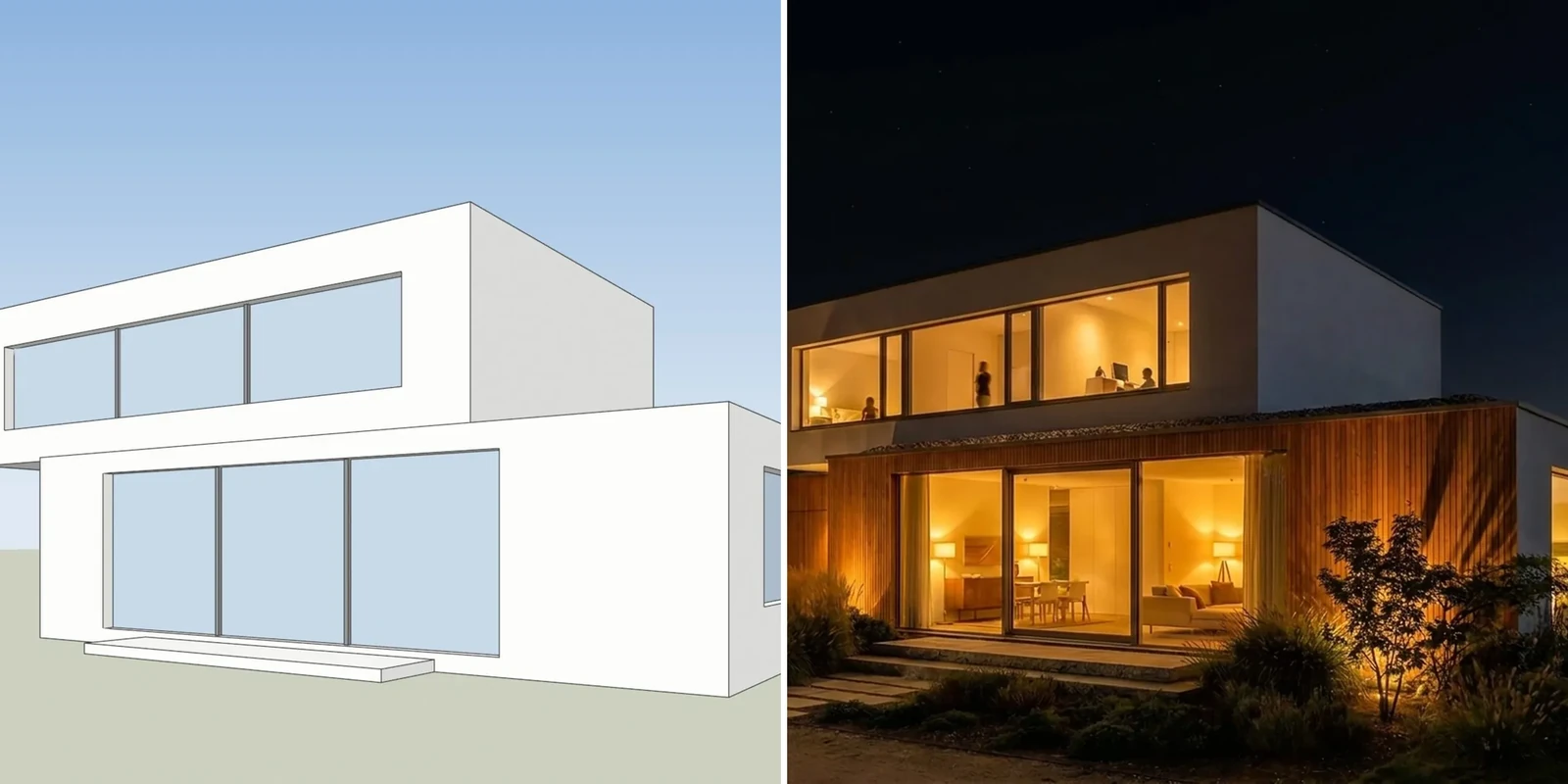
3Dstudio.co AI Render is built for architects who render a few views of a project and show them to clients. You upload a screenshot of a view from SketchUp, Revit, Archicad, Rhino or any other 3D program, and a photoreal render comes back, the first one in under 10 seconds. You pay for the renders you make, and the credits never expire.
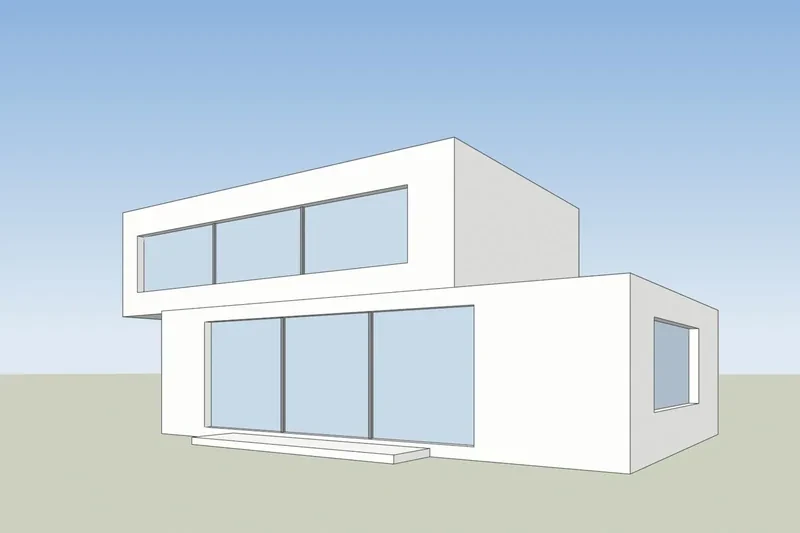
These are the points where we are ahead:
- A free re-run when the lines drift. AI can still move a window or change a roof line. If that happens, the re-run is on us. Failed renders are refunded in credits automatically.
- You can check that your building was kept. Every result opens with a drag line over your own screenshot, so you see what moved before a client does.
- A separate interior mode. The app has 36 looks across exterior, interior, landscape and hand-drawn sketch styles, so a room is rendered as a room.
- Client review links. On Pro and up you send a link. Your client comments on each render or approves it, with no account, and you get an email.
- Prices you can read at a glance. Prices are shown in your currency with VAT or sales tax included where it applies. Credits never expire, even after you cancel.
- Free to start, no credit card. A free account gives free renders.
- Your language, or your chat. The app is in 13 languages, and you can add it to ChatGPT or Claude as a connector and ask for a render in the chat.
- A studio behind the tool. We are an architectural visualization studio with 1,200+ projects since 2013. When a job needs finished images, the same people can make them.
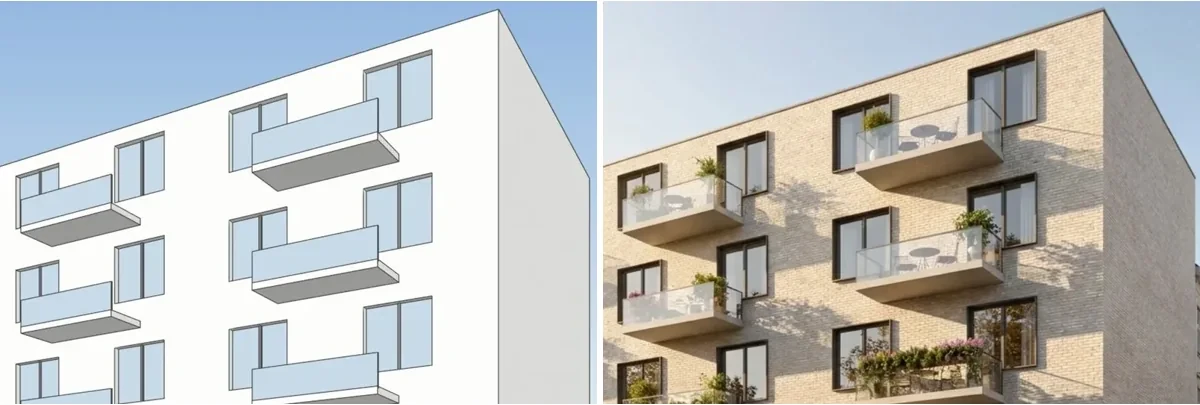
If you work in SketchUp, our SketchUp AI rendering page shows how to export the right view.
ArchiVinci vs 3Dstudio.co AI Render side by side
The table uses what each company states on its own pages on 5 November 2026. “Not found” means we did not find it on the pages we read, not that it does not exist.
| ArchiVinci | 3Dstudio.co AI Render | |
|---|---|---|
| Input | Image from any CAD or 3D program, sketch, floor plan or photo | Screenshot of any 3D view, plus sketches, plans and existing renders |
| Free start | 3 free renders, no watermark, not for commercial use | Free renders with a free account, no credit card (small logo, personal use) |
| Pricing model | Unlimited renders by week, month, year or pass; coins for other models | Monthly credits or one-off packs; credits never expire |
| Tax and currency | Not stated on the pricing page | Your currency, VAT or sales tax included where it applies |
| Keeping the design | Geometry tracking and a warning on long prompts | Drag line over your screenshot on every result |
| When the lines drift | Not found | Free re-run |
| Failed renders | Not found | Refunded in credits automatically |
| Client review link | Not found | Yes, on Pro and up; no account for the client |
| Plugins | SketchUp | None published yet |
| 3D export | DXF, OBJ, GLB, SVG, PDF, PNG | No, images only |
| Inside ChatGPT or Claude | Not found | Yes, as a connector |
Our current plans and credit packs are on the 3Dstudio.co AI Render pricing page. Credit packs never expire and need no subscription. We link to it instead of copying the prices here, because they are shown in each visitor’s currency.
Is ArchiVinci free?
ArchiVinci gives 3 free renders so you can try it. They come without a watermark, but commercial use needs a plan or a pass. A free account makes one image per run; a plan makes up to 4 variations at once.
Our free start works differently. You start free, with no credit card. A free account gives free renders. Free renders carry a small logo and are for personal use, so for client work you buy any plan or credit pack.
How to choose between the two
Both tools start from an image of your design, so the choice comes down to how often you render and who sees the result.
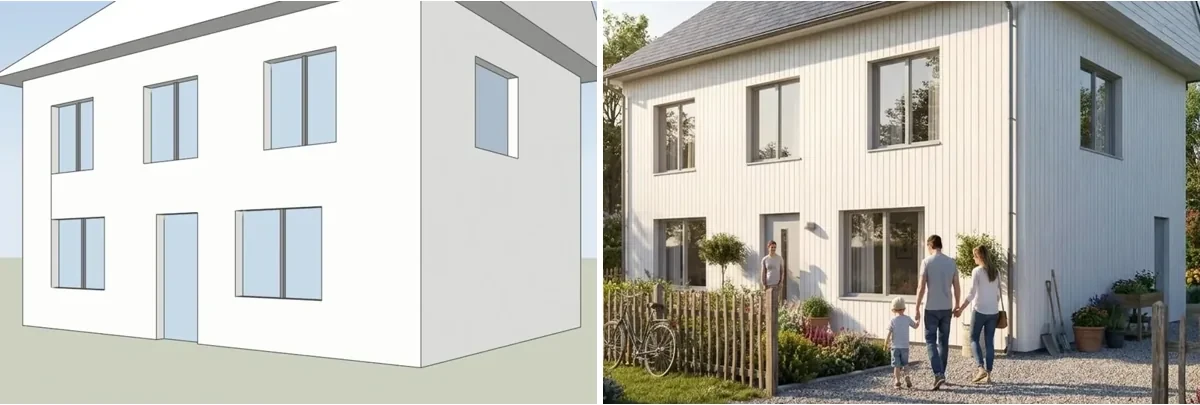
- Choose ArchiVinci if you render many variations every day, you want to stay inside SketchUp, or you need 3D files out of the tool.
- Choose 3Dstudio.co AI Render if you render a few views a week, renders go to clients for approval, you want a free re-run when the lines drift, or you want the price in your currency with tax included.
- Test both with the same view of one of your own projects. Count the windows and floors in each result and compare the roof line with your model.
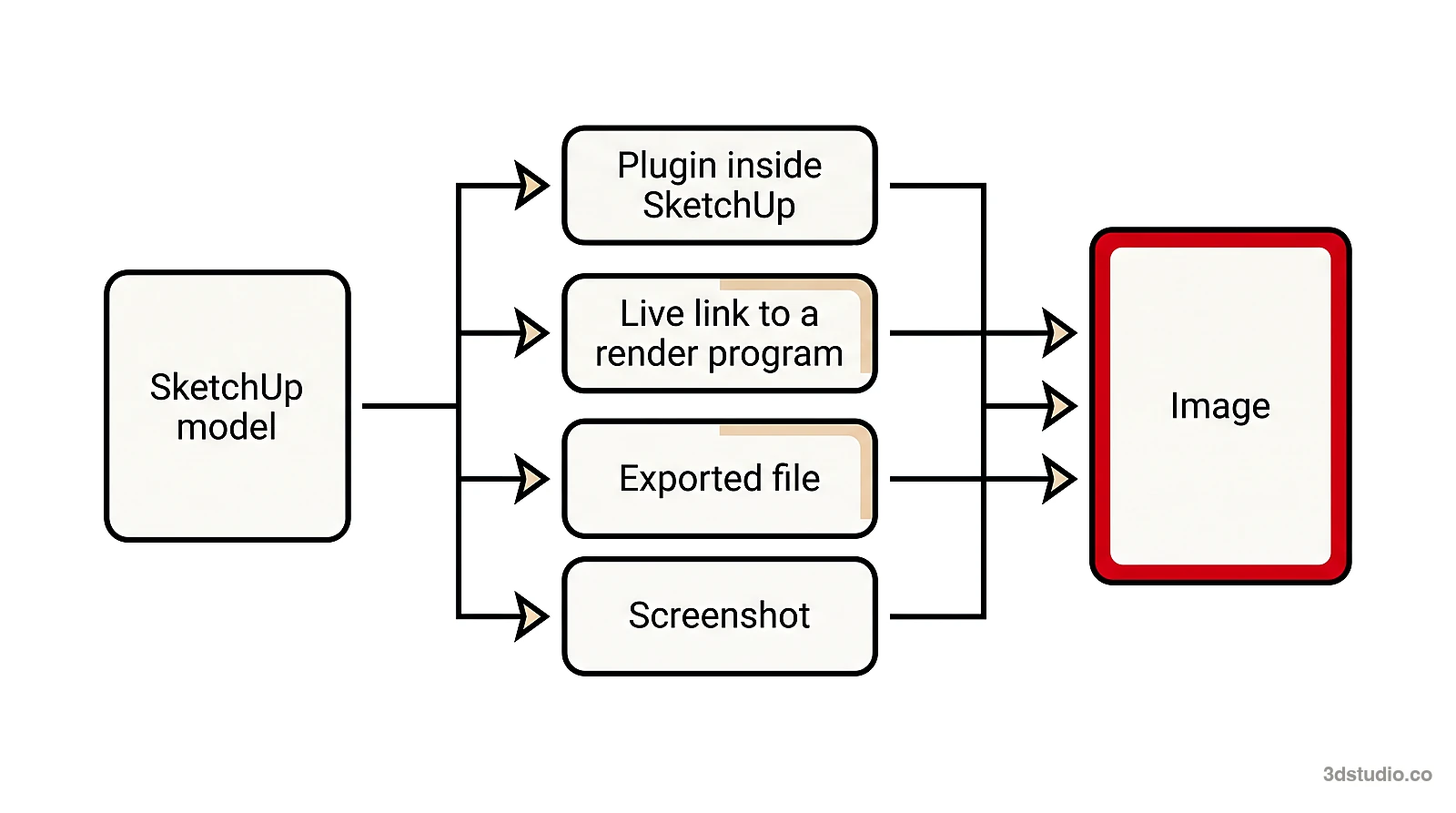
For other tools, read the mnml.ai alternative comparison, the Gendo AI alternative comparison and the best AI rendering software list.
When to use a studio instead
ArchiVinci and 3Dstudio.co AI Render both make images for options and early concepts. Neither one checks the image against your drawings. For planning, a competition jury or a sales launch, every detail must match, and a person should check it. For those images, we build the 3D model from your drawings and check it against them. See architectural visualization for how that works, or read the difference between CGI and AI.
Questions about ArchiVinci and its alternatives
How much does ArchiVinci cost?
On 5 November 2026 the pricing page listed subscriptions at $39 a week, $79 a month or $549 a year, and one-time passes from $49 for 3 days to $599 for 1 year. Every option gives unlimited renders on the ArchiVinci engine.
What are ArchiVinci coins?
Coins pay for the other AI models inside ArchiVinci, such as Nano Banana 2 and GPT Image 2, at 1 coin an image, and for video at 5 to 25 coins a clip. Plans include some coins, and you can buy more.
Does ArchiVinci keep the geometry of my design?
ArchiVinci says it tracks geometry closely and warns you about long prompts, and its FAQ says the result depends on the render mode and the prompt. Any AI render can slip on details, so count the windows and floors and check the roof line on every result, whichever tool you use.
What is the best ArchiVinci alternative for client work?
If renders go to clients, look for a way to check the result against your model, a clear rule for what happens when the AI gets it wrong, and a way to collect client comments. 3Dstudio.co AI Render has all 3: a drag line on every render, a free re-run when the lines drift, and review links. Start free, with no credit card, so you can test it on your own model first.
Diagrams in this post are drawn with an AI image tool from our brief and checked by our team.
More on AI rendering
- 3Dstudio.co AI Render
- SketchUp AI rendering
- How to Render in SketchUp: Built-in Tools, Plugins and AI
- Twinmotion Price in 2026: Free Tier, Seats and Real Costs
- D5 Render Price in 2026: Community, Pro, Teams and Real Costs
- Lumion Price in 2026: Every Plan, Real Costs and a Cheaper Route
- V-Ray Price in 2026: Plans, Licenses, Host Programs and a Cheaper Route
- Enscape Price in 2026: Every Plan, What It Includes and a Cheaper Route
- Nano Banana Architecture: How to Keep Your Design in AI Renders
- SketchUp Diffusion: What It Is Now, What It Costs and How to Keep Your Model
- AI Rendering for Architects: How to Keep Your Design
- Gendo AI Alternative: An Honest Comparison for Architects
- mnml.ai Alternative: An Honest Comparison for Architects
- Rendair Alternative: An Honest Comparison for Architects