Architectural Rendering Software: Real-Time, Ray-Traced and AI
Architectural rendering software comes as real-time engines, ray tracers and AI tools. Compare the main options, their license models and who each fits, and see when a studio costs less.
In this article
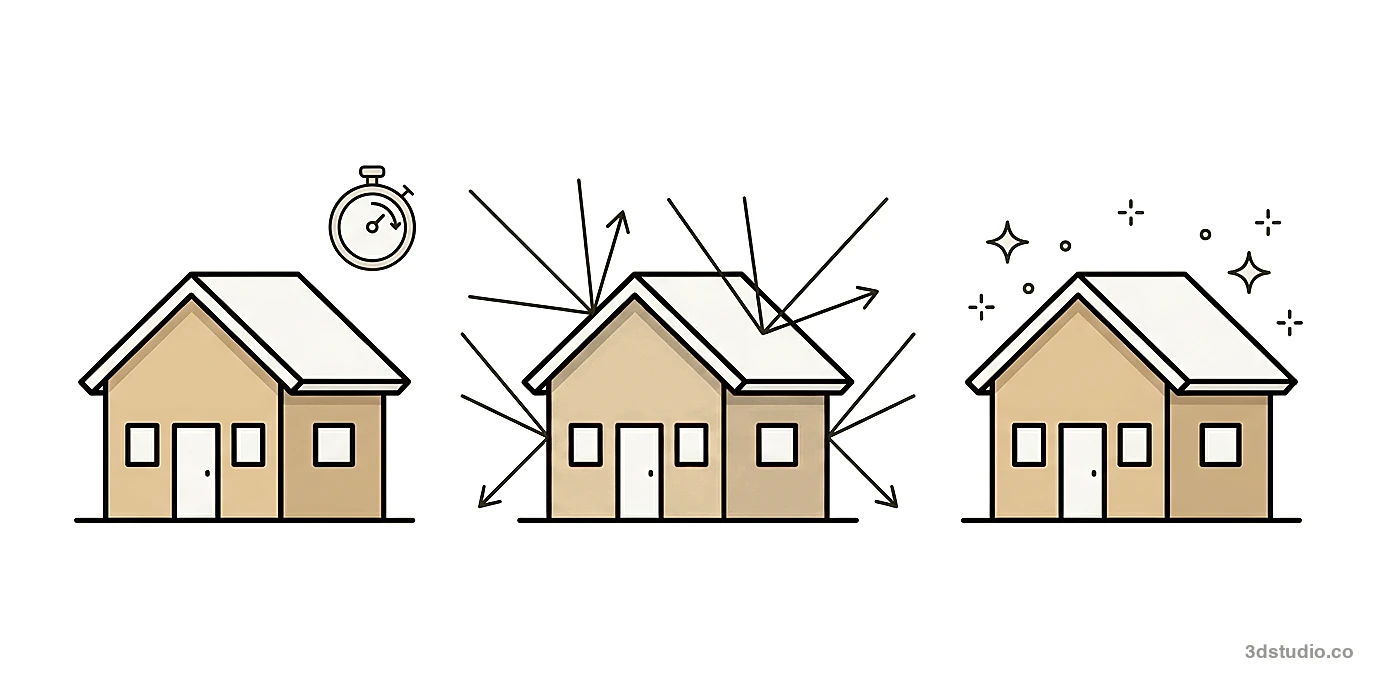
- Architectural rendering software has 3 types: real-time engines, ray tracers and AI tools.
- Real-time tools are quickest to start with, and ray tracers give the most control over the final image.
- A free license can exclude commercial work, so read the terms before you use a free tier for a client.
- A studio can cost less than learning software when you need only a few images that must match the drawings.
Architectural rendering software falls into 3 groups: real-time engines such as Enscape, Twinmotion, Lumion and D5 Render, ray tracers such as V-Ray, Corona and Blender, and AI tools that make an image from a picture of your model. The right one depends on how often you render, how closely the image must match your drawings, and how much time you can spend learning a program. For AI tools against the renderers, see AI rendering vs V-Ray and Enscape.
This guide compares 3D architectural rendering software from each group, with the license model and the kind of work each fits. It also covers when a studio costs less. 3Dstudio.co is one of the options. If you need finished images and not a new program, see our architectural visualization service.
Types of architectural rendering software
All of these start from a 3D model but make the image in different ways.
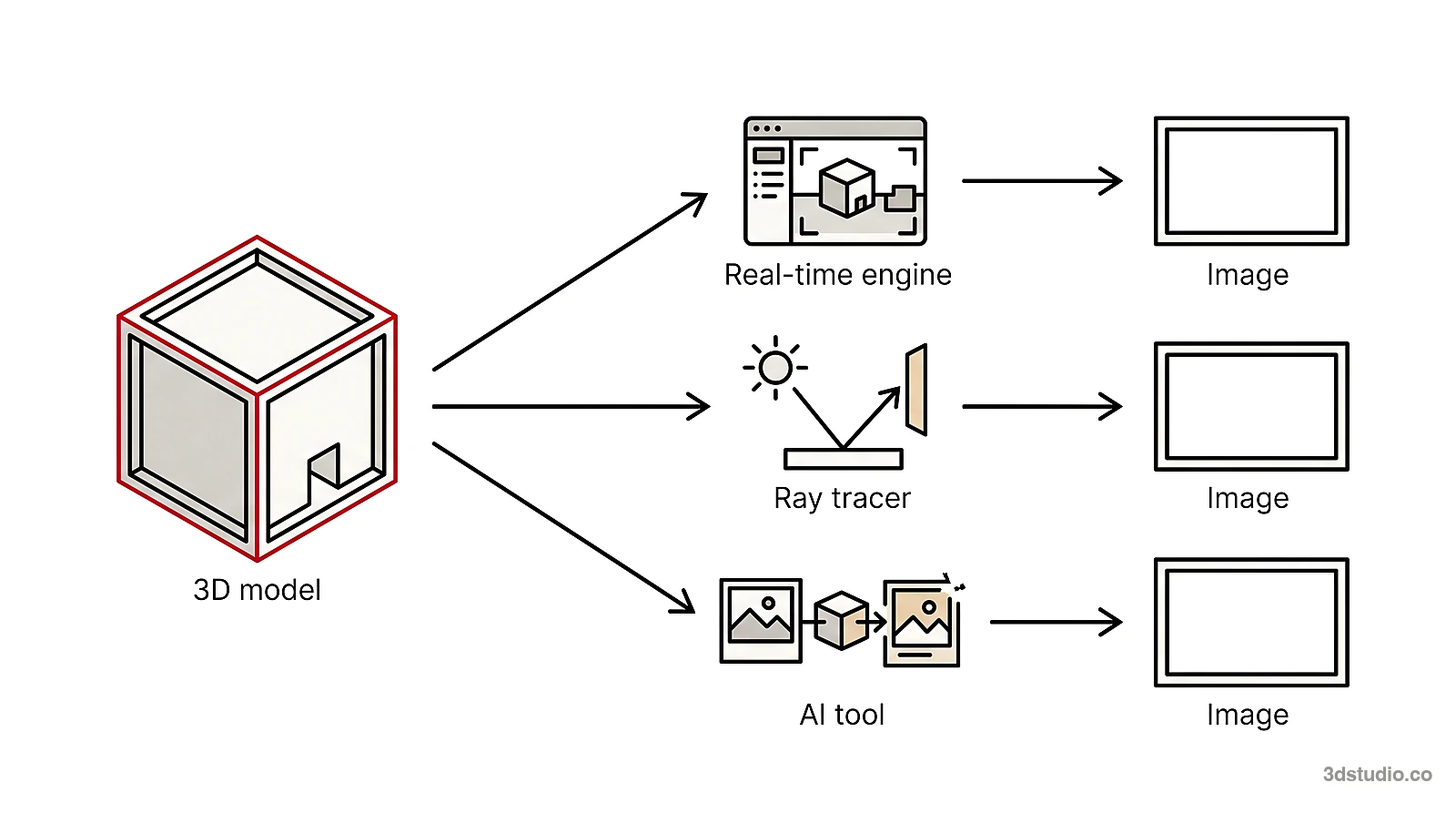
- Real-time engines draw the scene many times per second, so you see materials, light and camera changes at once. They suit design review, quick views and animation. They need a computer with a good graphics card.
- Ray tracers calculate how light travels between surfaces, which takes longer per image but gives you control over materials and light. They suit final stills for marketing and competitions. Some can render on the graphics card, others on the processor.
- AI tools do not calculate light from a scene. They make a new image from a picture of your model, so they are fast to start with and good for exploring options.
Most professional pipelines mix types: real-time review while the design changes, then a ray tracer for a few key views. See photorealistic rendering for what makes an image look real.
Real-time rendering software for architecture
Real-time rendering software for architecture connects to your modeling program and shows the result while you work. Details below come from the vendors’ own sites. Terms change, so check the vendor before you buy.
Have a 3D model? 3Dstudio.co turns a screenshot of it into a photoreal image. The first render is ready in under 10 seconds. Free to start, no credit card.
Render your model free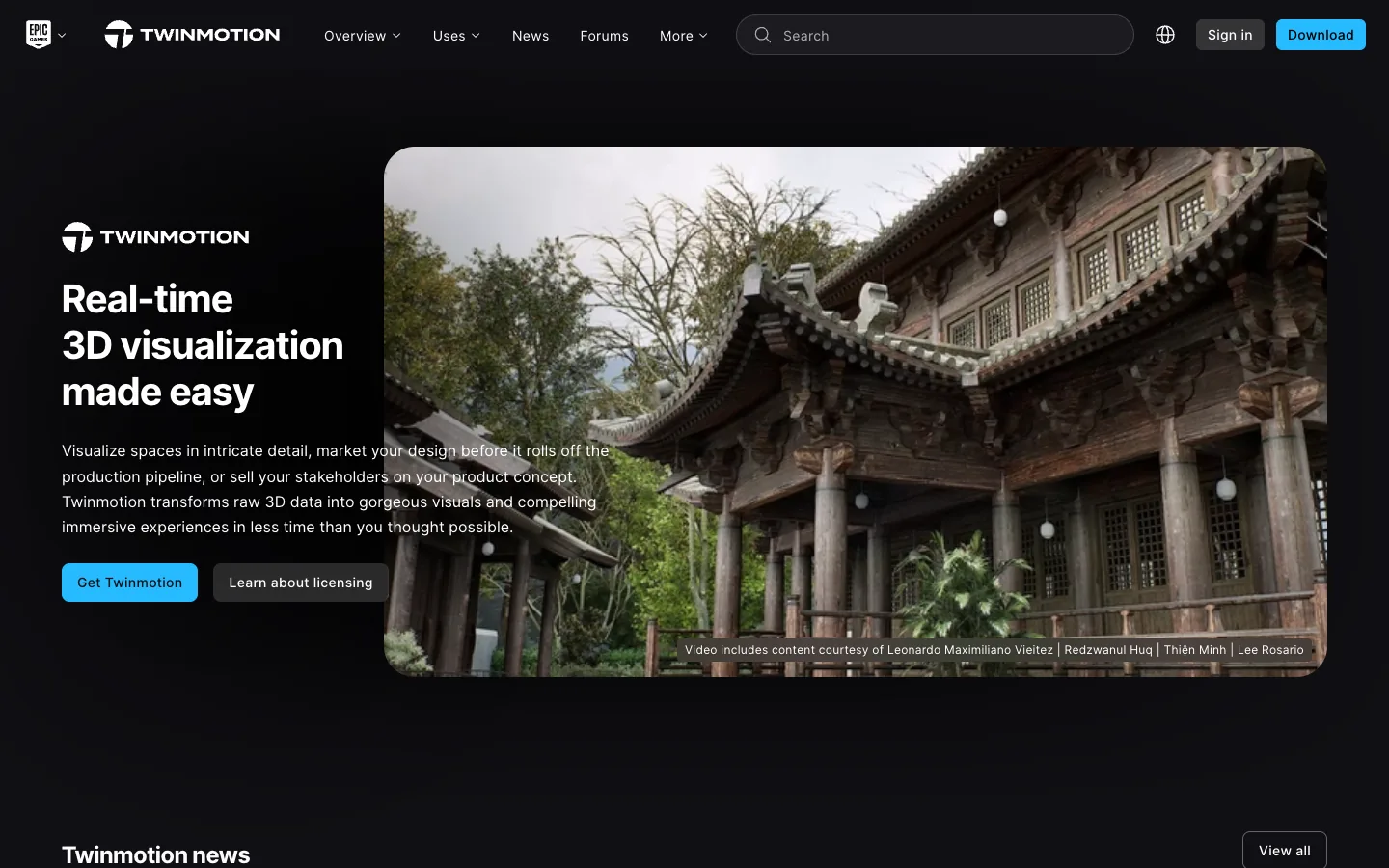
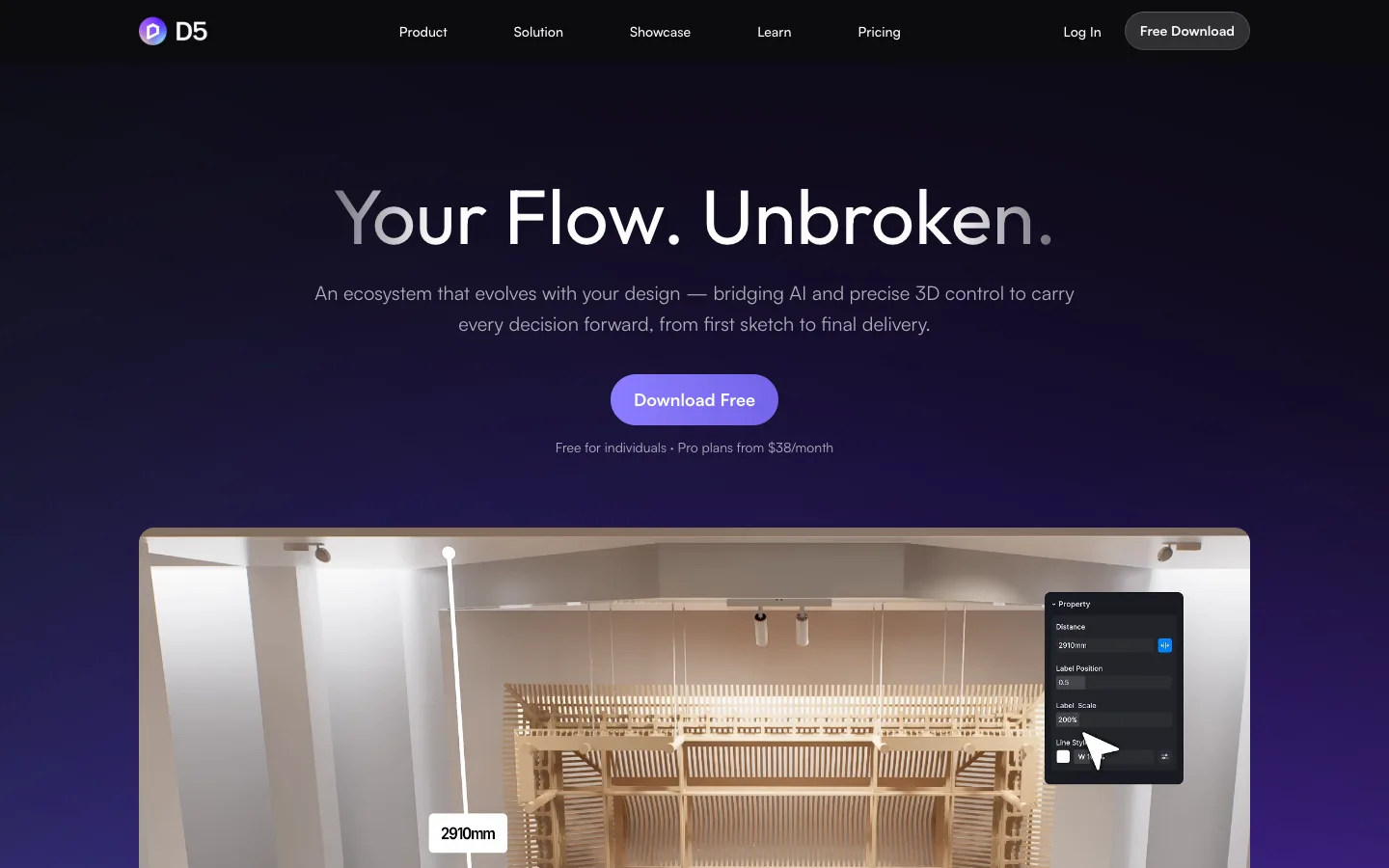
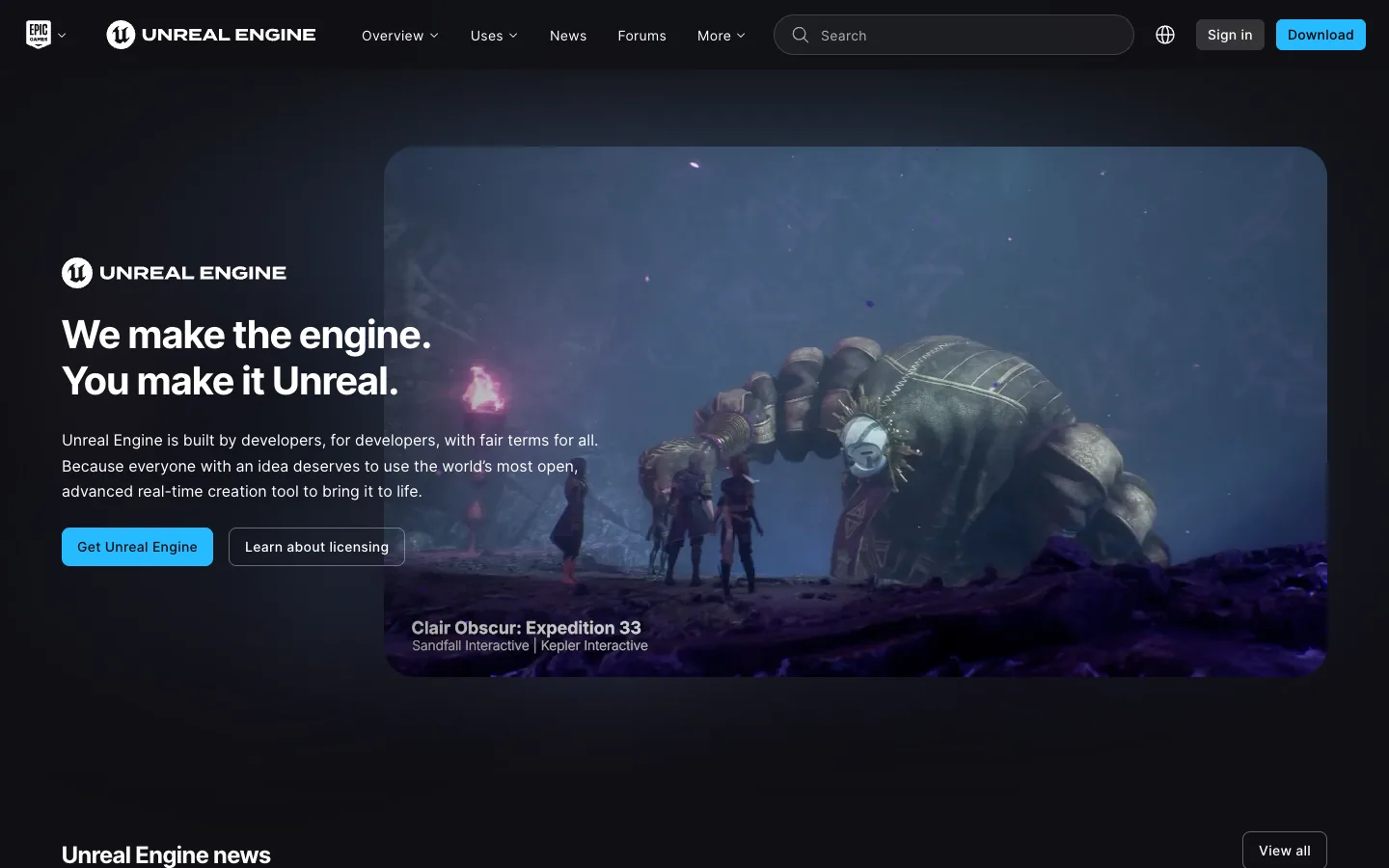
- Enscape. A real-time renderer from Chaos that works inside Revit, SketchUp, Rhino, Archicad and Vectorworks. It runs on Windows, and on macOS with Archicad, Rhino, SketchUp and Vectorworks. It supports virtual reality walkthroughs and is sold as a subscription with a 14-day free trial.
- Twinmotion. A real-time visualization program from Epic Games that makes images, panoramas and videos. Epic states that it is free for students, educators, and individuals and companies under $1 million in revenue, with a paid seat for others. It runs on Windows and macOS.
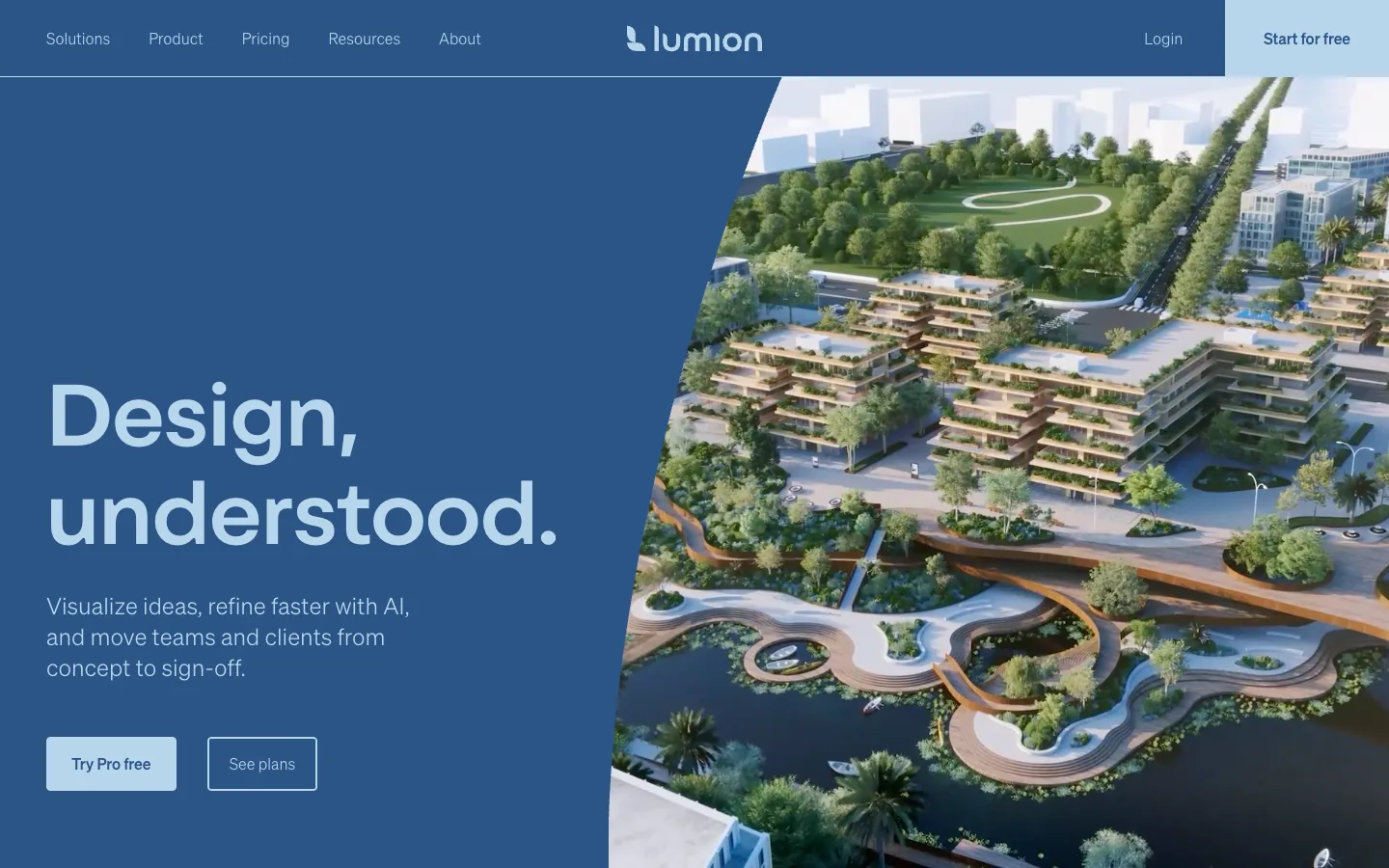
- Lumion. A real-time program that takes models from SketchUp, Revit, Archicad, Rhino and other programs through its LiveSync plugin. Lumion Pro needs Windows. Lumion offers a 14-day free trial and free student licenses, and it makes images, videos and 360 degree panoramas.
- D5 Render. A real-time renderer that connects to SketchUp, Revit, Rhino, 3ds Max, Cinema 4D, Archicad, Blender and Vectorworks. D5 offers a free Community license, a Pro subscription and a free educational license. D5 states that the Community license is for non-commercial use such as learning, personal projects and evaluation, and that professional work needs a Pro license.
- Unreal Engine. A game engine that architects also use for interactive and real-time work. It is free for individuals and companies under $1 million in revenue, and a paid seat license applies above that for non-game use. It is a general engine, so it usually takes longer to learn than the architecture-specific tools above.
For a SketchUp-specific list, see our guide to SketchUp rendering software. For Revit, see how to render in Revit.
Lumion vs Enscape
The points below come from lumion.com and chaos.com (the vendor of Enscape), checked November 2026.

- Operating system. Enscape runs on Windows and macOS. Lumion needs Windows.
- How it connects. Enscape works inside the modeling program. Lumion is a separate program that syncs through its LiveSync plugin.
- Output. Lumion makes images, videos and 360 degree panoramas. Enscape shows each change live inside the modeling program while you work.
- Trial and license. Enscape has a 14-day free trial and is sold as a subscription. Lumion Pro has a 14-day free trial.
If you work on a Mac, Enscape is the one of the two that runs on it.
Ray-traced rendering software
Ray tracers are the usual choice for final images that must look like photographs. They take longer to set up and give control over every material and light.


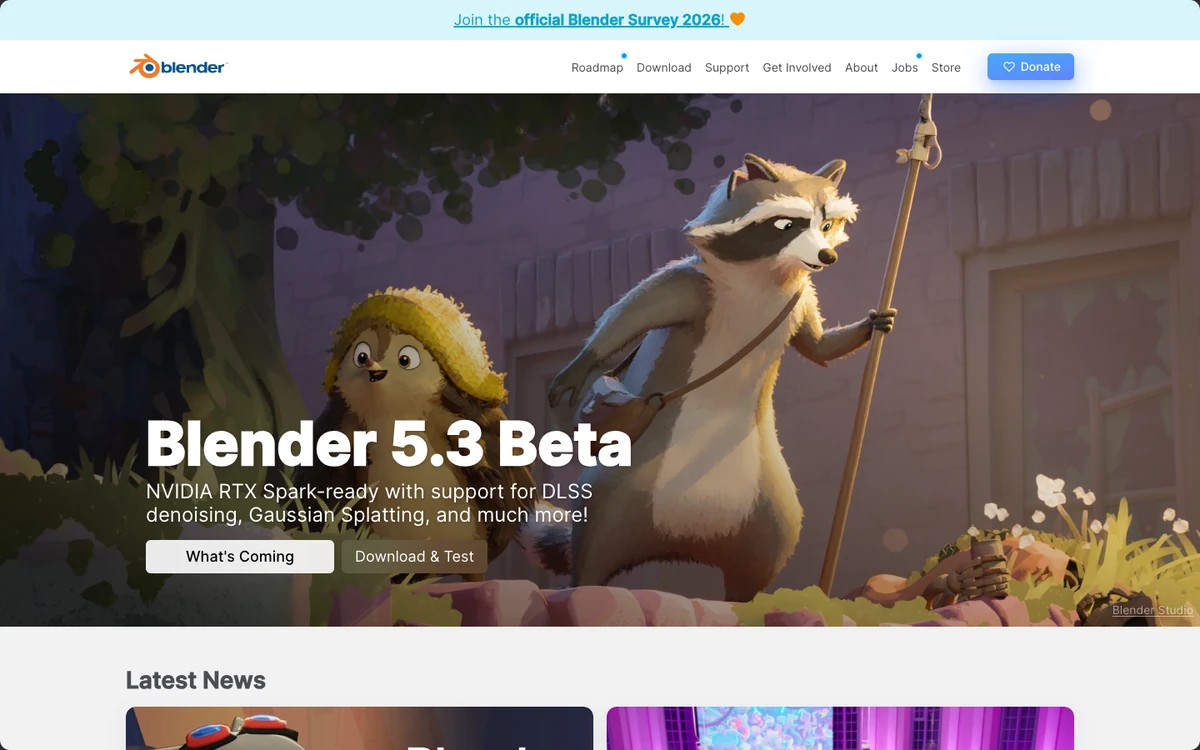
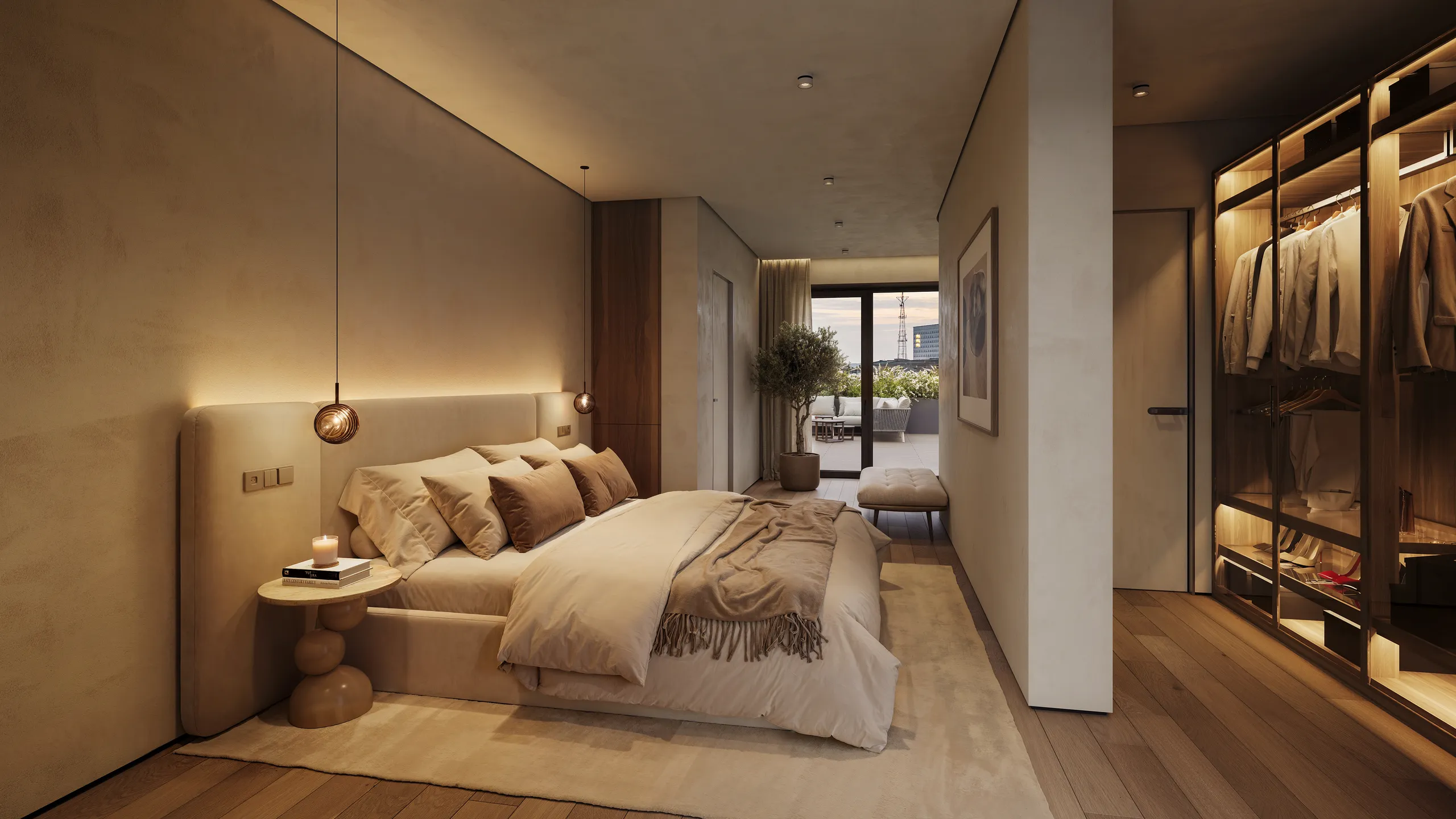
- V-Ray. A render engine from Chaos that integrates with 3ds Max, SketchUp, Revit, Rhino, Cinema 4D, Blender and other programs. Chaos states that it renders on the processor, the graphics card or both, and that it offers real-time rendering in the V-Ray viewport. It is sold as a subscription with a free trial.
- Corona. A render engine from Chaos for 3ds Max and Cinema 4D. Chaos describes it as processor-based. It is sold as a subscription with a free trial, and educational licenses are available. Chaos positions it for architectural visualization.
- Blender. A 3D program that includes the Cycles and EEVEE render engines. The Blender site states that it is free software under the GNU General Public License and that you may use it for any purpose, including commercial work. You learn the whole program, not only a render plugin. See the Blender license page.
That control takes time to learn. Our guide to what a clay render is shows the first step.
AI image tools for architecture
AI tools are good for exploring options and early concepts. Depending on the tool, details such as window frames, balconies or the roofline can change or come out simpler, and nothing in the output is checked against your drawings. Three kinds exist: a feature inside a modeling program, a web tool that takes a screenshot, and a plugin that works from the model view.
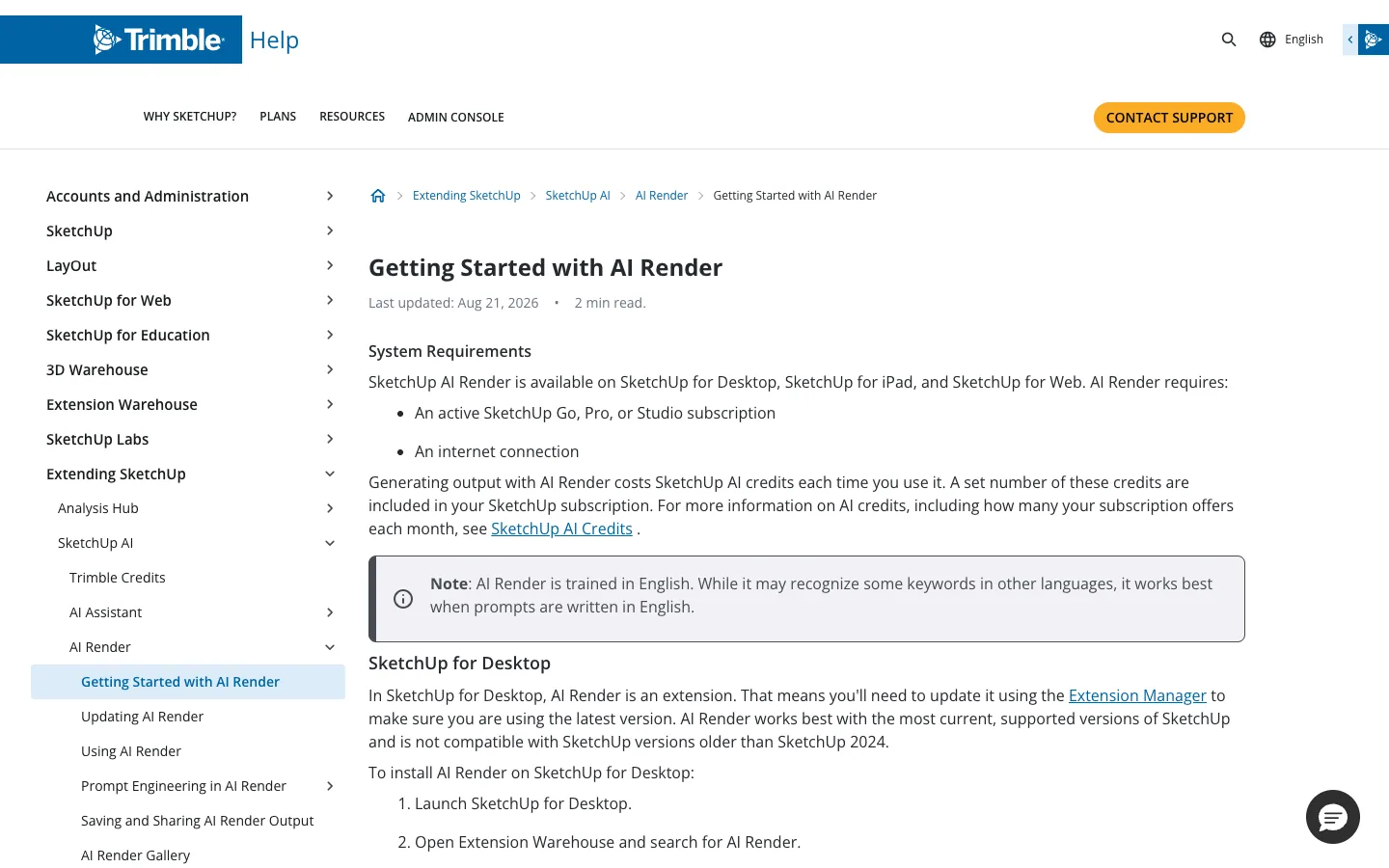

- SketchUp AI Render. A feature of SketchUp for Desktop, iPad and Web. On Desktop it is an extension. The SketchUp help center says it needs an active Go, Pro or Studio subscription and an internet connection, and that each use costs AI credits. See SketchUp’s page on getting started with AI Render.
- Veras. A Chaos product that works with Revit, SketchUp, Rhino, Archicad, Vectorworks and other programs. It has a 14-day free trial and subscription tiers based on monthly credits.
- Our free AI rendering tool. Upload a screenshot of your 3D model from SketchUp, Revit, Archicad or Rhino. Nothing is installed and no plugin is needed. Try the free AI rendering tool on your own model. Its page lists the current free limit.
Test one on a real model before you rely on it. Our guide to the best AI for architectural rendering explains where an AI image is enough and where it is not.
Architectural rendering software compared
Facts about other products come from each vendor’s own site, checked November 2026. We leave out prices, so check the vendor for current terms.
| Option | Type | Works with | License model | Fits |
|---|---|---|---|---|
| Enscape | Real-time | Revit, SketchUp, Rhino, Archicad, Vectorworks | Subscription, free trial | Design review while you model |
| Twinmotion | Real-time | Common CAD and BIM programs | Free under $1 million in revenue, paid seat above | Presentations, panoramas, video |
| Lumion | Real-time, Windows only | SketchUp, Revit, Archicad, Rhino and more | Free trial, free student licenses, paid plans | Exterior views and animation |
| D5 Render | Real-time | SketchUp, Revit, Rhino, 3ds Max, Archicad, Blender and more | Free Community license (non-commercial), Pro subscription | Real-time views and presentations |
| Unreal Engine | Real-time engine | Imports from CAD and BIM programs | Free under $1 million in revenue, seat license above | Interactive and custom real-time work |
| V-Ray | Ray tracer, with real-time viewport | 3ds Max, SketchUp, Revit, Rhino, Cinema 4D, Blender and more | Subscription, free trial | Photoreal stills with full control |
| Corona | Ray tracer | 3ds Max, Cinema 4D | Subscription, free trial, educational licenses | Photoreal architectural stills |
| Blender (Cycles, EEVEE) | Ray tracer and real-time | Its own 3D program | Free and open source | Learners and low budgets |
| SketchUp AI Render | AI | SketchUp for Desktop, iPad and Web | Needs a Go, Pro or Studio subscription, uses AI credits | Quick concept images |
| Veras | AI | Revit, SketchUp, Rhino, Archicad, Vectorworks | Subscription with credits, free trial | AI images inside your CAD program |
| Free AI rendering tool | AI, from a screenshot | Any program, by screenshot | Free to try, limits on its page | Exploring options quickly |
| A studio | People build the scene | Files from any CAD or BIM program | One fixed price per project | Images that must match the drawings |
Best rendering software for architects: how to choose
There is no single best rendering software for architects. The right choice depends on the 5 checks below, and on how often you render.
- Start from your modeling program. If your program is not supported, you export the model and add a step.
- Decide how photoreal the image must be. Design review needs a quick, clear view. A marketing image or a planning submission needs the control a ray tracer gives.
- Check the license against your work. A free license can exclude commercial work, as with the D5 Community license. Read the terms before you use a free tier for a client.
- Count the learning time. A ray tracer takes longer to learn well, and Blender asks you to learn a full 3D program.
- Check your hardware. Real-time engines need a good graphics card, and Lumion needs Windows. Compare the vendor’s requirements with your computer.
For an architecture practice, a common setup is one real-time tool for design review and one ray tracer or a studio for the few images that leave the office. Our guide to 3D visualization for architects covers how practices combine them.
When a studio costs less than learning the software
Software is not free even when the license is. You also pay with the time to learn it, the time to fix the scene, and a computer that can run it. A studio replaces that with one fixed price.
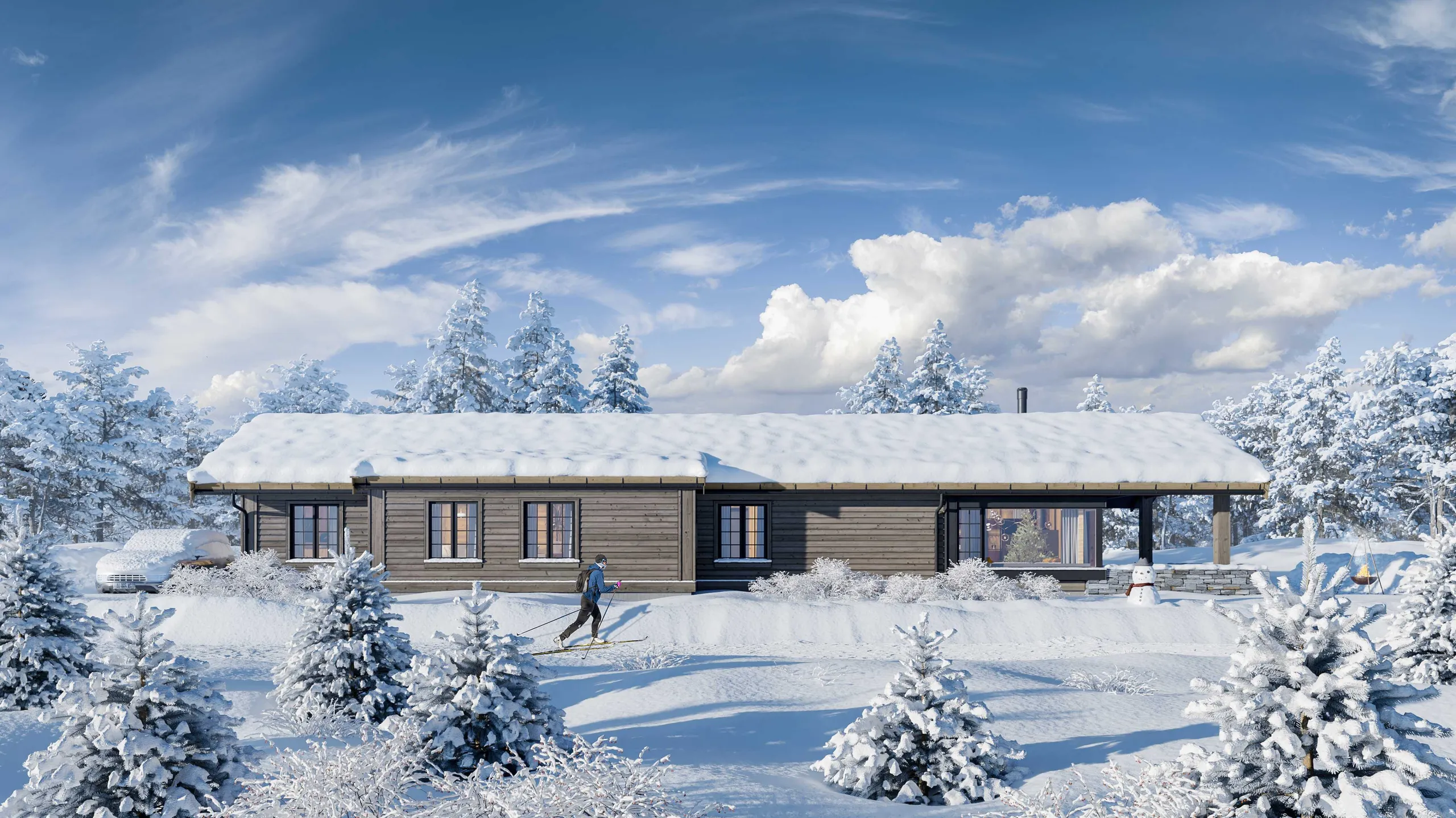
A studio is usually the lower cost in these cases:
- You need a few important images a year and not a steady stream.
- The images go to buyers, a planning authority or a jury, so they must match the drawings and be checked by a person.
- The model is not ready for rendering, and cleaning it would take more of your time than the render.
- You need several views of one scene, because further views reuse the same scene and cost much less than the first.
Software is usually the lower cost when you render every week, need images for internal review, or want to keep the whole process in your own hands.
3Dstudio.co has been in business since 2013 and accepts SketchUp, Revit, ArchiCAD, 3ds Max, IFC, CAD and PDF files. You upload the files and get a reply within 30 minutes: a fixed price and a delivery date, or the 1-2 questions we need answered first. A grey clay model comes first, so the camera, lens and time of day are agreed while changes are cheap. A photoreal first look follows, with 2 revision rounds included, and final images are delivered in 4K with full usage rights. Projects start at €1,000. See how the price is set and what drives the cost of 3D rendering. If you are weighing this against hiring staff, read about outsourcing 3D rendering.
Tip: try an AI tool or a real-time engine first on a small view. If the result is good enough for the audience, you may not need more. If it is not, send the model to a studio.
Next step
If you already have a model, send it for a fixed quote. If you have only drawings, our 3D modeling service builds the model first. You can see the steps in how it works.
Questions about architectural rendering software
What is the easiest architectural rendering software to learn?
Real-time tools such as Enscape, Twinmotion, D5 Render and Lumion show the result while you work, so most people start with them. Ray tracers give more control and take longer to learn. Test one on your own model.
Are any of these rendering programs free to use?
Yes. Blender is free and open source. Twinmotion and D5 Render list free licenses for some users, and D5 limits its Community license to non-commercial work. Our AI rendering tool is free to try. Read each license before you use it for client work.
What is the difference between real-time and ray-traced rendering?
A real-time engine draws the scene continuously, so changes show at once. A ray tracer calculates how light moves between surfaces for each image. That takes longer and gives more control over materials and light.
Can AI replace architectural rendering software?
For early concepts and quick options, an AI tool can be enough. For images that must match your drawings, the output needs to be checked against the model, because details such as windows or the roofline can change.
Which software do rendering studios use?
It varies by studio. The software we use includes 3ds Max, Corona, V-Ray, SketchUp, Revit, ArchiCAD, AutoCAD and Photoshop.
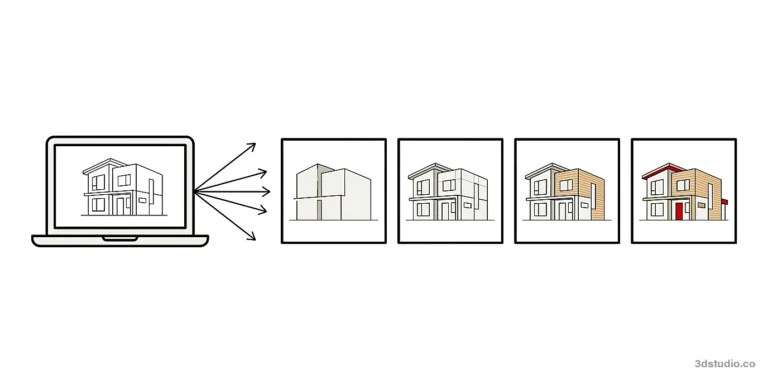
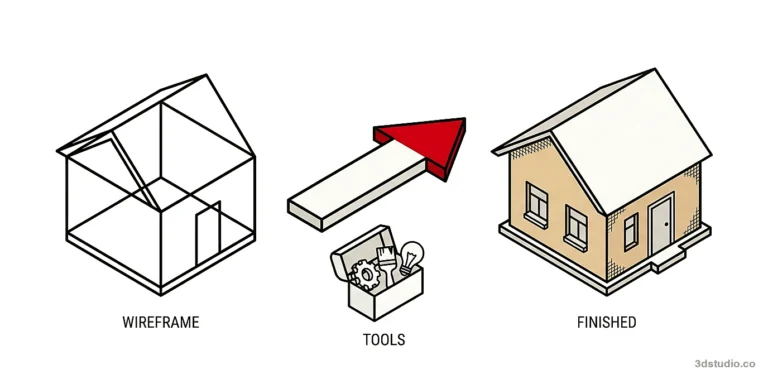
Diagrams in this post are drawn with an AI image tool from our brief and checked by our team.
More on AI rendering
- 3Dstudio.co AI Render
- SketchUp AI rendering
- SketchUp Price in 2026: Every Plan, What It Includes and Render Costs
- AI for Architects in 2026: What It Does Well and Where It Fails
- Free Rendering Software for Architecture: What You Can Do Without Paying
- How to Render in Revit: Built-in Rendering, Plugins and AI
- SketchUp Rendering Software: Plugins and Free Options Compared
- How to Render in SketchUp: Built-in Tools, Plugins and AI
- Twinmotion Price in 2026: Free Tier, Seats and Real Costs
- D5 Render Price in 2026: Community, Pro, Teams and Real Costs
- Lumion Price in 2026: Every Plan, Real Costs and a Cheaper Route
- V-Ray Price in 2026: Plans, Licenses, Host Programs and a Cheaper Route
- Enscape Price in 2026: Every Plan, What It Includes and a Cheaper Route
- Nano Banana Architecture: How to Keep Your Design in AI Renders