

Free DXF to STL converter
Extrude a DXF drawing into a 3D printable STL
Drop a 2D DXF and get an STL: every closed shape is extruded to the thickness you set, and a shape inside another one becomes a hole.
Nothing is uploaded: the drawing is read and the STL is made on your own computer.
Need a 3D model built from drawings, or renders of it? We work from DXF, DWG and PDF plans and reply within 30 minuti: un prezzo fisso e una data di consegna, oppure le 1-2 domande a cui dobbiamo rispondere prima.
Free, no sign-up. Your drawing stays on your computer. It is read and converted in this browser tab and is never uploaded to us or anyone else.
Il file non si converte o il modello va ripulito? Il nostro team lo ripara e lo converte per lei. Ci invii il file e le risponderemo con un prezzo fisso. Ci invii il file
- Closed polylines, circles, ellipses and splines
- Lines and arcs that meet end to end become shapes too
- Choose layers, units and thickness, then save a binary STL
Come funziona
How to convert DXF to STL online
3 passaggi, e il disegno non lascia mai il suo computer.
1. Apra il DXF
Drop the .dxf file on the converter or click to choose it. The shapes found in the drawing are shown from above, with their size in millimetres.
2. Choose layers and thickness
Untick layers you do not want, such as dimensions or frames. Set the drawing units and the thickness, which is 3 mm to start with.
3. Scarichi l'STL
Click Download STL. The file is a binary STL in millimetres, with the lowest corner at 0, 0, 0, ready for your slicer.
What the STL holds
A solid made from the shapes in your drawing
What is extruded, what is not, and how the size is set.
Which shapes are extruded
Closed polylines, circles, ellipses, closed splines and solids. Lines, arcs and open polylines are joined end to end, so a rectangle drawn with 4 lines also becomes a shape. Blocks are expanded.
Holes and separate parts
By default a shape inside another one is cut out as a hole, so a plate with screw holes comes out right. For a laser sheet with a border around the parts, choose Skip the outer frame, or extrude each shape as its own solid.
Cosa viene omesso
Text, dimensions, hatches, images and lines that do not close into a shape. The page says how many lines were left out, so you can close them in your CAD program.
Dimensioni e unità
An STL file has no units, so the converter writes millimetres. Set the drawing units to what the DXF uses and check the size under the preview before you download.
From drawings to models
Cosa realizziamo da disegni DXF e DWG
Architects, makers and developers send us their CAD drawings to be turned into 3D models and images.

Modellazione 3D
A clean 3D model built from your CAD drawings, ready for renders, animation or printing.
Veda la modellazione 3D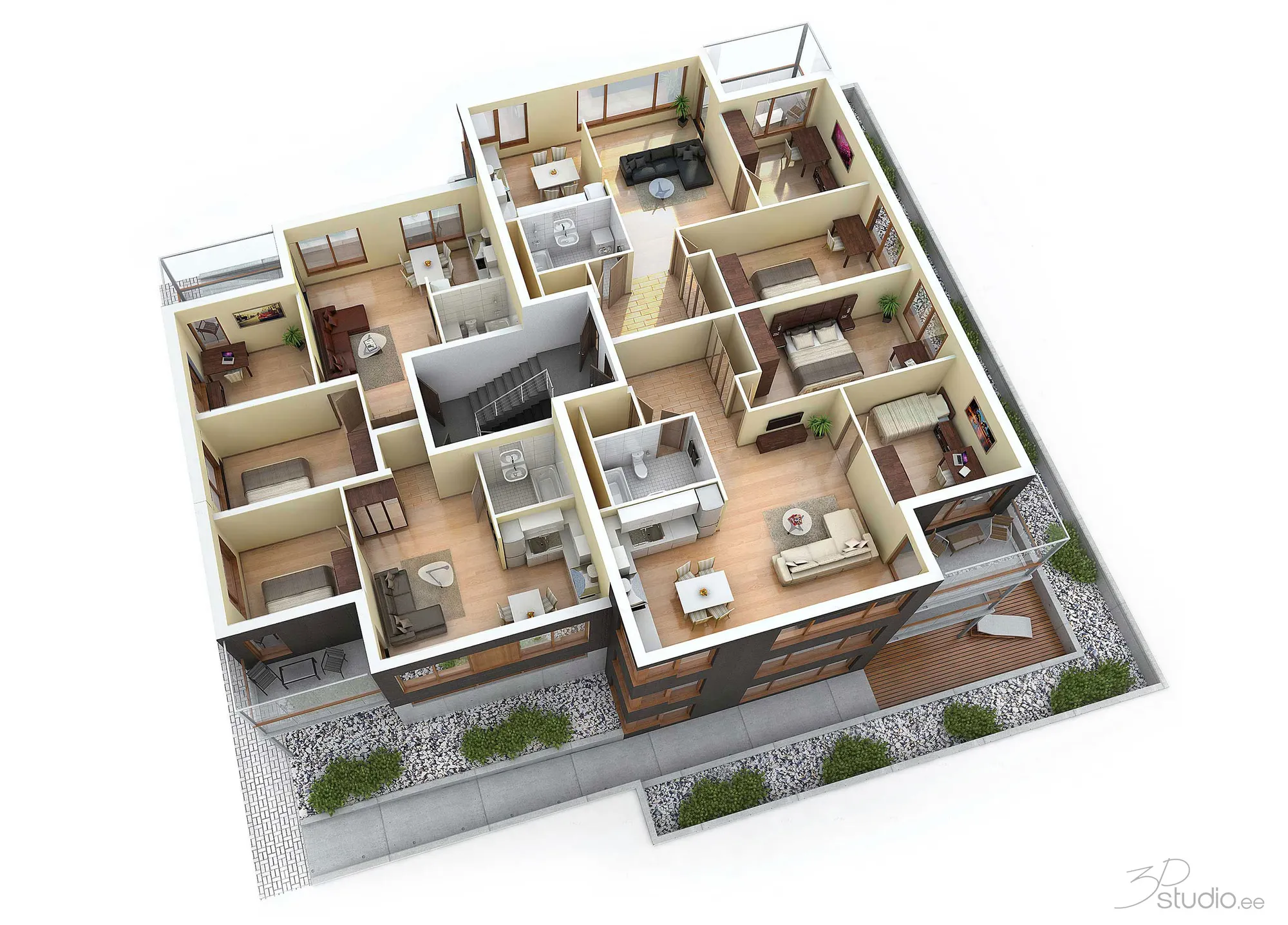
Planimetrie 3D
Planimetrie 3D arredate realizzate a partire da un disegno DXF, DWG o PDF, per brochure e portali immobiliari.
Veda le planimetrie 3D
Rendering architettonico
Photoreal exteriors, interiors and aerials, modelled from your drawings.
Veda il rendering architettonico
DXF to STL FAQ
Questions about converting DXF to STL
Shapes, thickness, units and what to do when nothing shows.
Ci faccia una domandaHow do I convert a DXF to STL?
A DXF is flat and an STL is a solid, so the converter extrudes the closed shapes in the drawing upward by a thickness you choose. Drop the DXF, tick the layers to use, set the units and the thickness, and click Download STL.
Why does the converter say no closed shape was found?
The drawing holds only open lines and curves, or the lines have small gaps. Join them in your CAD program (the JOIN or PEDIT command in AutoCAD, or Join in Fusion 360 and Inkscape), save the DXF again and drop it here.
What unit does the STL use?
Millimetres. STL files carry no unit, and slicers read the numbers as millimetres. Choose the unit of the DXF in the panel (millimetres, centimetres, metres, inches or feet) and the shapes are scaled to millimetres. The size shown under the preview tells you if the unit is right.
Can I extrude shapes to different heights?
Not in one file. Every selected shape gets the same thickness. To make parts of different thickness, put them on separate layers and make one STL per layer, then combine them in your slicer.
What happens with overlapping or touching shapes?
They are extruded one by one and not merged. Two solids that overlap give an STL with overlapping volumes, which most slicers combine without trouble. Holes that touch each other can leave small gaps. For a laser sheet with parts side by side, choose Skip the outer frame or Extrude each shape as its own solid.
Can I convert a DWG to STL?
Save the DWG as DXF first, for example with the DWG to DXF converter, and drop the DXF here. This works for 2D drawings. For a 3D CAD model, use the STEP to STL converter.
Is the DXF to STL converter free, and is my file uploaded?
It is free, with no sign-up and no limit. The DXF is read and the STL is made in this browser tab, so the drawing never leaves your computer.
Altri strumenti gratuiti
Altri strumenti 3D e CAD gratuiti
Ognuno funziona nel suo browser, come questo.
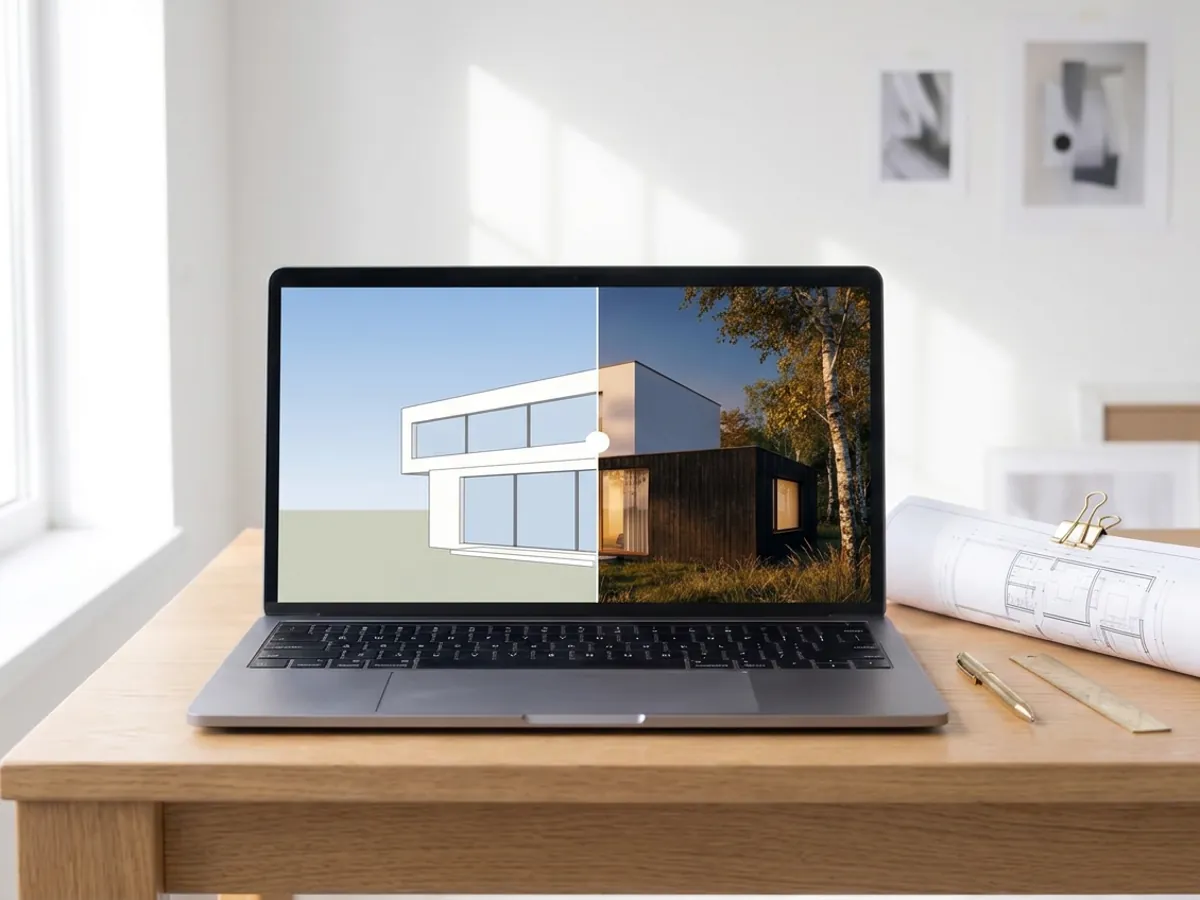
Render IA
Trasformi lo screenshot del modello SketchUp, Revit o Rhino in un render fotorealistico. Primo render in meno di 10 secondi.
Crei un render IA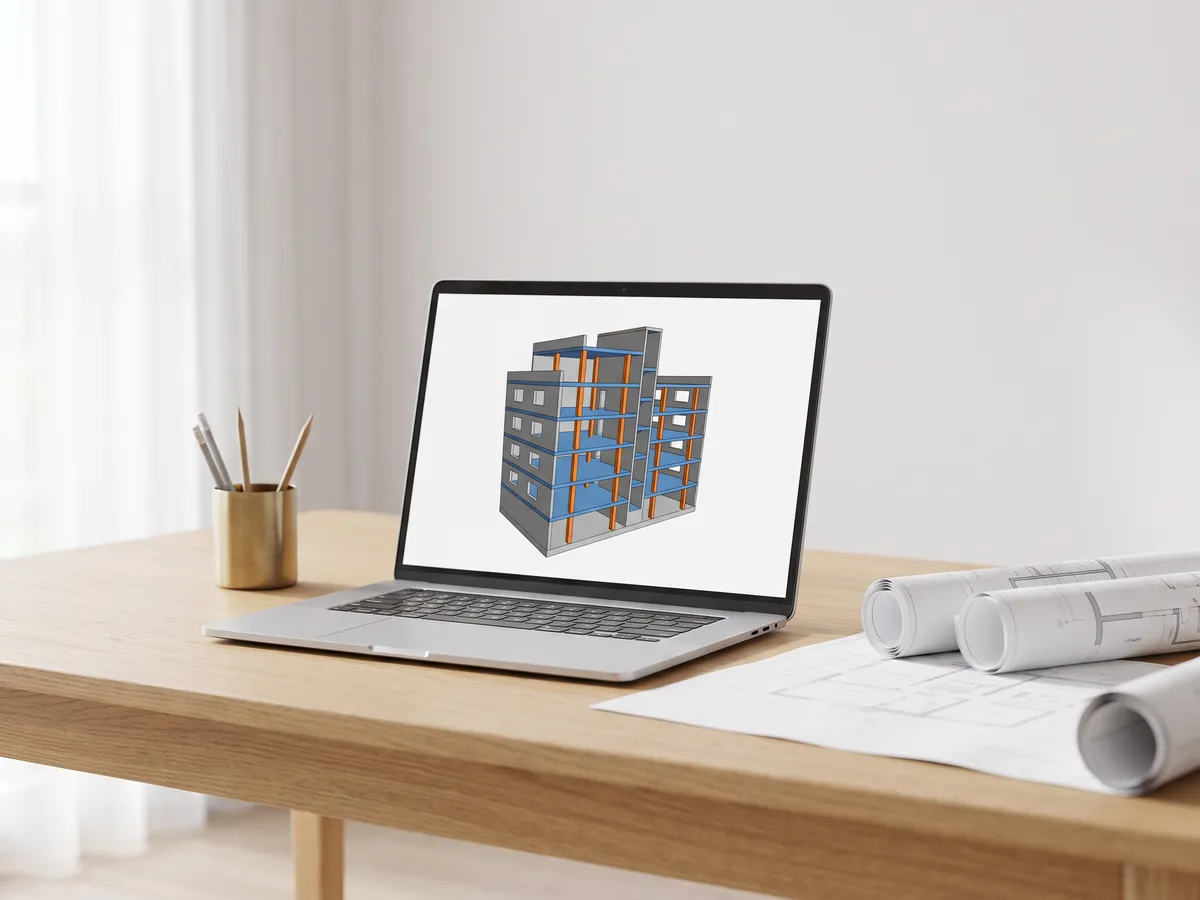
Visualizzatore IFC
Apra file IFC da Revit, ArchiCAD e Tekla. Filtri per elemento e livello, controlli le proprietà e misuri.
Apra il visualizzatore IFC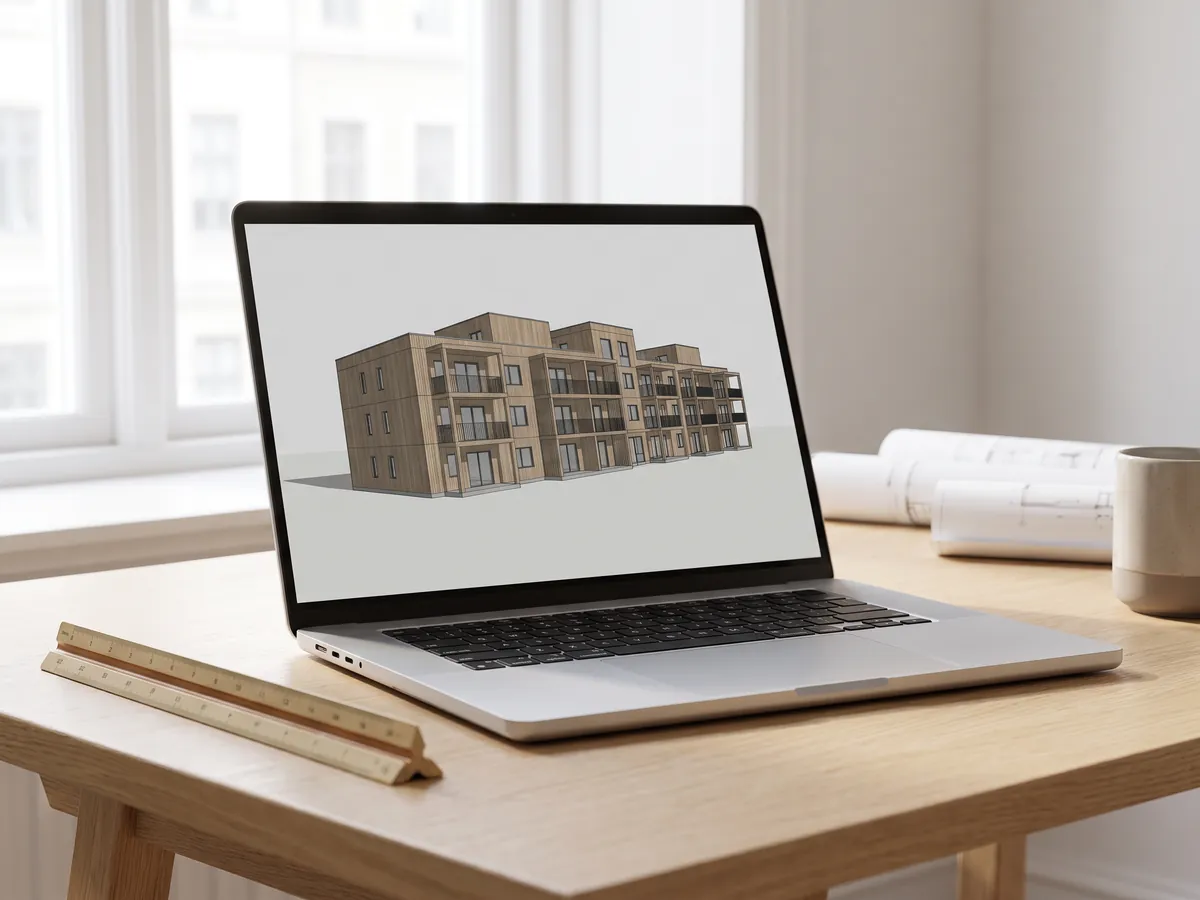
Visualizzatore Revit
Apra i file .rvt senza Revit: Autodesk li converte in IFC e poi li visualizza con livelli e proprietà.
Apra il visualizzatore Revit
Convertitore da Revit a IFC
Converta i file RVT in IFC 2x3 con livelli e proprietà, usando la conversione di Autodesk.
Converta Revit in IFC
Visualizzatore BIM
Esamini i modelli BIM da Revit, Archicad e Tekla senza licenza: livelli, proprietà, misurazioni.
Apra il visualizzatore BIM
Visualizzatore DWG
Apra online disegni AutoCAD DWG e DXF: ogni layout, layer attivabili e disattivabili, zoom e pan.
Apra il visualizzatore DWG
Visualizzatore DXF
Apra file DXF online: ogni layout, layer attivabili e disattivabili, zoom, poi li salvi come PDF o SVG.
Apra il visualizzatore DXF
Da DWG a PDF
Plotti i disegni AutoCAD in PDF: layout 1:1 con cartigli, spessori di linea e retini.
Apra il convertitore da DWG a PDF
Generatore di normal map
Crei normal map, mappe di altezza, di rugosità e AO da qualsiasi immagine, anche seamless se serve.
Apra il generatore di normal map
Da PDF a DWG
Trasformi i disegni PDF in linee CAD per AutoCAD: linee, testo e layer, in scala di disegno.
Apra il convertitore da PDF a DWG
Da SVG a DXF
Converta SVG in DXF per CAD, taglio laser e CNC: linee esatte, layer, dimensioni reali.
Apra il convertitore da SVG a DXF
Da PNG a DXF
Vettorializzi immagini PNG e JPG in forme DXF per taglio laser, CNC e CAD.
Apra il convertitore da PNG a DXF
Convertitore DXF
Apra disegni DXF e li salvi come PDF o SVG, con layout, spessori di linea e retini.
Apra il convertitore DXF
Slider prima e dopo
Crei uno slider, un video o un'immagine «prima e dopo» da due foto, per annunci, Reel e il suo sito web.
Apra lo strumento «prima e dopo»
Visualizzatore STEP
Apra file STEP e IGES da SolidWorks, Fusion 360 e Inventor. Veda ogni parte e misuri.
Apra il visualizzatore STEP
Visualizzatore 3D
Apra online 18 tipi di file 3D, da STEP e FBX a GLB e IFC, con gestione delle parti e misurazione.
Apra il visualizzatore 3D
Visualizzatore GLB
Apra file GLB e glTF con materiali e texture, dimensioni e numero di triangoli.
Apra il visualizzatore GLB
Visualizzatore OBJ
Apra file OBJ con i relativi materiali MTL e texture, e li salvi come STL, GLB o STEP.
Apra il visualizzatore OBJ
Visualizzatore SolidWorks
Apra file di componenti SolidWorks senza SolidWorks, poi li salvi come STL, STEP o GLB.
Apra il visualizzatore SolidWorks
Visualizzatore STL
Visualizzi file STL per la stampa 3D con dimensioni, volume, peso e verifica della tenuta stagna della mesh.
Apra il visualizzatore STL
Convertitore 3D
Converta tra STEP, OBJ, FBX, STL, glTF, PLY, IFC e altri formati, in entrambe le direzioni.
Apra il convertitore 3D
Da STEP a STL
Converta file STEP e STP da SolidWorks, Fusion 360 e Inventor in STL per la stampa 3D.
Apra il convertitore da STEP a STL
DWG to DXF
Convert AutoCAD DWG drawings to DXF in your browser, for CAD programs, laser cutters and CNC.
Open DWG to DXF
SLDPRT to STL
Turn a SolidWorks part into an STL for 3D printing without SolidWorks. One payment per file.
Open SLDPRT to STL
SLDPRT to STEP
A SolidWorks part as a faceted STEP mesh for reference and fit checks. One payment per file.
Open SLDPRT to STEP
Da 3MF a STL
Converta file 3MF da Bambu Studio e PrusaSlicer in STL, o STL in 3MF.
Apra il convertitore da 3MF a STL
Da immagine a STL
Trasformi immagini PNG e JPG in rilievi e litofanie STL o OBJ per la stampa 3D.
Apra il convertitore da immagine a STL
Convertitore STL
Converta file e immagini 3D in STL per la stampa 3D, con verifica della tenuta stagna della mesh.
Apra il convertitore STL
Convertitore OBJ
Converta STL, FBX, STEP, glTF e 3DS in OBJ con materiali, o OBJ in altri formati.
Apra il convertitore OBJ
Convertitore FBX
Converta file FBX da 3ds Max, Maya e Blender in OBJ, GLB o STL.
Apra il convertitore FBXConversioni popolari: Da PNG a STL · Da OBJ a STL · Da GLB a STL · Da GLB a OBJ · Da STL a STEP · Da FBX a OBJ · Da STL a OBJ · Visualizzatore FBX · Visualizzatore 3MF · Visualizzatore PLY · SLDPRT to STL · SLDPRT to STEP
Incorpora questo strumento
Put the free DXF to STL on your own site, course page or wiki. Paste this code where it should appear.
Cita questo strumento
Per una tesi, un articolo o materiale didattico: prima lo stile APA, poi BibTeX.
1,252
Progetti completati
13
Anni di attività
17
Paesi serviti







★★★★★
Valutazione 4.9 su Clutch · Veda le nostre recensioni
Architetti, sviluppatori immobiliari & interior designer
Al servizio di 215 aziende dal 2013
125 dei 220 clienti sono tornati
Più della metà dei nostri clienti ci ha incaricati di nuovo

From drawings to 3D
Need a 3D model, not just an extrusion?
Send the drawings and say what the model is for. We reply within 30 minutes: a fixed price and a delivery date, or the 1-2 questions we need answered first.