Free Rendering Software for Architecture: What You Can Do Without Paying
Blender is free for any use. Twinmotion is free under a revenue limit. D5 Community and SketchUp Free are for non-commercial use. Here is what each free option does and where it stops.
In this article
- Blender is free for any use, including client work. Twinmotion is free under a revenue limit.
- D5 Community and SketchUp Free are for non-commercial use, so check the license before paid work.
- A web AI tool makes a quick concept image from a screenshot, but nothing is checked against your drawings.
- When an image must match the drawings, a studio quote usually makes more sense than learning a render engine.
The main free rendering software for architecture is Blender, which is free for any use, including client work. Twinmotion is free for individuals and small businesses under a revenue limit, and for students. D5 Render has a free Community plan and SketchUp has a free web modeler, but both are limited to non-commercial use. Web AI tools give a limited number of free images from a screenshot.
Free software removes the license cost. It does not remove the work of building the scene, setting the light and checking the result against your drawings. For images that go to a client, a buyer or a planning office, you can send the files to a studio instead: 3Dstudio.co offers architectural visualization. This guide shows what each free option includes, where its limit is, and when a quote makes more sense.
Free rendering software compared
Checked on each vendor’s own website on 18 November 2026. Free terms change, so read the current license page before you use a tool for paid work.
| Option | What is free | Limit to check | Good for |
|---|---|---|---|
| Blender | The whole program, with the Cycles and EEVEE render engines | None on use. You build or import the scene and set up materials yourself | Photoreal stills and animation, if you have time to learn it |
| Twinmotion | Free for individuals and small businesses under a revenue limit, for educational institutions and for students | Above the revenue limit, or to use Twinmotion Cloud, a paid seat is needed | Real-time views and presentations |
| D5 Render Community | A free plan | Non-commercial use only. Limited cloud storage and a small trial of AI credits | Learning real-time rendering |
| SketchUp Free | A modeler that runs in the browser | Not for commercial use. It is a modeler, not a render engine | Modeling a design and exporting a view |
| Autodesk education access | Free educational access for students and educators, with Revit, 3ds Max and Arnold on the list | Access runs for one year and renews while you stay eligible | Students who learn BIM and rendering |
| Free AI rendering tool (ours) | Free renders with a free account | Works from a screenshot, so the image is not calculated from the scene | Quick concept images |
| Other web AI tools | Usually a starter allowance | Read what happens after the allowance and who owns the images | Trying an idea quickly |
Free does not always mean free for client work
The license decides whether a free tool can be used for paid work. D5 says Community is for non-commercial purposes such as learning, personal projects and evaluation, and that commercial or professional work needs Pro. SketchUp says SketchUp Free is not for commercial use. Blender and Twinmotion are the 2 in this list that allow client work: Blender for any use, and Twinmotion under its revenue limit.
Have a 3D model? 3Dstudio.co turns a screenshot of it into a photoreal image. The first render is ready in under 10 seconds. Free to start, no credit card.
Render your model free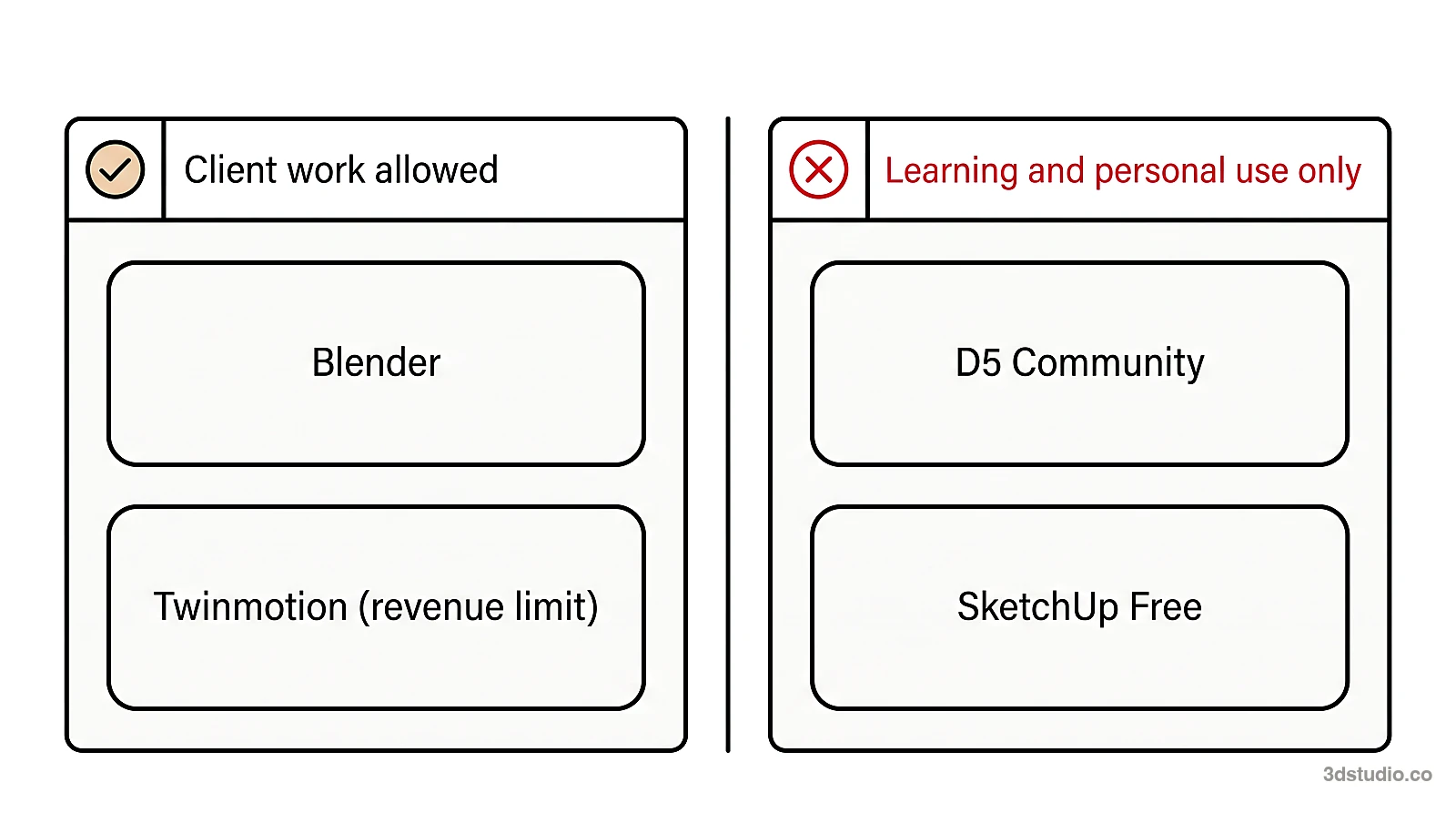
Student and education licenses are for study and do not cover paid projects. If you are unsure, ask the vendor before you start, and keep the answer.
Blender: free for any use
Blender is free and open source. Its site says it can be used for any purpose, including commercial work. It has 2 render engines. Cycles is a physically based path tracer for production rendering. EEVEE is a real-time engine based on rasterization. Blender’s manual says Cycles always gives the more physically accurate result, and that EEVEE suits previewing materials in real time.
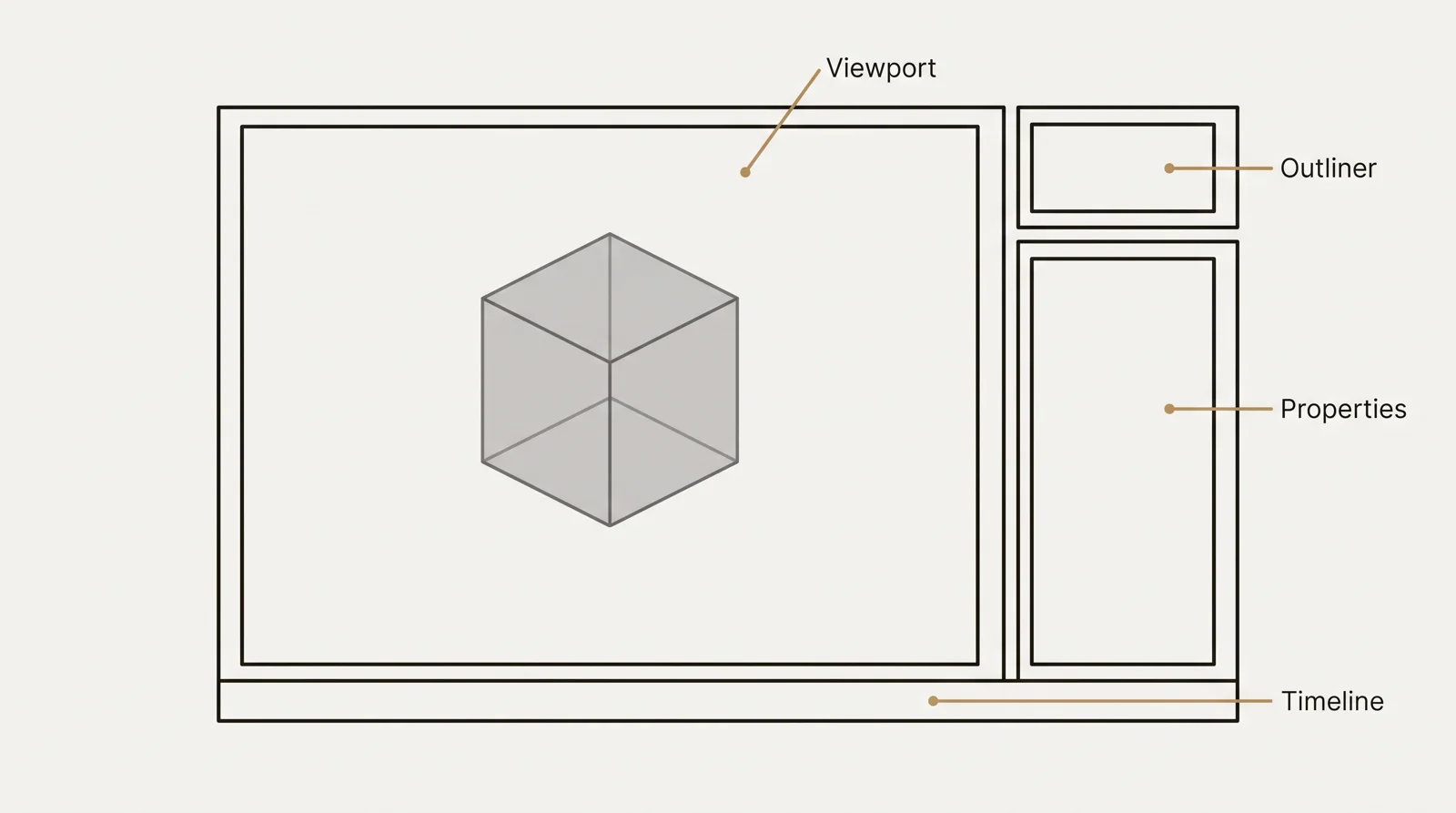
Blender is not a drawing or BIM program. The model usually comes from SketchUp, Revit or Archicad by export, and you set up the materials, light and camera in Blender. It takes time to learn, and suits you when you want photoreal images, have time, and do not want to pay for a license. For free materials, see our free textures. If you are new to it, our guide to 3D modeling in Blender explains the interface and a first workflow.
Twinmotion: free under a revenue limit
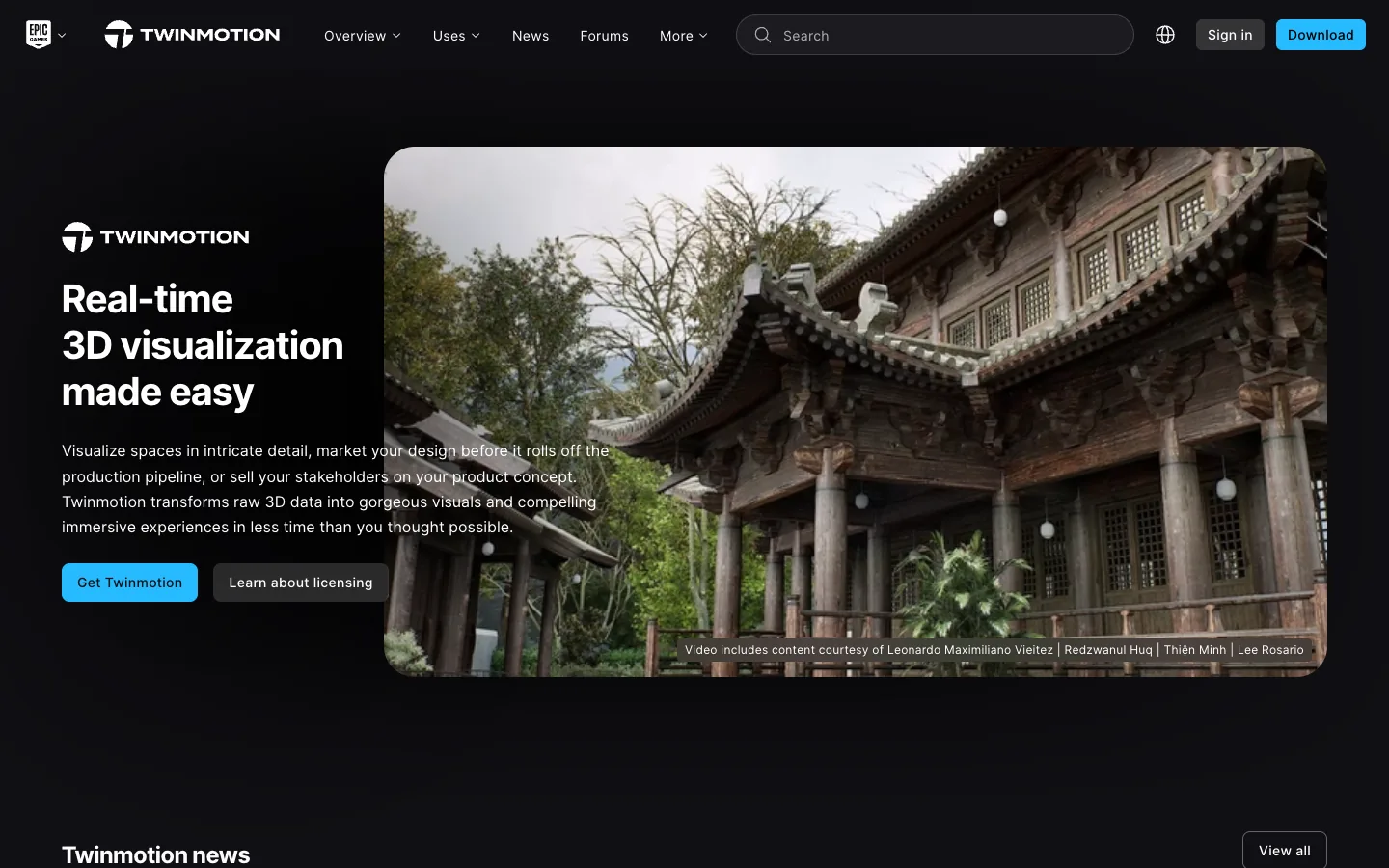
Twinmotion is a real-time visualization program from Epic Games. Its license page says it is free for individuals and small businesses with under $1 million in revenue in the past 12 months, for educational institutions and for students. A paid seat is needed above the limit, or for Twinmotion Cloud. Epic counts annual gross company revenue, so check the license page before you rely on it for a company.
D5 Render Community plan
D5 Render is a real-time renderer. D5 offers LiveSync plugins for SketchUp, 3ds Max, Rhino, Archicad, Vectorworks, Blender, Cinema 4D and Revit. Its pricing page lists the Community limits: non-commercial use, limited cloud storage and a trial amount of AI credits. D5 also lists a ray-tracing capable graphics card in its system requirements.
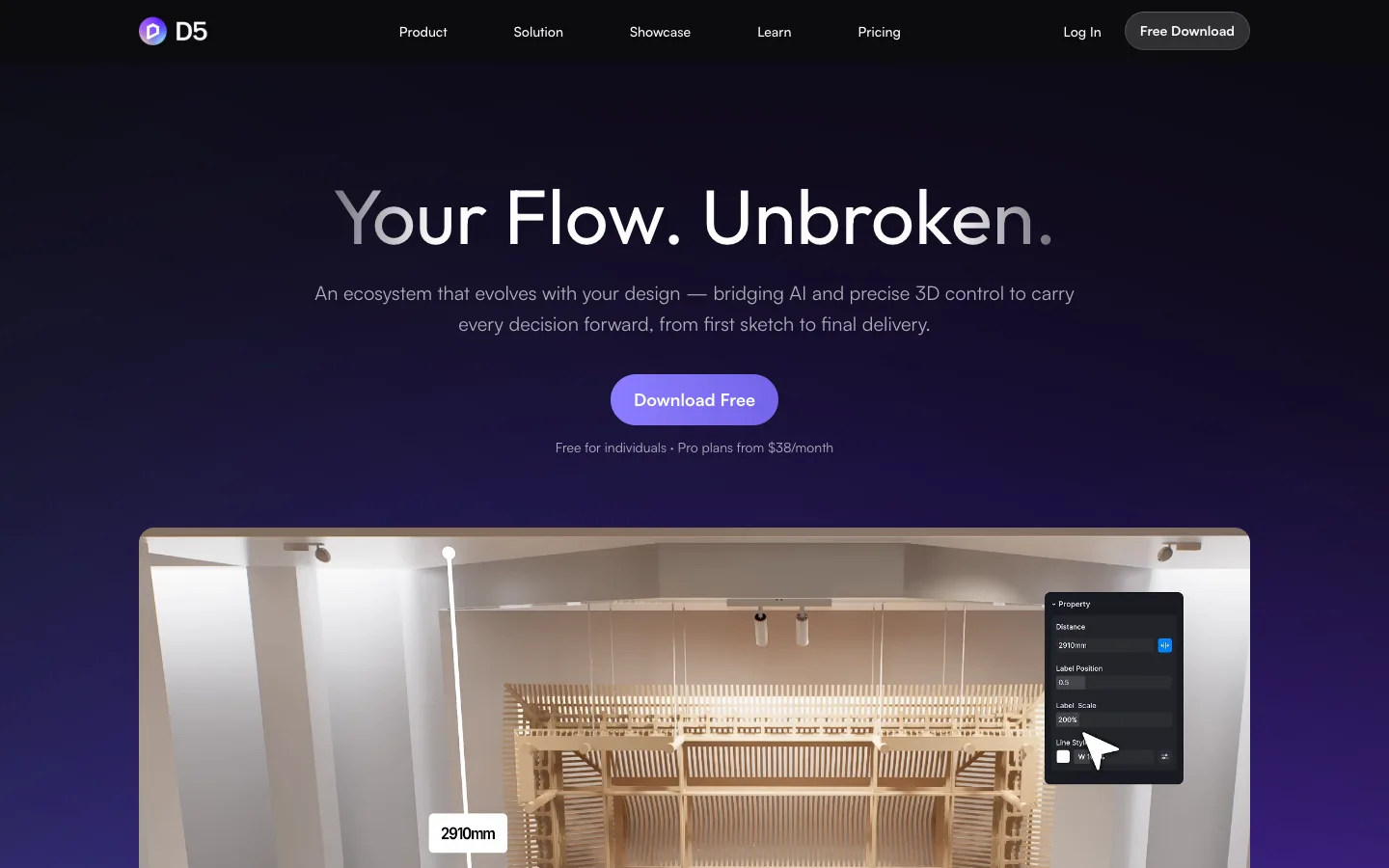
D5 Community suits learning real-time rendering and trying your own model. Paid work needs the Pro plan.
SketchUp Free and free ways to render a SketchUp model
SketchUp Free is a modeler that runs in the browser. SketchUp’s help center says it is not for commercial use, that support is not available to free users, and that Trimble Credits come only with a paid subscription. SketchUp’s page lists SKP, PNG and STL as export formats, so you can save a PNG of a view. That is a viewport image, not a photoreal render.
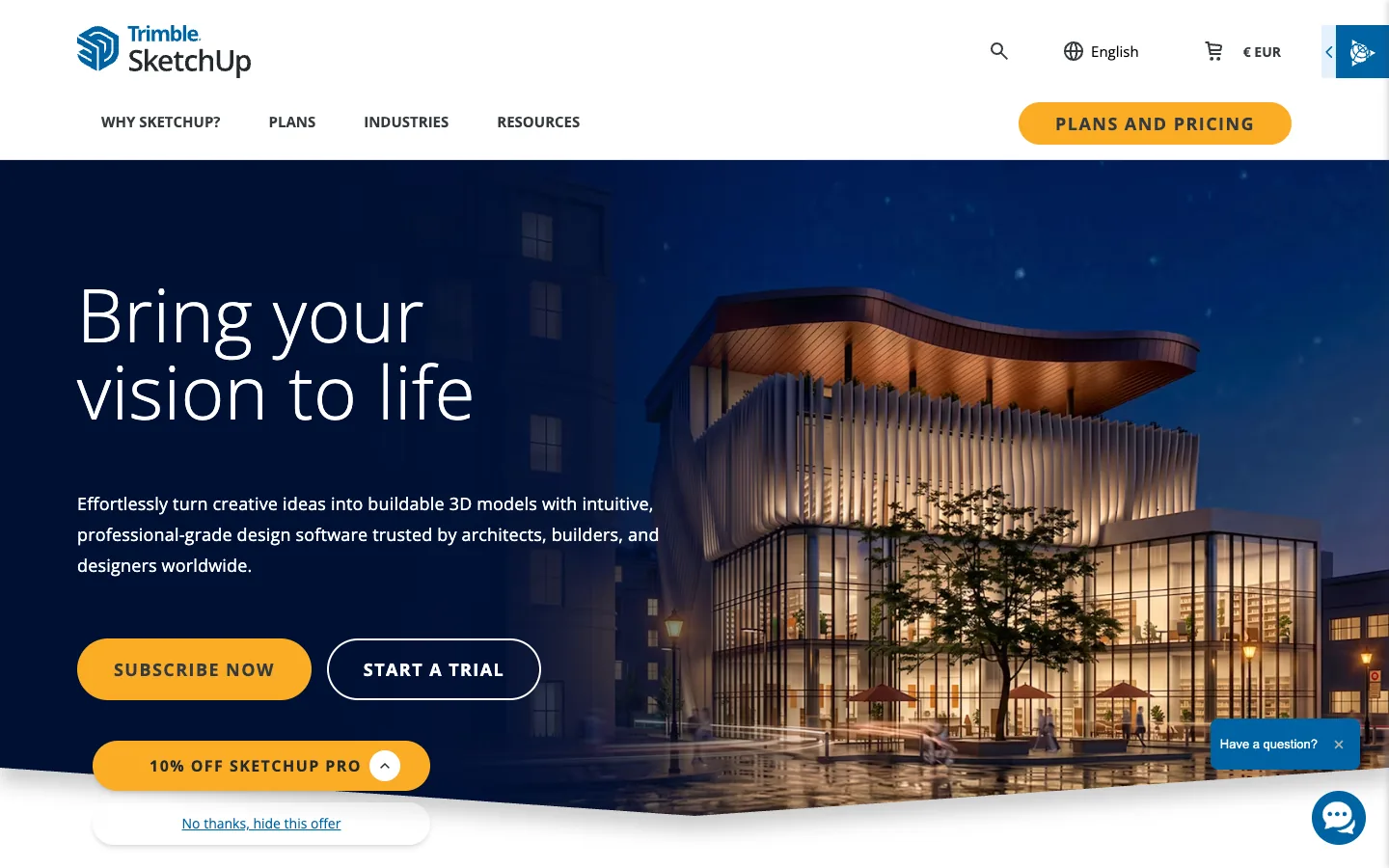
To get a photoreal image of a SketchUp model for free, export it to Blender, use a free real-time renderer you are allowed to use, or make an AI image from a screenshot. Our guide on how to render in SketchUp covers the built-in tools and plugin routes, and the list of SketchUp rendering software compares the options.
Free online rendering with AI
A web AI tool makes a new image from a picture of your model. It does not calculate light from a 3D scene, and you install nothing, which suits free online rendering when you want to explore an idea.
Our free AI rendering tool is one entry in this group: free AI rendering for architecture, from a screenshot of your 3D model. You upload a screenshot from SketchUp, Revit, Archicad or Rhino, choose exterior or interior and the light, and download the image. It is free to start, with no credit card. The tool page lists the current limit.
- Frame the view in your 3D program. A plain shaded or white model gives the cleanest input.
- Save a screenshot or export a PNG of that view.
- Upload it, choose exterior or interior and the light, and add a short note about materials if you want.
- Download the result, or try another light on the same view.
AI tools are good for exploring options and early concepts. Depending on the tool, details such as window frames, balconies or the roofline can change or come out simpler, and nothing in the output is checked against your drawings. Compare the image with your model before you show it. More in our article on AI architectural rendering and in free AI rendering tools, which shows what each tool gives free.
Free rendering software for students
Students have more free options than professionals, because several vendors give education access:
- Twinmotion. Free for students and educational institutions.
- Blender. Free for everyone, with no student check.
- D5 Render Community. Free for learning and personal projects.
- Autodesk. Free educational access for students and educators, with Revit, 3ds Max and Arnold on the list. It renews while you stay eligible.
- Chaos. Student licenses for Enscape, V-Ray and Corona are discounted, not free, and Chaos states that they are strictly for educational use.
A free AI tool also works for a first concept image of a course project. Keep the 3D model and your design decisions at the center of the portfolio, because a jury looks at the design and the drawings.
What free rendering software costs in time and hardware
Plan for these costs before you choose:
- Learning time. Blender gives the most control and takes the longest to learn.
- A capable computer. Real-time renderers usually need a strong graphics card, and D5 lists a ray-tracing capable one.
- Scene work. Materials, trees, people, furniture and surrounding buildings all have to be added.
- Checking. You compare the image with the drawings yourself. Support is limited on free plans: SketchUp says it is not available to free users.
Tip: test a free tool on one of your own models before you promise a client a date.
When a studio quote makes more sense
Free tools suit study, design review and early concepts. A studio quote makes more sense in these cases:
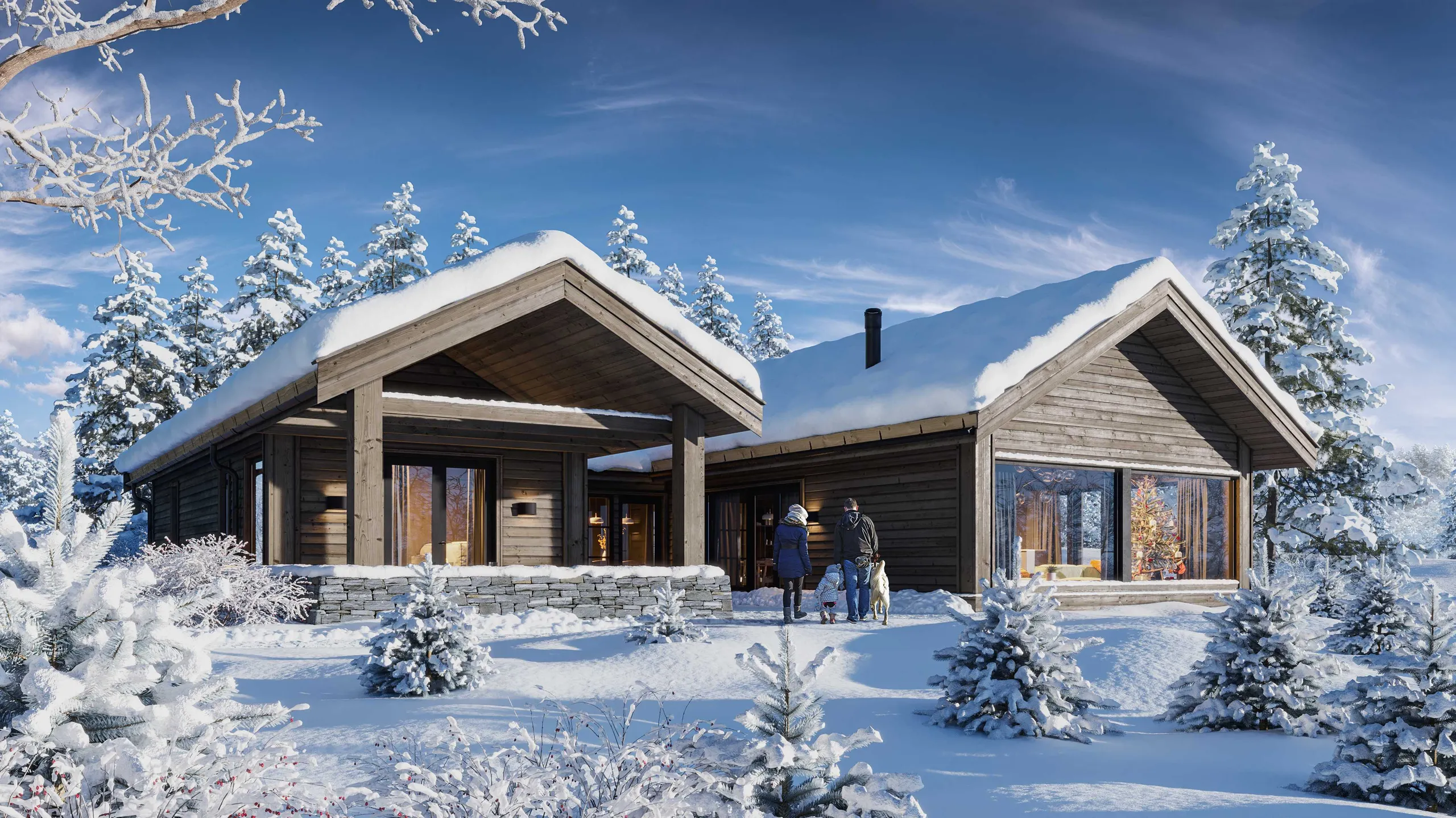
- The image goes to a client, a buyer, a jury or a planning office, and it must match the drawings.
- You need several views of the same scene, or an animation.
- The license of a free tool does not cover the job.
- Your time is worth more on the design than on learning a render engine.
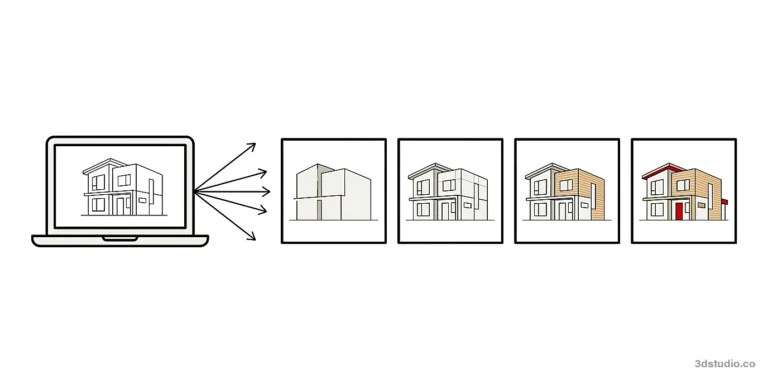
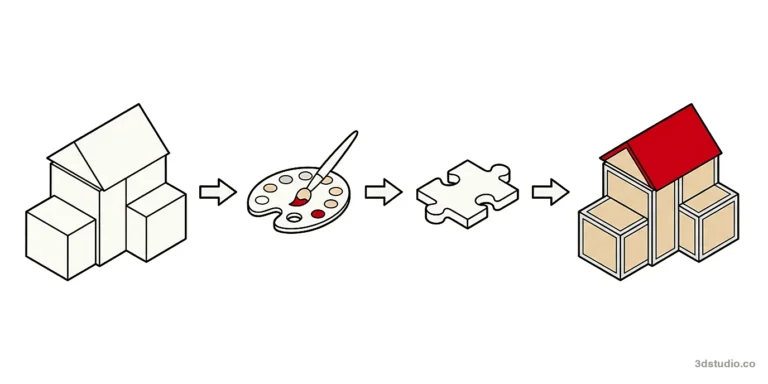
3Dstudio.co accepts SketchUp, Revit, ArchiCAD, CAD and PDF files. You upload the files and get a reply within 30 minutes: a fixed price and a delivery date, or the 1-2 questions we need answered first. A clay model comes first, so camera, lens and time of day are agreed while changes are cheap. A photoreal first look follows, with 2 revision rounds included, and final images are delivered in 4K with full usage rights. Projects start at €1,000. See how the price is set and what drives the cost of 3D rendering.
If you only have drawings, our 3D modeling service builds the model first. See the portfolio, how it works for the 4 stages, and architectural rendering software for paid and free engines side by side.
Questions about free rendering software
What is the best free rendering program for architecture?
There is no single best one. Blender gives the most control and is free for any use. Twinmotion is quick to learn and free under its revenue limit. A web AI tool is the fastest way to a concept image. Pick by what the image is for and how much time you have.
Is Blender free for commercial work?
Yes. Blender’s site says it can be used for any purpose, including commercial work. It is released under the GNU General Public License.
Is D5 Render still free?
D5 lists a free Community plan, for non-commercial use such as learning and personal projects. Commercial or professional work needs a Pro license, so read D5’s current terms before you use it for a client.
Where can I render online for free?
Web AI tools take a screenshot of your model and return a rendered image, usually with a free allowance. Browser-based modelers such as SketchUp Free let you model online but do not render photoreal images. Check each tool’s allowance and image rights.
Diagrams in this post are drawn with an AI image tool from our brief and checked by our team.
More on AI rendering
- 3Dstudio.co AI Render
- SketchUp AI rendering
- SketchUp Price in 2026: Every Plan, What It Includes and Render Costs
- AI for Architects in 2026: What It Does Well and Where It Fails
- How to Render in Revit: Built-in Rendering, Plugins and AI
- SketchUp Rendering Software: Plugins and Free Options Compared
- How to Render in SketchUp: Built-in Tools, Plugins and AI
- Twinmotion Price in 2026: Free Tier, Seats and Real Costs
- D5 Render Price in 2026: Community, Pro, Teams and Real Costs
- Lumion Price in 2026: Every Plan, Real Costs and a Cheaper Route
- V-Ray Price in 2026: Plans, Licenses, Host Programs and a Cheaper Route
- Enscape Price in 2026: Every Plan, What It Includes and a Cheaper Route
- Nano Banana Architecture: How to Keep Your Design in AI Renders
- SketchUp Diffusion: What It Is Now, What It Costs and How to Keep Your Model