

Free DWG to DXF converter
Convert AutoCAD DWG files to DXF online
Drop a DWG drawing and save it as a DXF that opens in CAD programs such as LibreCAD and BricsCAD, and in laser-cutting and CNC software that reads DXF.
Nothing is uploaded: the drawing is read and converted on your own computer.
Besoin de transformer ces dessins en perspectives, en modèle 3D ou en plan d'étage meublé ? Nous travaillons à partir de plans DWG et PDF et répondons sous 30 minutes : un prix fixe et une date de livraison, ou les 1-2 questions auxquelles nous devons d'abord répondre.
Free, no sign-up. Your drawing stays on your computer. It is read and converted in this browser tab and is never uploaded to us or anyone else.
Le fichier ne se convertit pas, ou le modèle doit être nettoyé ? Notre équipe le corrige et le convertit pour vous. Envoyez-nous le fichier et nous vous répondrons avec un prix fixe. Envoyer le fichier
- Layers, blocks, text and dimensions kept
- About 1 drawing in 8 is saved as a simpler R12 DXF, and the page tells you
- DWG files from R14 to the 2018 format, tested up to 19 MB
Comment ça marche
How to convert DWG to DXF online
3 étapes, et le dessin ne quitte jamais votre ordinateur.
1. Ouvrez le dessin
Drop the .dwg file on the converter or click to choose it. The reader loads once, then the drawing opens and the DXF is made in a few seconds.
2. Check the drawing
The preview shows model space and every layout. The panel under it lists the layers, blocks and objects found in the file, and tells you which kind of DXF was written.
3. Téléchargez le DXF
Click Download DXF. The file is saved to your computer under the same name, ready to open in your CAD program, CAM software or laser cutter.
What the DXF keeps
What you get in the DXF
What is carried from the DWG into the DXF, and what is not.
The drawing's own DXF version
In most cases (115 of the 131 drawings we tested) the DXF is written in the same version as the DWG, from R14 to 2018. Layers, line types, line weights, colours, blocks with their attributes, text and dimensions stay real objects that you can edit.
Hatches, layouts and units
In a full DXF, hatches and paper layouts with their viewports are written too, and the drawing units are kept, so a plan in millimetres stays in millimetres. A hatch that the converter cannot write cleanly is left out. We checked the files with open-source DXF readers, not in AutoCAD itself.
A plain DXF when the full one fails
LibreDWG, the open-source library that does the conversion, cannot write every drawing correctly. Each DXF is checked before you download it. If it fails the check, a plain R12 DXF is written instead, and the page says so. In our tests 16 of 131 drawings, about 1 in 8, needed this.
What the plain DXF holds
Lines, arcs, circles, polylines, splines, text, dimensions and blocks with attributes. Hatches become outlines and paper layouts are left out. Objects with no 2D equivalent, such as images and 3D solids, are counted and listed on the page.
Des dessins aux images
Ce que nous faisons à partir de dessins DWG
Les architectes et les promoteurs nous envoient leurs plans, coupes et façades CAO pour les transformer en images qui permettent d'obtenir un permis, de vendre et de gagner des concours.

Perspective 3D architecturale
Extérieurs, intérieurs et vues aériennes photoréalistes, modélisés à partir de vos plans et façades DWG.
Voir la perspective 3D architecturale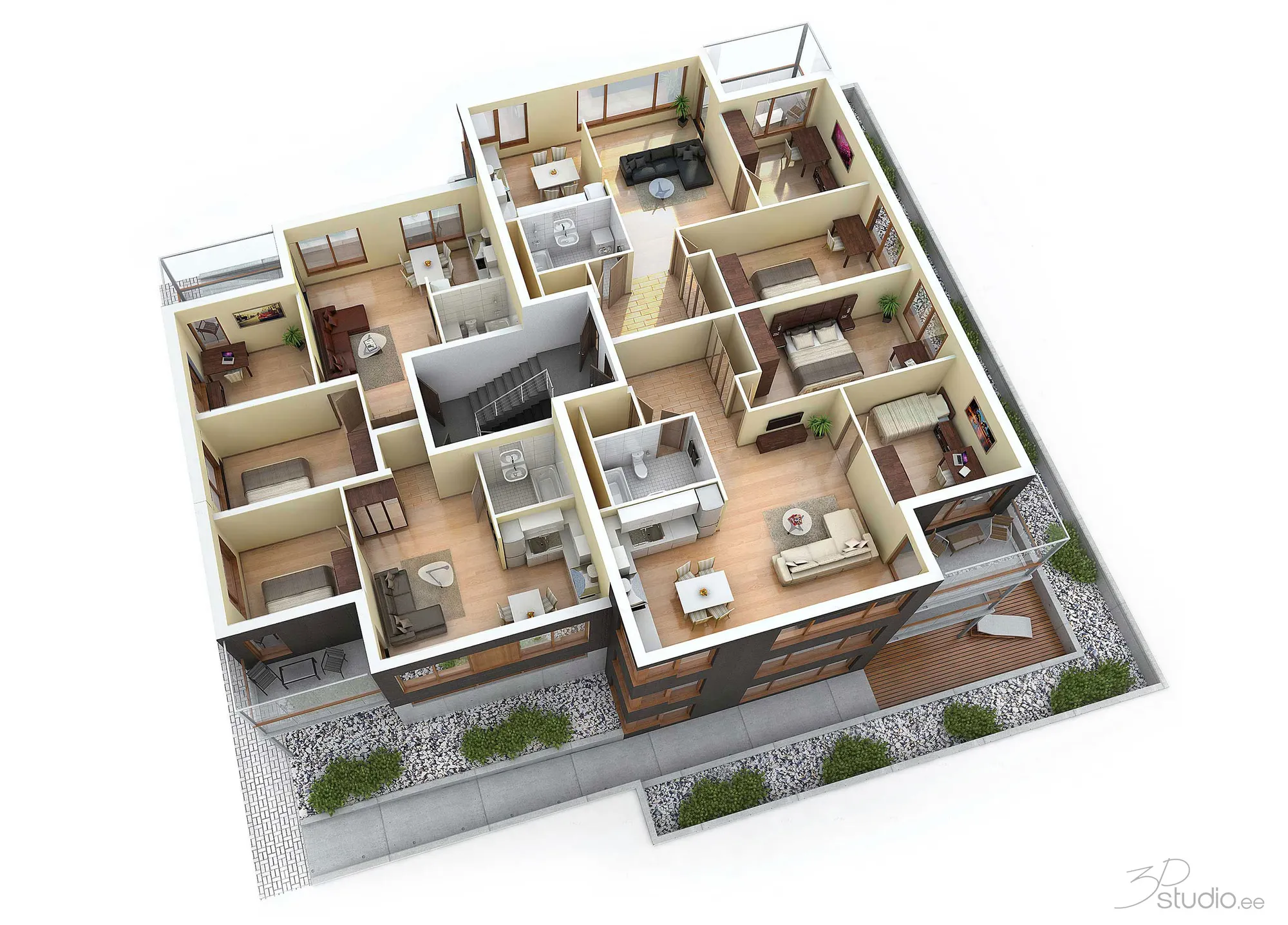
Plans 3D
Plans 3D meublés réalisés à partir d'un plan DWG ou PDF, pour les brochures et les portails immobiliers.
Voir les plans 3D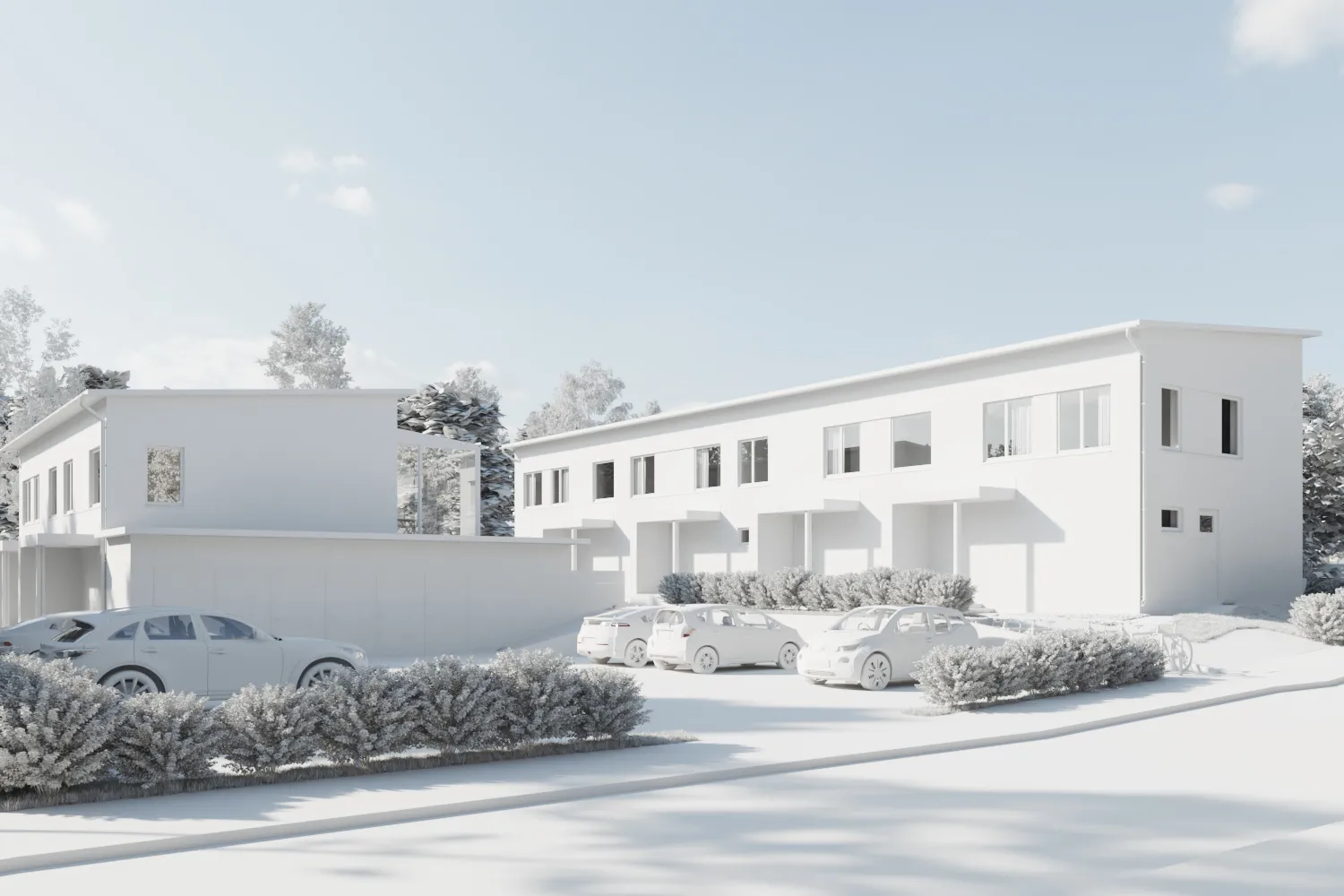
Modélisation 3D
Un modèle 3D propre construit à partir de vos dessins CAO, prêt pour les rendus, l'animation ou la coordination BIM.
Voir la modélisation 3D
DWG to DXF FAQ
Questions about converting DWG to DXF
Versions, what is kept, and what this tool does not do.
Posez-nous une questionIs the DWG to DXF conversion really free?
Yes. There is no sign-up, no limit on files and no watermark. The conversion runs in your own browser, so it costs us nothing to run, and we do not charge for it.
Is my drawing uploaded to a server?
No. The file is read and converted in this browser tab and never leaves your computer. Only the converter code is downloaded, once, when you drop a file. Your drawing is not sent to us or to anyone else.
Which DXF version do I get?
Usually the same version as the drawing. A DWG saved in AutoCAD 2018 to 2025 gives a 2018 DXF, a 2013 drawing gives a 2013 DXF, and so on. If the full DXF cannot be written correctly (about 1 drawing in 8 in our tests), you get a release 12 DXF, which is older and simpler: hatches become outlines and layouts are left out.
Does it open in AutoCAD?
We could not test in AutoCAD. Every file we made was read back by two independent DXF readers, and 125 of 131 passed a strict check in ezdxf, the open-source Python library. They open in CAD programs such as LibreCAD and BricsCAD. If a file will not open in AutoCAD, send it to us and we will look at it.
Can I convert a large drawing?
Yes, but a big drawing takes longer to read and convert, because everything happens inside this browser tab. We tested files up to 19 MB. Very large drawings can run out of memory: close other tabs, or use a computer with more memory.
What is the difference between DWG and DXF?
Both hold the same drawing. DWG is AutoCAD's own binary format, and DXF is Autodesk's open text format that other programs read and write. Laser cutters, CNC software, GIS programs and most free CAD programs take DXF but not DWG.
What is lost in the conversion?
Custom objects from add-ons (proxy objects), dynamic block rules and external references are not carried over, and fonts are not stored in either format. For external references, bind them in AutoCAD first (XREF, then Bind) and save again.
Can I convert a DXF back to DWG?
No. There is no open writer for the DWG format, so this tool only goes from DWG to DXF. To look at a DXF or save it as PDF or SVG, use the Convertisseur DXF.
Why does the DXF look different from the drawing in AutoCAD?
Most often the drawing uses fonts that your computer does not have, or the layout is set to a plot style. Check the layer colours and the units first. If a drawing opens badly, send it to us and we will tell you what is wrong.
Plus d'outils gratuits
Autres outils 3D et CAD gratuits
Chacun s'exécute dans votre navigateur, comme celui-ci.
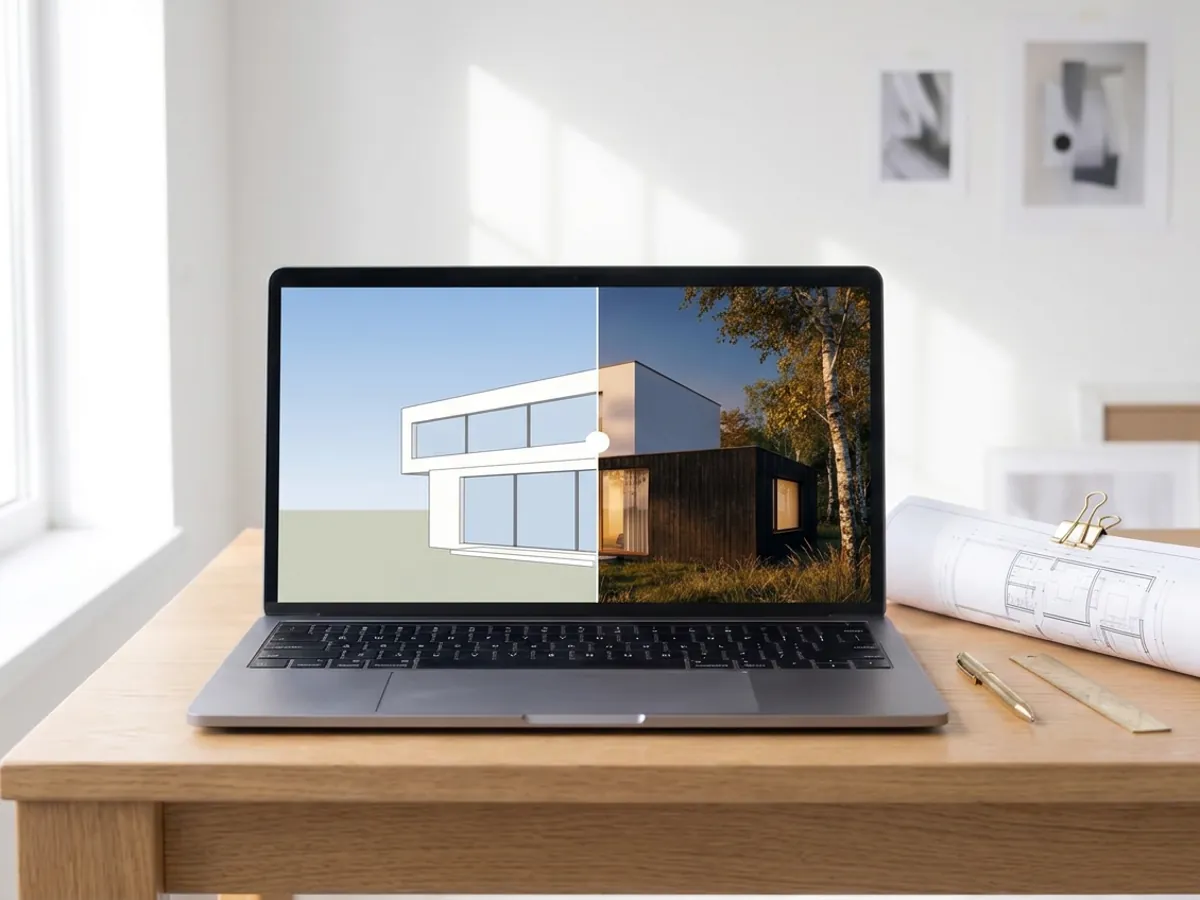
Rendu IA
Transformez une capture de votre modèle SketchUp, Revit ou Rhino en rendu photoréaliste. Premier rendu en moins de 10 secondes.
Créer un rendu IA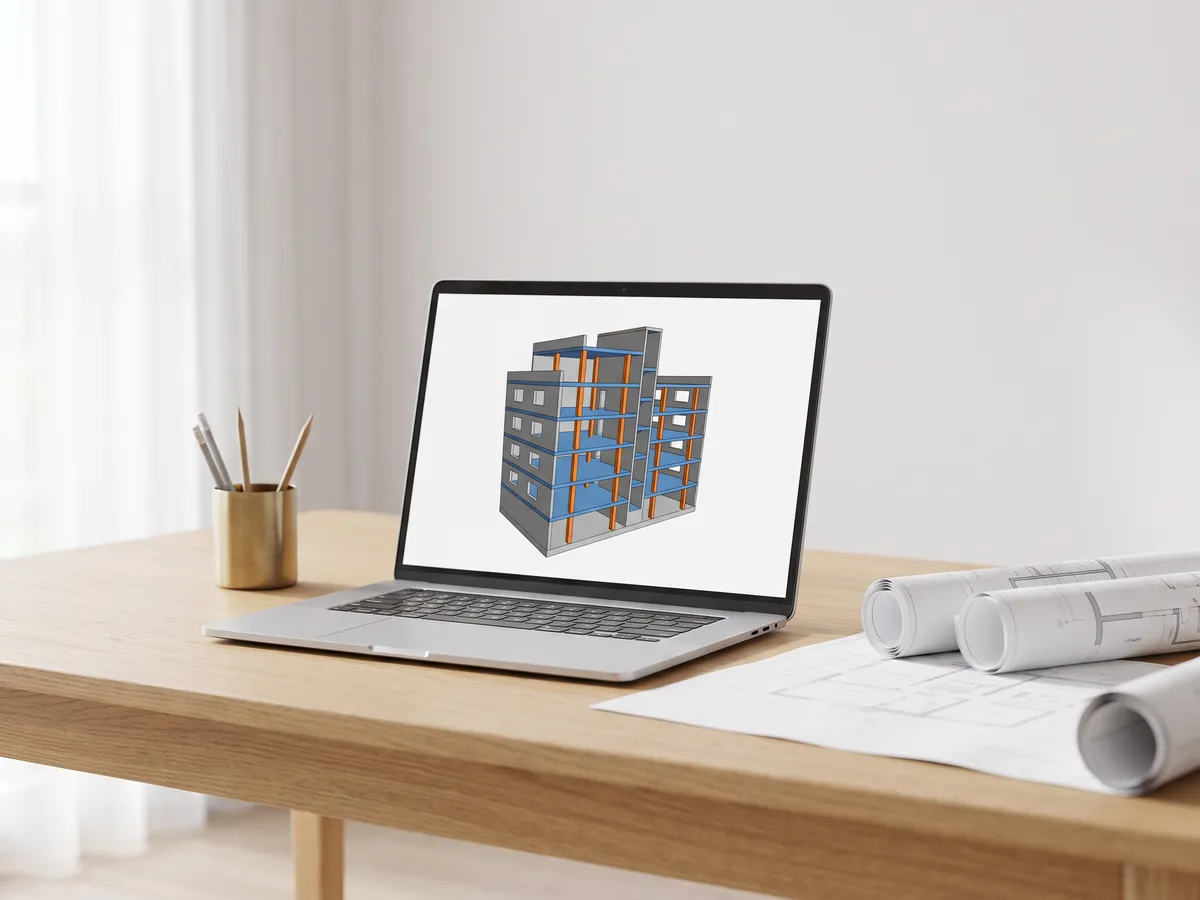
IFC viewer
Ouvrez les fichiers IFC de Revit, ArchiCAD et Tekla. Filtrez par élément et niveau, vérifiez les propriétés et mesurez.
Ouvrir l'IFC viewer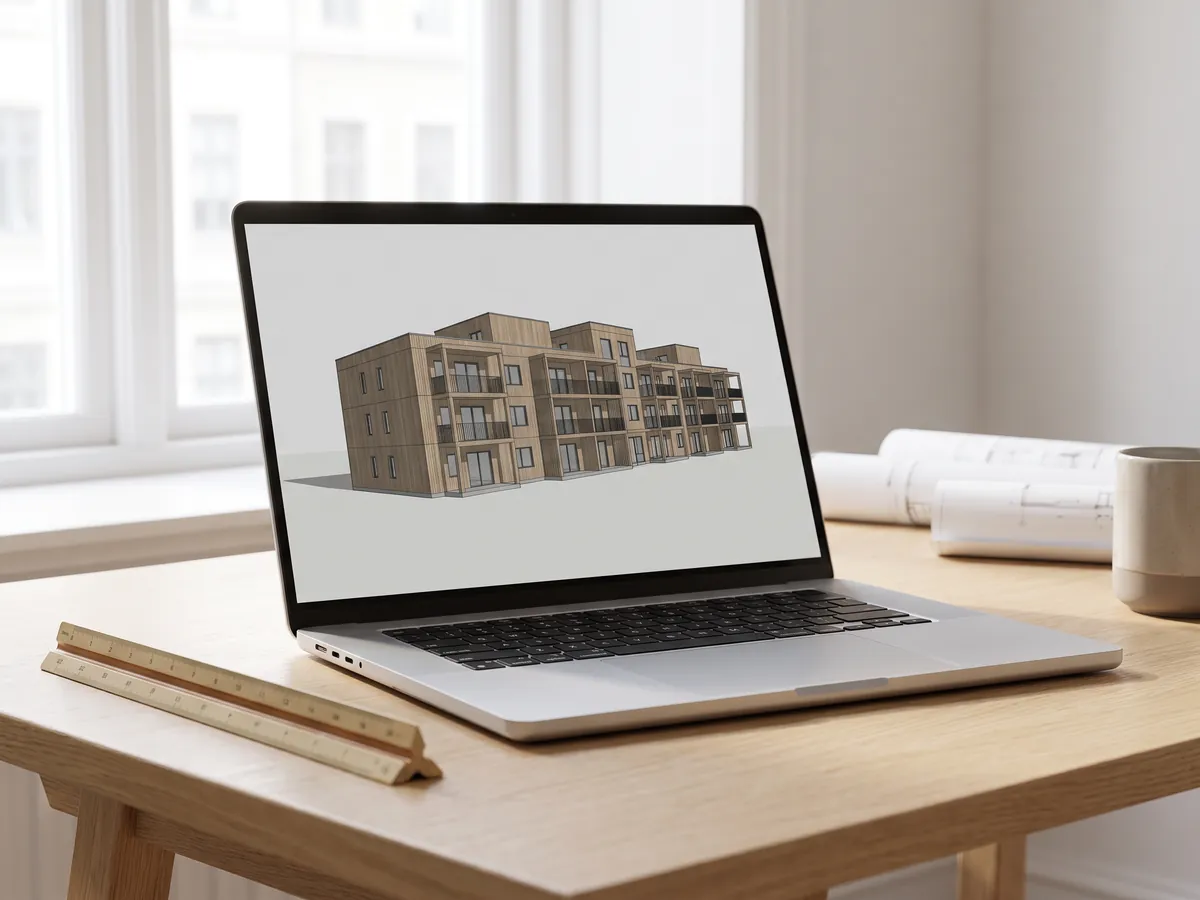
Visionneuse Revit
Ouvrir des fichiers .rvt sans Revit : convertis en IFC par Autodesk, puis visualisés avec les niveaux et les propriétés.
Ouvrir la visionneuse Revit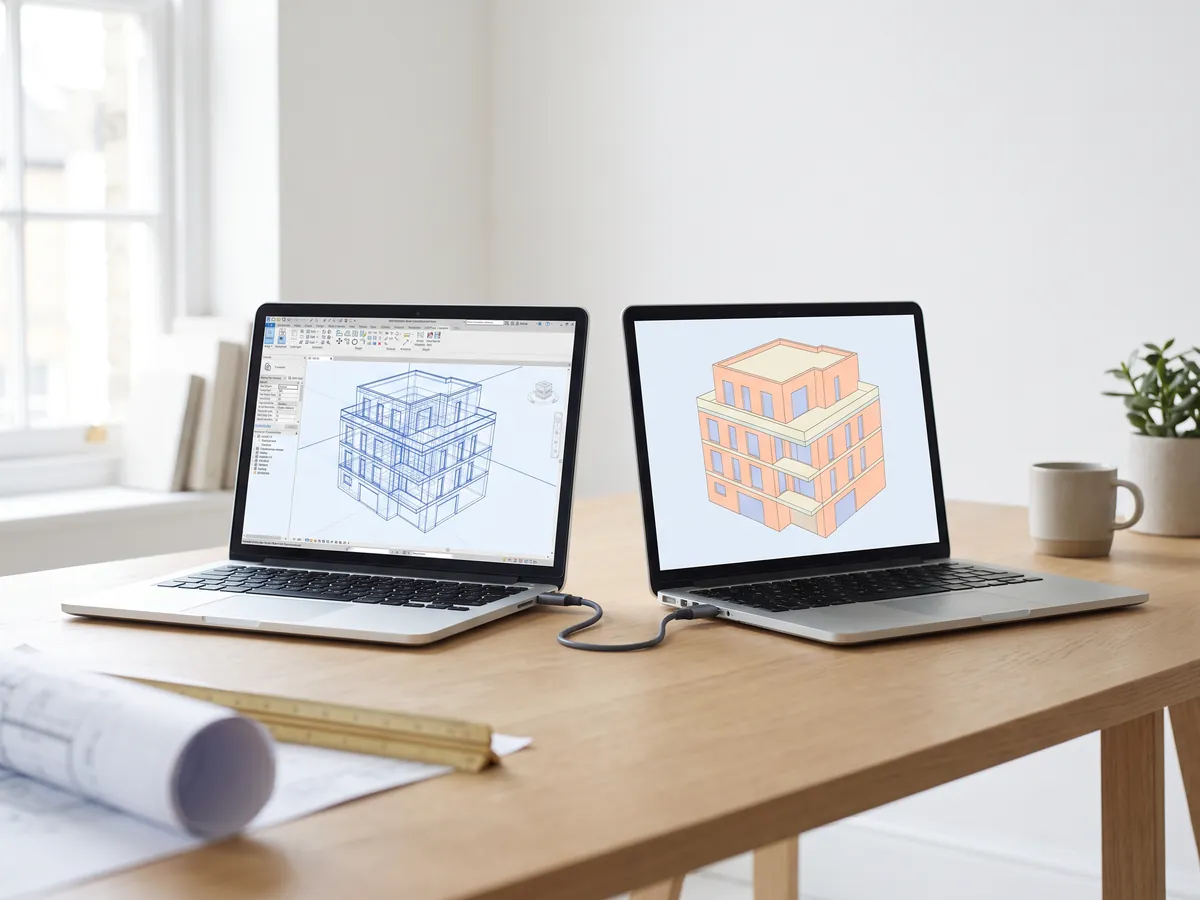
Convertisseur Revit vers IFC
Convertissez les fichiers RVT en IFC 2x3 avec niveaux et propriétés, en utilisant la conversion propre à Autodesk.
Convertir Revit en IFC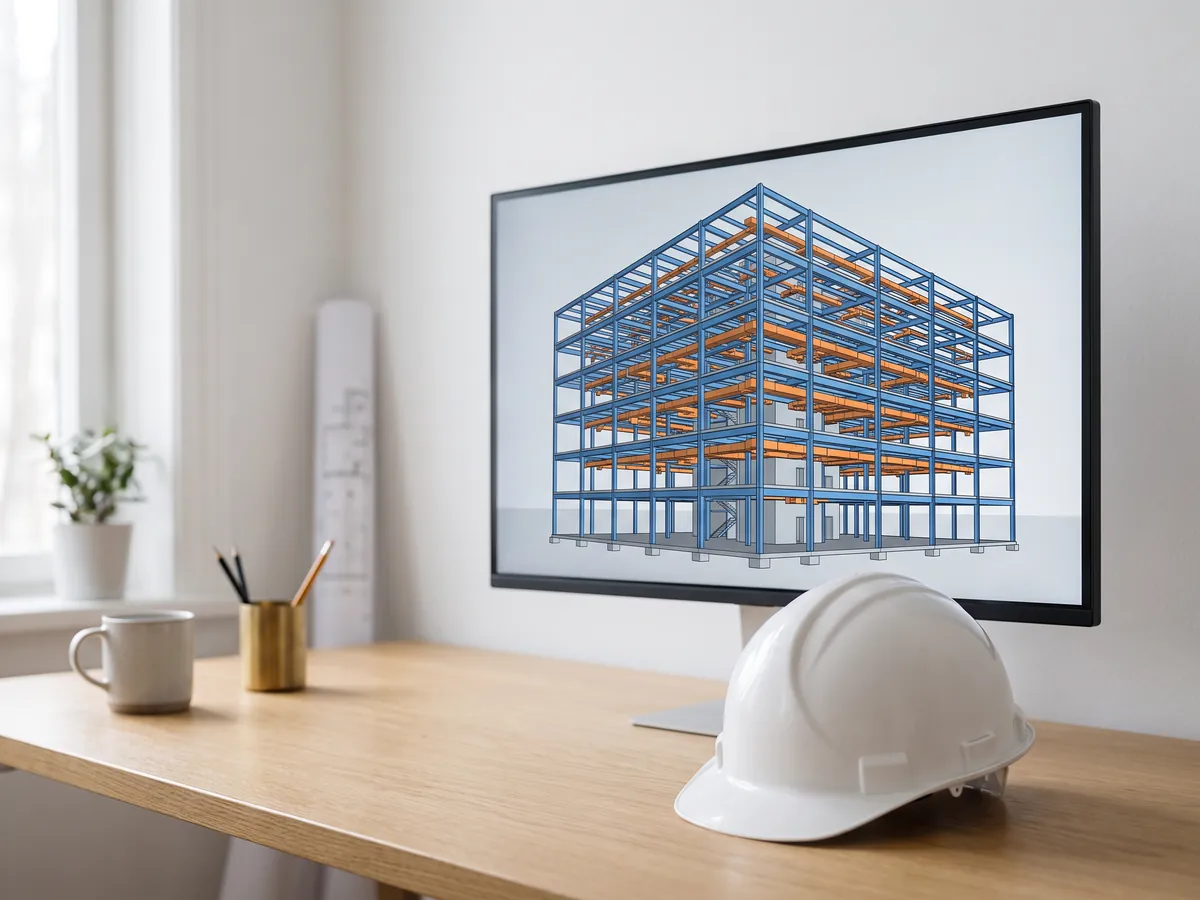
Visionneuse BIM
Examinez les modèles BIM de Revit, Archicad et Tekla sans licence : niveaux, propriétés, mesures.
Ouvrir la visionneuse BIM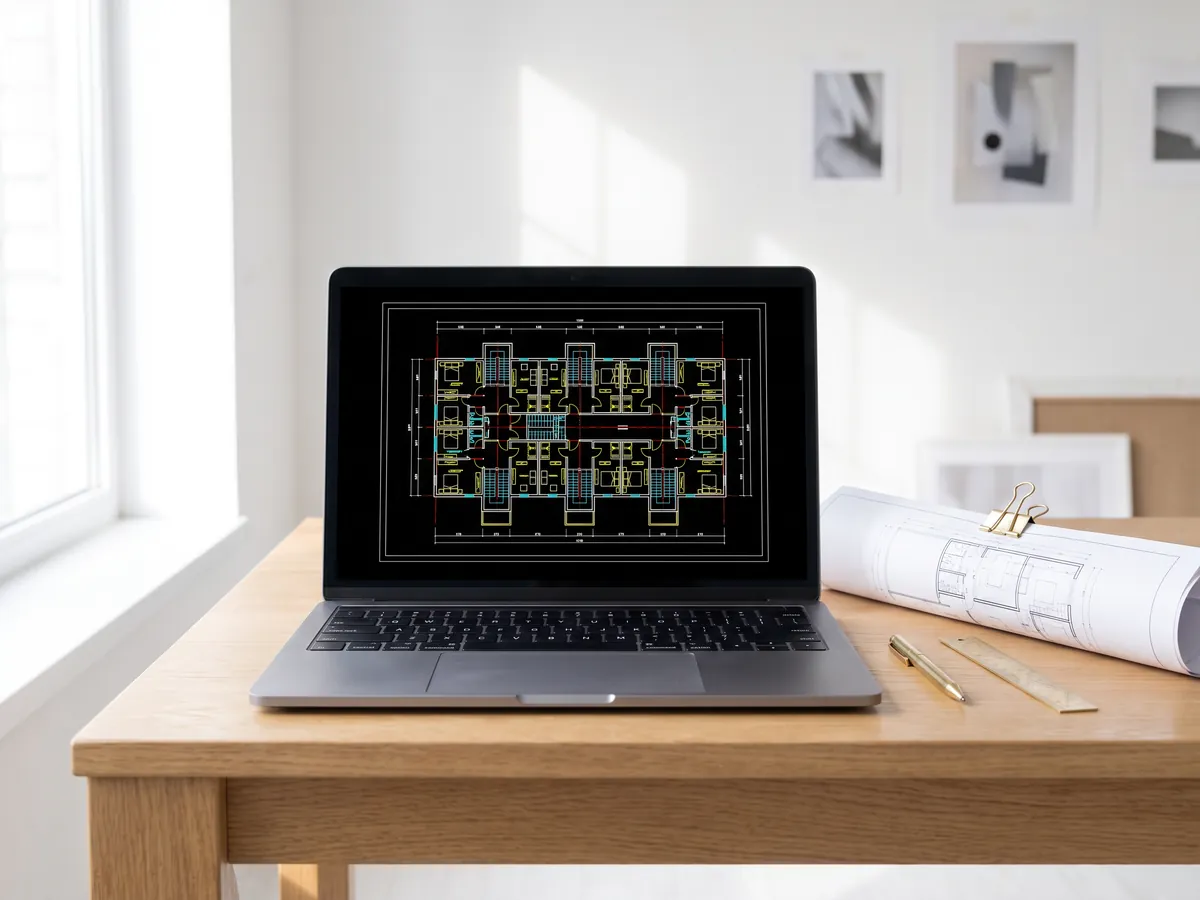
Visionneuse DWG
Ouvrez les dessins AutoCAD DWG et DXF en ligne : chaque présentation, calques affichables ou masquables, zoom et panoramique.
Ouvrir la visionneuse DWG
Visionneuse DXF
Ouvrez les fichiers DXF en ligne : chaque présentation, calques affichables ou masquables, zoom, puis enregistrez en PDF ou SVG.
Ouvrir la visionneuse DXF
DWG en PDF
Tracez les dessins AutoCAD en PDF : mises en page 1:1 avec cartouches, épaisseurs de ligne et hachures.
Convertir DWG en PDF
Normal map generator
Créez des cartes de normales, de hauteur, de rugosité et d'AO à partir de n'importe quelle image, sans raccord si vous en avez besoin.
Ouvrir le Normal map generator
PDF en DWG
Transformez des dessins PDF en lignes CAD pour AutoCAD : lignes, texte et calques, à l'échelle du dessin.
Convertir PDF en DWG
SVG en DXF
Convertissez SVG en DXF pour CAD, découpe laser et CNC : lignes exactes, calques, taille réelle.
Convertir SVG en DXF
PNG en DXF
Vectorisez les images PNG et JPG en formes DXF pour la découpe laser, la CNC et la CAD.
Convertir PNG en DXF
Convertisseur DXF
Ouvrez les dessins DXF et enregistrez-les au format PDF ou SVG, avec les mises en page, les épaisseurs de ligne et les hachures.
Ouvrir le convertisseur DXF
Slider avant après
Créez un slider avant-après, une vidéo ou une image à partir de deux photos, pour les annonces, les Reels et votre site web.
Ouvrir l'outil de création avant-après
Visionneuse STEP
Ouvrez les fichiers STEP et IGES de SolidWorks, Fusion 360 et Inventor. Visualisez chaque pièce et mesurez.
Ouvrir la visionneuse STEP
Visionneuse 3D
Ouvrez 18 types de fichiers 3D en ligne, de STEP et FBX à GLB et IFC, avec gestion des pièces et mesures.
Ouvrir la visionneuse 3D
Visionneuse GLB
Ouvrez les fichiers GLB et glTF avec leurs matériaux et textures, leur taille et le nombre de triangles.
Ouvrir la visionneuse GLB
Visionneuse OBJ
Ouvrez les fichiers OBJ avec leurs matériaux et textures MTL, et enregistrez-les au format STL, GLB ou STEP.
Ouvrir la visionneuse OBJ
Visionneuse SolidWorks
Ouvrez les fichiers de pièces SolidWorks sans SolidWorks, puis enregistrez-les au format STL, STEP ou GLB.
Ouvrir la visionneuse SolidWorks
Visionneuse STL
Visualisez les fichiers STL pour l'impression 3D avec la taille, le volume, le poids et une vérification d'étanchéité.
Ouvrir la visionneuse STL
Convertisseur 3D
Convertissez STEP, OBJ, FBX, STL, glTF, PLY, IFC et plus encore, dans les deux sens.
Ouvrir le convertisseur 3D
STEP en STL
Convertissez les fichiers STEP et STP de SolidWorks, Fusion 360 et Inventor en STL pour l'impression 3D.
Convertir STEP en STL
DXF to STL
Extrude a DXF drawing into an STL for 3D printing, with layers, units and thickness.
Open DXF to STL
SLDPRT to STL
Turn a SolidWorks part into an STL for 3D printing without SolidWorks. One payment per file.
Open SLDPRT to STL
SLDPRT to STEP
A SolidWorks part as a faceted STEP mesh for reference and fit checks. One payment per file.
Open SLDPRT to STEP
3MF en STL
Convertissez les fichiers 3MF de Bambu Studio et PrusaSlicer en STL, ou les fichiers STL en 3MF.
Convertir 3MF en STL
Image en STL
Transformez les images PNG et JPG en reliefs STL ou OBJ et en lithophanes pour l'impression 3D.
Convertir une image en STL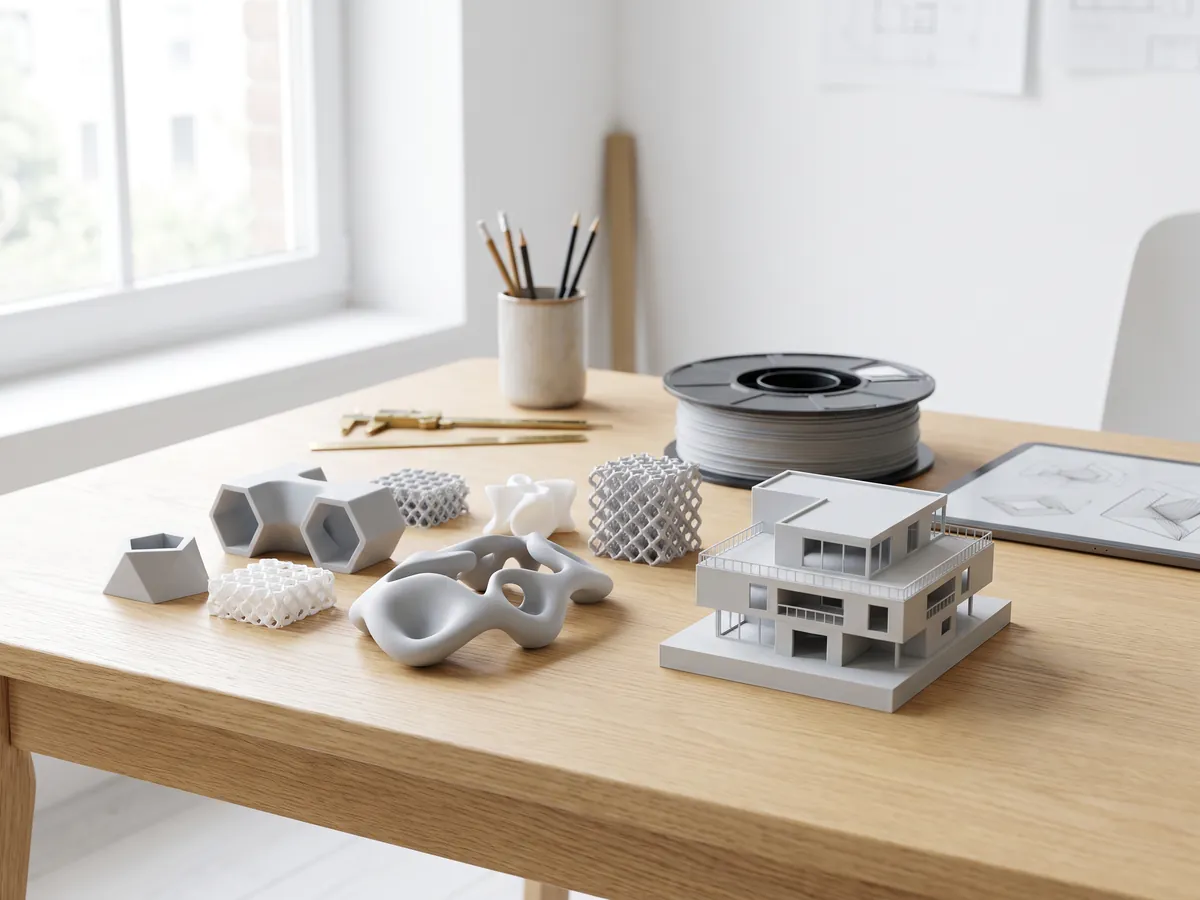
Convertisseur STL
Convertissez des fichiers 3D et des images en STL pour l'impression 3D, avec une vérification d'étanchéité.
Ouvrir le convertisseur STL
Convertisseur OBJ
Convertissez STL, FBX, STEP, glTF et 3DS en OBJ avec matériaux, ou OBJ vers d'autres formats.
Ouvrir le convertisseur OBJ
Convertisseur FBX
Convertissez des fichiers FBX de 3ds Max, Maya et Blender vers OBJ, GLB ou STL.
Ouvrir le convertisseur FBXConversions populaires : PNG en STL · OBJ en STL · GLB en STL · GLB en OBJ · STL en STEP · FBX en OBJ · STL en OBJ · Visionneuse FBX · Visionneuse 3MF · Visionneuse PLY · SLDPRT to STL · SLDPRT to STEP
Intégrer cet outil
Put the free DWG to DXF on your own site, course page or wiki. Paste this code where it should appear.
Citer cet outil
Pour une thèse, un article ou un support de cours : style APA d'abord, puis BibTeX.
1,252
Projets réalisés
13
Années d'activité
17
Pays desservis







★★★★★
Noté 4.9 sur Clutch · Voir nos avis
Architectes, promoteurs & designers d'intérieur
Travaillant pour 215 entreprises depuis 2013
125 de 220 clients sont revenus
Plus de la moitié de nos clients sont revenus

Des plans aux images
Envoyez le DWG et recevez vos perspectives
Joignez les plans et façades dont vous disposez et précisez à quoi serviront les images. Nous répondons sous 30 minutes : un prix fixe et une date de livraison, ou les 1-2 questions à éclaircir d'abord.