Best AI Rendering Tools for Architects (2026): 15 Compared
15 AI rendering tools for architects compared on what you upload, plugins, video and the free start. We make one of them, AI Render, and say so at the top. Every other fact comes from each company's own site.

In this article
- 15 AI rendering tools for architects compared on input, plugins, video and the free start
- We make one of them, 3Dstudio.co AI Render, and list it first with a clear disclosure
- Every other fact comes from each company's own website, read on 19 November 2026, with sources
- Test 2 tools with the same view of your own project before you pay for either
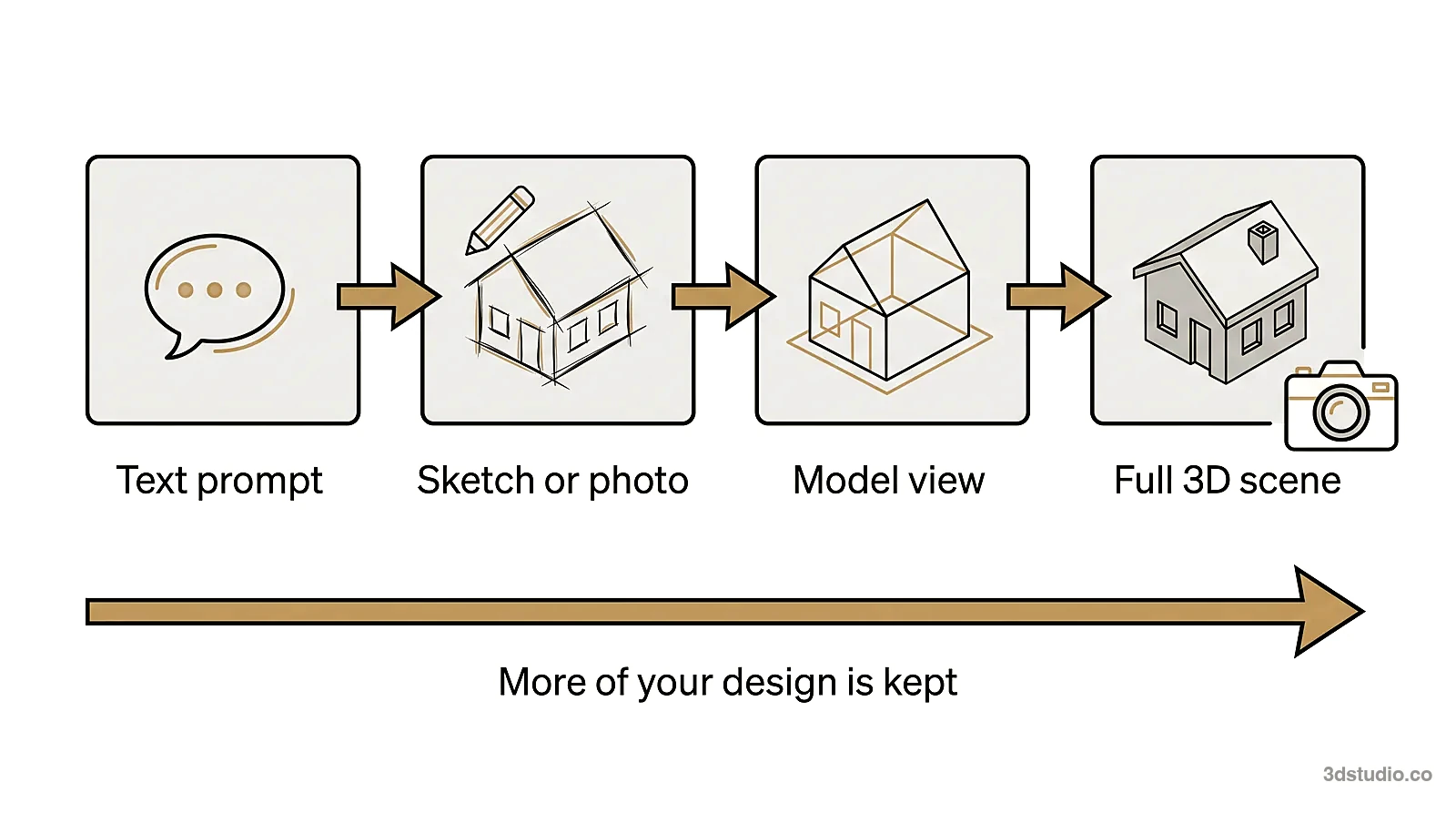
The best AI rendering tools for architects start from your own design: a screenshot of your model, a sketch or a plan. This page compares 15 of them on 4 things you can check before you sign up: what you upload, which design programs it plugs into, whether it makes video, and what you get free.
Disclosure: we make AI Render, one of the 15 tools on this list. We put it first because it is ours, not because we tested it against the others. Every other entry uses only what that company says on its own website, read on 19 November 2026, and the sources are listed at the end. Nobody paid to be on this page.
We did not run the same model through every tool, so this is a map of features, not a quality ranking. Prices change often, so we leave them out: open each tool’s pricing page before you buy.
How we compared the AI rendering software
For each tool we read its home page, its pricing page and, where there was one, its plugin or terms page on 19 November 2026. We recorded what the company states, in its own words where we could. “Not listed” means we did not find it on those pages, not that the tool cannot do it. Where a site says 2 different things, we left the detail out.
AI rendering tools at a glance
| Tool | What you upload | Plugins | Video | Free start, as the company states it |
|---|---|---|---|---|
| 3Dstudio.co AI Render (ours) | Screenshot of your model, sketch or plan | Beta plugin for 3ds Max | 5-second clips on paid plans | Free to start, no credit card |
| Veras (Chaos) | 3D model, sketch, image or prompt | Revit, SketchUp, Rhino, Archicad, Vectorworks, Forma, Allplan, plus a web app | Image to video | 14-day free trial |
| D5 Render | 3D scene (a real-time renderer with AI features) | Not checked | Yes, animation | Community plan, free for non-commercial use |
| mnml.ai | Sketch, photo or model view | SketchUp, Revit, Rhino 8 (free) | Video from stills | 100 free credits, no card |
| MyArchitectAI | SketchUp or Archicad view | SketchUp and Revit listed as coming soon | Video from stills | 10 free renders |
| Rendair | Sketch, floor plan, 3D model or photo | None needed (web app) | Yes | 20 free credits |
| Gendo | Sketch, SketchUp export, image or prompt | Not listed | Yes, on paid plans | Free plan with a watermark |
| ArchiVinci | Sketch, photo, floor plan or 3D model | SketchUp | Render to video | 3 free renders, no watermark |
| Visoid | 3D model | SketchUp, Revit, Rhino, Archicad, Miro | On Pro and Premium | Up to 10 standard-resolution images, watermarked |
| ArkoAI | 3D model view | Rhino, Revit, SketchUp, plus a browser studio | Not listed | Free renders to start |
| LookX | Prompt, sketch or reference image | SketchUp, Rhino | Yes | “Get started for free”, amount not stated |
| ReRender AI | Screenshot | SketchUp, on paid plans | Not listed | 3 renders a day, watermarked, non-commercial |
| Render a House | Sketch, plan, photo or .skp, .glb, .obj model | Not listed | Yes | Free plan, 3 credits a day |
| Visualizee | 3D model view | Rhino; SketchUp, Revit and AutoCAD coming soon | Yes, 4K on the top plan | First render free, watermarked, personal use |
| Spacely | Sketch, 3D design or room image | SketchUp, Revit, AutoCAD, Rhino on paid plans | Not listed | Free forever plan plus 40 trial credits |
Last checked: 19 November 2026.
Have a 3D model? 3Dstudio.co turns a screenshot of it into a photoreal image. The first render is ready in under 10 seconds. Free to start, no credit card.
Render your model freeThe 15 AI rendering tools
Our tool comes first because we make it. The others follow in the order of the table, and the order is not a ranking.
1. 3Dstudio.co AI Render (ours)
You upload a screenshot of a SketchUp, Revit, Archicad, Rhino, 3ds Max or Blender view, a sketch or a plan, and get a photoreal render that keeps your geometry. An automatic check flags a render that drifts from your screenshot, and you get a free retry when it does. You can fix one area, relight a render, for example to dusk or night, and make a 5-second video from a render on a paid plan. Paid plans also have client review links: your client comments on each render and approves it from one link, without an account. It works inside ChatGPT and Claude as a connector. For 3ds Max 2022 and newer there is a beta plugin; for other programs you upload a screenshot.
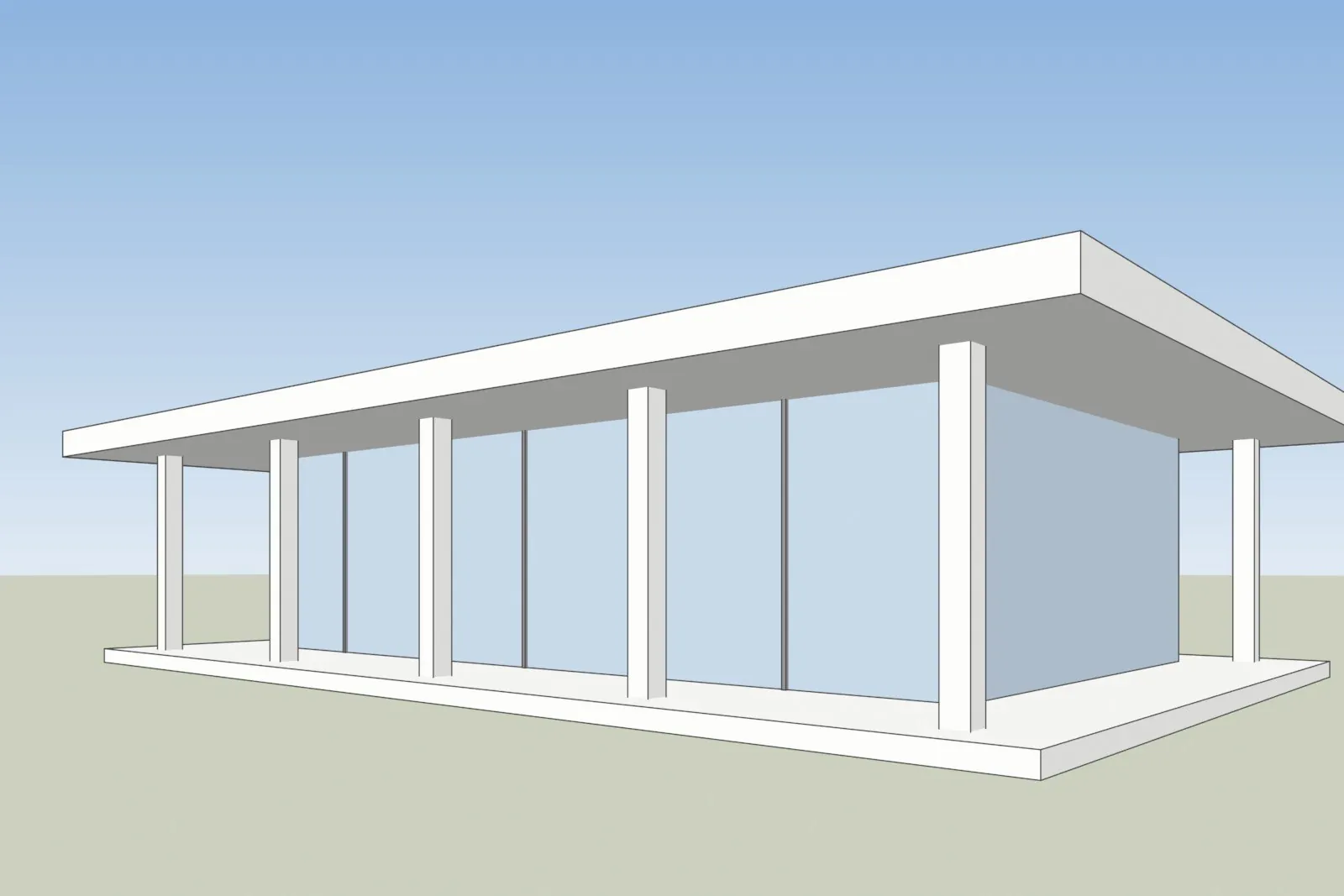
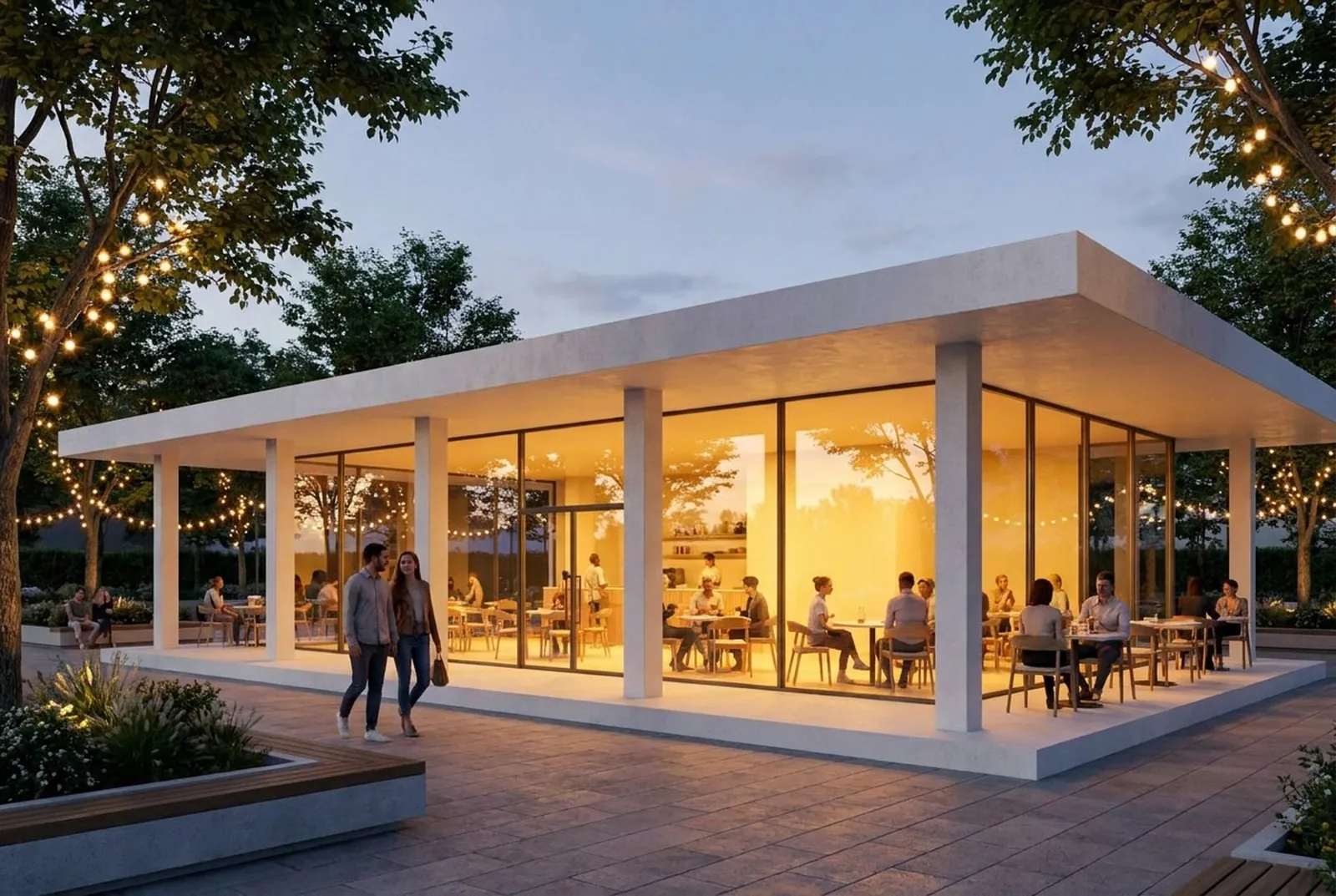
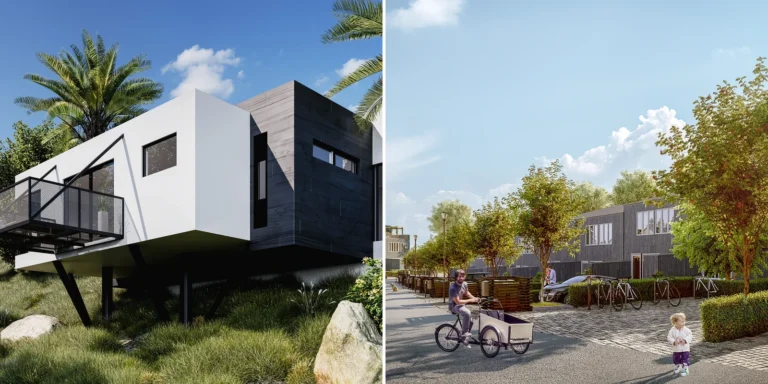
One of our own test models, left, and the AI Render image of the same view, right.
AI Render comes from our visualization studio in Tallinn: more than 1,200 projects since 2013, clients in 17 countries, rated 4.9 on Clutch. That rating is for studio work, not for the app. It is free to start with no credit card. Free renders carry a small logo, and commercial use comes with the Pro, Studio and Max plans; the free amount depends on your country, so see the AI Render pricing page. Good fit if: you want your own design rendered, not redesigned, and you send renders to clients. See how AI Render works.
2. Veras (Chaos)
Veras was made by EvolveLAB, which is now part of Chaos, the company behind Enscape and V-Ray. It turns a 3D model, sketch, image or prompt into a photoreal image, and its page also describes turning a sketch or image into an editable 3D scene. It runs inside Revit, SketchUp, Rhino, Archicad, Vectorworks, Forma and Allplan, is listed in Enscape, V-Ray and Corona, and has a web app and an image-to-video feature. Chaos offers a 14-day free trial. Good fit if: you work in Revit or Archicad and want AI inside the model. Our Veras pricing guide covers its plans.

3. D5 Render
D5 is a real-time renderer, not an AI-only tool. It adds AI features such as AI Atmosphere Match and AI Enhancer, and renders video and animation. The Community plan is free for non-commercial use, and D5 has posted a notice about upcoming changes to its plans and pricing, so check the current terms. Good fit if: you want a full renderer with AI help on top. We compare this kind of tool in AI rendering vs V-Ray and Enscape.
4. mnml.ai
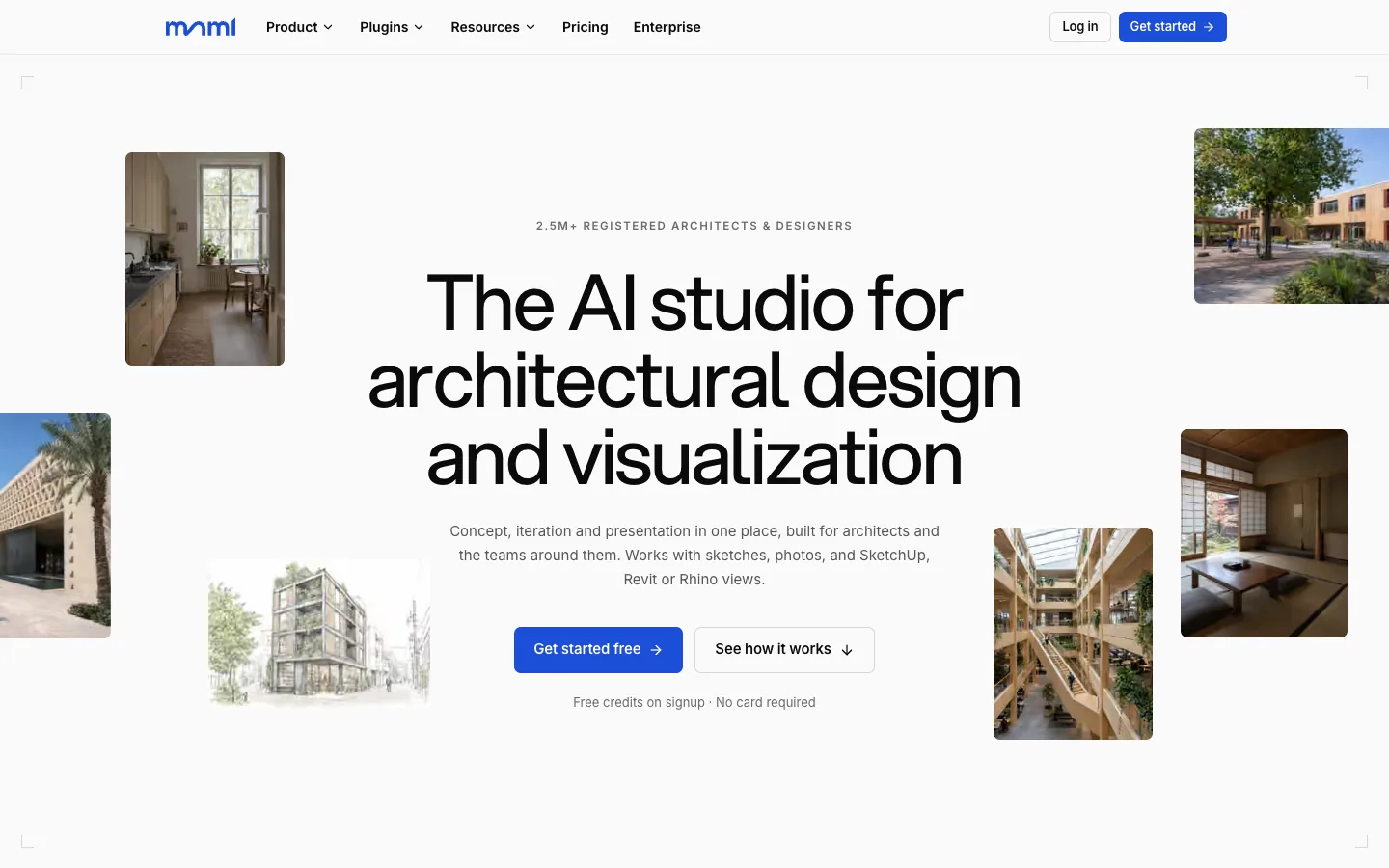
mnml.ai takes sketches, photos and model views, and has free plugins for SketchUp, Revit and Rhino 8, with a Grasshopper tab. It makes stills, 8K upscales and video from stills, and connects to ChatGPT and Claude. New accounts get 100 free credits with no card. Good fit if: you want to render without leaving SketchUp, Revit or Rhino. Read our mnml.ai review for the details.
5. MyArchitectAI
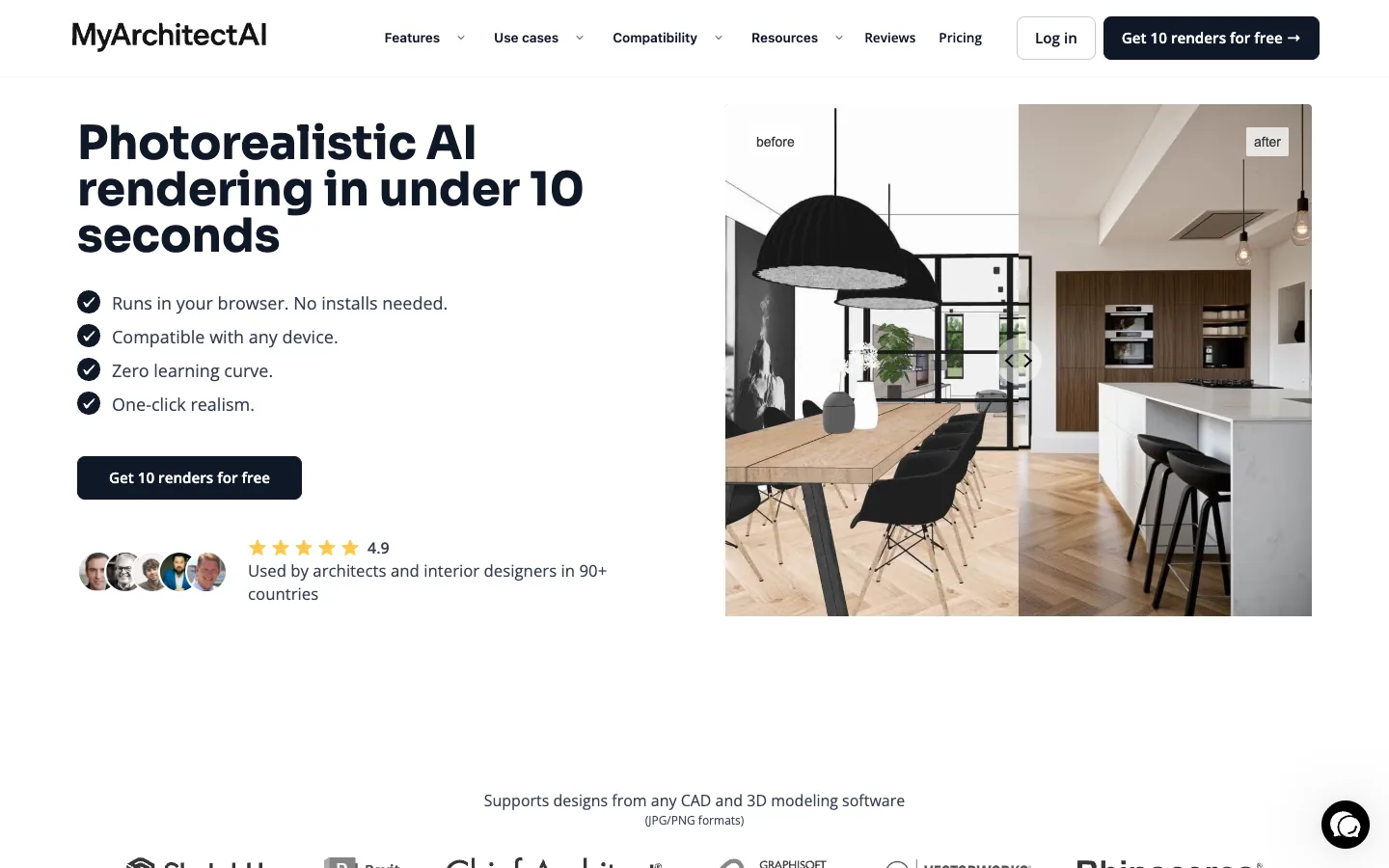
MyArchitectAI renders SketchUp and Archicad designs into stills you can download in 4K, and makes short videos from stills. Its home page lists Revit and SketchUp plugins under features coming soon. It offers 10 free renders. Like us, it is a Tallinn company. Good fit if: you work in SketchUp or Archicad and want many stills. Our MyArchitectAI comparison has the full table.
6. Rendair
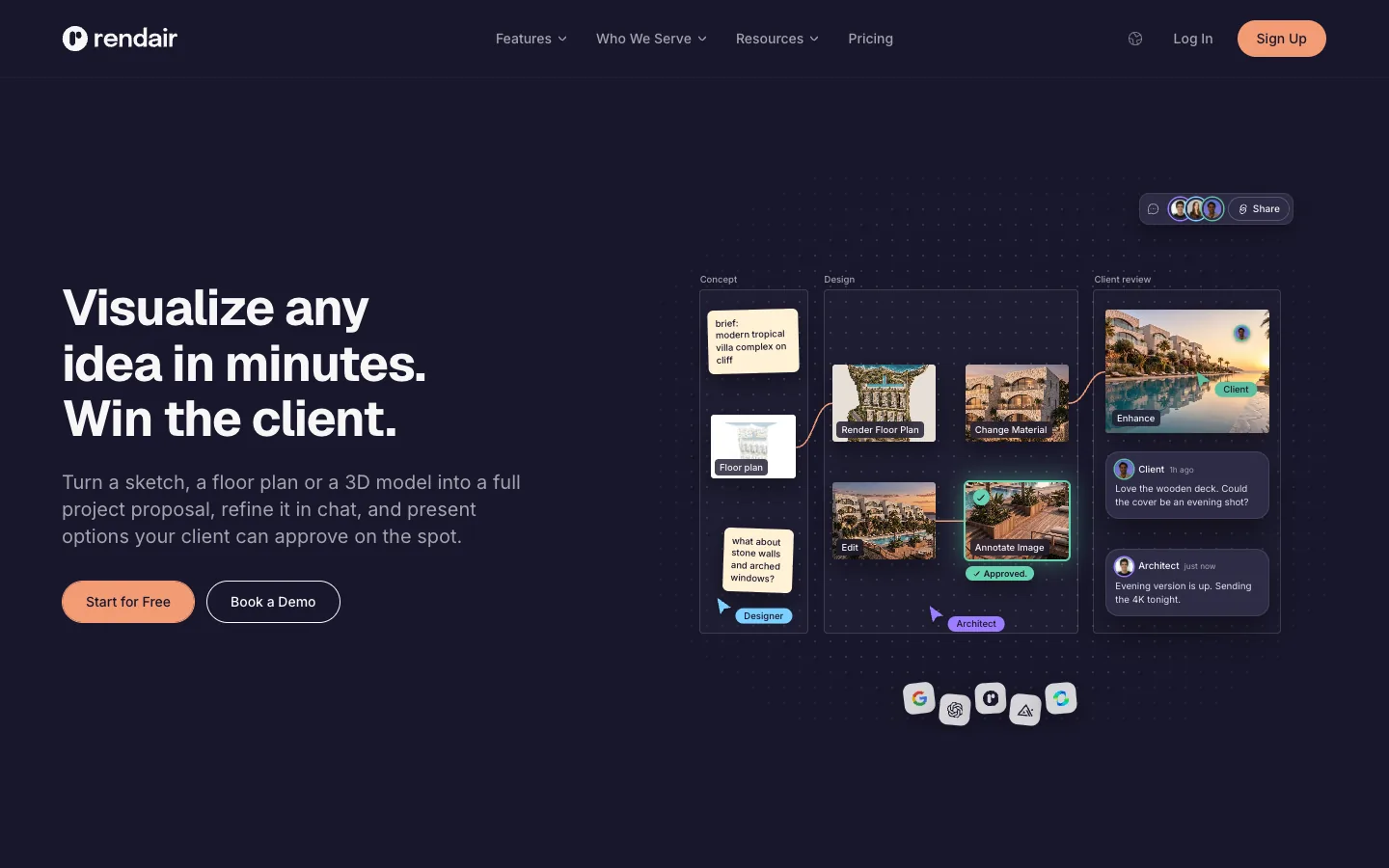
Rendair is a web app, so there is nothing to install. It takes sketches, floor plans, 3D models and photos, and makes stills and video. Boards can be shared with a client for comments and approval. It is free to start with 20 credits. Good fit if: you don’t want to install anything. Read the Rendair review for more.
7. Gendo
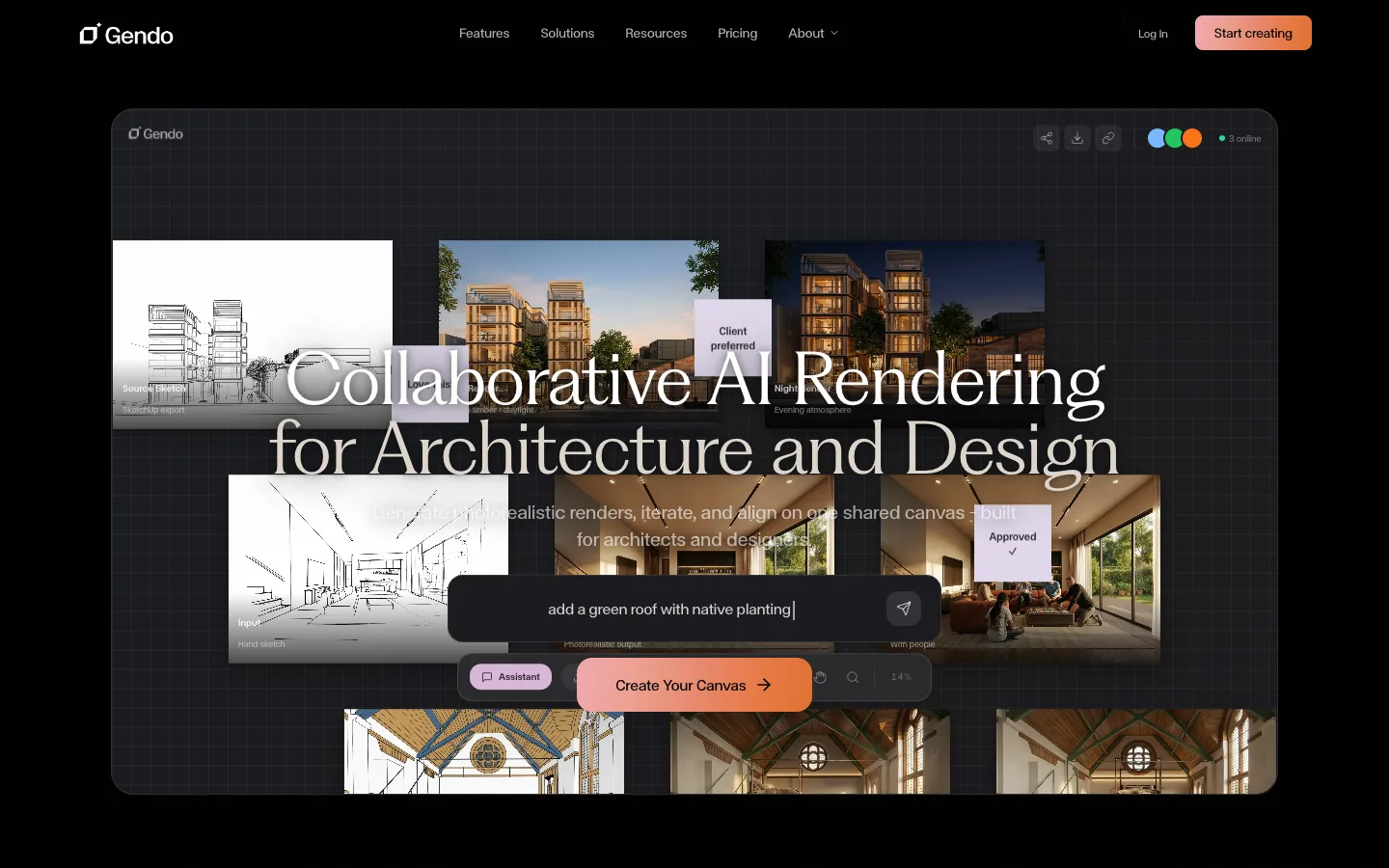
Gendo takes hand sketches, SketchUp exports, images and text prompts, and makes stills and video on a shared canvas. The free plan has low-resolution exports and a Gendo watermark; video comes with the paid and student plans. It is aimed at practices, with team plans and a sales contact for enterprise. Good fit if: a larger practice wants one shared AI tool.
8. ArchiVinci
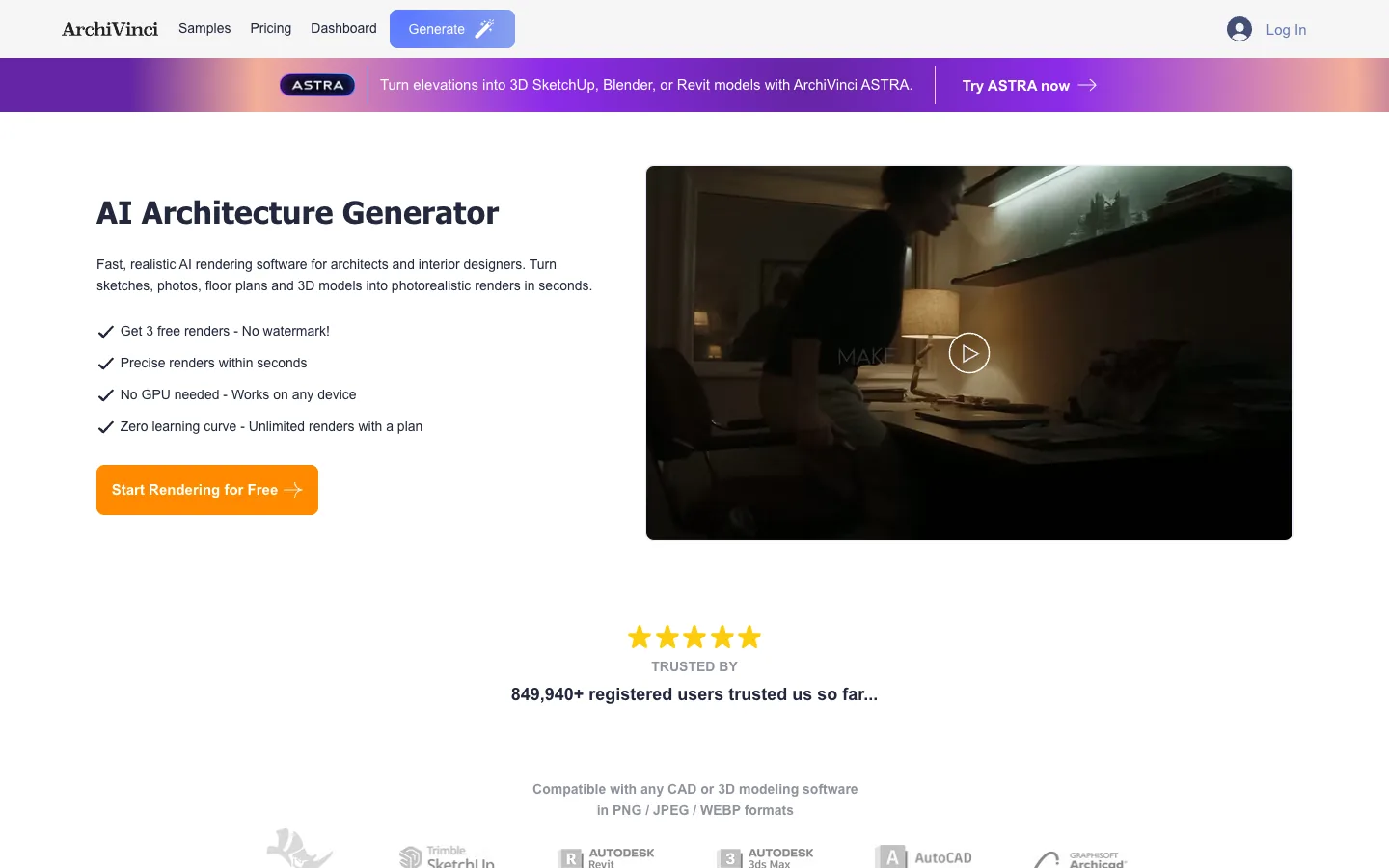
ArchiVinci takes sketches, photos, floor plans and 3D models, and has a SketchUp plugin. It has a render-to-video module and tools that turn elevations or 2D plans into 3D models. It is run from London. New users get 3 free renders with no watermark. Good fit if: you want a quick test with no watermark.
9. Visoid
Visoid is an Oslo company. It has plugins for SketchUp, Revit, Rhino, Archicad and Miro, and video export on the Pro and Premium plans. The free plan gives up to 10 standard-resolution images with a watermark. Good fit if: your office works in Archicad or plans on Miro boards.
10. ArkoAI
ArkoAI has plugins for Rhino 7 and 8, Revit 2021 to 2027 and SketchUp 2021 to 2026, plus a browser studio. It offers free renders to start; its page gives 2 different free amounts, so check the current offer when you sign up. Good fit if: you model in Rhino.
11. LookX
LookX takes text prompts, sketches and reference images, and has SketchUp and Rhino plugins. It offers custom model training and video. Its site says you can get started for free but does not state an amount. Good fit if: you want to train a model on your own office style.
12. ReRender AI
ReRender AI turns a screenshot into a photoreal render. The free trial gives 3 renders a day, watermarked, for non-commercial use. A SketchUp plugin is listed on its paid plans. Good fit if: you only need a few renders a day.
13. Render a House
Render a House takes sketches, floor plans, photos and .skp, .glb or .obj models, and makes stills and video. Its free plan gives 3 credits a day. Its sister studio, Beroki, offers architectural visualization by what it calls a senior visualization team. Good fit if: you want a small free allowance every day.
14. Visualizee
Visualizee has a free Rhino plugin, and its home page lists SketchUp, Revit and AutoCAD plugins as coming soon. It makes video, up to 4K on its top plan. Your first render is free at high quality, watermarked and for personal use only. Good fit if: you work in Rhino.
15. Spacely
Spacely takes a sketch, a 3D design or a room image. Its paid plans list integrations for SketchUp, Revit, AutoCAD and Rhino. It has a free forever plan, listed with a commercial license and no watermark, plus 40 trial credits. Good fit if: you want a free plan to keep.
Plugin or web app: how to choose
A plugin renders the view you are working in, so you skip the export. That helps if you render many views a day in one program. Check that your program and version are on the list: Veras, mnml.ai, Visoid, ArkoAI and Spacely list the most programs. A web app works with any program, because you upload a screenshot or an export. That suits mixed teams, Archicad or Blender users, and anyone who can’t install software on an office computer.
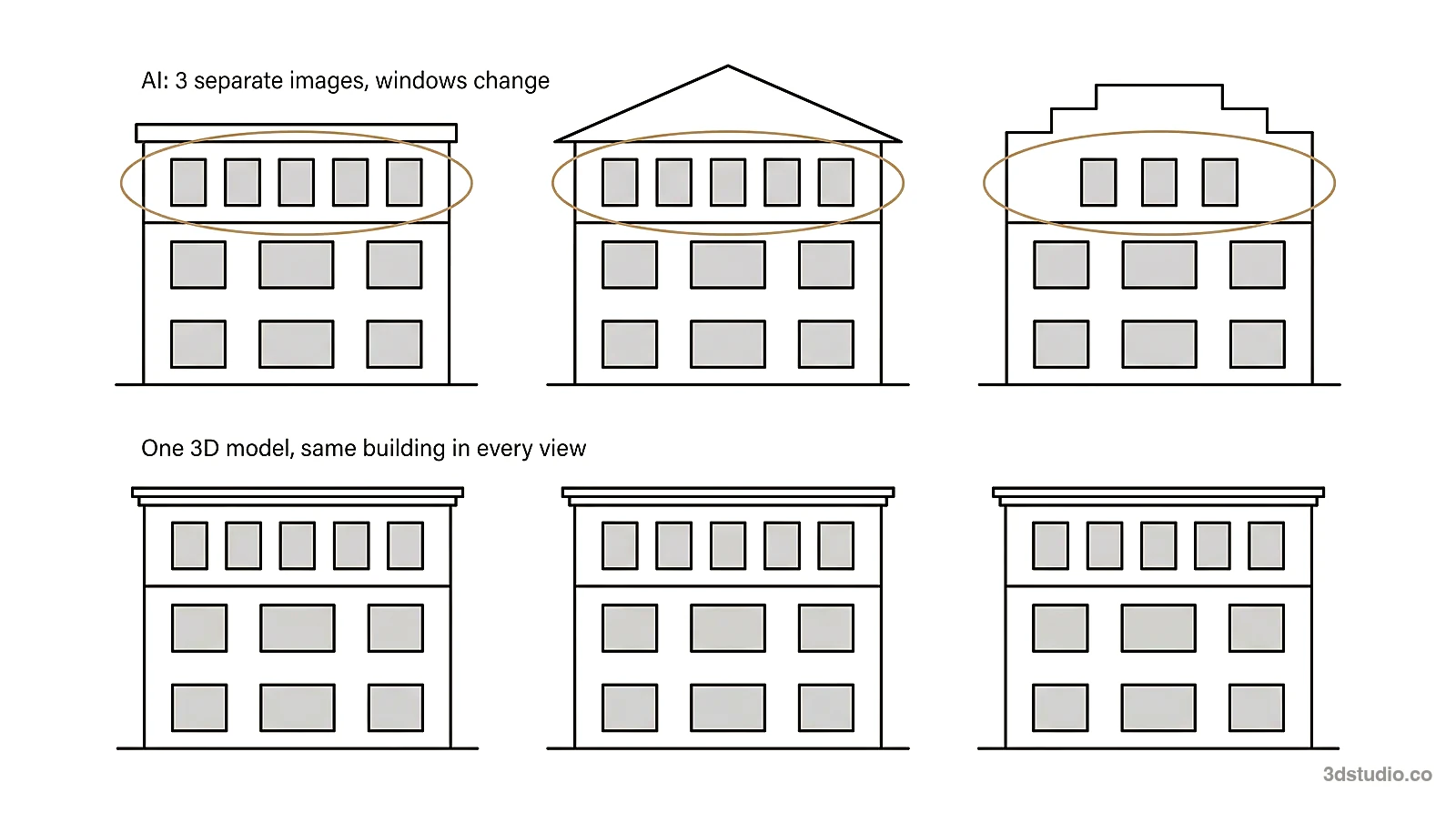
Whatever you choose, test it on your own work. Render one view with countable features, such as windows, floors and the roof line, in 2 tools. Count them in each result and compare with your model.
Our comparison of free AI rendering tools goes deeper into the free plans, and our guide to AI for architectural rendering explains the kinds of tools by input.
When an AI render is not enough
AI tools are good for options and early client talks. None of them checks the image against your drawings for you. A developer’s sales set, a full animation, or images for a planning authority or a competition jury must match the drawings, and a person should check them. That is the work of a studio: see our architectural visualization service, or compare studios in our list of architectural visualization studios. The difference between CGI and AI explains both methods.
Questions about AI rendering tools
What is the best AI rendering software for architects?
It depends on your program and what the render is for. For your own design rendered from a screenshot, with client review links, we make AI Render. For rendering inside Revit or Archicad, look at Veras. For free plugins in SketchUp, Revit and Rhino, look at mnml.ai. Test 2 tools on the same view of your own project before you pay for either.
Which AI rendering tool keeps my design unchanged?
Look for tools that start from your model or a screenshot of it, not from a text prompt. Then compare the outputs on your own project and count windows, floors and the roof line. Our tool runs an automatic check that flags a render that drifts from your screenshot.
Can I use free AI renders for client work?
Often not. ReRender AI’s free renders are non-commercial, Visualizee’s free render is for personal use, and on our tool commercial use comes with a paid plan. Spacely lists a commercial license on its free plan. Read each tool’s terms before you send a free render to a client.
Do I need a plugin for AI rendering?
No. Rendair is a web app with no plugin, and most tools accept a screenshot or image upload. A plugin saves the export step if you render many views a day inside one program.
Which AI rendering tools make video?
On 19 November 2026, Veras, D5 Render, mnml.ai, MyArchitectAI, Rendair, Gendo, ArchiVinci, Visoid, LookX, Render a House and Visualizee listed video, and our tool makes 5-second clips from a render on paid plans. Some limit video to paid plans.
Sources
Every fact about a tool comes from the company’s own pages below, read on 19 November 2026.
- 3Dstudio.co AI Render: pricing, docs and updates
- Veras: Chaos Veras page and EvolveLAB Veras page
- D5 Render: pricing and AI features
- mnml.ai: home page and pricing
- MyArchitectAI: home page and terms
- Rendair: home page and pricing
- Gendo: home page and pricing
- ArchiVinci: home page and pricing
- Visoid: pricing and terms
- ArkoAI: home page
- LookX: home page
- ReRender AI: home page and pricing
- Render a House: home page and Beroki
- Visualizee: home page and pricing
- Spacely: home page and pricing
Diagrams in this post are drawn with an AI image tool from our brief and checked by our team.
More on AI rendering
- 3Dstudio.co AI Render
- SketchUp AI rendering
- Free Rendering Software for Architecture: What You Can Do Without Paying
- AI for Architects in 2026: What It Does Well and Where It Fails
- How to Render in Revit: Built-in Rendering, Plugins and AI
- SketchUp Rendering Software: Plugins and Free Options Compared
- How to Render in SketchUp: Built-in Tools, Plugins and AI
- Twinmotion Price in 2026: Free Tier, Seats and Real Costs
- D5 Render Price in 2026: Community, Pro, Teams and Real Costs
- Lumion Price in 2026: Every Plan, Real Costs and a Cheaper Route
- V-Ray Price in 2026: Plans, Licenses, Host Programs and a Cheaper Route
- Enscape Price in 2026: Every Plan, What It Includes and a Cheaper Route
- Nano Banana Architecture: How to Keep Your Design in AI Renders
- SketchUp Diffusion: What It Is Now, What It Costs and How to Keep Your Model