

SketchUp to photoreal render in under 10 seconds
- Upload a screenshot, sketch or plan
- Unlimited renders & fixes
- Works on any device, no download
No credit card required
Trusted by architects & interior designers in 100+ countries
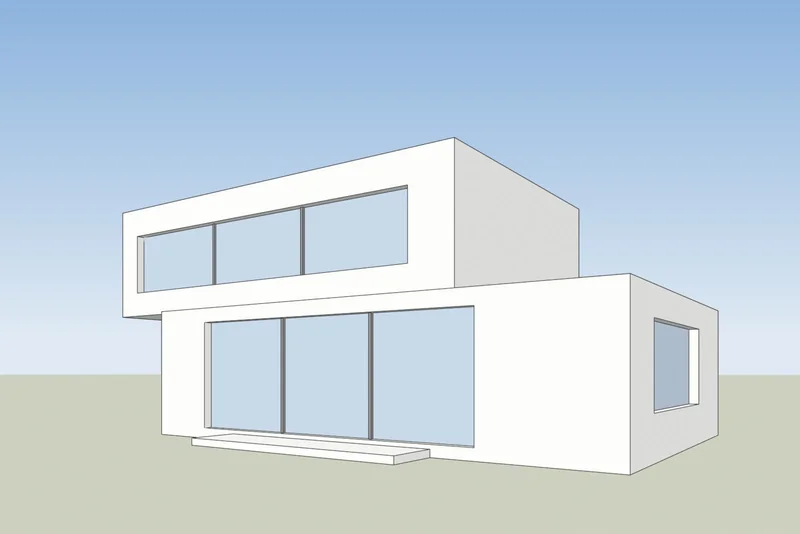
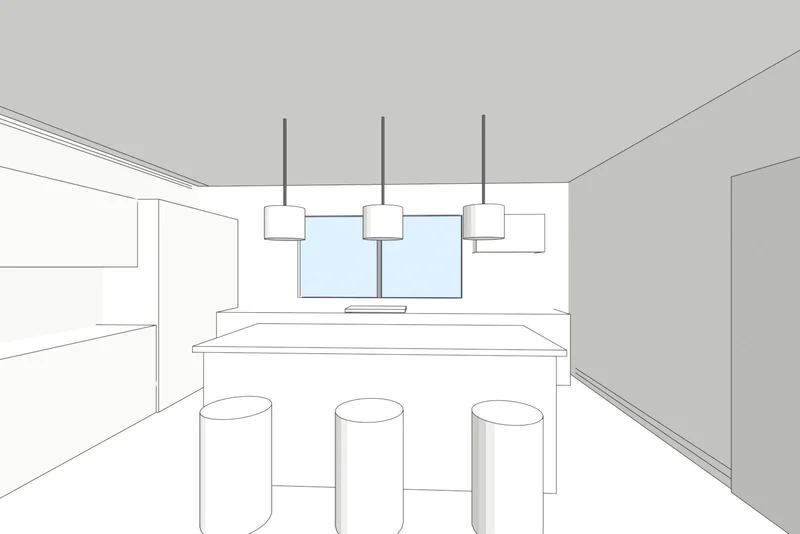
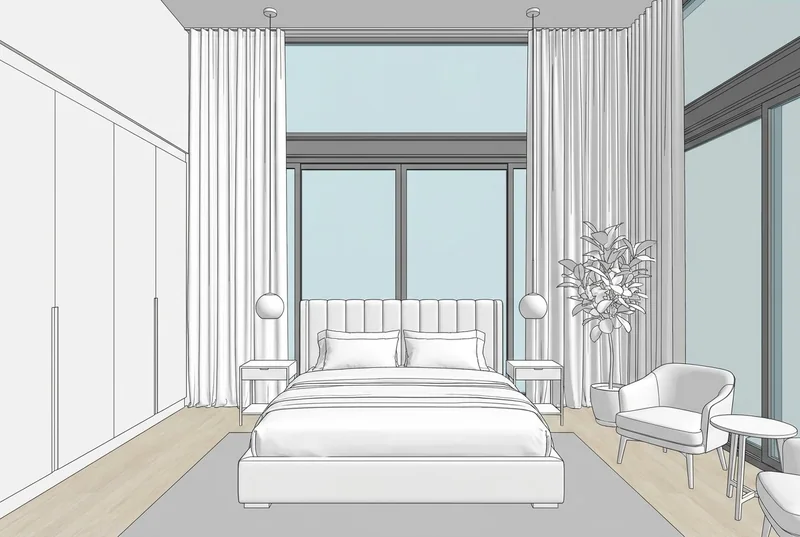
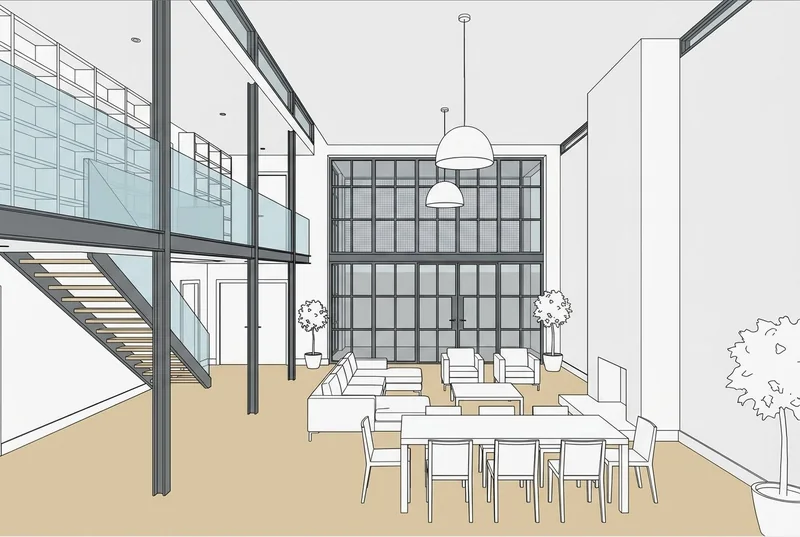
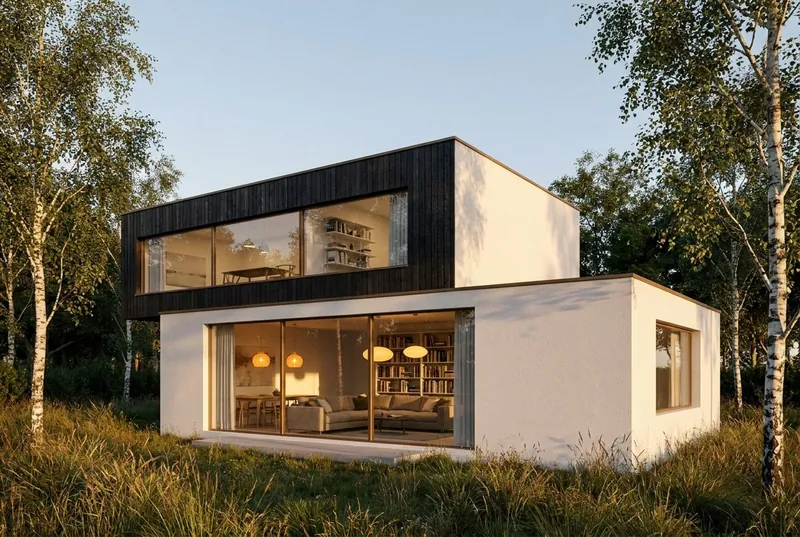
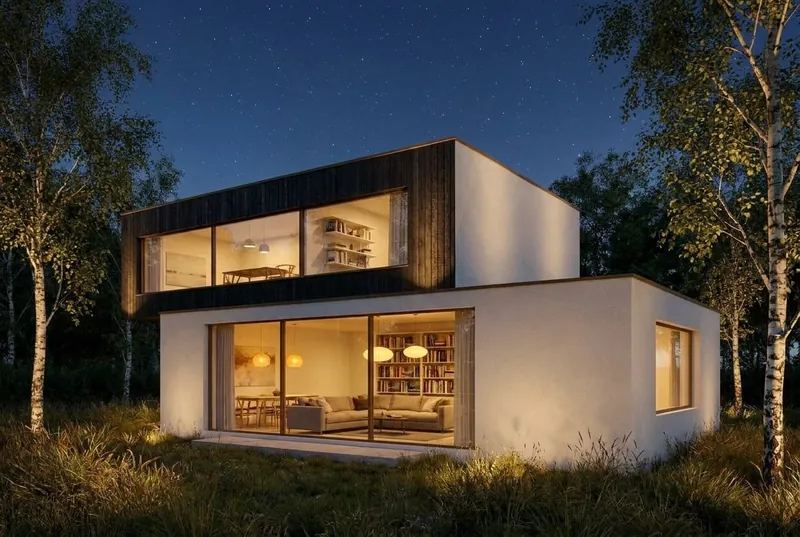
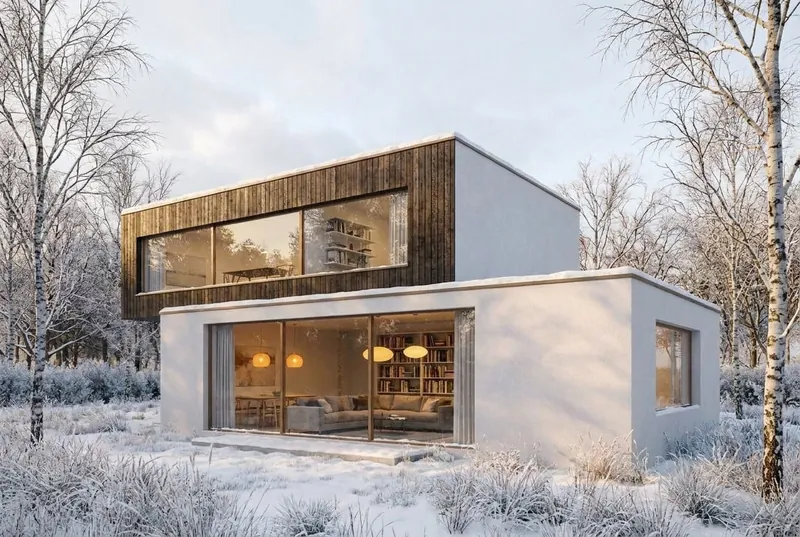
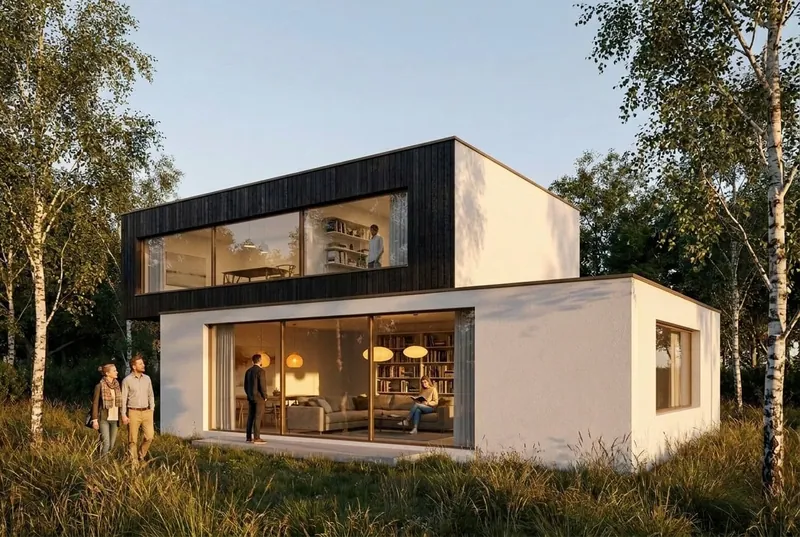
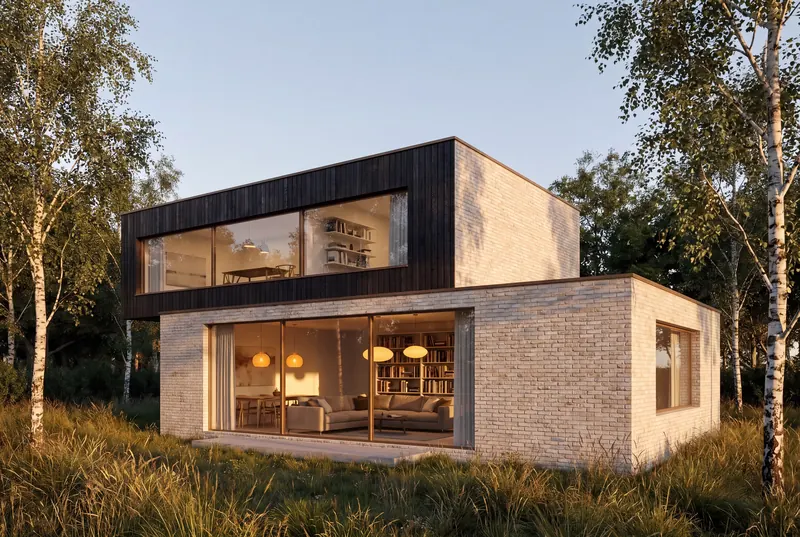
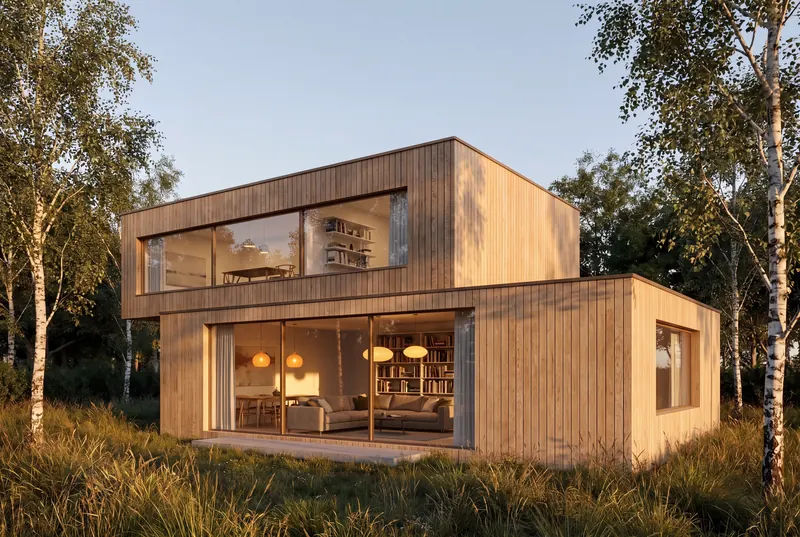
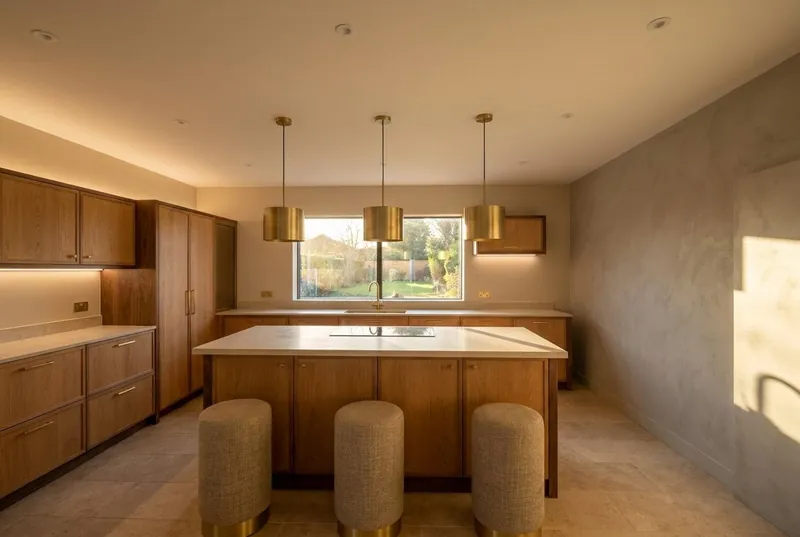
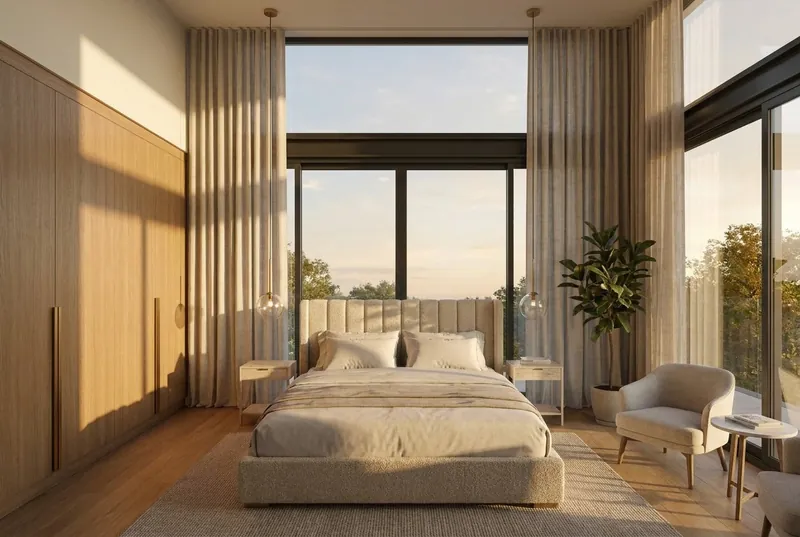
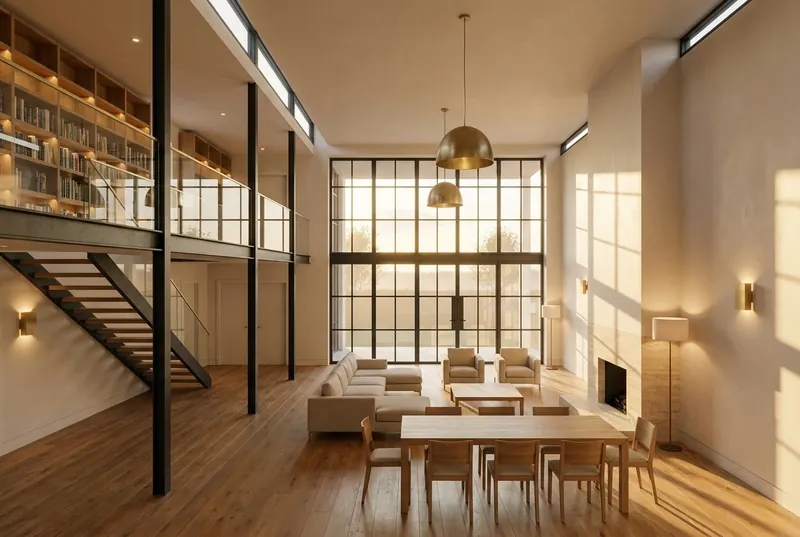
A SketchUp view in, a photoreal render out
White faces and black edges on the left, as SketchUp shows a model. The render that came back is on the right, not edited.
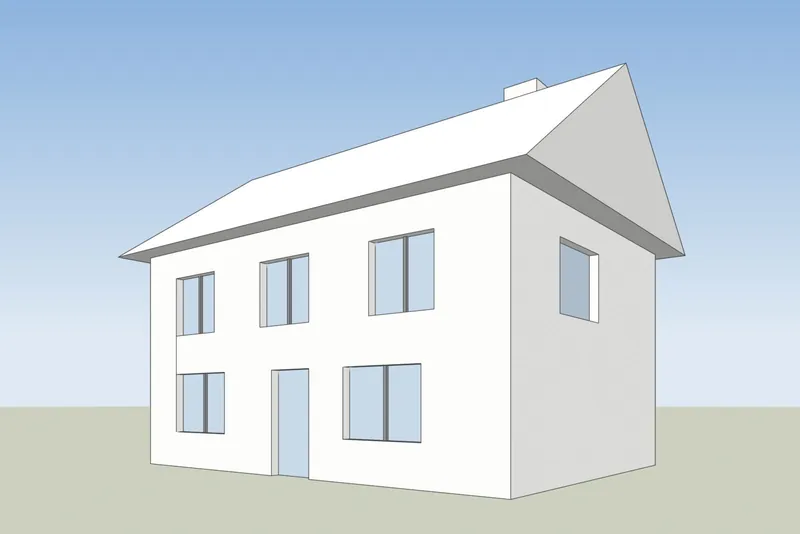
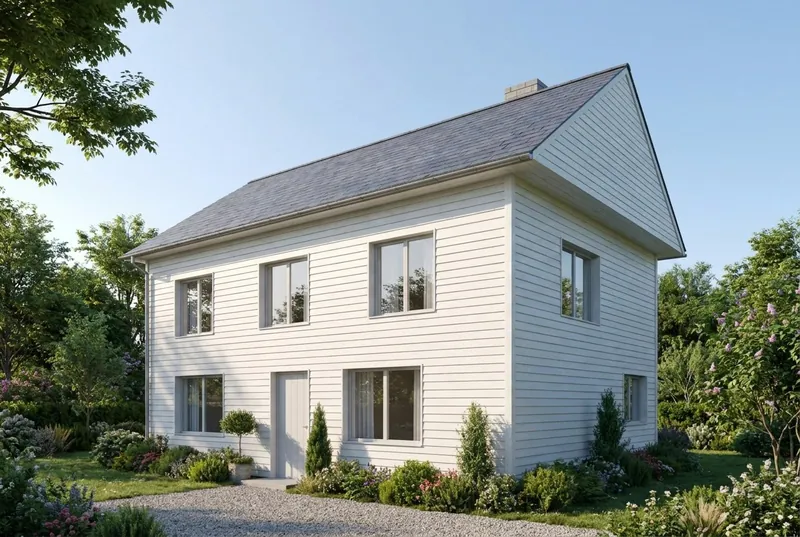 BeforeAfter
Family house
A pitched roof house on a summer morning. The gable, the chimney, the door and all 8 windows are where the model has them.
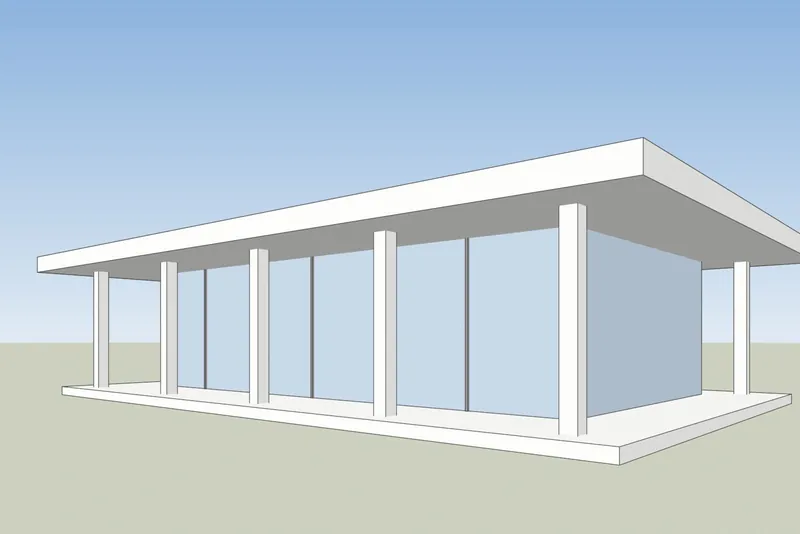
 BeforeAfter
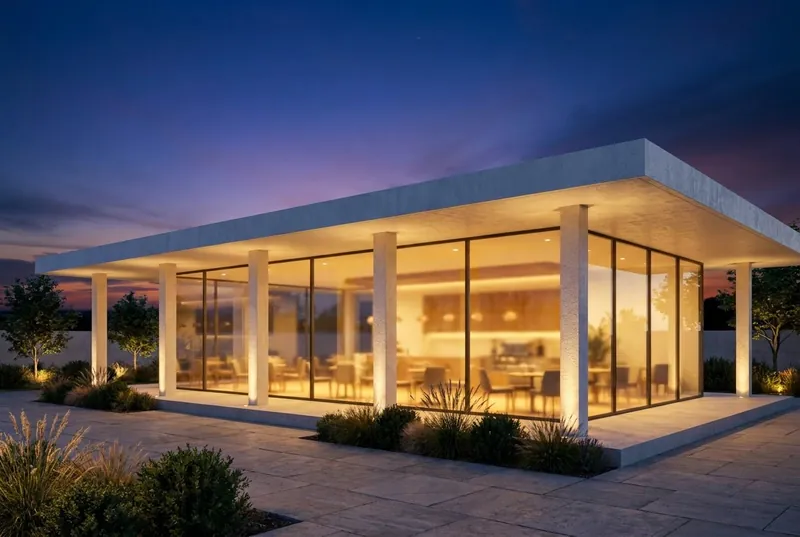
Glass pavilion cafe
A flat roof pavilion at dusk, busy inside and on the terrace. The columns and the roof overhang match the model.
How to get your SketchUp view ready
4 steps, and only the export is required.
1. Set up the view
Frame the building with the Orbit and Pan tools. For straight vertical walls, turn on Camera, Two-Point Perspective. Hide the axes and any guides you do not want in the picture.
2. Choose a plain style
In the Styles panel, set the face style to Shaded, Hidden Line or Monochrome. A white or clay model gives the cleanest result. Turn shadows off, the AI adds its own light.
3. Export a PNG
In SketchUp for desktop, use File, Export, 2D Graphic and save a PNG. In any version, a normal screenshot of the SketchUp window also works.
4. Render it
Upload the PNG, pick daylight, overcast, evening sun or dusk, and add a short note about materials if you want, such as white render and oak windows.
SketchUp AI Render or a screenshot tool
Both make AI images from your SketchUp model. They differ in what you need before you start.
SketchUp AI Render
Built into SketchUp for desktop, iPad and web. It needs a paid SketchUp Go, Pro or Studio plan, and on desktop SketchUp 2024 or newer with the AI Render extension. Each image costs 10 credits. Plans include 100 to 200 credits a month, and unused credits do not carry over. It also has drawing and editing tools inside SketchUp.
SketchUp help: AI Render3Dstudio.co AI rendering
Runs in your browser from an exported image, so it works with any SketchUp version, including SketchUp Free, and with no extension. Free to start when you sign up. Paid credits never expire. It has no tools inside SketchUp: you change the result with the light choice and a short note.
Open 3Dstudio.co AI RenderWhat the AI keeps from your SketchUp model and what it changes
So you know what to show a client and what to send to our studio.
What stays the same
The shape of the building, the windows and doors, the roofline and the number of floors. The camera angle stays exactly as in your screenshot.
What the AI changes
Materials, light, sky, planting and furniture finishes. Use the note field to steer them, for example white render and oak windows.
What can be simplified
Very fine details, such as thin window bars or small railings, can come out simpler than in the model. For exact final images, use our studio.
What happens to your file
Only the screenshot is sent, never your model file. We do not use your images to train AI, and we do not publish your renders.
Questions about AI rendering for SketchUp
Versions, files, accuracy and price.
Try it on your SketchUp modelWhich SketchUp versions work?
Any version that can show your model. The tool only needs an image of the view, so SketchUp Free, SketchUp for Web, old desktop versions and the current one all work.
Do I need to install a plugin or extension?
No. You export a PNG or take a screenshot and upload it in your browser. Nothing is added to SketchUp and the model file is never uploaded.
How is this different from SketchUp's built-in AI Render?
SketchUp AI Render runs inside SketchUp and needs a paid Go, Pro or Studio plan. On desktop it needs SketchUp 2024 or newer. Each image costs 10 credits, and the monthly credits do not carry over. Our tool works from an exported image, so any SketchUp version works, you start free with no credit card, and paid credits never expire. If you already pay for SketchUp, try both. Facts about SketchUp checked on help.sketchup.com on 15 October 2026.
Will the AI change my SketchUp design?
It keeps the shape of the building, the windows, the roofline and the number of floors. It changes the materials, the light and the surroundings. Very fine details, such as thin window bars, can come out simpler than in the model.
Which SketchUp style gives the best result?
A plain one. Shaded, Hidden Line or Monochrome with shadows off works well. Heavy sketchy edge styles and strong textures can show through in the render.
What does it cost?
It is free to try, with no credit card. Free renders are for personal use. For client work, take a monthly plan or a one-off credit pack. Credits never expire, and prices are shown in your currency with VAT included on the pricing section.
Guides and comparisons for AI rendering
How AI rendering tools compare on price and features, and how AI differs from CGI. The guides are in English.
Best AI rendering software in 2026
7 tools compared for architects, with prices, free starts, strengths and limits.
Read moreFree AI rendering tools
What 11 tools give free, which ones add a watermark, and whether you may use the result for client work.
Read moreAI rendering vs V-Ray and Enscape
Where V-Ray and Enscape win, where AI rendering wins, and how to use both.
Read moreVeras pricing in 2026
What Veras costs, what its credits buy, and how a screenshot-based tool compares.
Read moreMyArchitectAI alternative
Its plans and free renders, where it is ahead, and where 3Dstudio.co AI Render is ahead.
Read moreRendair review
Its 2026 plans, what the credits buy, where it is strong, and how 3Dstudio.co AI Render compares.
Read moremnml AI review
Its 2026 plans, plugins for SketchUp, Revit and Rhino, and how 3Dstudio.co AI Render compares.
Read moreCGI or AI for architecture images
How CGI and AI images differ, how to tell them apart, and when to use each.
Read moreAI rendering for your other 3D programs
Any program that can take a screenshot of a 3D view works. These pages have the export steps.
1,252
Projects completed
13
Years in business
17
Countries delivered to







★★★★★
Rated 4.9 on Clutch · See our reviews
Architects, developers & interior designers
Working for 215 companies since 2013
125 of 220 clients came back
More than half of our clients have hired us again
Render a SketchUp view now
Free to start, no credit card. Your first render is ready in under 10 seconds.