Real Estate Development Marketing: A Plan From Planning to Sell-Out
A stage-by-stage plan for real estate development marketing: what to produce at planning, launch, construction and sell-out, who each asset is for and what to brief.
In this article
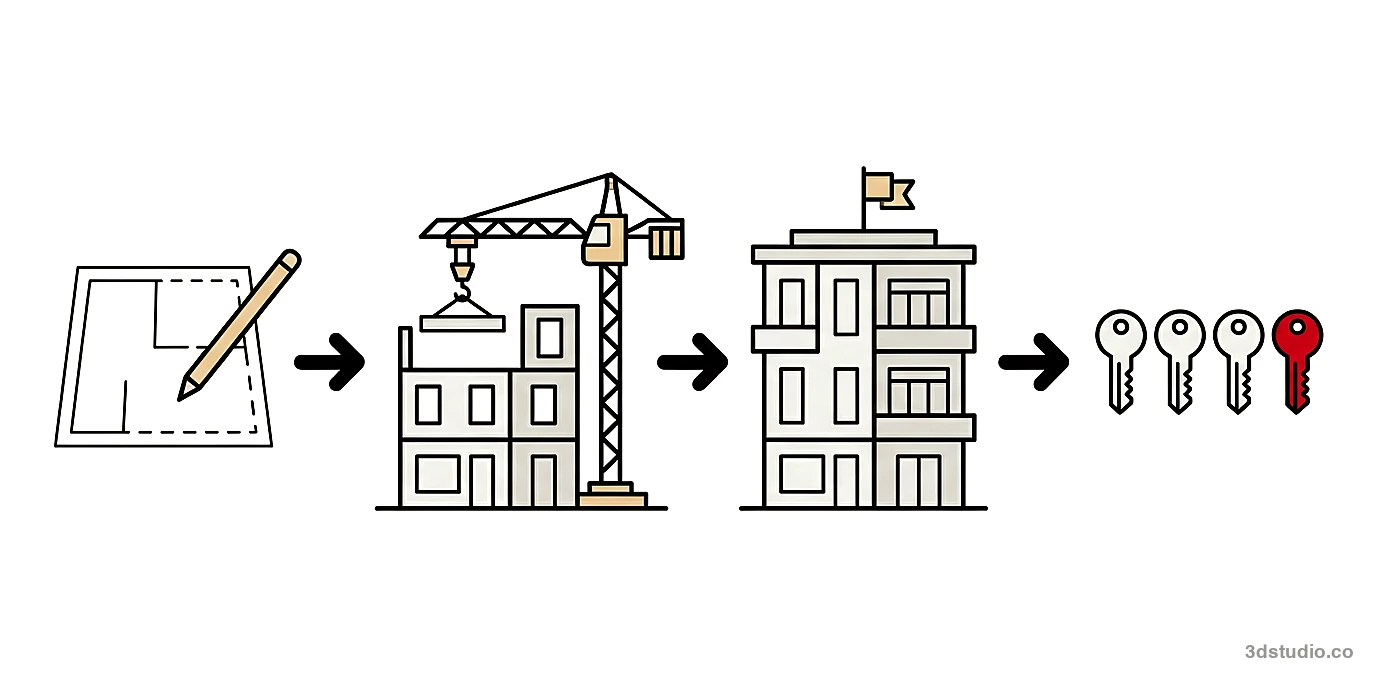
- A development marketing plan has 4 stages: planning and pre-launch, launch, construction and sell-out.
- Each stage has its own audience, so each needs different assets and a different brief.
- Make the images from one 3D model, so the website, brochure, site board and portals show the same building.
- Update the images, the home list and the labels when the design or the availability changes.
Real estate development marketing is the plan for selling the homes in a new development, from the planning stage to the last unit. In the UK the same work is called property development marketing. Residential development marketing means the same plan for a scheme of homes, and off-plan sales are the part that happens before the building is finished.
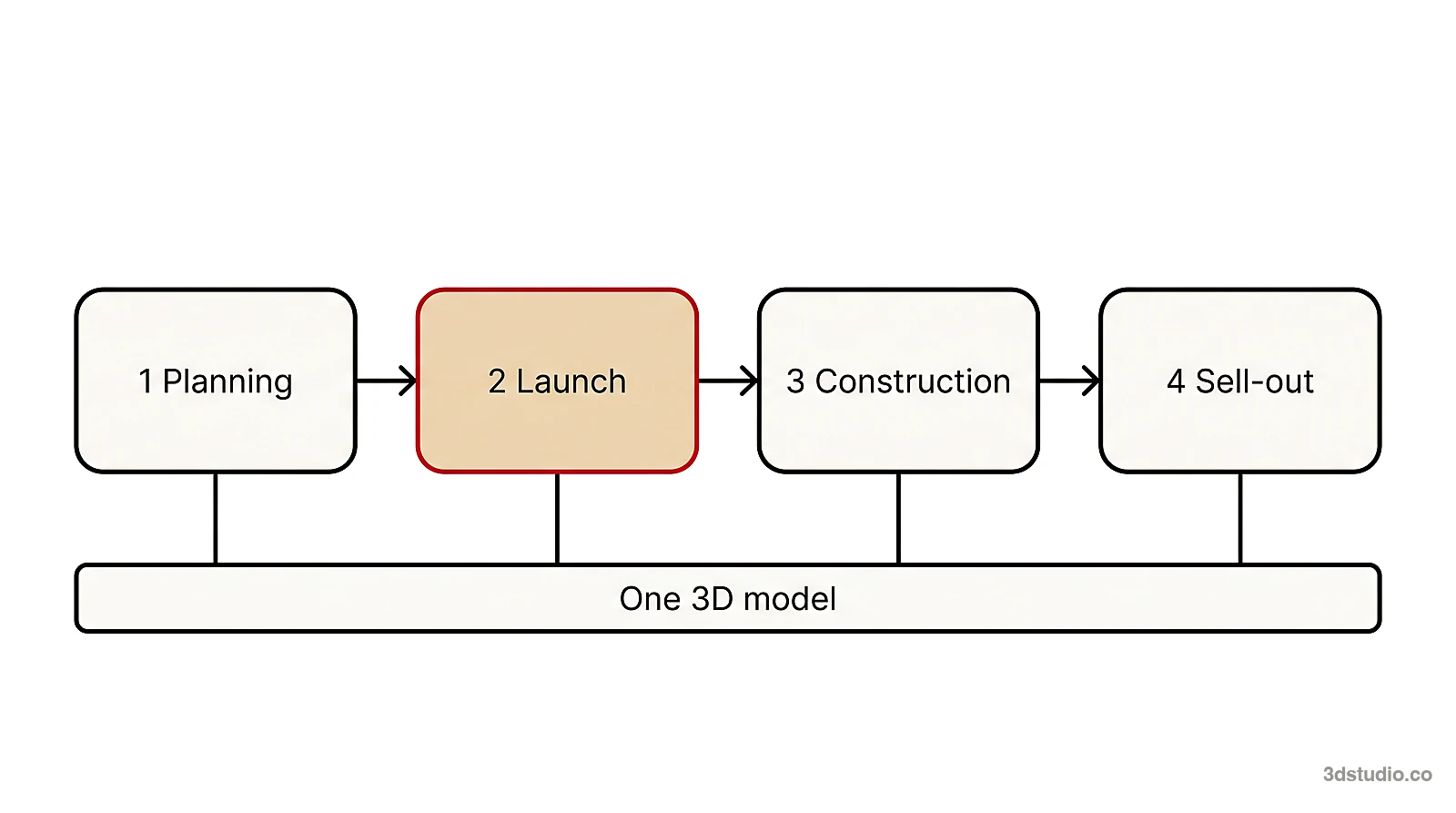
The plan has 4 stages: planning and pre-launch, launch, construction and sell-out. Each stage has its own audience and its own assets, and most of the assets are images made from one 3D model. We make those images, and our sales launch package adds a project website to them. This guide lists, for each stage, what to produce, who it is for and what to put in the brief. For the render set on its own, see our guide to pre-construction marketing renderings.
The 4 stages of a development marketing plan
In real estate developer marketing, a development is sold over a long period, and what buyers need to see changes during it. Early on there is only a site and an idea. At launch there is a price list. During construction there is a building going up, and at the end there are a few homes left. The table shows what each stage asks for.
| Stage | Who it is for | What to produce | What to brief |
|---|---|---|---|
| 1. Planning and pre-launch | Planning officers, neighbors, lenders, investors, first interested buyers | Aerial or context view, first hero exterior, site board, early-interest page | Site boundary, massing, which views go to the planning authority |
| 2. Launch | Buyers, agents, brokers, property portals | Renders, floor plans, film, development website, apartment selector, brochure, marketing suite | Unit schedule, specification, price list, brand, channels |
| 3. Construction | Buyers who reserved, buyers still deciding, agents | Progress updates, show home, updated images and availability | What changed in the design, which images are in use |
| 4. Sell-out | Late buyers, investors, agents | Photos of the finished building, staged empty homes, last-units page | Which homes remain, which images are now photos |
The model of the building is built once and kept. That is why later work costs less than the first set: a new view uses the same scene, so it is not a new project.
Stage 1: planning and pre-launch marketing
Before sales open there is nothing to sell yet. The goal is to show the site and the idea to 3 groups: the people who decide on the scheme, the people who fund it and the first buyers who want to hear early.
What to produce before launch
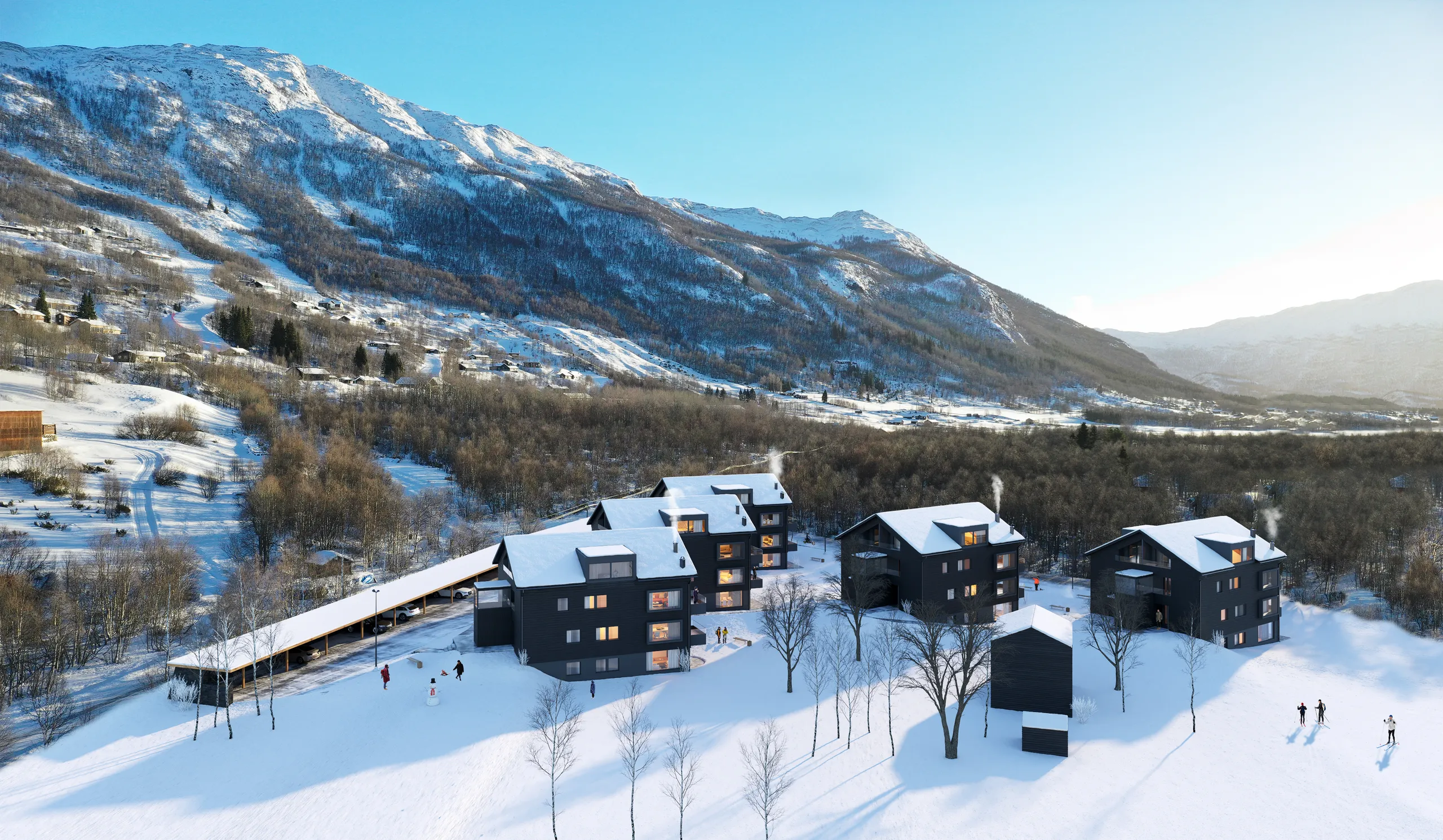
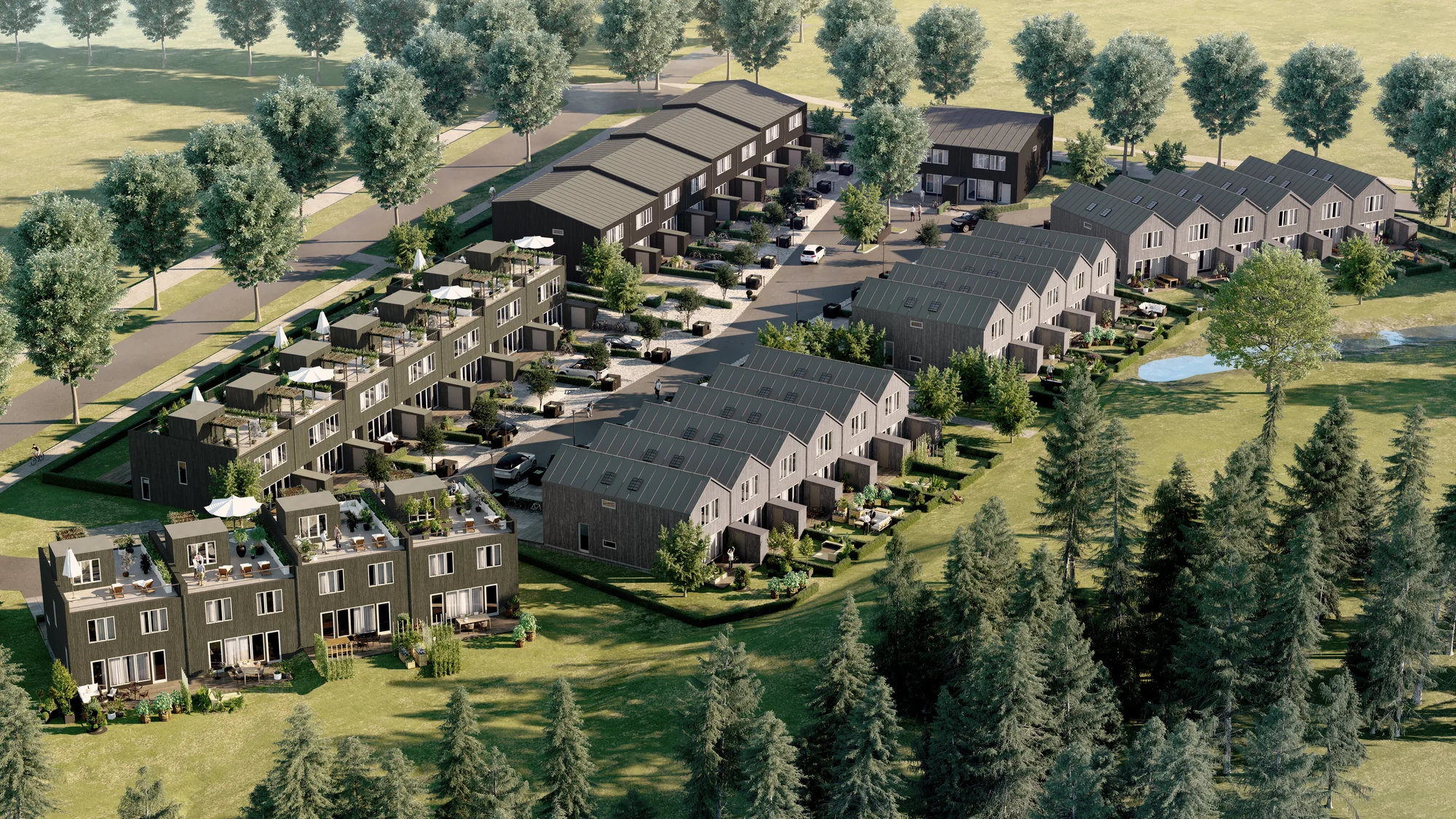
- An aerial or context view. It shows the site, its boundary, the neighbors and the access roads. It can start from a rough massing model, before the drawings are final.
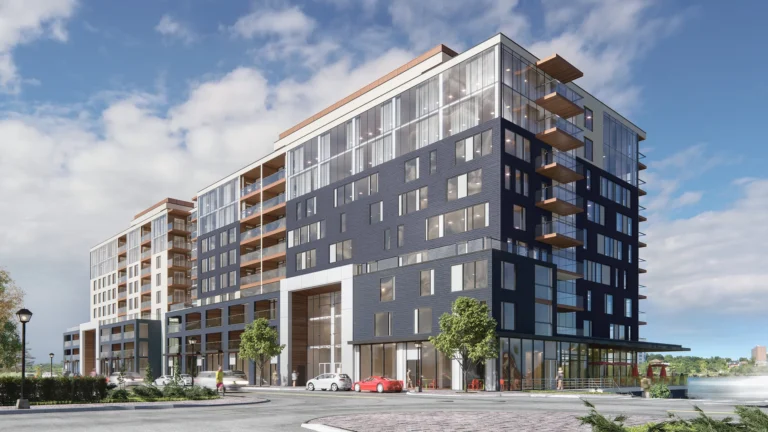
- A first hero exterior. Order it once the facade is close to fixed, so it does not have to be redone.
- Planning views, if the authority asks for them. A planning authority may want fixed viewpoints and neutral light, which is different from a marketing image. Say at the start if any view goes into a submission.
- A site board. One hero image at a wide crop, as a large file. For large-format print we deliver up to 8K to 12K on request.
- An early-interest page. One hero image, a few lines of text and a form where visitors leave an email address and the home size they want. It gives the sales team a list to write to at launch.
What to brief at this stage
Send the site boundary or a survey, the massing model or the first drawings, and the planned launch date. Say which images the planning authority will see, which crop the site board needs and what is still undecided, such as the facade material.
Stage 2: launch marketing for a new development
The launch is when sales open, and most assets are needed on the same day. Order the images first, because the website, the brochure and the marketing suite all use them. Then each channel gets its own crop of the same views.
Renders and floor plans
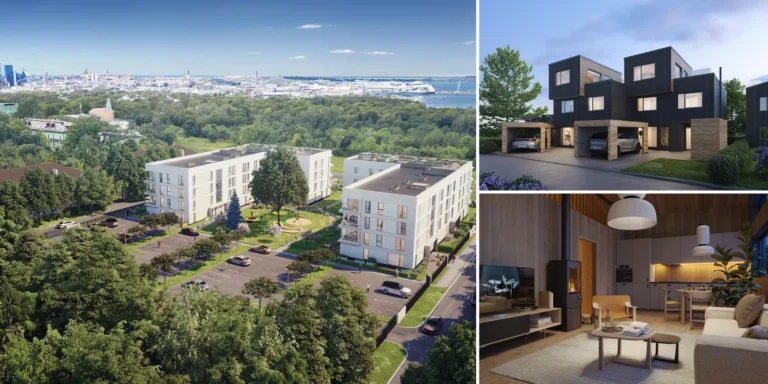
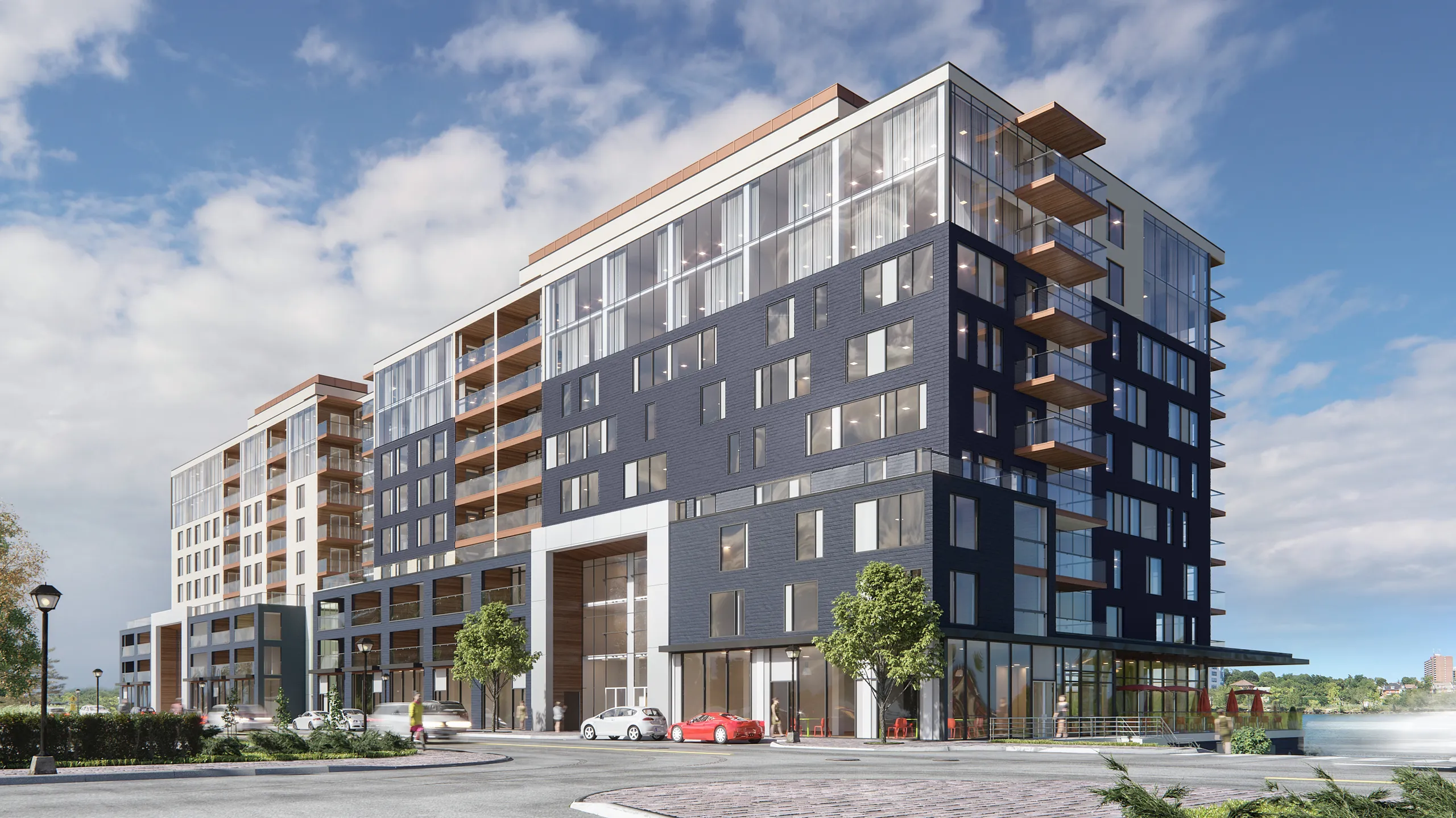
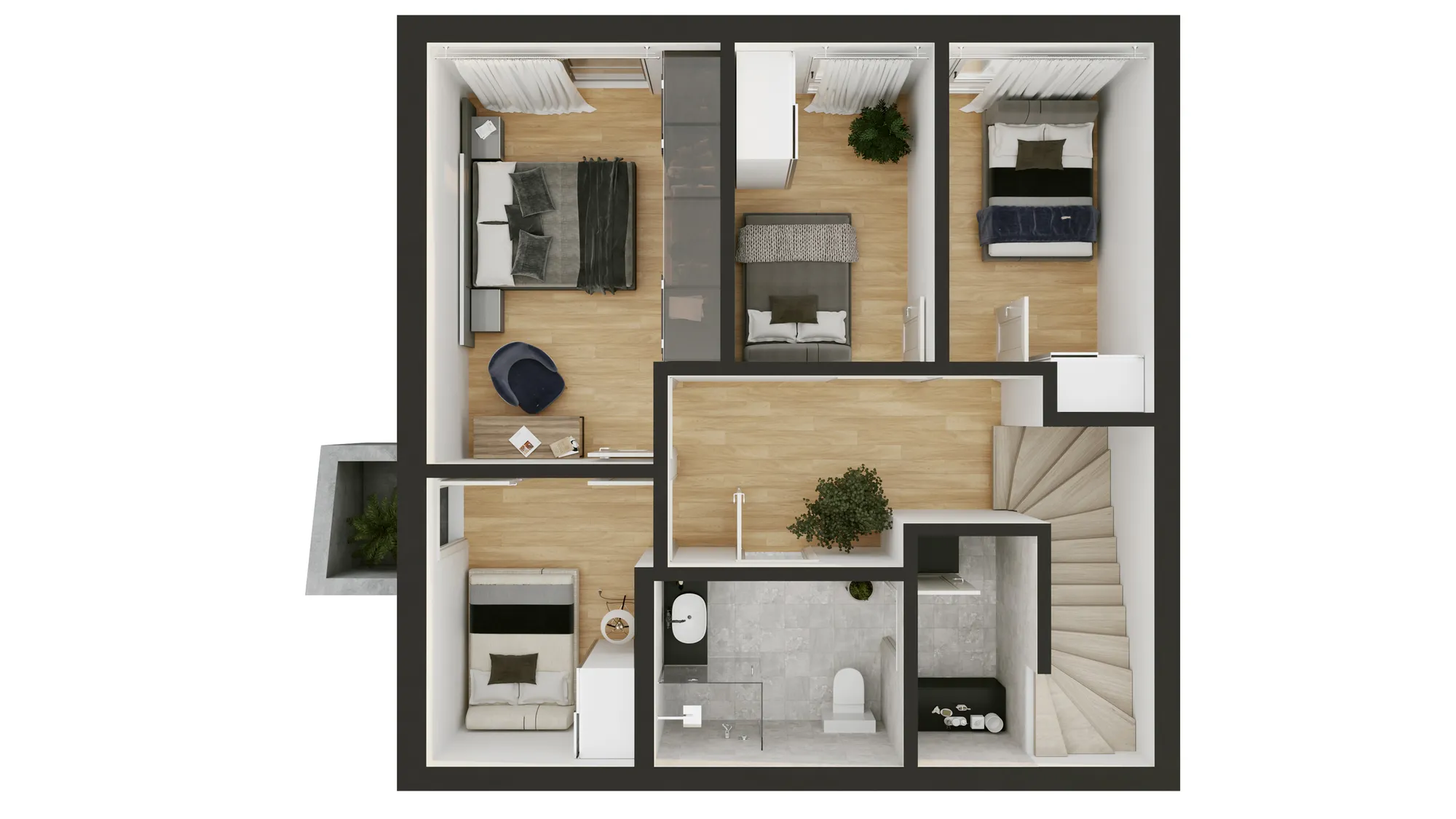
A launch set has a hero exterior, street views, views of the shared spaces, one interior for each home type and one 3D floor plan for each layout. Count from the unit schedule: a home type means a layout and specification, and homes of the same type share one image. See our exterior rendering service, our interior rendering service and our 3D floor plans. In the UK, this set is usually called property CGI.
A film
A short flythrough or hero video cut from the same model plays on the website, on social media and on a screen in the sales office. We agree the route on a rough cut of the grey model first, and deliver the film as MP4. See our 3D animation service.
A development website with availability
A development website is the one address for the whole scheme: the story, the location, the images, the list of homes and what is still available. A buyer opens a home to see its floor plan, size and price, and can send a question about that home through a contact form. Your sales team marks a home reserved or sold in a shared spreadsheet, and the site shows the change. Our web partner hosts the site after launch. The sales launch package includes one, made from the same model as the renders.
An apartment selector
An apartment selector puts every home on an image of the building. A buyer filters by floor, bedrooms and price, clicks a home and sees its floor plan, size, price and status. Try the apartment selector demo, which uses sample homes and prices. It can sit on its own website or be embedded in the one you already have.
A brochure
The brochure uses the hero on the cover, a floor plan for each home type, the interiors, the location and the specification. Ask for print files at the size the printer needs, not only the web files.
A marketing suite
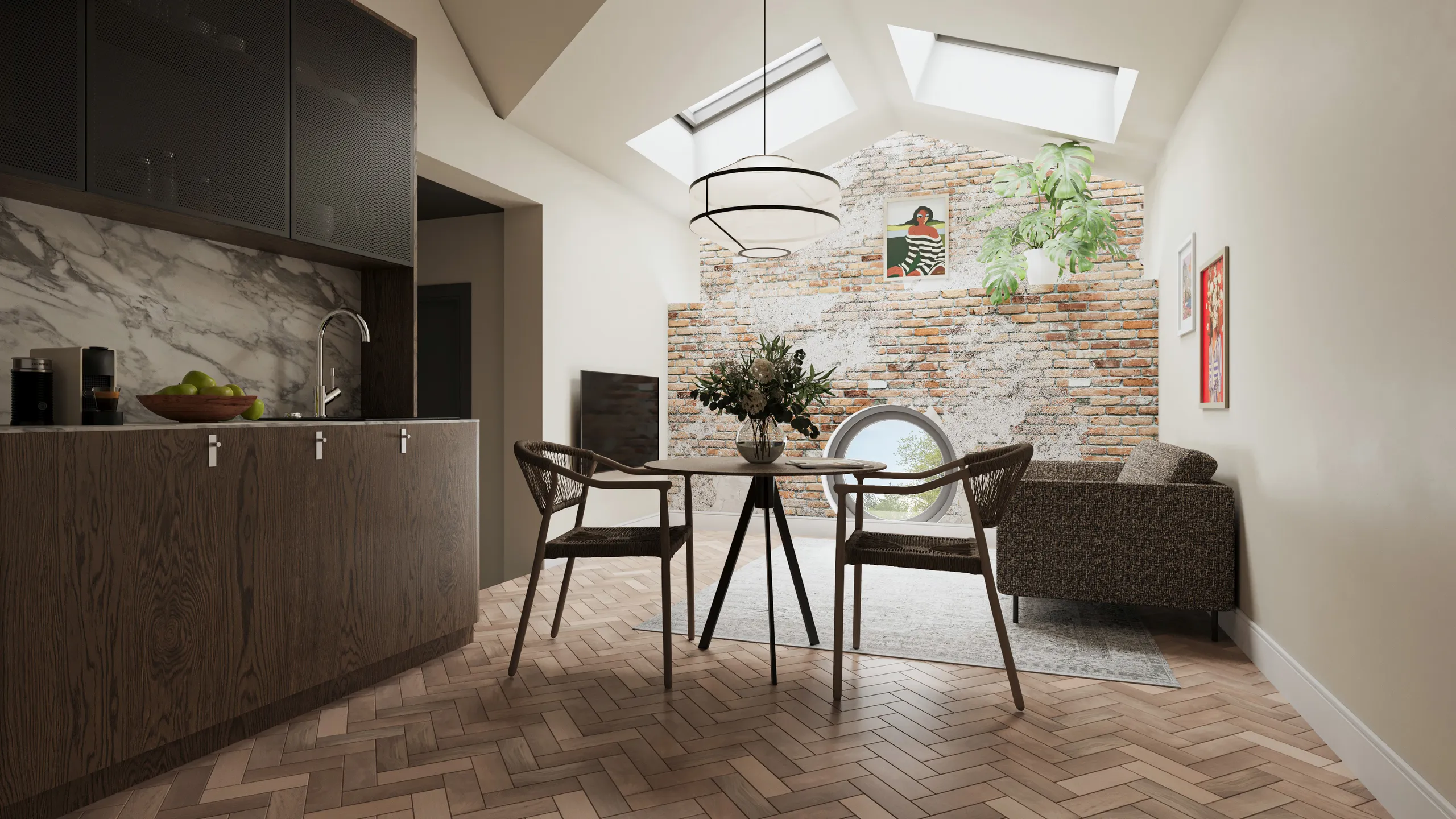
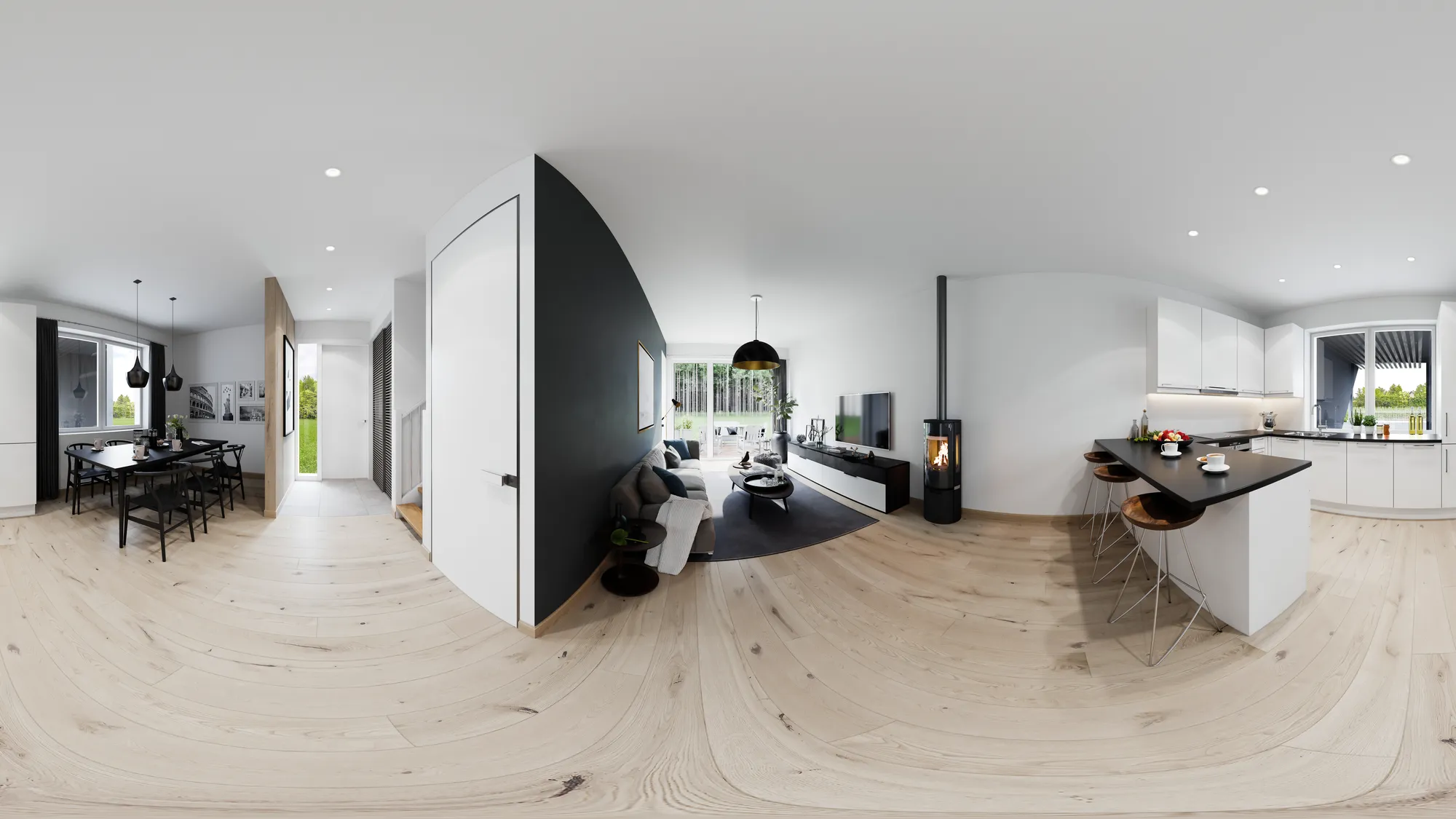
A marketing suite is a sales office, on site or in town, where buyers see the scheme before it exists. It can show a large print of the hero, the film on a screen, the interiors and the selector on a touch screen. Buyers who cannot visit can look around a home type in a 360-degree virtual tour. Read our guide to 360 virtual tours for real estate.
Portals and agents
Property portals and agents need the same images in their own crops, plus a floor plan for each home type and the price list. Give every channel the same images, the same home numbers and the same labels, so a buyer sees one version of the development everywhere.
What to brief at launch
- The unit schedule: home types, sizes and the number of homes of each type.
- The specification, with standard finishes and paid upgrades marked apart.
- The price list and the format your sales team will keep it in.
- The brand: logo, colors and the project name.
- The channels you will use, so each image comes with the right crops.
- The launch date and which drawings are still open to change.
Tip: Render the standard finish and label paid upgrades next to the image. A buyer who reserves from an image should get the home the image shows.
Stage 3: marketing during construction
Sales continue while the building goes up. Buyers who reserved are waiting, others are watching the site, and lenders and agents want to see that the project is moving. The renders stay in use, and the new work is to keep everything current.
What to produce during construction
- Progress updates. A short update for reserved buyers and the early-interest list, with dated site photos. Name the angles you can photograph from the site and ask for a render from the same angles, so a photo and a render can be shown as a pair.
- A show home. A furnished show home gives buyers something real to walk through. A virtual tour of a home type keeps working for buyers who live far away.
- Updated images. When the facade, a finish or a layout changes, the images that show it change too. The 3D scene stays with us after delivery, so the change is made in the existing scene, and a new view of it costs much less than the first one.
- Current availability. A website or selector that shows a sold home as free confuses buyers. Keep the spreadsheet up to date.
What to brief at this stage
Send the revised drawings and a list of what changed since the last set. Say which images are already printed or published, so the ones that now show something wrong are replaced first. Label every render as indicative until the building is finished.
Stage 4: sell-out and the last units
When the building is complete, buyers can compare the images with the real thing. The marketing changes from selling an idea to showing what is left.
What to produce for the last units
- Photos of the finished building. A photographer takes them, and they replace the exterior renders as the main images.
- Staged photos of empty homes. Photos of unsold, empty homes can be furnished digitally with virtual staging, from the same camera as the photo. We supply a copy captioned “virtually staged”. A furnished show home does not need it.
- A last-units page. The website or selector shows the homes that remain, with price, floor plan and a contact form. Sold homes stay marked as sold.
- Renders for what is not built yet. A later phase or an unfinished shared space still needs renders, and they come from the same scene.
What to brief at this stage
List the homes that remain and send the empty-room photos with the room name. Say which images are now photos and which are still renders, so the labels are correct.
What every brief needs
At any stage, a brief that answers these 5 points can usually be priced without extra questions:
- The stage you are in and the date each asset is needed.
- The audience and the channel for each asset.
- What is fixed and what may still change.
- The files: CAD drawings, PDF plans, a BIM model, a SketchUp file or even a photo of a hand sketch.
- Who approves the work on your side.
Our guide to the 3D rendering brief goes through each point.
What development marketing assets cost
We price each project as one fixed price, agreed before work starts. A single-building launch set typically costs €3,000 to €6,000. Multi-building developer packages typically run €5,000 to €15,000. The number of views, the number of home types and how ready your files are move the price. These ranges cover the images. A project website or an apartment selector is quoted separately. See how our pricing works.
Questions about real estate development marketing
When should development marketing start?
As soon as the site is known. The aerial and the early-interest page need little more than the site boundary and a massing model. The launch set starts once the facade is fixed.
How is marketing a new development different from marketing a resale home?
A resale home exists and can be photographed. A new development is sold from images, plans and a price list for a long time, so the marketing has to change as the design, the building and the availability change.
What does off-plan sales marketing need?
Buyers decide from renders, floor plans, a specification and a price list. These must match the drawings and be labeled as indicative, and the home list must show what is still available.
Does a development need its own website?
A project website for a new development gives buyers one address for the images, the home list and the availability. It can live on its own address, or the apartment selector can be embedded in the website you already have.
Can the images change when the design changes?
Yes. The scene stays with us after delivery, so a changed facade, finish or layout is made in the same scene, not in a new one. A new view of an existing scene costs much less than the first view.
Next step
Send the drawings, the unit schedule and the launch date to start a quote. You get a reply within 30 minutes: a fixed price and a delivery date, or the 1-2 questions we need answered first.
Diagrams in this post are drawn with an AI image tool from our brief and checked by our team.