



Real estate developer websites
with the renders, floor plans and apartment selector built in
A real estate developer website for your new homes: the building with every home on it, a 3D floor plan for each home type, a hero video and an enquiry form. It is built from the same 3D model as the renders, by a studio with 1,247 projects since 2013.
- An apartment selector: building view, list view, filters and availability
- 3D floor plans for every home type, renders and a hero video
- In any language, hosted and updated by our web partner on a monthly plan
1,247
Projects completed
13
Years in business
17
Countries delivered to







★★★★★
Rated 4.9 on Clutch · See our reviews
Architects, developers & interior designers
Working for 215 companies since 2013
125 of 220 clients came back
More than half of our clients have hired us again
What is a real estate developer website?
A real estate developer website is the project site for one new residential development. It shows the building, every home that is for sale and what each home looks like inside, and it lets a buyer ask about the one they like.
An agent website lists many properties. A developer website sells one building, and sells it home by home.
That difference decides what the site needs. A buyer of a new home cannot walk through it, so the site has to do the walking: the building from the street and from above, the layout of each home type, and a clear answer to which homes are still free. A property developer website that only has a gallery and a contact form leaves the buyer to guess the rest.
We build the site from the same 3D model as the renders and the floor plans. The apartment selector, the images and the plans are made once and agree with each other. This is real estate developer website design that starts from your architect's drawings, not from a template of stock photos.
For the buyer
Find a home on the building, filter by what matters, open its plan and ask a question about it. All on one page, on a phone or a computer.
For the sales team
One spreadsheet controls what is available. Marking a home reserved or sold takes a minute and needs no developer.
For the marketing team
The same renders, plans and video go to the site, the brochure, the hoarding and the portals, so the campaign looks like one campaign.
Want to see it? Open the apartment selector demo, or read how the site is built.
What a property developer website needs to contain
A buyer comes to a project site with three questions: what does the building look like, which homes are left, and what does the home I like look like inside. These eight parts answer them.
The building, with every home on it
Each home is outlined on a render of the building. The buyer clicks the home and sees its number, size, price and status.
Filters and a list view
Filter by floor, bedrooms, size, price and availability, or switch to a sortable list. Homes that do not match fade out.
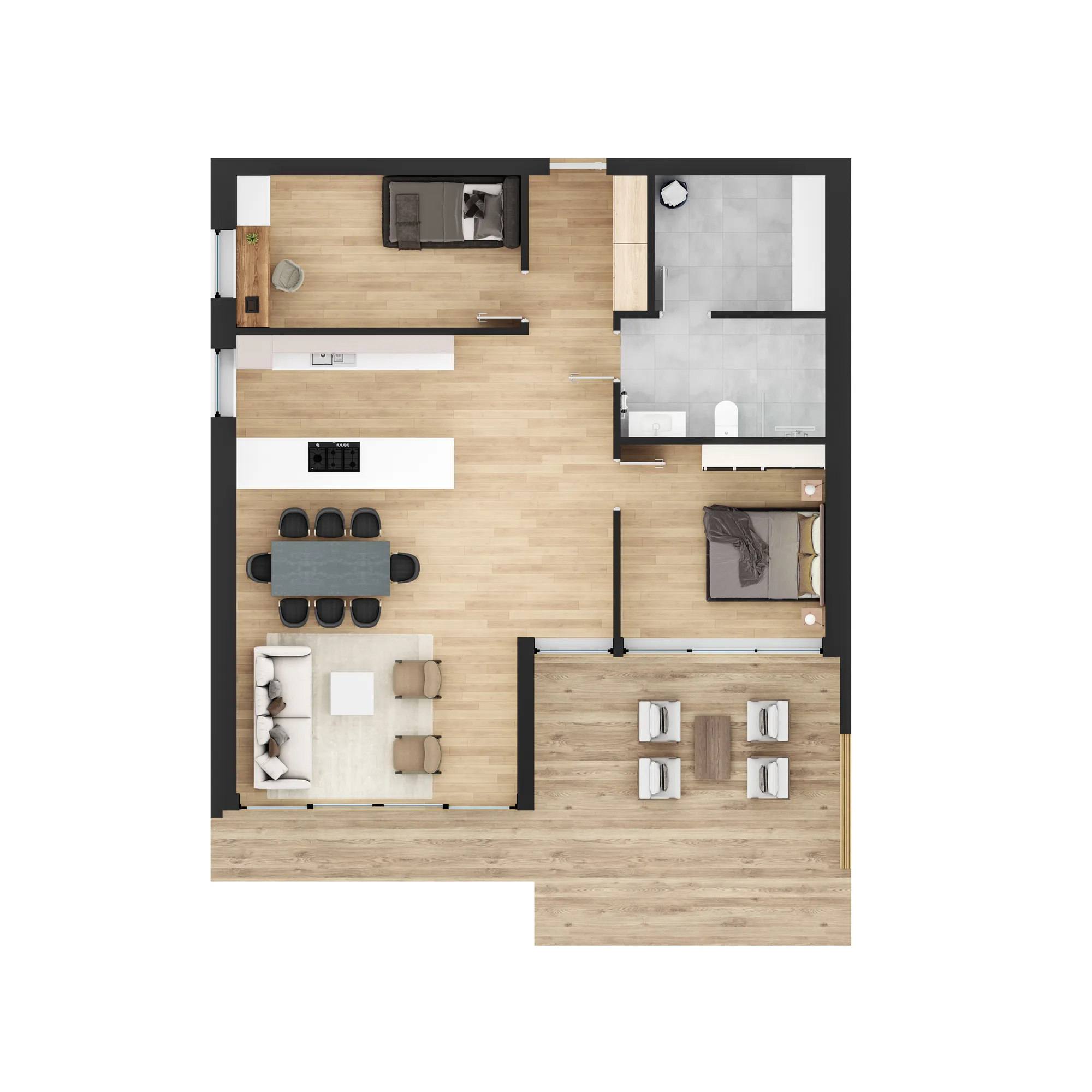
A 3D floor plan for every home type
Furnished plans that show the layout. These interactive floor plans open from the home the buyer clicks.
Availability that stays true
Your sales team marks homes reserved or sold in a spreadsheet, and the site shows it.
Renders and a hero video
Exterior, interior and aerial renders, and a video for the top of the page and for social media.
An enquiry form
A buyer can send a question about the home they are looking at, so the enquiry does not start with "which home was it?"
Any language
The labels and texts are translated for each language your buyers read. The renders and plans stay the same.
Phones and computers
Buyers tap a home instead of pointing at it, so the building view and the plans work on a small screen too.
Apartment website design: the parts of a project site
Four parts, all made from one 3D model. The exact set is agreed in the reply to your first message.
Apartment selector
Every home mapped on the building, with a list view and filters for floor, bedrooms, size, price and availability.
See the demo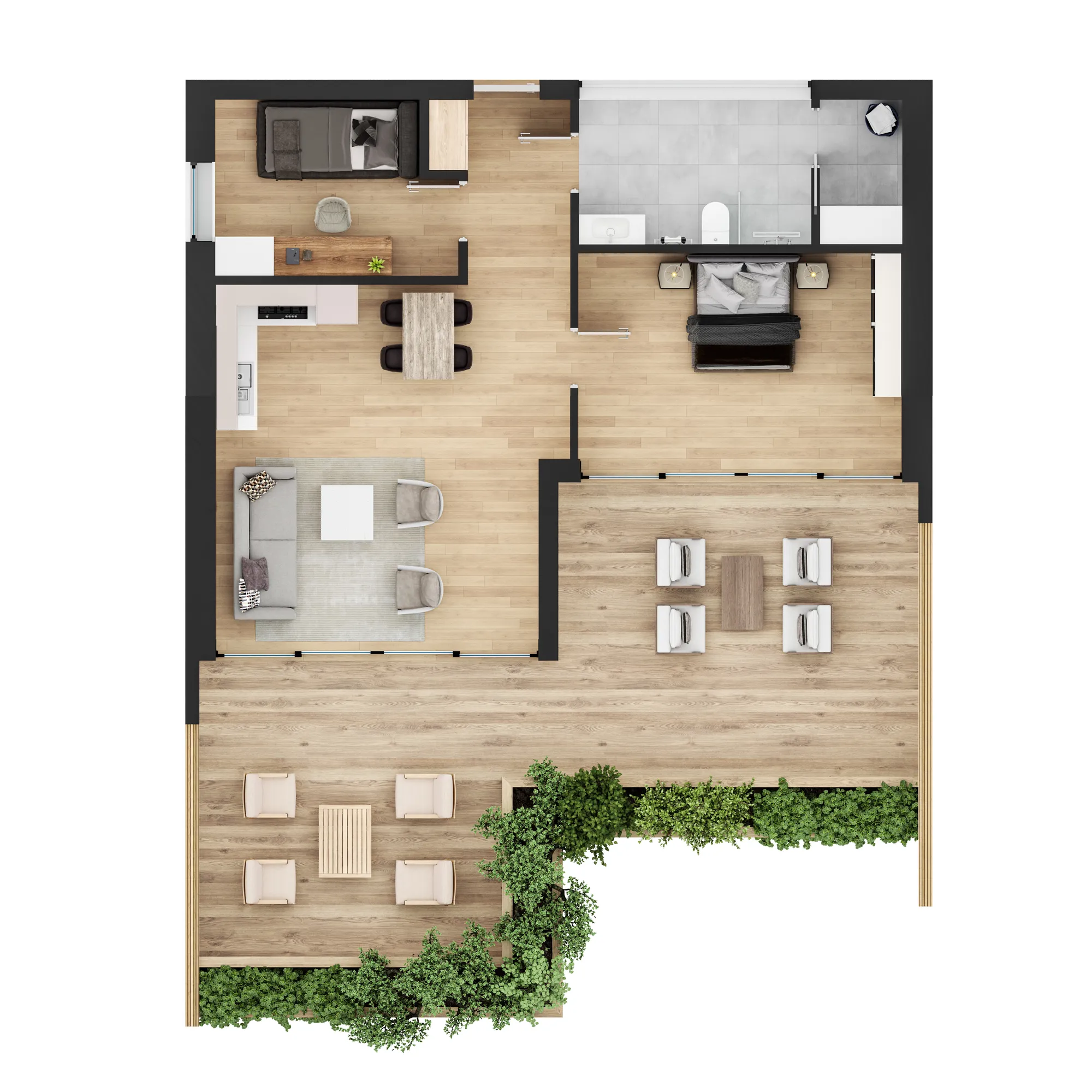
3D floor plans
A furnished plan for every home type, shown when the buyer picks a home.
3D floor plans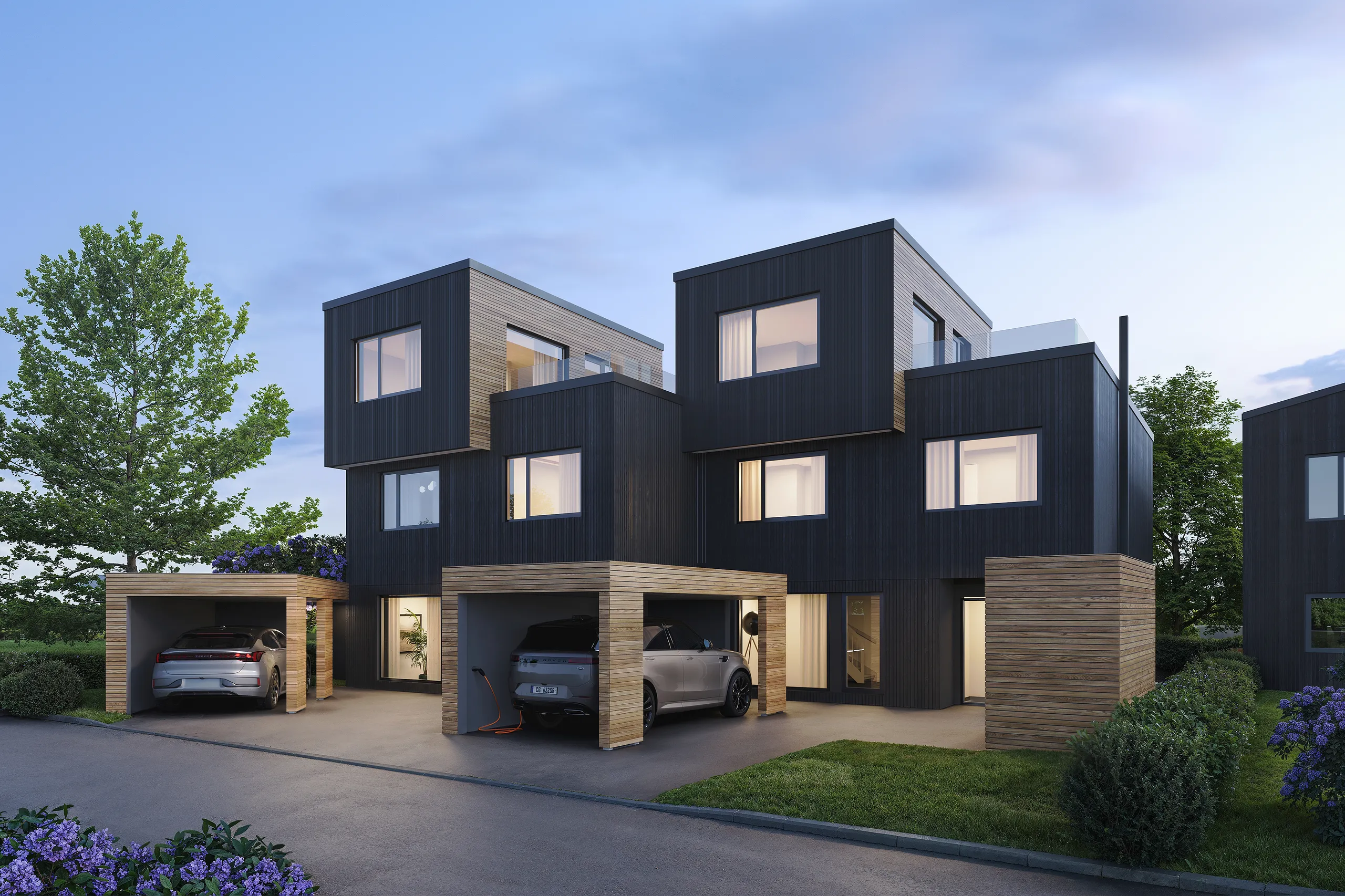
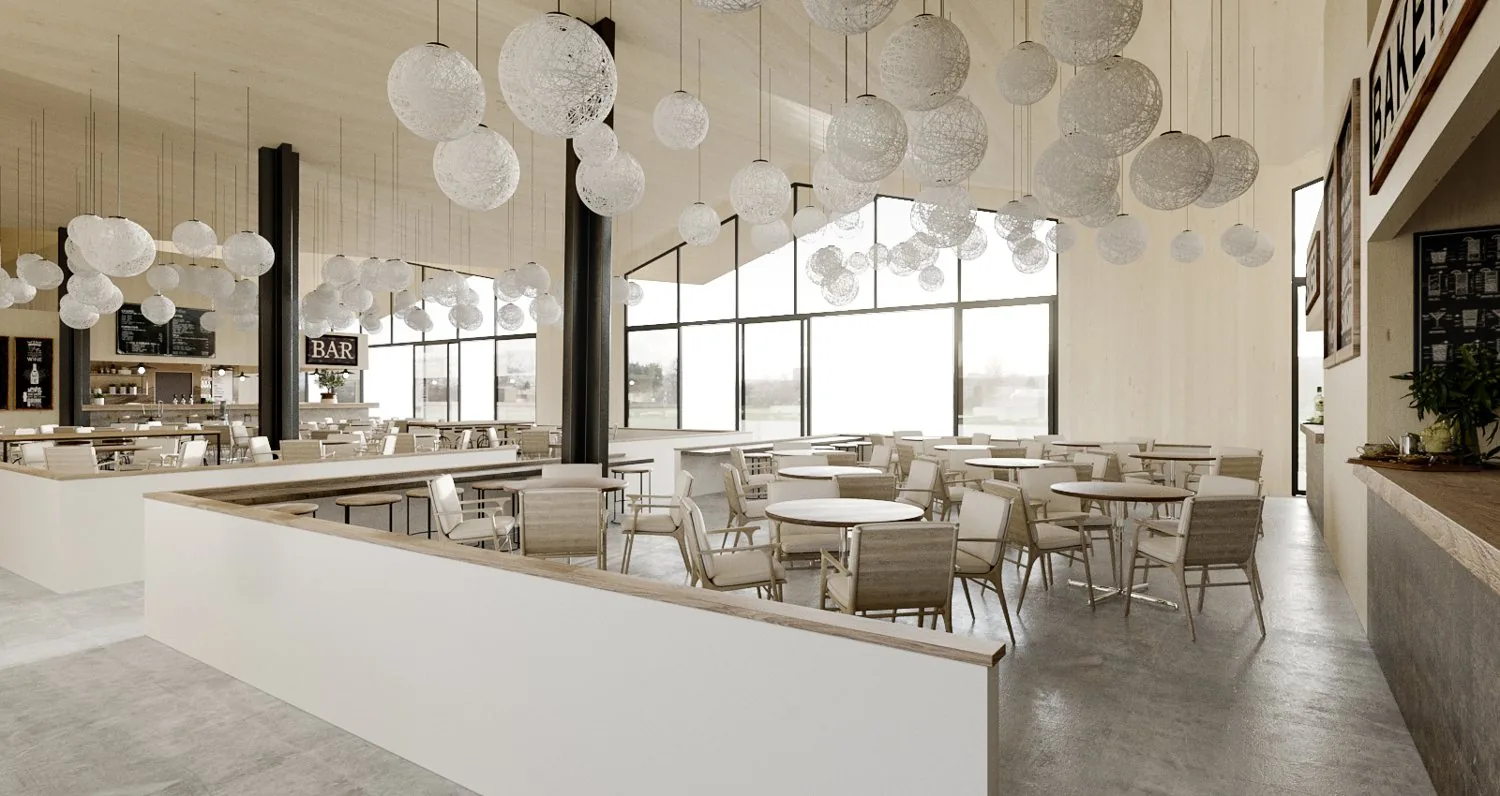
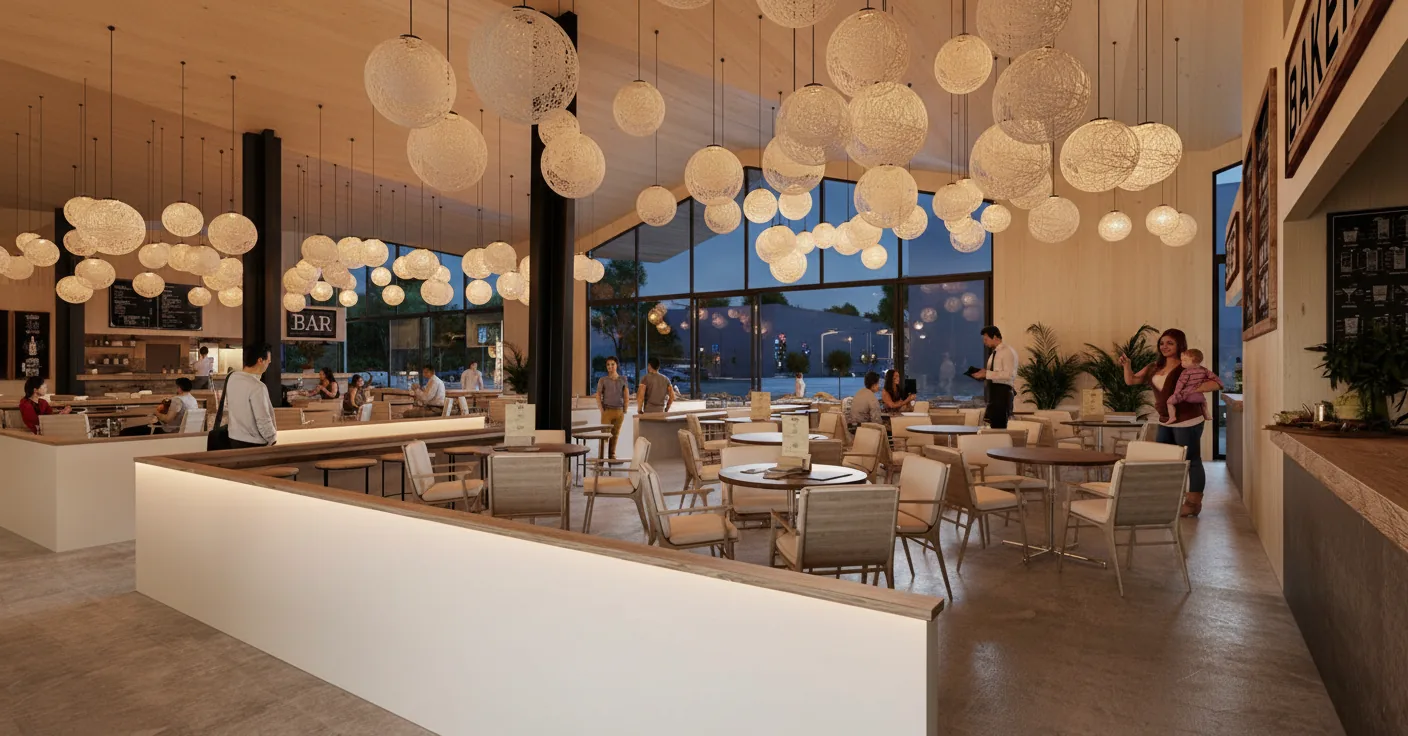
Exterior and interior renders
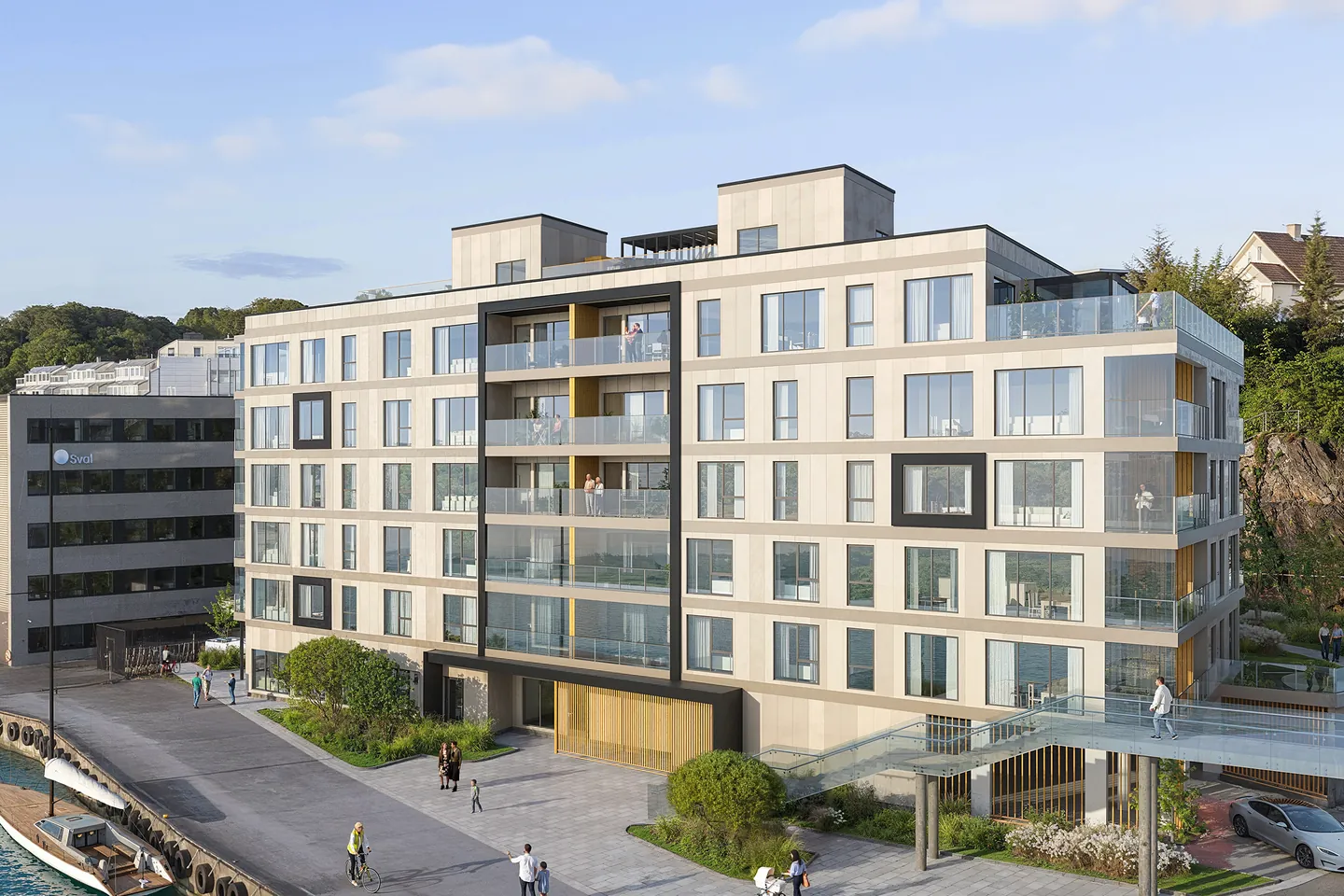
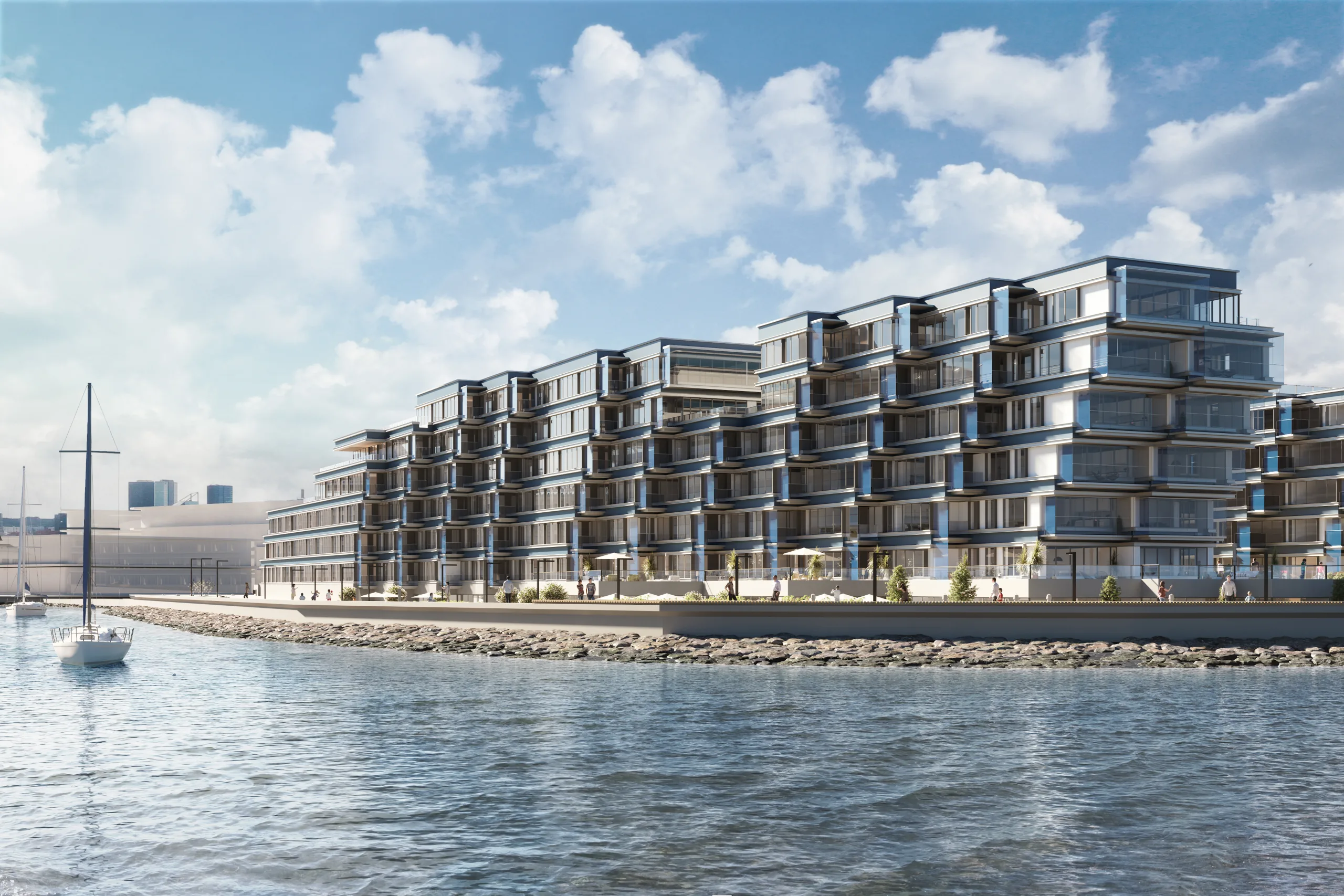
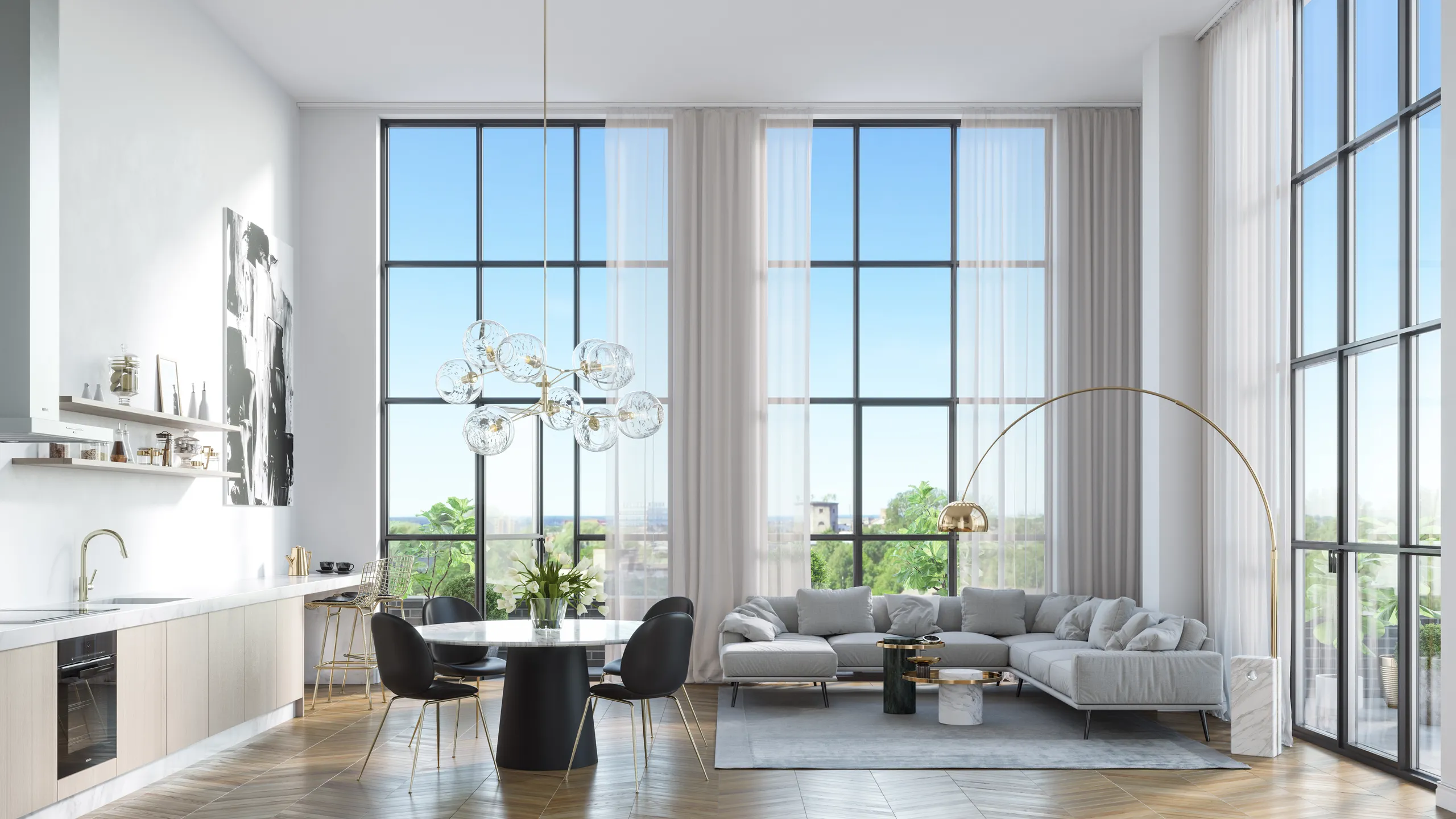
The building in its street and the rooms inside, from the model the website is built on.
Exterior rendering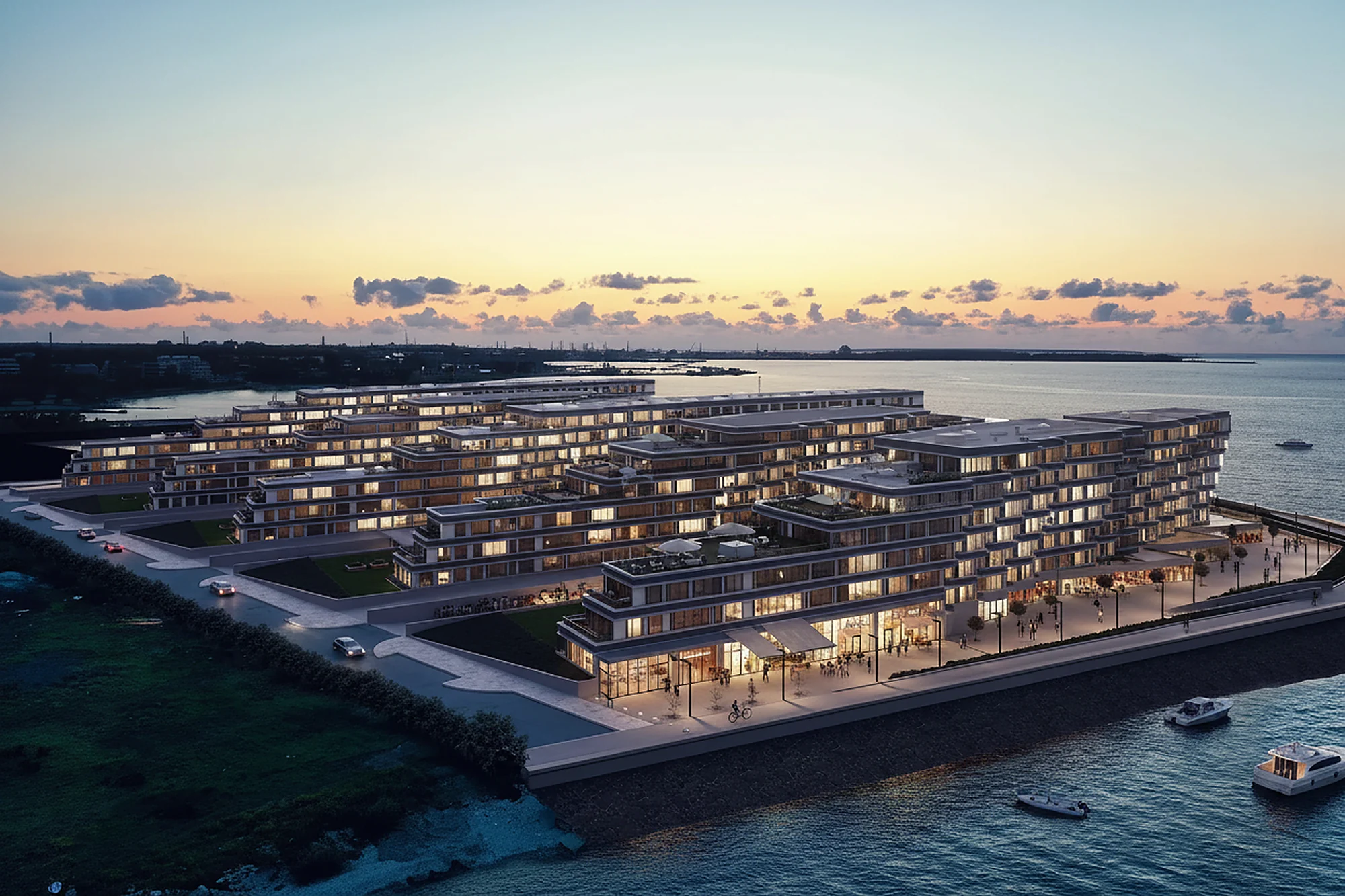
Aerial view and hero video
The whole site from above and a video for the top of the page, also used on social media.
Sales launch packageA real estate development website: its own address or inside your site
Developers ask this first. All three setups use the same parts.
A project site on its own address
One website for one development, with its own domain. This suits a scheme that is marketed under its own name, because buyers search for the project and not for your company.
The selector inside your existing site
If you already have a company website, the apartment selector can sit on one of its pages. Your web team places one snippet, and you do not replace anything.
Linked from your company site
Your company website keeps showing all your schemes. Each scheme's page links to its own project site, so a buyer lands straight on the homes that are for sale.
How a property developer website is built, in four steps
One fixed price for the project, agreed before any work starts.
Brief
Send the drawings and the home list
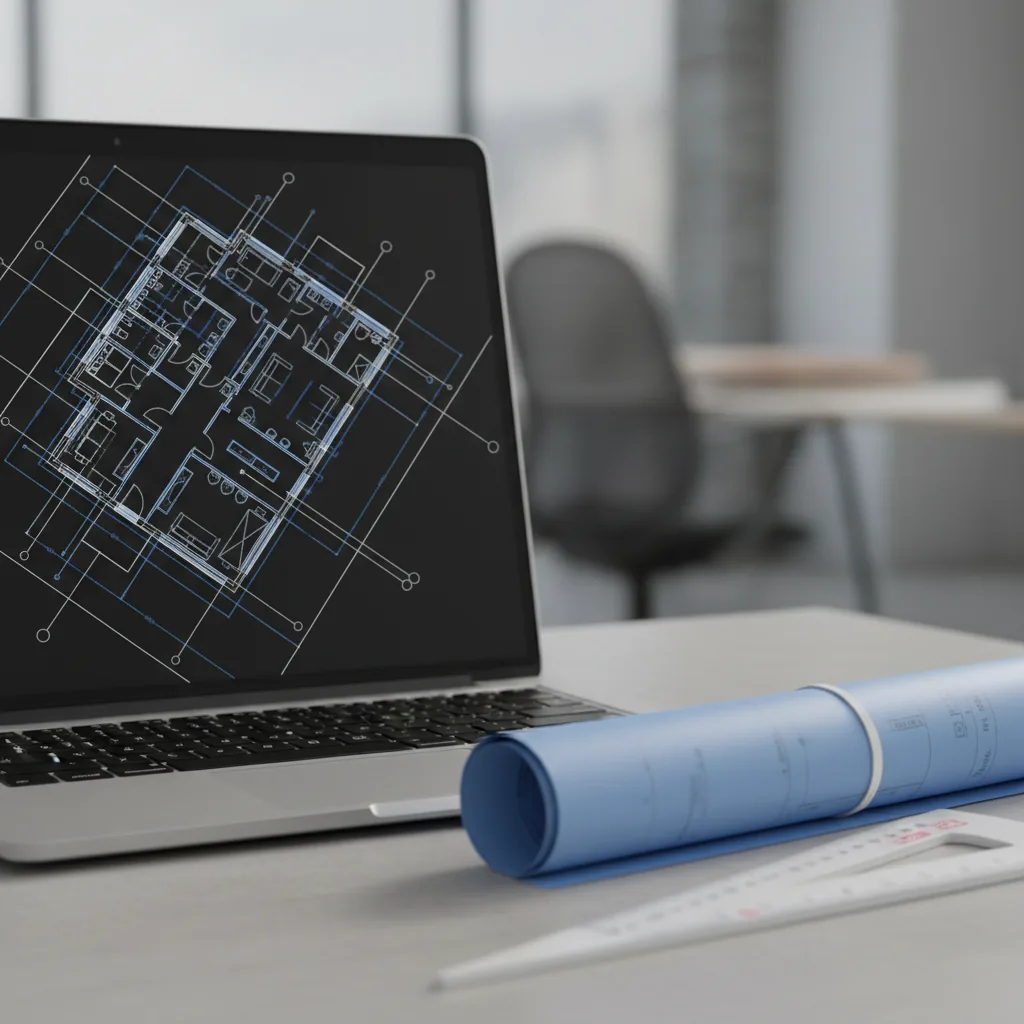
Upload the architect's drawings or a BIM model, the list of homes and your brand. You get a reply within 30 minutes: a fixed price and a delivery date, or the 1-2 questions we need answered first.
Model
One 3D model of the development
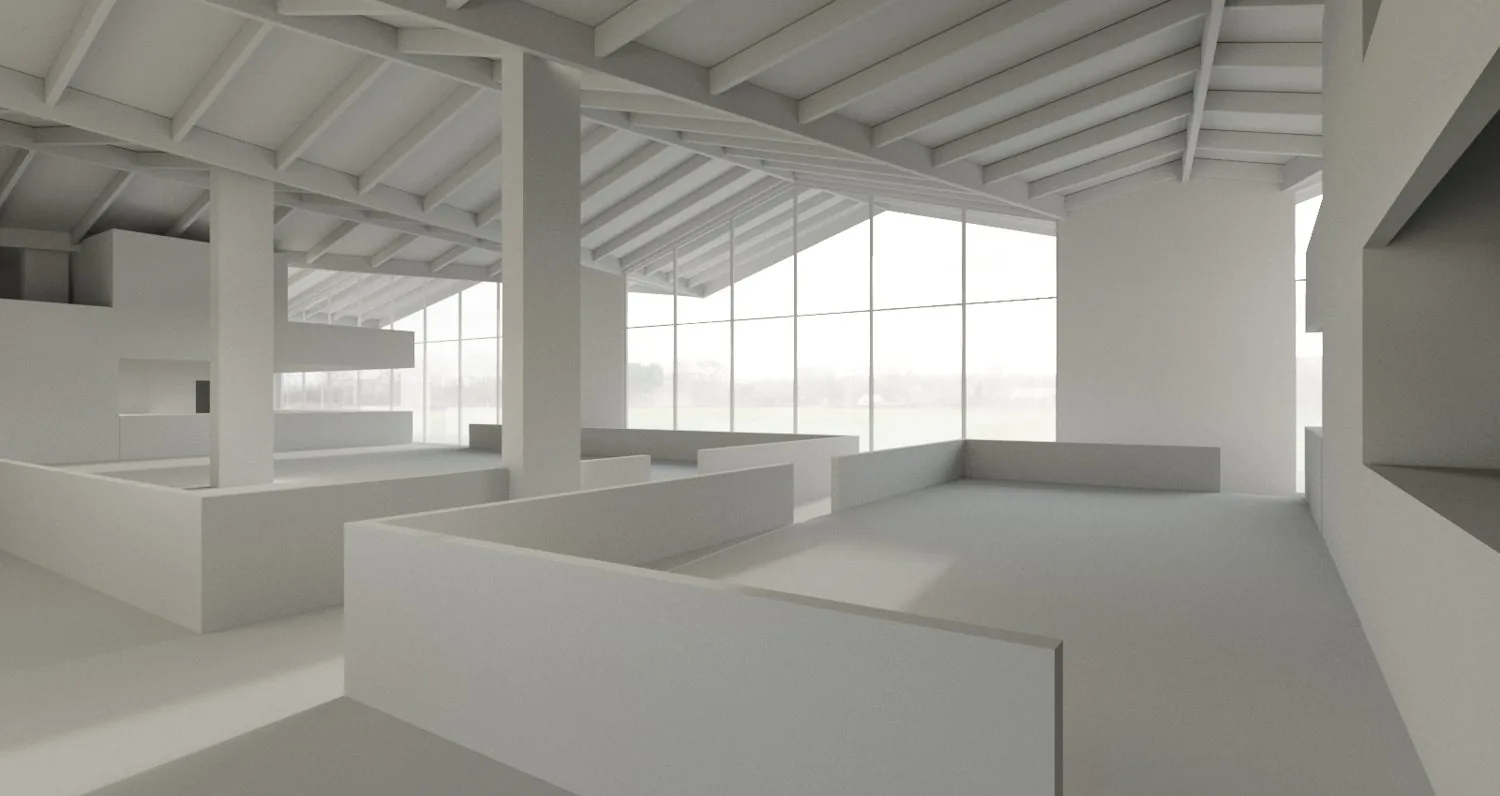
The building, the site and each home type are modelled. The camera views for the renders are agreed with you.
Build
Renders, plans and the website
The renders, the 3D floor plans and the video are finished from the model. Your homes are mapped on the building and the spreadsheet is connected.
Launch
The site goes live
You check the site, your texts and your languages. Our web partner hosts it and looks after changes on a monthly plan.
Fixed price agreed before work starts. 2 revision rounds are included on the images.
What decides the price of a property development website design
One fixed price for the whole project, agreed before work starts. Here is what moves it. The starting price of the full package is on the pricing page.
-
The size of the development
One building or several, and how many floors and homes the selector shows. A scheme with several buildings is mapped from an aerial render of the site.
-
How many home types
Each home type gets its own 3D floor plan. The number of layouts matters more than the number of homes, and mirrored types cost much less.
-
Renders and video
How many exterior, interior and aerial views the site needs, and whether it has a hero video.
-
The state of your drawings
A BIM model or CAD drawings are quickest. PDF drawings work too, and we settle anything missing with you before we build.
-
Website features
Languages, a 3D view of the building that the buyer can turn, or an embed in your existing site.
-
Hosting and changes after launch
Our web partner runs these on a monthly plan, agreed before the project starts and separate from the build price.
Before you send
What to send for a project website
A short list, so that the first reply can be a price and not a question.
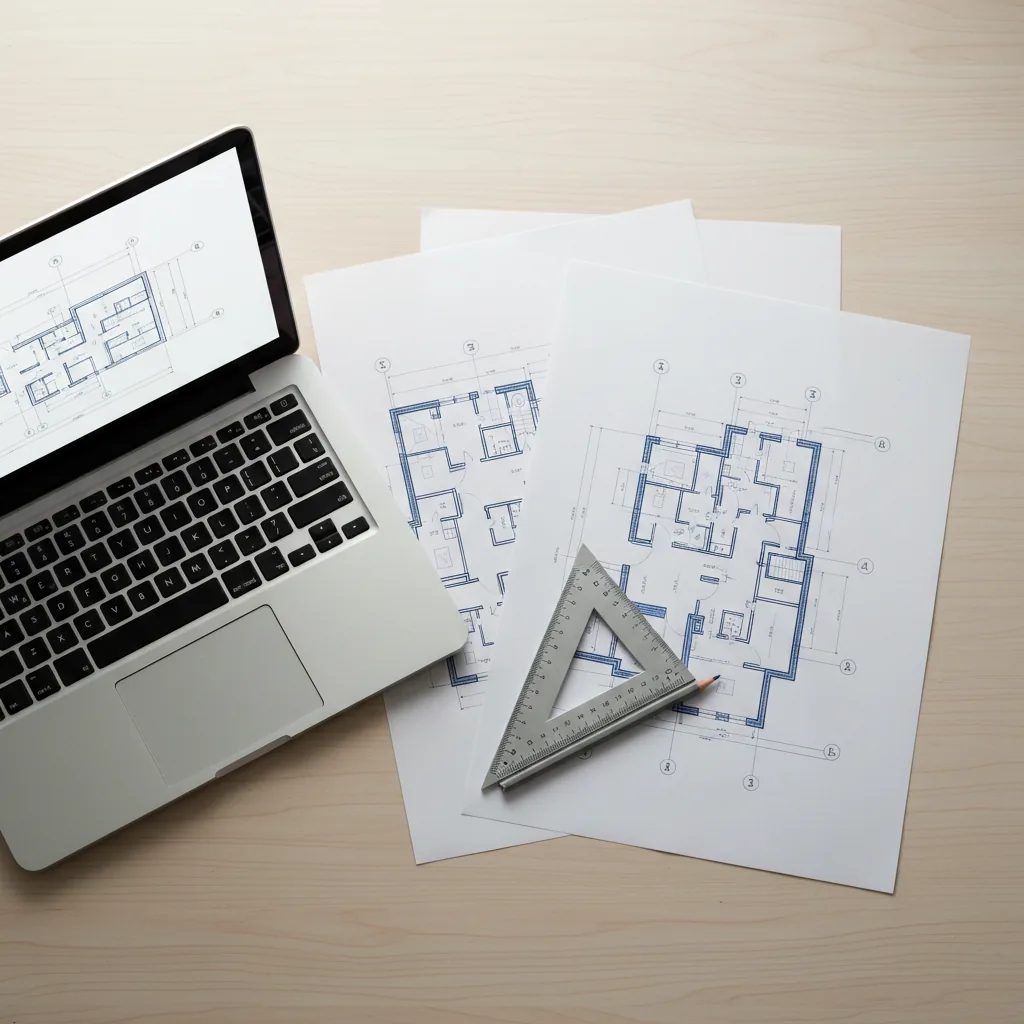
- The architect's drawings or a BIM model
- A list of homes: number, type, size, price and status
- Your logo, colours and the languages you need
- The texts for the site, or a note that you want help with them
Opens the upload form. Send what you have; no sales call.
Who orders a new homes website
Teams that sell homes before people can walk through them.
What you send and what comes back
Send what exists today and we will say what, if anything, is missing.
What you send
DrawingsThe architect's drawings or a BIM model
HomesThe list of homes: number, type, size, price and status
FinishesThe interior specification and the facade materials
BrandLogo, colours, the project name and your domain
ContentThe texts for the site and the languages you need, or we draft the texts with you
What you get
WebsiteA project website with the apartment selector, or the selector ready to place on your own site
ImagesRenders and 3D floor plans at 4K with full usage rights
VideoA hero video for the site and social media
UpdatesA spreadsheet that controls availability
After launchHosting and changes by our web partner, on a monthly plan
For the images on their own, see exterior rendering and 3D floor plans. For developers in general, see 3D rendering for real estate developers.
Real estate developer website questions, answered
What developers ask before they order a project website. Still unsure? Send the drawings anyway; the reply says what is missing.
Ask us directlyWhat should a real estate developer website contain?
At least the building with its homes, a floor plan for each home type, the renders, the price and status of every home, a way to ask a question, and the same content in the languages your buyers read. A hero video helps too. The list above shows how we build each part, and the apartment selector demo shows them working.
Do we need to replace our company website?
No. A project site is a separate website for one development, and your company site can link to it. If you would rather keep everything on one domain, the apartment selector can be placed on a page of your current site instead.
Who has to touch the website when a home is reserved or sold?
Nobody technical. The site reads a spreadsheet with one row per home: number, type, floor, size, price and status. Your sales team changes the status in the spreadsheet, and the site shows the new status, so a sold home is not offered as available.
Can the site be in the languages of buyers abroad?
Yes, in any language. Estonian, Finnish and English are ready to use, and other languages are added from your translations. The renders and floor plans stay the same in every language, so only the texts are translated.
How does the site work for a buyer on a phone?
The buyer taps a home on the building, and the plan, size, price and status open below it. The filters and the list view work the same way. Because the site is built for phones as well as computers, nothing is lost on a small screen.
What happens to the site after launch?
Our web partner hosts the site and makes changes after launch, on a monthly plan that is agreed before the project starts. You keep the content and the domain. Day to day, your sales team only edits the spreadsheet.
Why build the website from the same 3D model as the renders?
Because then every picture agrees. The home a buyer clicks has the same plan as in the brochure, and the building looks the same on the website, on the hoarding and on the portals. When the architect changes the design, the change is made once and reaches all of them. It is also one supplier, so you do not brief a rendering studio, a floor plan service and a web agency separately. See the sales launch package for how the parts fit together.
Can I see it working before I decide?
Yes. The live demo on the apartment selector page shows the building view, the 3D view, the list and the filters on a real render. The homes, prices and availability in the demo are sample data, and yours shows your own building.
What do you need from us to start?
The architect's drawings or a BIM model, the list of homes with type, size, price and status, your logo and colours, the languages you need and the texts for the site. If you do not have the texts, we draft them with you. You get a reply within 30 minutes: a fixed price and a delivery date, or the 1-2 questions we need answered first.
Send your drawings, get a reply within 30 minutes
The drawings and the list of homes are enough to start. The reply is a fixed price and a delivery date, or the 1-2 questions we need answered first.