

Free STL viewer
View and measure STL files
Open an STL file in your browser and check it before you print or send it for a quote: size, volume, weight and whether the mesh is watertight.
Nothing is uploaded: the file is opened on your own computer.
Need the part redesigned, repaired or modelled properly for production? We build 3D models from files like this one and reply within 30 minutes: a fixed price and a delivery date, or the 1-2 questions we need answered first.
Free, no sign-up. Your file stays on your computer. It is opened in this browser tab and is never uploaded to us or anyone else.
File will not convert, or the model needs cleaning up? Our team fixes and converts it for you. Send us the file and we reply with a fixed price. Send the file
- Size, volume and solid PLA weight at a glance
- Measure between 2 points on the model
- Watertight check before you print
How it works
How to view an STL file online
3 steps, and the file never leaves your computer.
1. Open the STL file
Drop the .stl file on the viewer or click to choose it. Both binary and ASCII STL files open, and so do 3MF files from a slicer.
2. Turn it and zoom in
Drag to orbit, scroll to zoom and use Full screen for a closer look. Edges shows the outline of every sharp corner, which makes small details easier to read.
3. Read the numbers
Under the model you get the size, the triangle count, the volume, the weight in PLA and whether the mesh is watertight. Measure any distance with 2 clicks.
What you see
The numbers the STL viewer gives you
What you need to know before you print a model or ask for a quote.
Size
The width, depth and height of the model. STL files carry no units, and almost all of them are drawn in millimetres, so the numbers are read as millimetres.
Volume and PLA weight
The volume of the closed solid in cubic centimetres, and its weight printed solid in PLA (1.24 g per cm³). A normal print with 15 to 20% infill uses much less, so treat it as the upper limit.
Watertight or not
A model with holes or loose edges cannot be sliced reliably. The viewer checks every edge and says Yes or No, for models up to 400,000 triangles.
Parts
A 3MF or OBJ with several bodies lists each one in the side panel, where it can be hidden to see inside, or clicked to get its own size.
When the file is not enough
What we do with STL files
A scan or a downloaded STL is a mesh of triangles. When you need a clean, editable model or images of the product, that is our work.

3D modeling
Accurate, editable models rebuilt from meshes, scans, drawings or photos, with real dimensions.
See 3D modeling
3D product rendering
Photoreal product images for web shops and catalogues, from your CAD or mesh files.
See product rendering
Architectural visualization
Images of buildings before they are built, including printed scale models turned into renders.
See architectural visualization
STL viewer FAQ
Questions about viewing STL files
Opening STL files, weight estimates and what the viewer can do.
Ask us a questionHow do I open an STL file without installing software?
Drop it on the viewer on this page. It opens in any current browser on Windows, Mac, Linux, iPhone or Android, and nothing needs to be installed or uploaded.
How is the weight worked out?
The viewer measures the volume of the closed mesh and multiplies it by 1.24 grams per cubic centimetre, the density of PLA. That is the weight of a solid print. With the usual 15 to 20% infill, the real print is much lighter; your slicer gives the exact figure for your settings.
Why does the volume not show for my file?
Volume is only shown for a watertight model, because a mesh with holes has no inside to measure. Close the holes in your slicer, in Microsoft 3D Builder or in Blender, then open the file here again.
Can I edit or fix the STL here?
No. The viewer shows and measures the model and can save a copy as STEP, OBJ, GLB or PLY. To repair holes use your slicer or Blender, and for a model that needs rebuilding, see 3D modeling.
More free tools
Other free 3D and CAD tools
Each one runs in your browser, like this one.
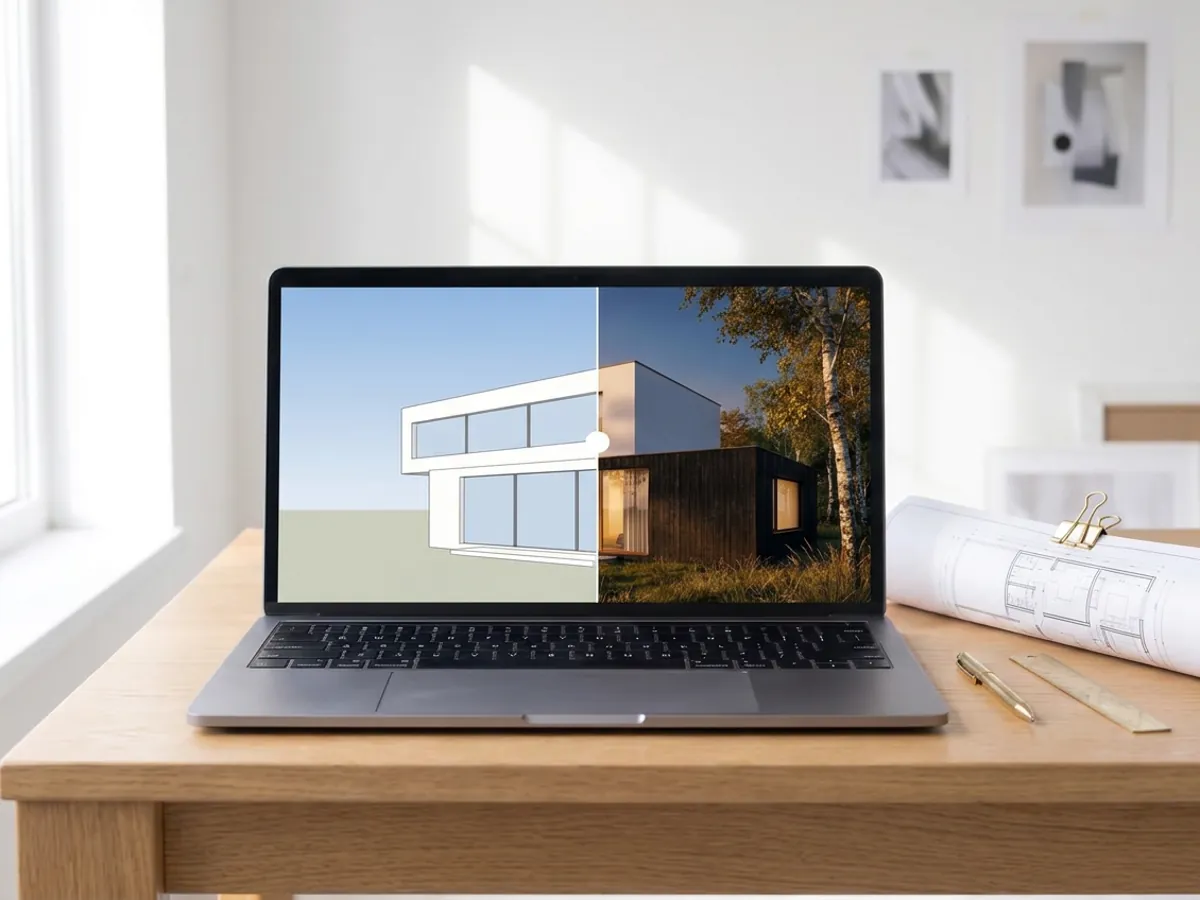
AI rendering
Turn a screenshot of your SketchUp, Revit or Rhino model into a photoreal render in about 20 seconds.
Make an AI render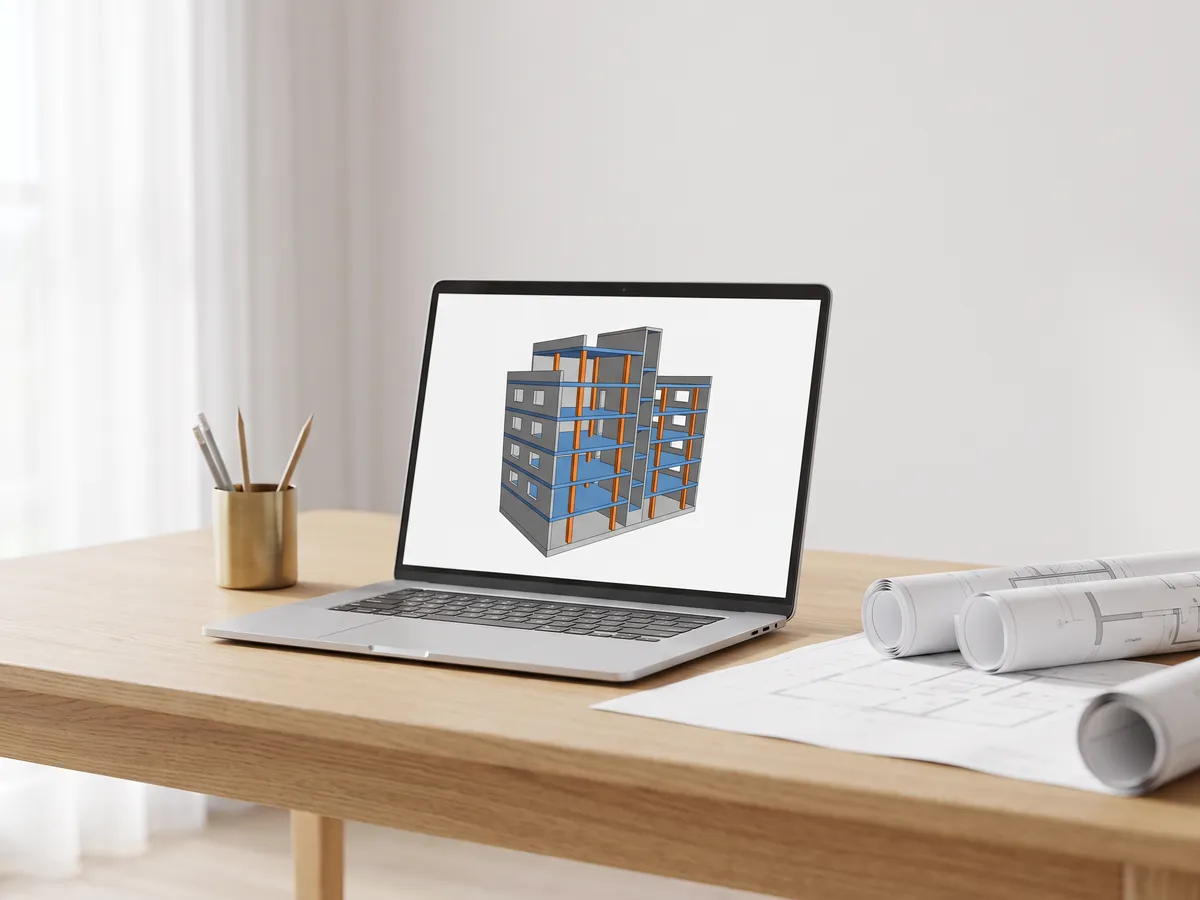
IFC viewer
Open IFC files from Revit, ArchiCAD and Tekla. Filter by element and level, check properties and measure.
Open the IFC viewer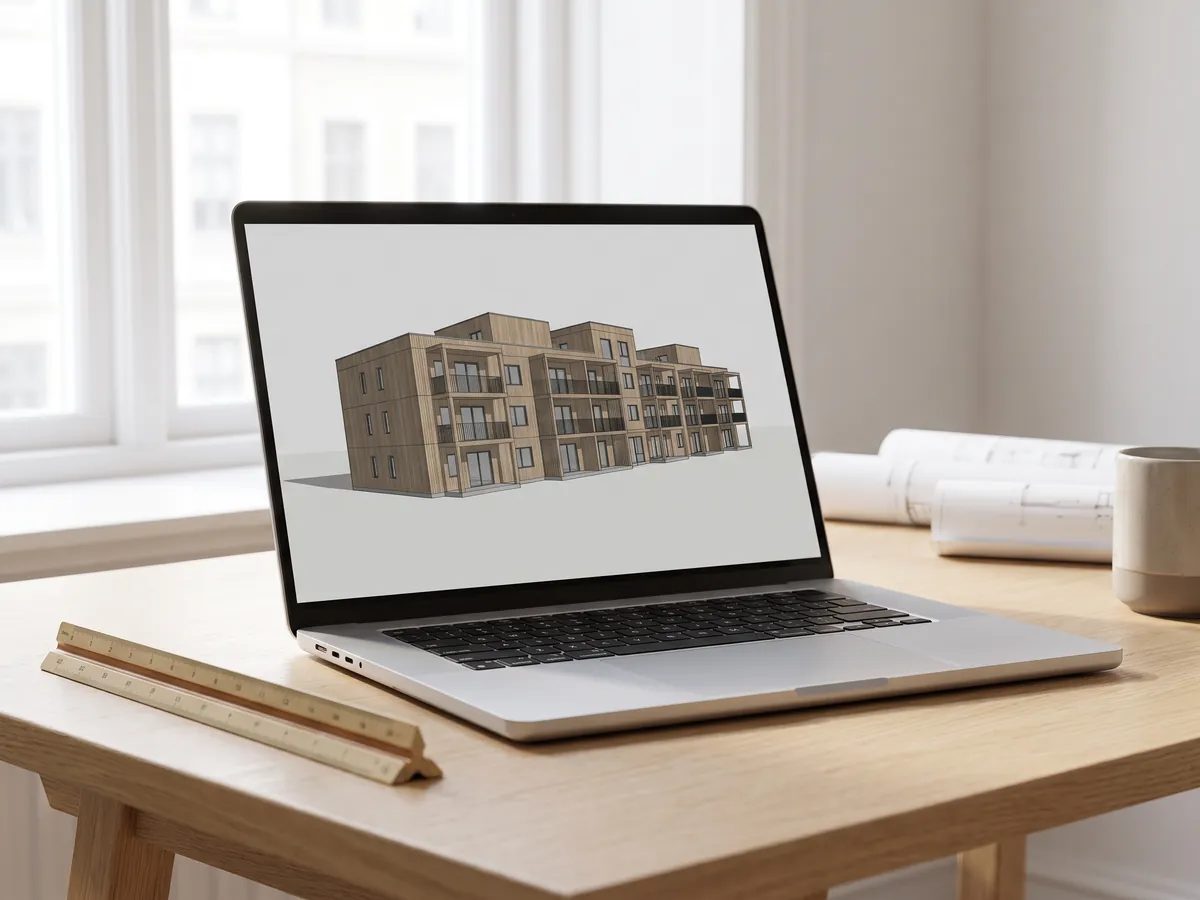
Revit viewer
Open .rvt files without Revit: converted to IFC by Autodesk, then viewed with levels and properties.
Open the Revit viewer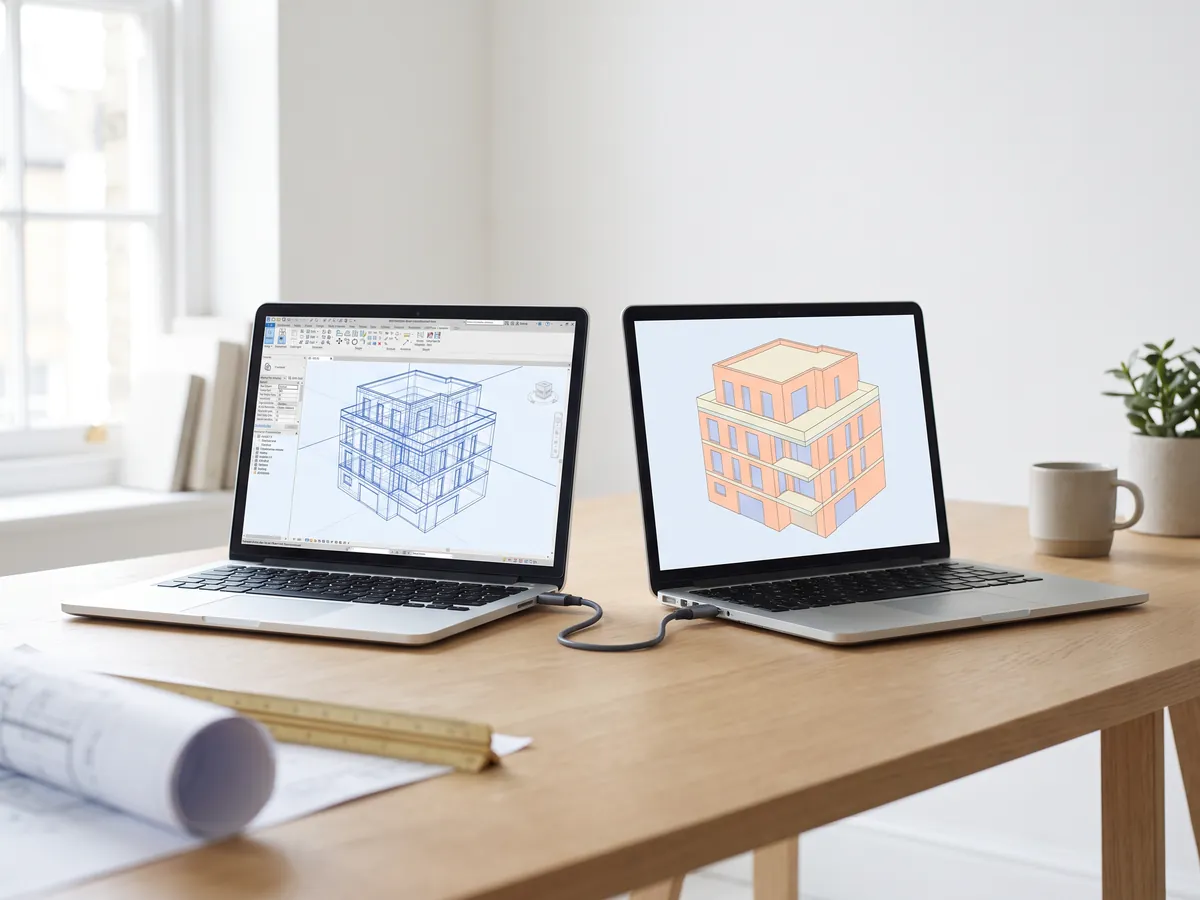
Revit to IFC converter
Convert RVT files to IFC 2x3 with levels and properties, using Autodesk's own conversion.
Convert Revit to IFC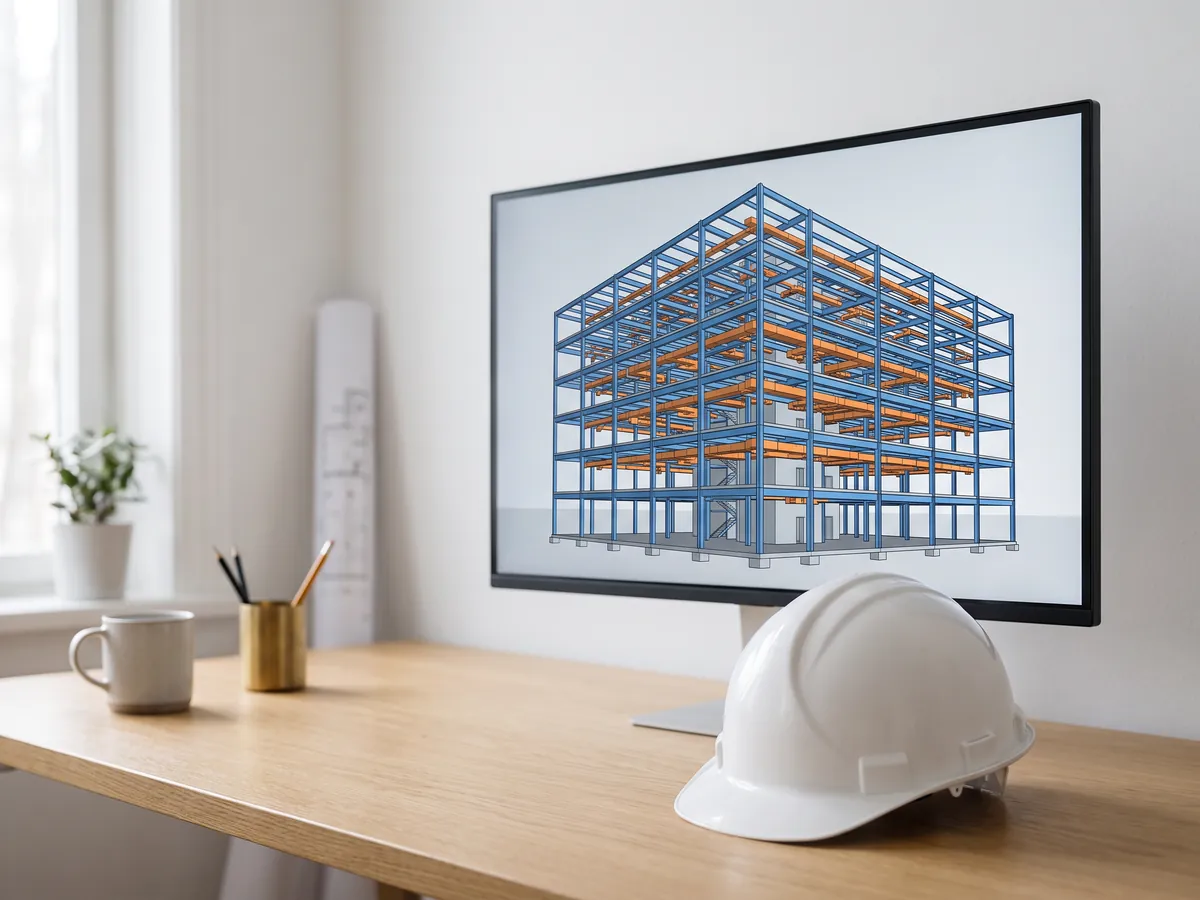
BIM viewer
Review BIM models from Revit, Archicad and Tekla without a licence: levels, properties, measuring.
Open the BIM viewer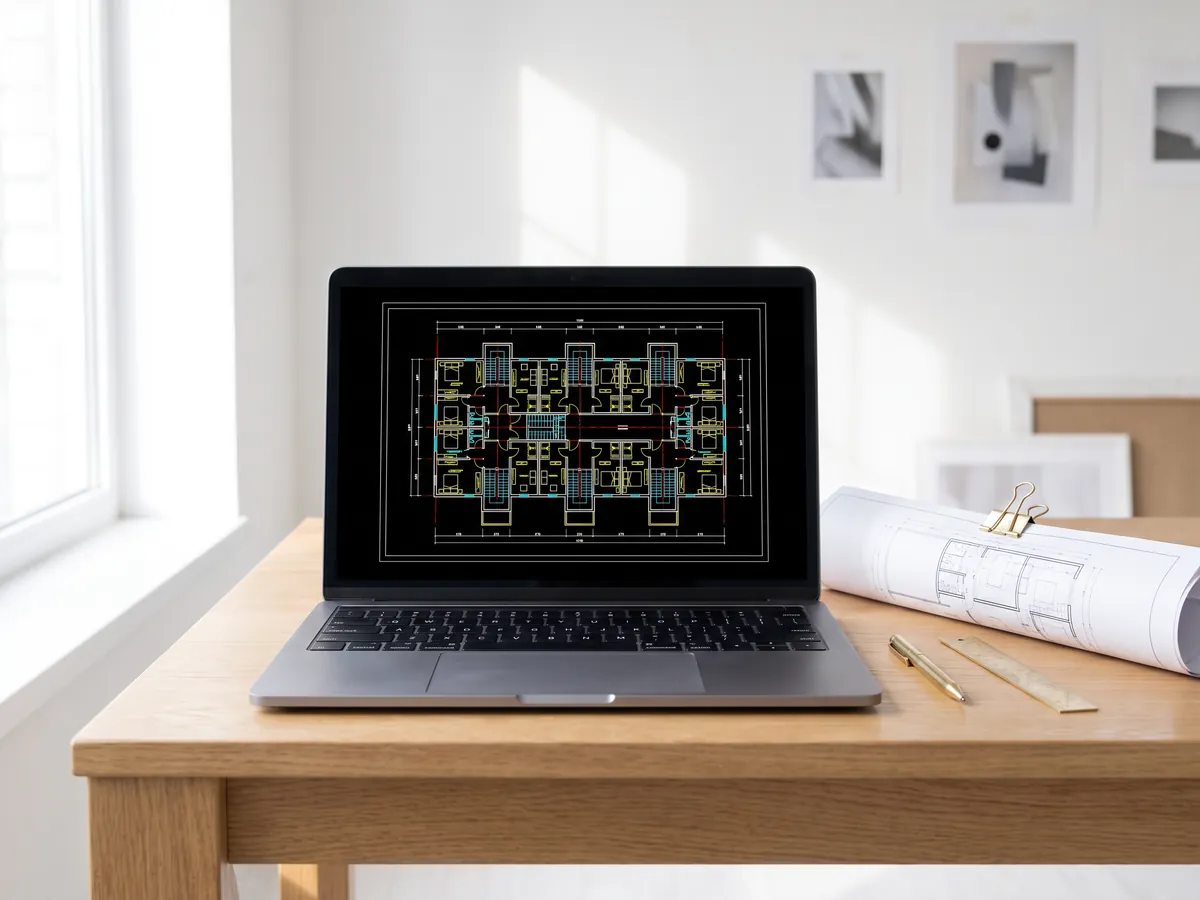
DWG viewer
Open AutoCAD DWG and DXF drawings online: every layout, layers on and off, zoom and pan.
Open the DWG viewer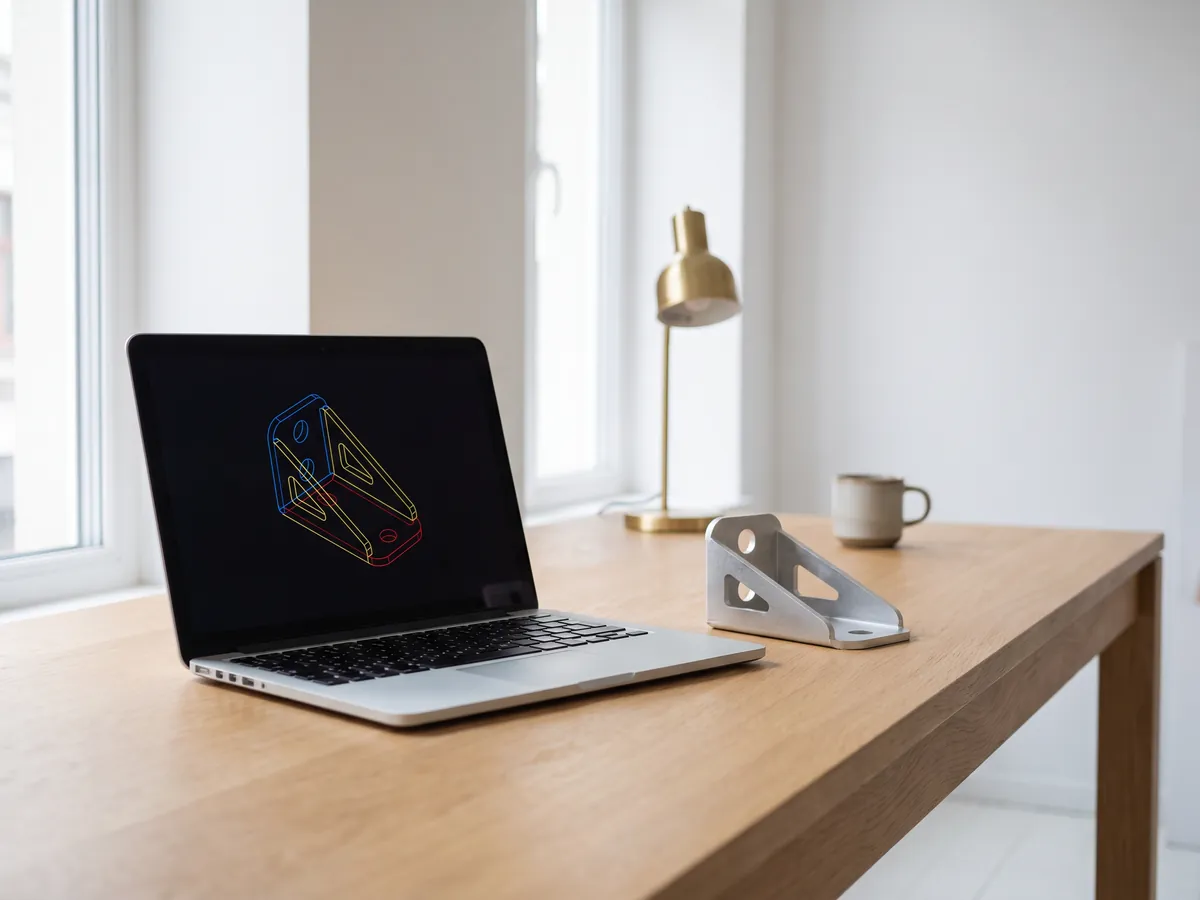
DXF viewer
Open DXF files online: every layout, layers on and off, zoom, then save as PDF or SVG.
Open the DXF viewer
DWG to PDF
Plot AutoCAD drawings to PDF: layouts 1:1 with title blocks, line weights and hatches.
Open DWG to PDF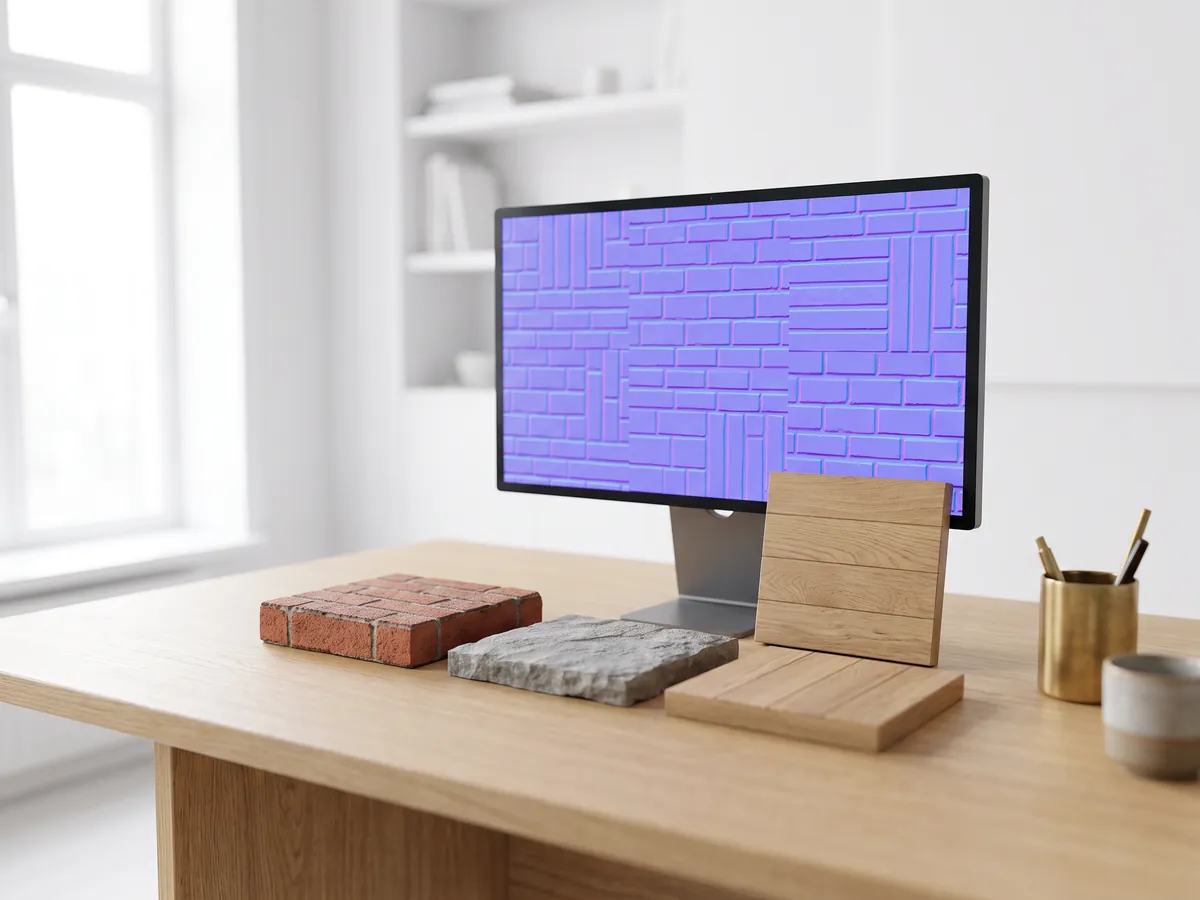
Normal map generator
Make normal, height, roughness and AO maps from any image, seamless if you need it.
Open the normal map generator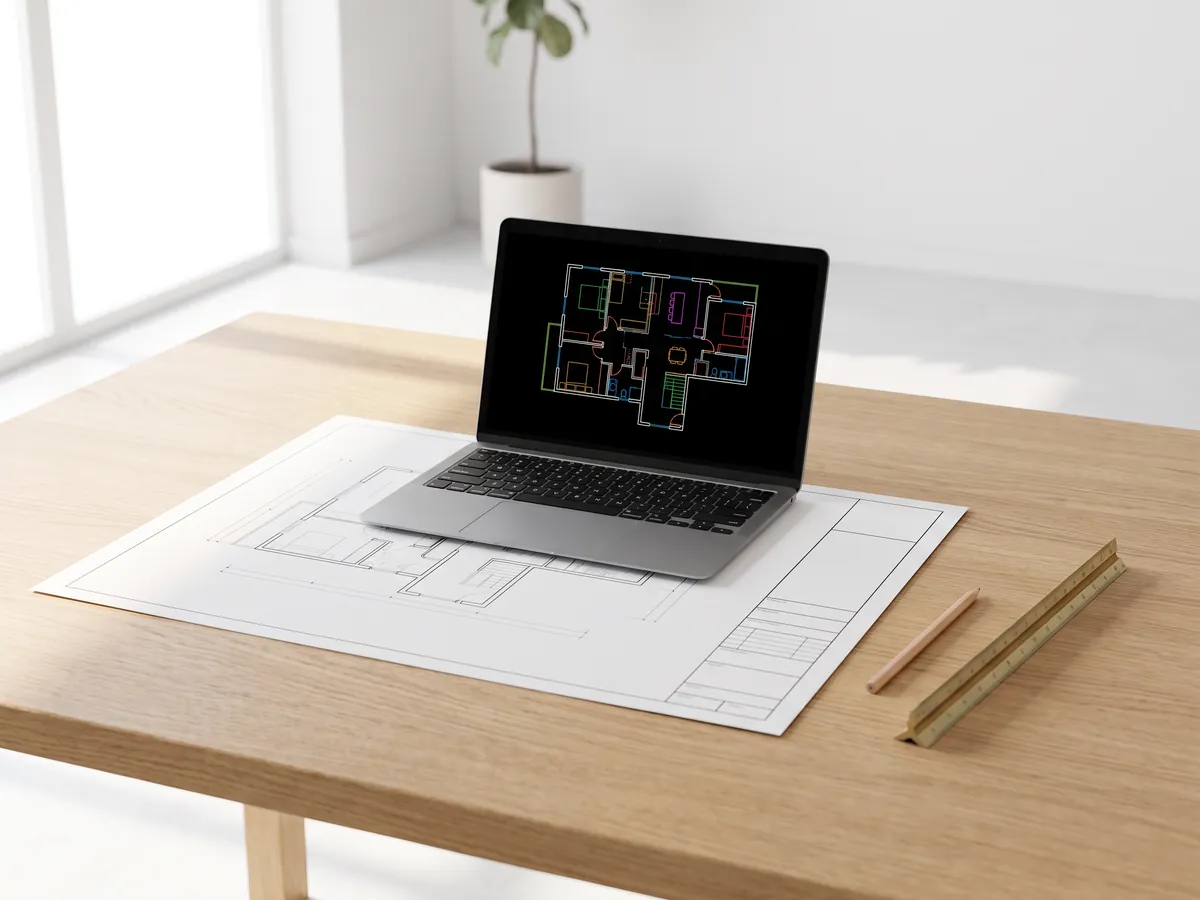
PDF to DWG
Turn PDF drawings into CAD lines for AutoCAD: lines, text and layers, at drawing scale.
Open PDF to DWG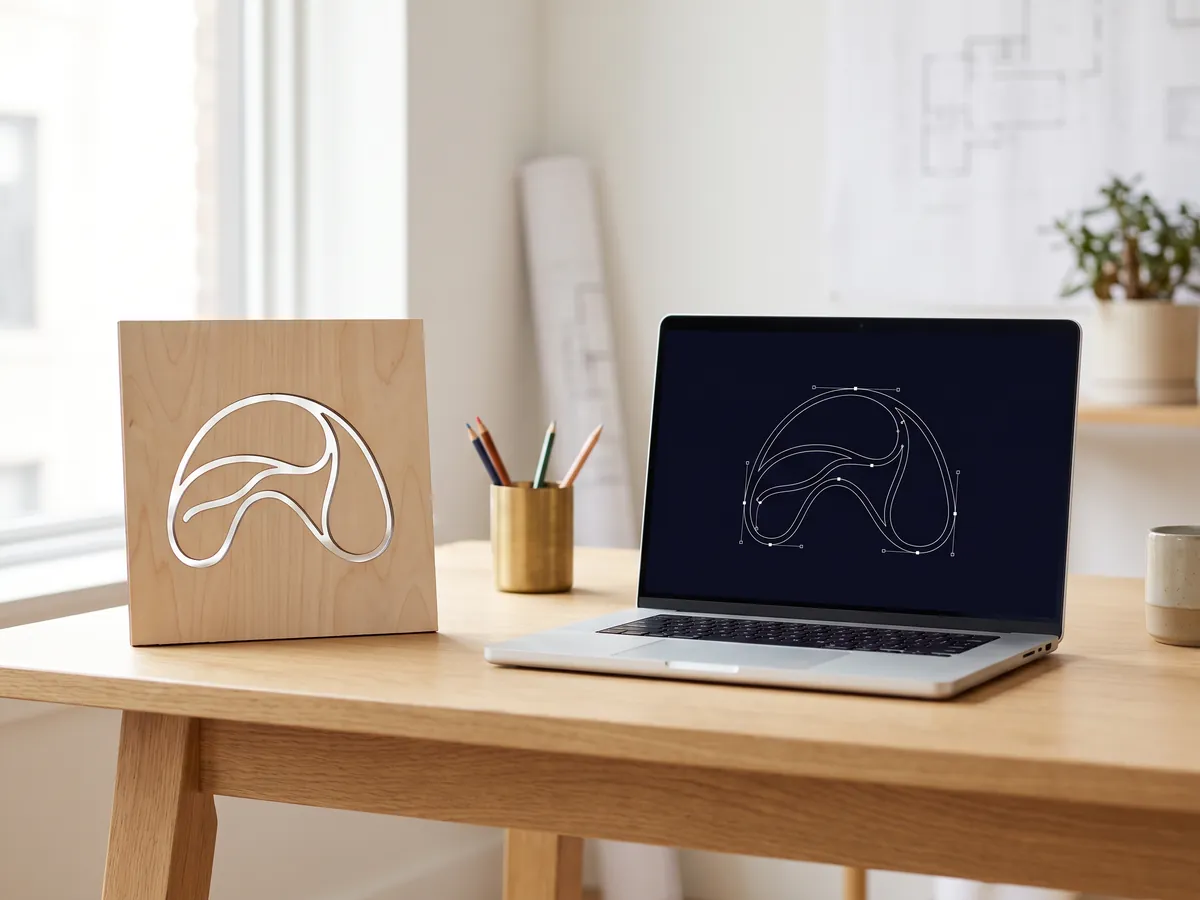
SVG to DXF
Convert SVG to DXF for CAD, laser cutting and CNC: exact lines, layers, real size.
Open SVG to DXF
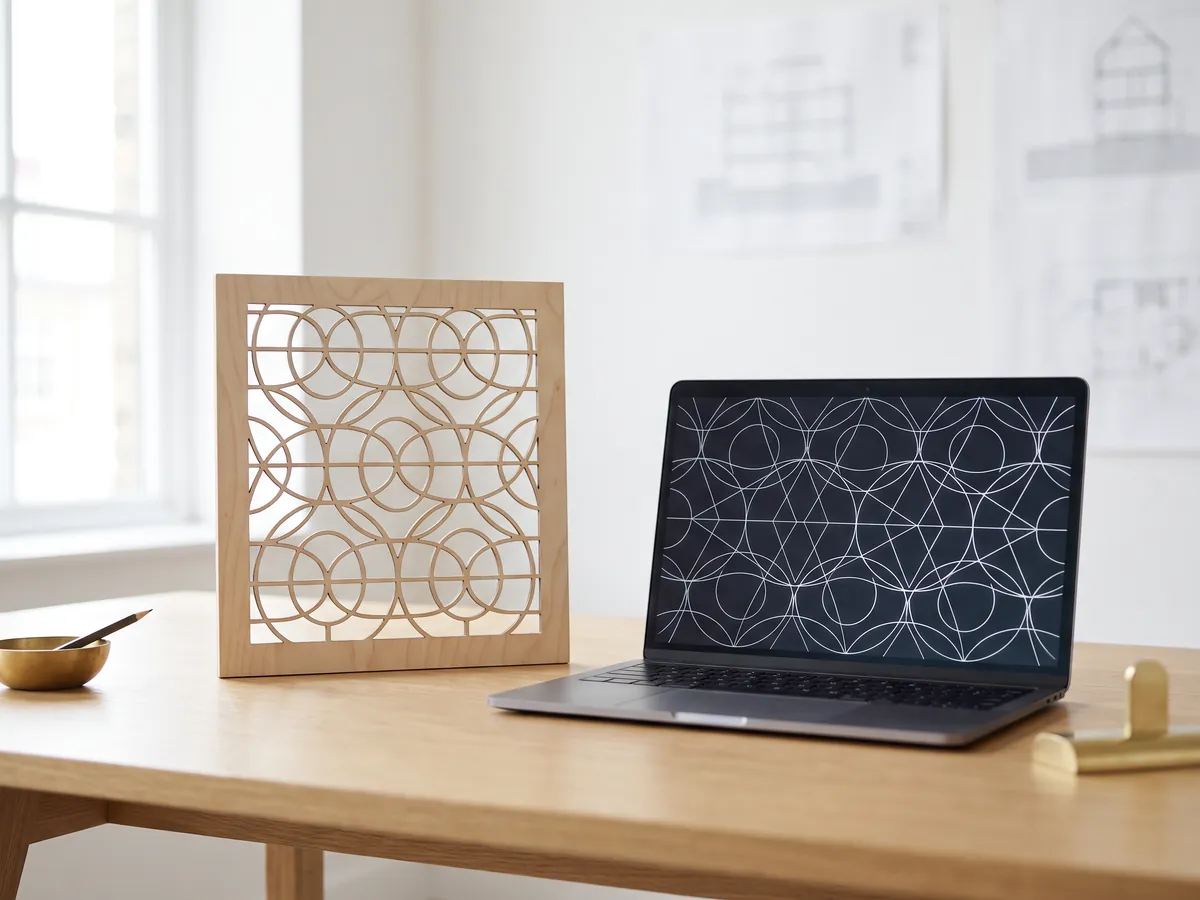
DXF converter
Open DXF drawings and save them as PDF or SVG, with layouts, line weights and hatches.
Open the DXF converter
Before and after slider
Make a before and after slider, video or image from two photos, for listings, Reels and your website.
Open the before and after maker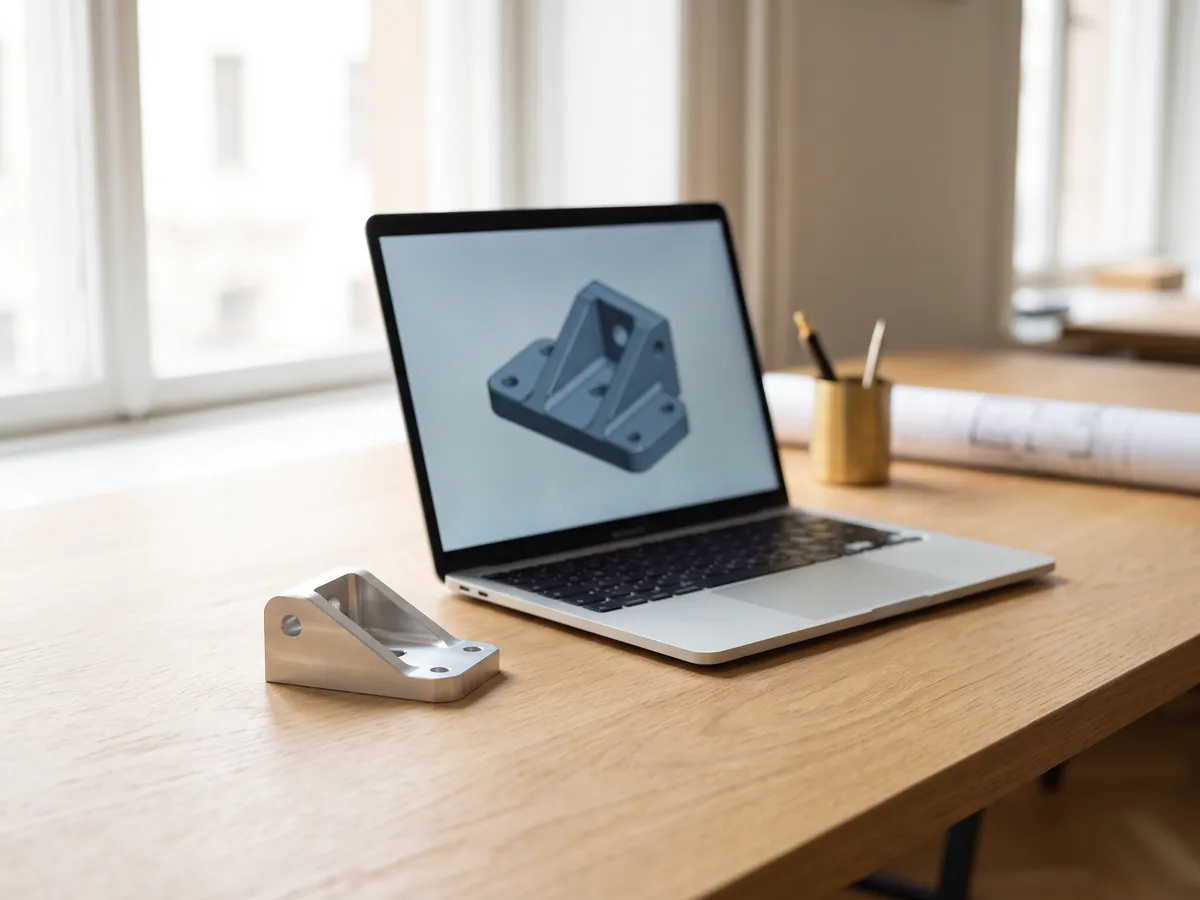
STEP viewer
Open STEP and IGES files from SolidWorks, Fusion 360 and Inventor. See every part and measure.
Open the STEP viewer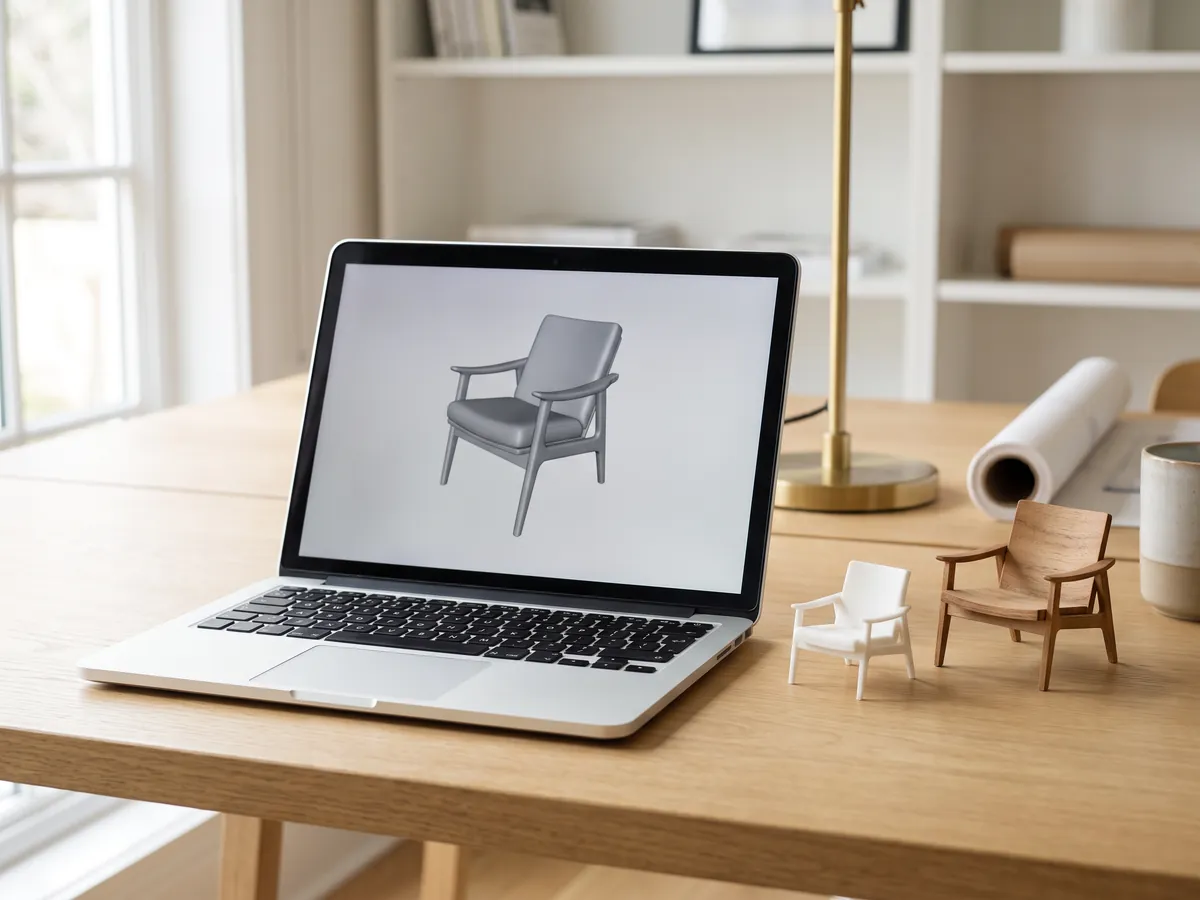
3D viewer
Open 18 kinds of 3D file online, from STEP and FBX to GLB and IFC, with parts and measuring.
Open the 3D viewer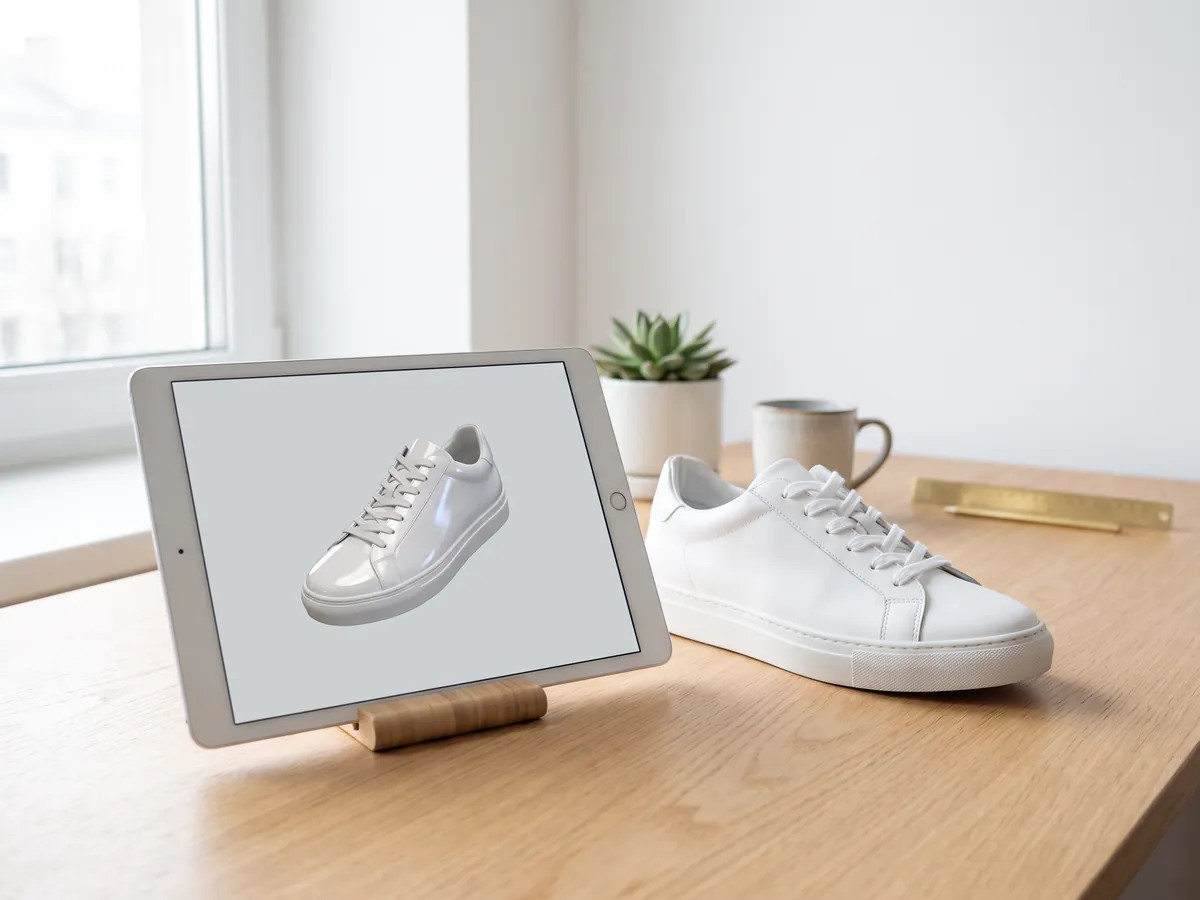
GLB viewer
Open GLB and glTF files with their materials and textures, size and triangle count.
Open the GLB viewer
OBJ viewer
Open OBJ files with their MTL materials and textures, and save as STL, GLB or STEP.
Open the OBJ viewer
SolidWorks viewer
Open SolidWorks part files without SolidWorks, then save them as STL, STEP or GLB.
Open the SolidWorks viewer
3D converter
Convert between STEP, OBJ, FBX, STL, glTF, PLY, IFC and more, in both directions.
Open the 3D converter
STEP to STL
Convert STEP and STP files from SolidWorks, Fusion 360 and Inventor to STL for 3D printing.
Open STEP to STL
3MF to STL
Convert 3MF files from Bambu Studio and PrusaSlicer to STL, or STL to 3MF.
Open 3MF to STL
Image to STL
Turn PNG and JPG images into STL or OBJ reliefs and lithophanes for 3D printing.
Open image to STL
STL converter
Convert 3D files and images to STL for 3D printing, with a watertight check.
Open the STL converter
OBJ converter
Convert STL, FBX, STEP, glTF and 3DS to OBJ with materials, or OBJ to other formats.
Open the OBJ converter
FBX converter
Convert FBX files from 3ds Max, Maya and Blender to OBJ, GLB or STL.
Open the FBX converterPopular conversions: PNG to STL · OBJ to STL · GLB to STL · GLB to OBJ · STL to STEP · FBX to OBJ · STL to OBJ · FBX viewer · 3MF viewer · PLY viewer
Embed this tool
Put the free STL viewer on your own site, course page or wiki. Paste this code where it should appear.
Cite this tool
For a thesis, paper or course material: APA style first, then BibTeX.
1,247
Projects completed
13
Years in business
17
Countries delivered to







★★★★★
Rated 4.9 on Clutch · See our reviews
Architects, developers & interior designers
Working for 215 companies since 2013
125 of 220 clients came back
More than half of our clients have hired us again

Need more than a viewer?
Get a clean 3D model built from your file
Send the STL, scan or drawing you have. We reply within 30 minutes: a fixed price and a delivery date, or the 1-2 questions we need answered first.