360 Virtual Tours for Real Estate: Built and Off-Plan Homes
How a 360 virtual tour is made for a finished home and for one not yet built, which rooms to cover, what it costs, and how to put it on a listing.
In this article
- A finished home is toured with a 360 camera, an unbuilt home with a tour rendered from drawings
- Cover the rooms a buyer asks about first, then add more from the same scene
- The finished tour is a link or an embed code from a tour platform, not a special app
- Check the files, the hotspots and the portal rules before the tour goes live
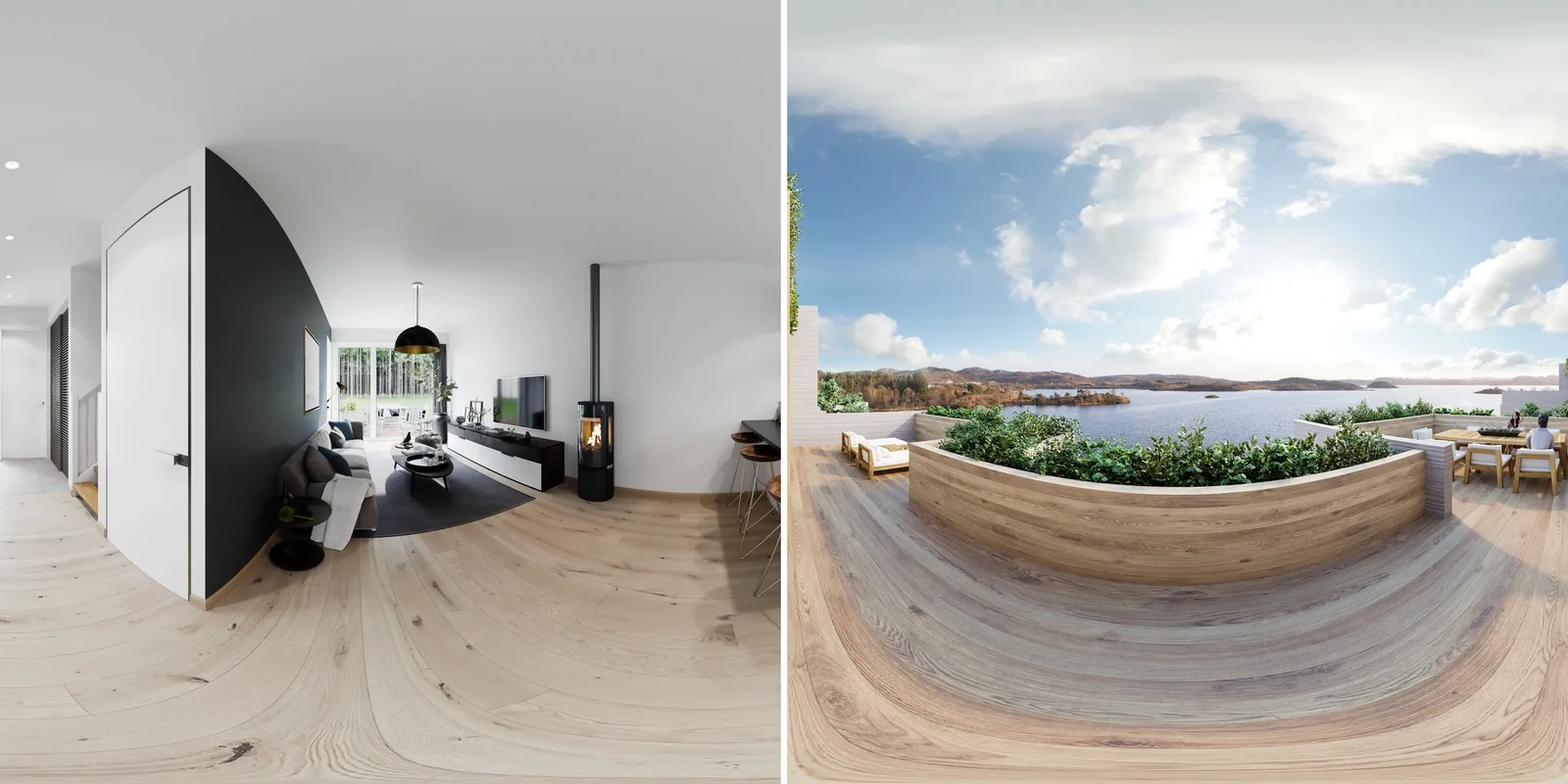
A 360 virtual tour for real estate is a set of 360-degree panoramas, one per room, linked so a buyer can look around and move from room to room in a browser. It is made with a 360 camera in a finished home, or rendered from drawings for a home that is not built yet.
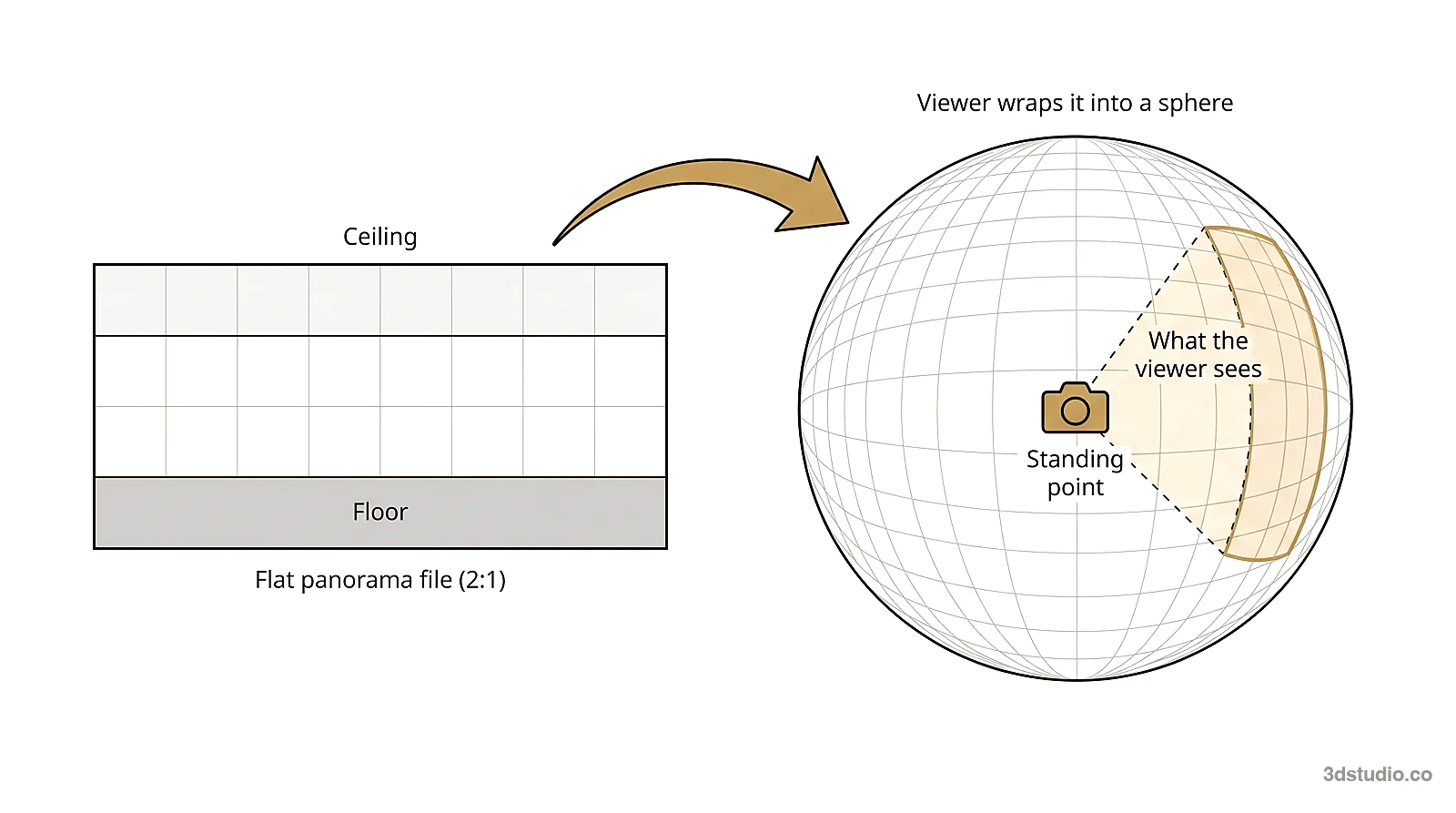
Each panorama is one image. It is an equirectangular file with a 2:1 ratio, which a viewer wraps back into a sphere around one standing point. The person looking can turn to see the ceiling, the floor and every wall from where they stand.
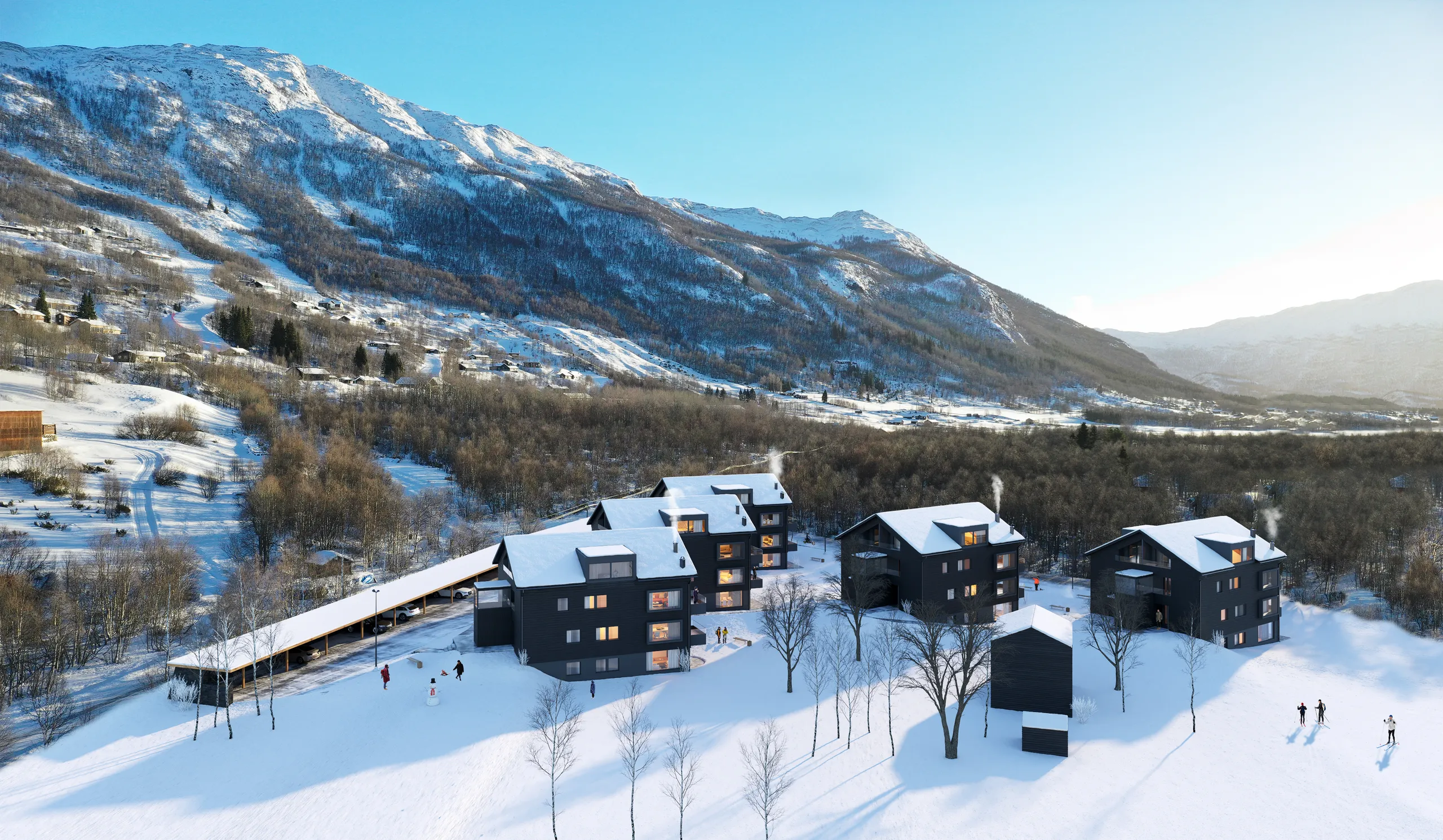
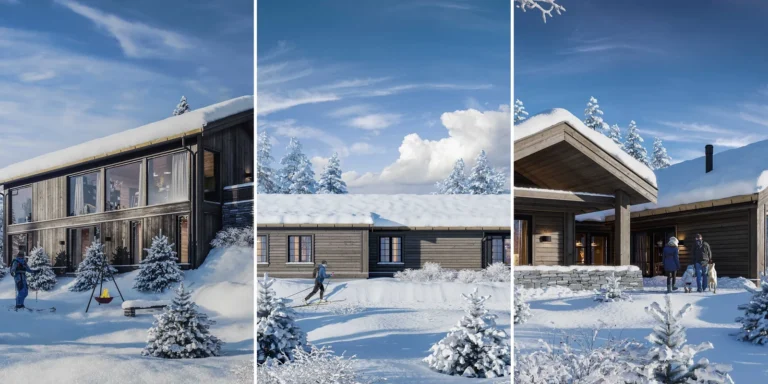
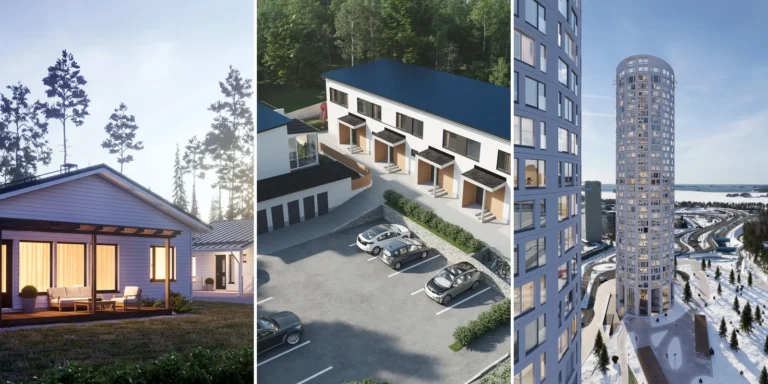
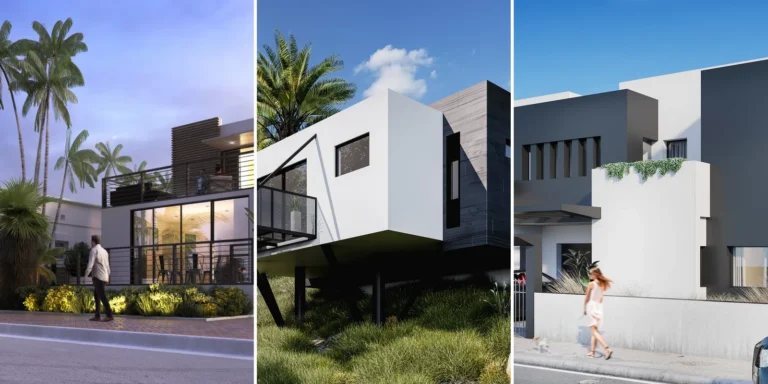
3Dstudio.co makes the rendered kind. We build the room in 3D from your drawings, place the camera at eye height, add the finishes and light, and render the sphere. Our 360 virtual tour service is for a home, hotel or office that is still on paper, so a buyer can look around a room before it is built.
3D virtual tour for real estate: 360 photo tour, 3D scan tour or rendered tour
There are 3 ways to make a tour, and the right one depends on whether the building exists. A 360 photo tour and a 3D scan tour are captured inside a finished building. A rendered tour is built in 3D from drawings, so it shows what was designed rather than what exists.
| Question | 360 photo tour | 3D scan tour | Rendered 360 tour |
|---|---|---|---|
| Needs a finished building | Yes | Yes | No, it can still be on paper |
| Made with | A 360 camera on a tripod | A scanning camera such as Matterport, or a 360 camera or phone with a scan app | Drawings, a finish schedule and a 3D model |
| What it shows | The room as it is today | The room as it is today | What was designed, and only that |
| Dollhouse view and measurements | No | Yes, the scan also builds a 3D model of the rooms | No, the panoramas are images |
| Can show a different finish or layout | No | No | Yes, before the room is built |
| Who makes it | You or a local photographer | You or a local scan provider | A visualization studio such as 3Dstudio.co |
| Best for | A finished home for sale or rent | A finished home that needs a dollhouse view or measurements | An off-plan sale, a refurbishment plan, a hotel not yet open |
Camera-scan systems such as Matterport capture the real rooms from a series of fixed positions and join them into a tour and a 3D model. Use one when the building is finished and the tour has to show it exactly as it is.
Off-plan launches usually need the rendered kind, alongside the stills and floor plans used for the same pre-construction marketing set. A hotel that has not opened can show a standard room and a suite as rendered panoramas on its booking page before the first guest arrives (see 360 tours for hotels before opening). A refurbishment starts from the existing room, which gives the shell, and the tour shows the result.
How a 360 tour of a finished home is made
For a home that already exists, you can make the tour yourself or hire a photographer. The steps are the same:
- Choose the capture type. A 360 camera on a tripod takes the whole sphere in one shot. A scanning camera such as Matterport also builds a 3D model of the rooms. A phone app needs no extra equipment.
- Set the camera at eye height, about 1.5 to 1.6 meters, near the middle of each room.
- Take one capture point per room, plus one where 2 rooms connect, such as a hallway or a wide doorway.
- Prepare the rooms: lights on, doors open, blinds open, and no people or pets in the room. A 360 camera sees everything, so leave the room or stand behind a door while it fires.
- Upload the panoramas to a tour platform and link the capture points with hotspots.
- Publish the link and test it on a phone.
3Dstudio.co does not photograph or scan finished buildings. If a finished room is empty, virtual staging can furnish its photographs, and virtual staging compared with traditional staging explains when that is enough.
Which rooms and standing points to include
A standing point is one camera position and one panorama. A tour is several standing points, usually one per room that matters to the buyer. Cover the rooms a buyer asks about first, then add more from the same scene later if the launch needs them.
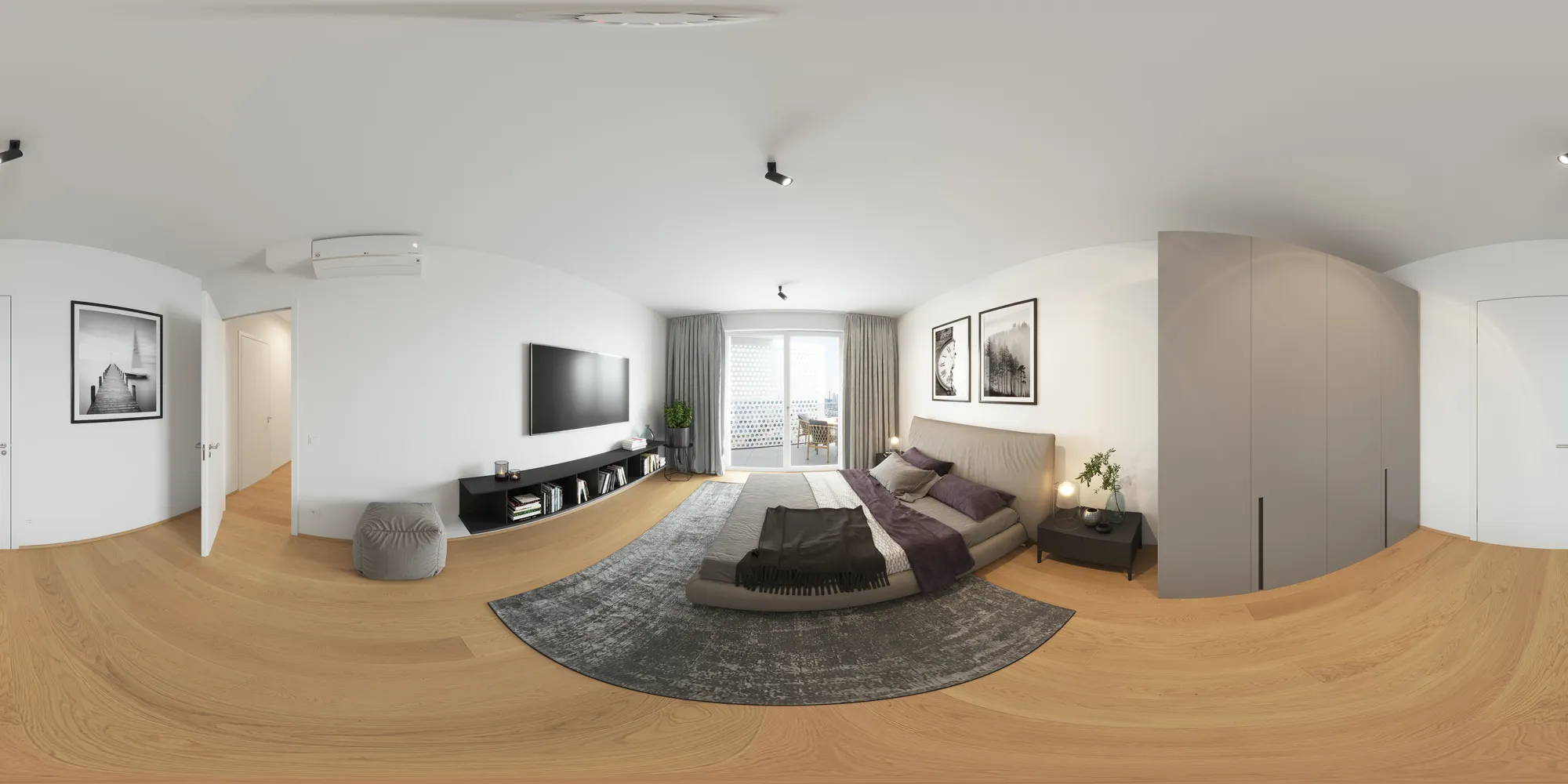
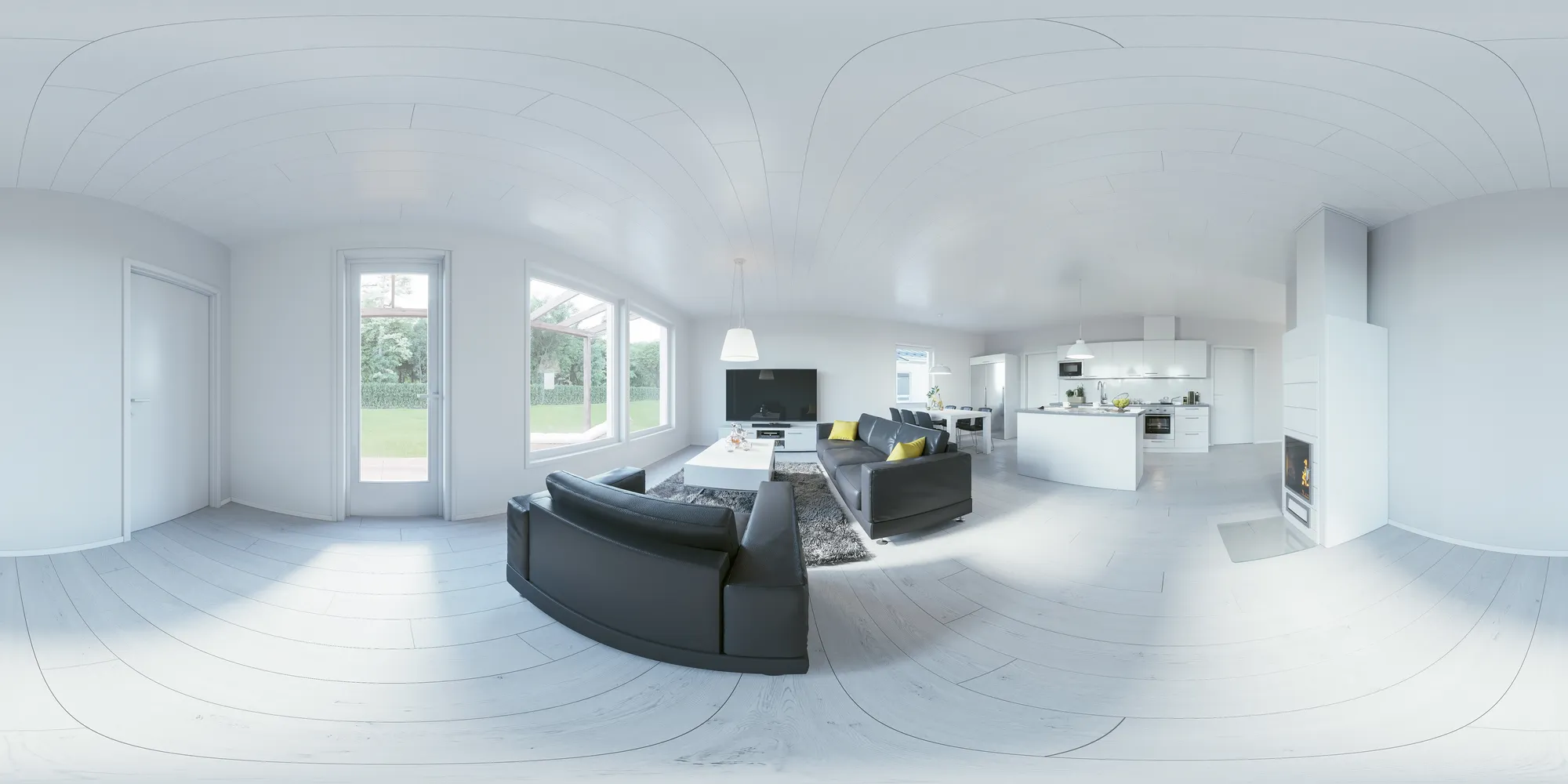
- The main living space, because it has the most floor area and the main window view
- The primary bedroom, with the camera at the same eye height as the other standing points
- The kitchen, where it is open plan or is a stated selling point of the unit
- One outdoor standing point: a terrace, a balcony or the entrance approach
- A shared amenity, where one exists: a lobby, a pool deck or a courtyard
For real estate developers selling apartments off-plan, the living room and the terrace are usually enough on their own. For real estate agencies listing a finished scheme, the standing points can follow whichever rooms the existing photographs already emphasize.
Tip: Agree the standing points on the untextured grey model, before materials and light are added. Moving a camera at that stage costs almost nothing. Moving it after the panorama is rendered means rendering it again. How the grey model stage works is the same for a tour as for a still.
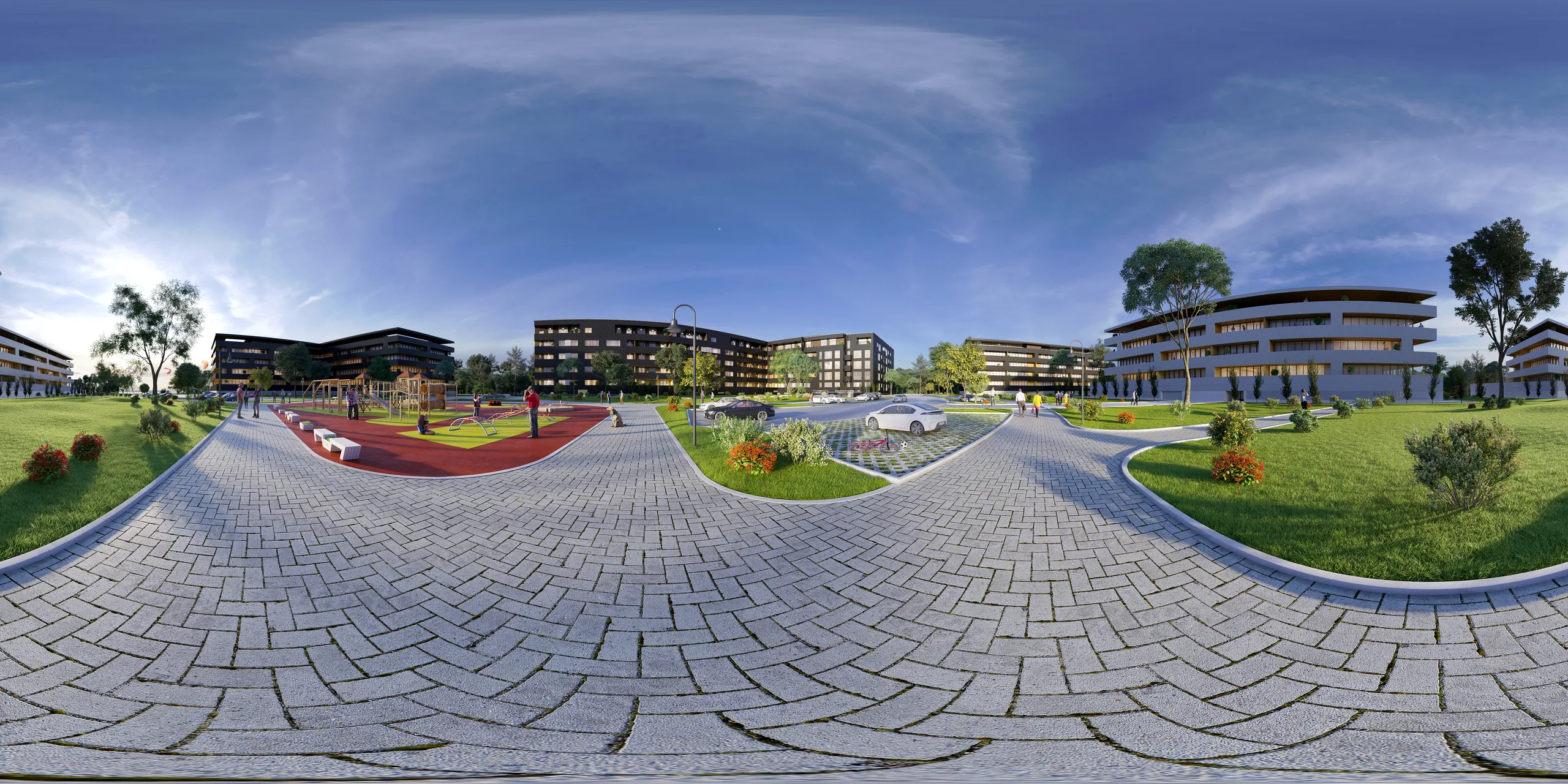
How a rendered 360 tour is made, step by step
- Send the files. Plans, sections and a finish schedule are enough to start, and the list is below. You get a reply within 30 minutes: a fixed price and a delivery date, or the 1-2 questions we need answered first.
- Approve the grey model. We build an untextured 3D model with the standing points marked. Camera position, camera height and time of day are agreed here, while changes are cheap.
- Review the first look. We render one panorama with materials, light and surroundings added. 2 revision rounds are included, then refinement until sign-off.
- Receive the final panoramas at 4K, with full usage rights. Further standing points reuse the same scene.
Files to send for a rendered 360 tour
- Floor plans and sections, as CAD (.dwg), PDF, Revit, ArchiCAD, SketchUp or IFC files
- A finish schedule or material list
- A furniture and lighting plan, or a mood board
- The address or a map pin, and a few photos of the view, so that every window shows the real outlook
- The standing points you want, marked on the plan
- The tour platform you plan to use
The view matters more in a panorama than in a still, because the viewer turns to every window. From a plan alone we assume ceiling heights, window sizes and finishes, and we list the assumptions with the quote. A section or a finish schedule removes most of them. Even a photo of a hand sketch is enough to get a quote.
How separate panoramas become one tour
A panorama is one standing point. A tour platform joins several of them into a tour and adds:
- Hotspots, the clickable arrows or icons that jump from one standing point to the next
- A floor plan map with the standing points marked
- Information points, such as a finish name or a room size
- A start view and a cover image
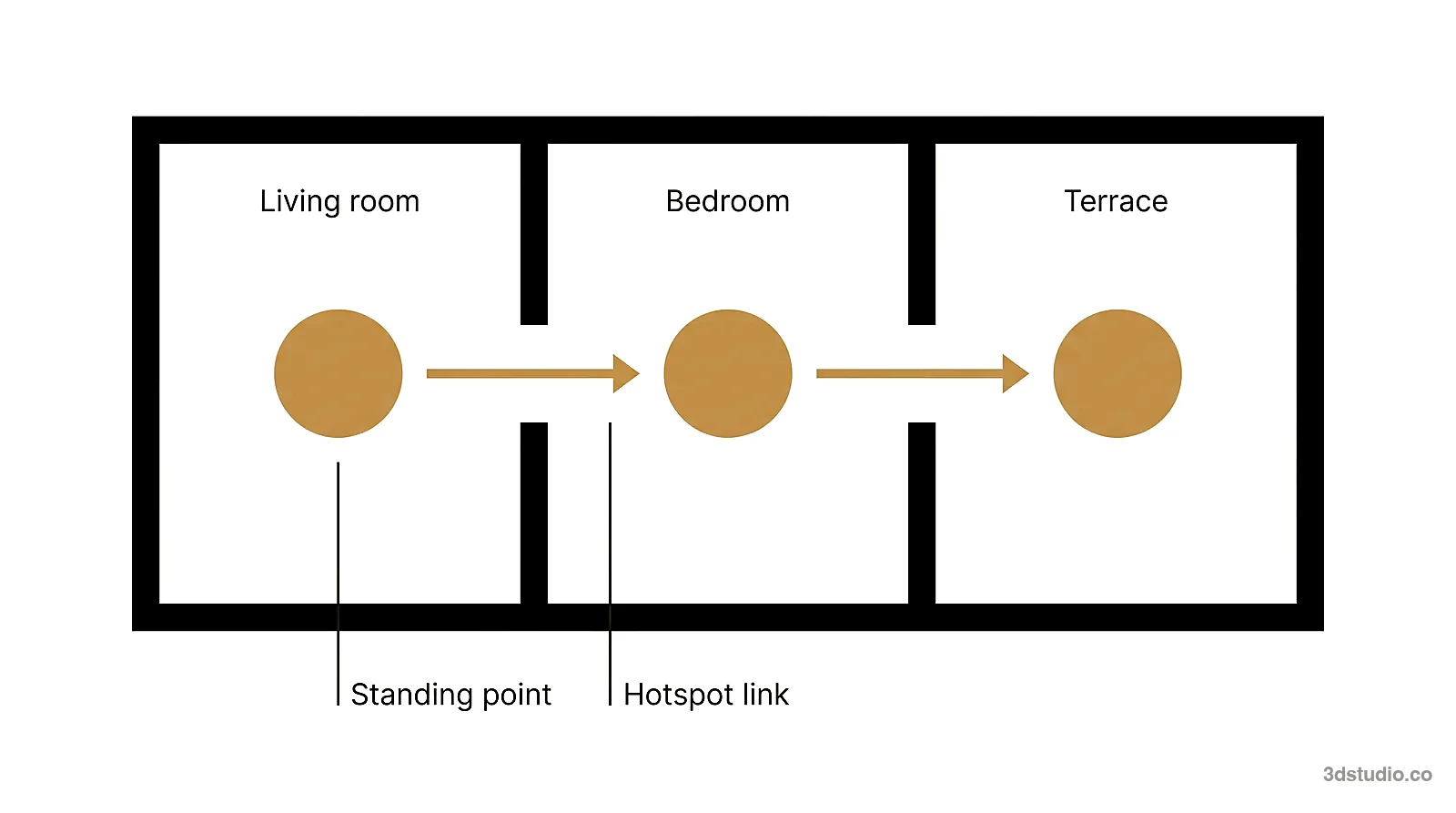
Each panorama we deliver is one standing point, and the linking is done in the tour platform you use. Tell us which platform you plan to use before we render, so the files match what it expects.
Adding a tour to a listing or website
- Upload the panorama files to a tour platform or a panorama viewer, either a standalone one or a plugin on your own website.
- Link the standing points with hotspots, and set the start view.
- Copy the link, or the embed code, the platform gives you for the finished tour.
- Paste that link into your website page, or into the virtual tour field a listing portal provides, where one exists.
Most listing portals accept a tour link rather than the panorama files themselves, and most website builders accept an embed code the same way they accept a video. A QR code on a hoarding, a brochure or a sales-office board can open the same link on a phone.
Listing portals and tour links
Many listing portals accept only an unbranded tour link, with no agent name, logo or contact details. Check the rules of your portal before you submit. Matterport, for example, can hide the branding in a tour link.
Resolution and file format
A 2:1 panorama is twice as wide as it is high. A viewer shows only a slice of the 360 degrees at a time, so a panorama needs more pixels than a still to look sharp. 4K is standard, and larger files are available on request. Many tour platforms treat only a 2:1 image as a full panorama.
What to check before a tour goes live
- Every file is 2:1 and opens as a full sphere, with no visible seam behind the viewer
- The horizon is level in every panorama
- The floor under the camera is clean, with no tripod legs in a photographed tour
- The rooms match the floor plan and the finish schedule shown on the same page
- The window views match the real location
- The light is even in every direction, with no dark corner behind the viewer
- Every hotspot leads to the right room
- The tour opens on a phone and can be turned by dragging
- For a listing portal that requires it, the link is the unbranded version
- The cover view is the best room, not a corridor
How a tour works with stills, floor plans and animation
A tour, a set of stills and a floor plan can all come from the same 3D scene, so they agree with each other: the same finishes, the same furniture, the same light. Ordering them together is smaller work than building the room 3 times.
A still is the one view you chose to print or put on a brochure cover. A tour lets the viewer choose the view themselves, standing point by standing point. 3D floor plans add the layout seen from above, which a panorama cannot show on its own. See how a 3D floor plan compares to a 2D plan for what that adds to a listing. A 3D walkthrough animation is a film we direct, and the viewer only watches it, which is a different job from a tour the viewer controls. How an architectural animation is planned covers that side.
What a rendered 360 tour costs and how long it takes
Projects start at €1,000. A virtual tour is quoted per project, as one fixed price agreed before work starts, not per panorama and not by the hour. See how a quote is put together for the same drivers applied to other services. What moves the quote:
- The number of standing points: the first one pays for building the scene, and each one after it looks at a corner of a scene that already exists
- How many rooms, and how much area, the tour has to cover
- How much has to be furnished: a staged room needs furniture and styling chosen, a bare shell needs almost none
- The hour and the light: a dusk panorama with the lamps on is more work than the same room at noon
- How ready your files are: CAD with a finish schedule renders faster than a plan we have to interpret
- Resolution, if you need files larger than the standard 4K
A single view takes about a week. A medium set takes 2 to 3 weeks. The delivery date is fixed together with the price. Every project includes 2 revision rounds.
Mistakes that weaken a virtual tour
- Too many standing points. A tour with a panorama in every corridor is slower to sit through than one that covers the rooms a buyer actually asks about.
- A room that is bright from one side and dark from the other. A still can hide a dark corner behind the camera, a panorama cannot, because the viewer turns around and finds it.
- A camera height that reads wrong. Too high and the room looks like a dollhouse, too low and the ceiling takes over. Place the camera at about 1.5 to 1.6 meters, the eye height of a standing adult.
Questions about 360 virtual tours for real estate
How much does a 360 virtual tour cost for an unbuilt property?
A rendered tour is quoted per project, as one fixed price. Projects start at €1,000. The first standing point carries the cost of building the scene, and each extra one costs much less. Our pricing page explains how the quote is built.
Can a real estate agent make a 360 virtual tour without a studio?
Yes, for a finished home: a 360 camera on a tripod and a tour platform are enough. For a home that is not built yet there is nothing to photograph, so the tour has to be rendered from drawings.
What is the difference between a 360 tour and a 3D tour?
A 360 tour is a set of panoramas, one per standing point. A 3D tour from a scanning camera also builds a model of the space, which gives a dollhouse view and measurements. A rendered tour is a set of 360 panoramas made from a 3D model of a building that may not exist yet.
Can a 360 virtual tour be added to a listing portal?
Usually as a link in the virtual tour field. Many listing portals require the unbranded version, with no agent name, logo or contact details. Check the rules of your portal before you submit.
How long does a rendered 360 tour take?
A single view takes about a week, and a medium set takes 2 to 3 weeks. The date is fixed with the price.
Can a tour be changed later if the design changes?
A new standing point of the same scheme reuses the existing scene, so adding one later is smaller work than starting from nothing. Changing an already delivered panorama beyond the agreed revision rounds means rendering it again.
Diagrams in this post are drawn with an AI image tool from our brief and checked by our team.