
AI interior design
Restyle a photo of your room
Upload a photo of a real room. Get the same room back, with the same walls, windows and doors, in the style you pick.
- Free to try, no account needed
- Restyle a room or furnish an empty one
- Same walls, windows, doors and camera
- 5 interior styles, plus your own words
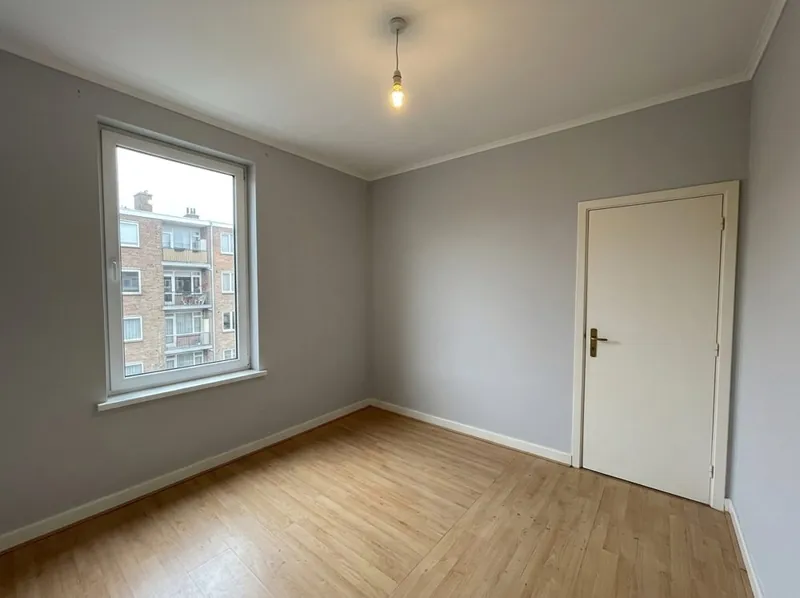
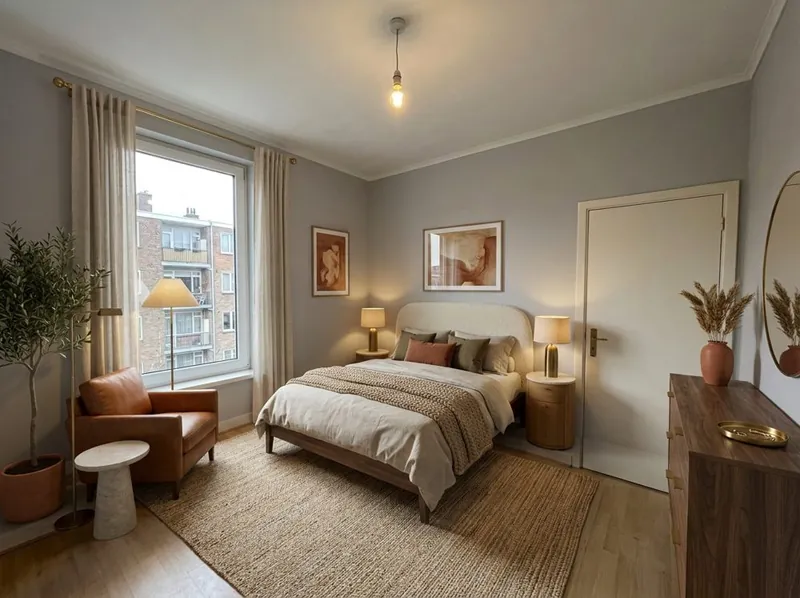 Your photoNew version
What should change
Three ways to redesign a room with AI
Pick one, then a style. Add a note if you want something specific, such as a green sofa.
Restyle the room
New furniture, colours and decor in the style you pick. The walls, windows, doors and the camera angle stay as in your photo.
Empty room: add furniture
Furnish an empty room from a photo, for a listing, a rental or your own plans. Good for seeing how a bare room could look.
Keep my furniture, change finishes only
Keep what is in the room and try new wall colours, floors and materials. It may still swap a small item, such as a lamp or a TV unit.
5 interior styles
Scandinavian, Warm contemporary, Minimal gallery, Industrial loft and Hotel and restaurant. Use the notes for anything else, for example keep the wooden floor.
Step by step
How to redesign your room with AI
3 steps. Your first picture needs no account.
1. Take a photo of the room
Furnished or empty. Stand in a corner for a wide view, in daylight if you can.
2. Pick what should change
Restyle the room, furnish an empty room, or keep your furniture and change only the finishes. Then pick a style.
3. Get the new version
You get the same room back in the new style. Compare it with your photo and try another style if you like.
What to expect
What the AI keeps from your room photo and what it changes
The example pair is a generated sample picture, not a client project.
What stays the same
The walls, the windows, the doors and the camera angle of your photo. The room keeps its size and shape.
What changes
Furniture, colours, floors, materials and decor, in the style you pick. With Keep my furniture, only the finishes change.
What can move
The picture is drawn again from your photo, so small details can move. Keep my furniture may still swap a lamp or a TV unit. Compare it with your photo before you rely on it.
What happens to your photo
Your photo is used to make your picture. We do not use your images to train AI, and we do not publish your pictures.
AI interior design FAQ
Questions about AI interior design from a photo
Photos, styles, empty rooms and what the AI keeps.
Restyle my roomIs this AI interior design tool free?
Yes. Your first picture is free, with no account. Create a free account to keep going.
Can AI design a room from a photo?
Yes. Upload a photo of the room and pick a style. The AI draws the room again with new furniture, colours and decor, and keeps the walls, windows, doors and camera angle.
Can I furnish an empty room?
Yes. Choose Empty room: add furniture. It is a quick way to see how a bare room could look. For staging photos for a property listing, our studio also offers virtual staging.
Can I keep my own furniture?
Choose Keep my furniture, change finishes only. The walls, floors and materials change and your furniture stays, but a small item such as a lamp or a TV unit can still be swapped.
Which photo works best?
A wide photo of the room in daylight, taken from a corner. The more of the walls, windows and floor the photo shows, the better the result.
Is the result exact?
No. The picture is drawn again from your photo, so small details can move. Use it to compare ideas, and check it against your room before you buy or build anything.
More from a photo
Other free photo tools
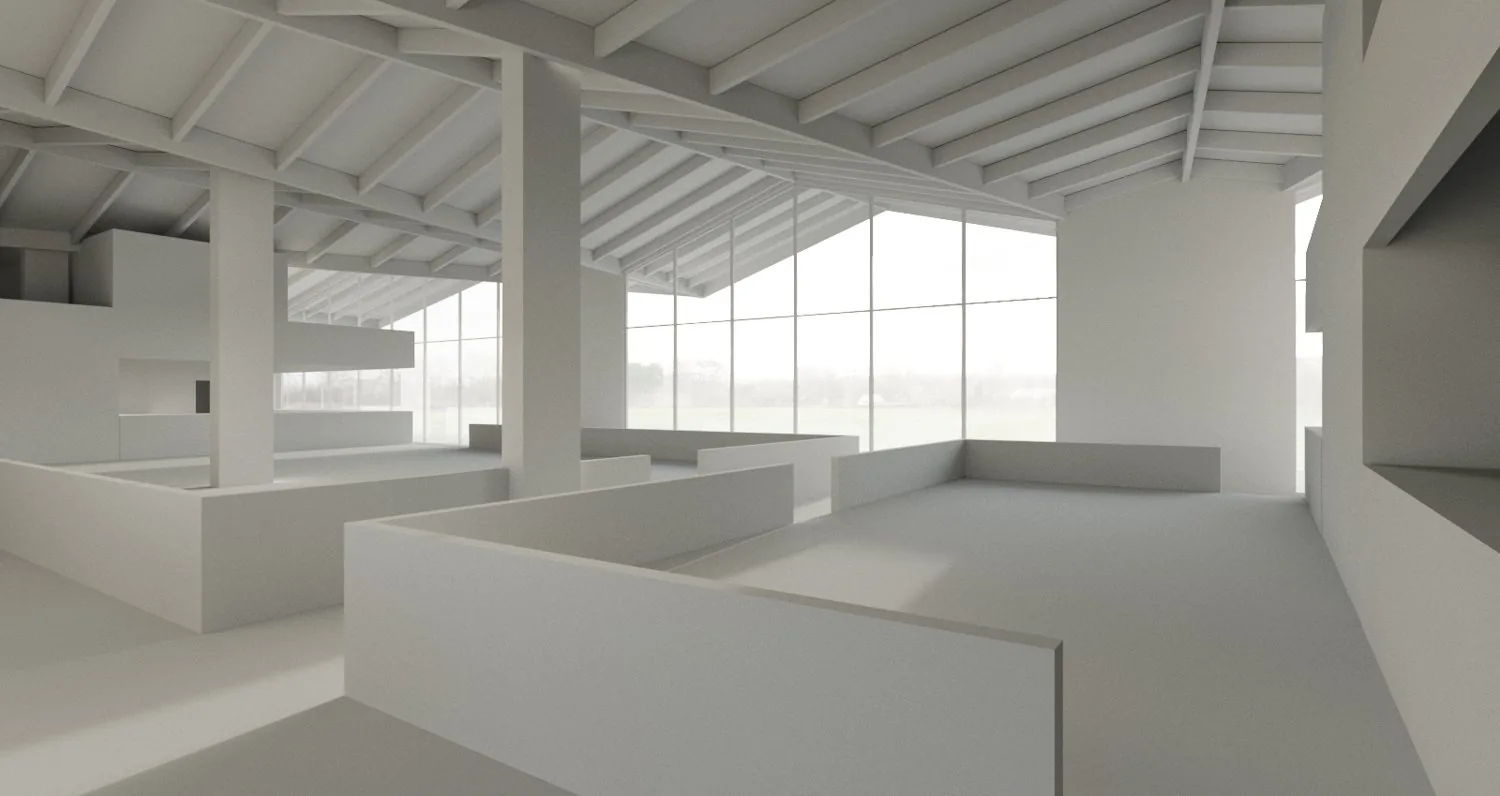
Have a 3D model instead of a photo? Our AI rendering tool turns a screenshot of it into a photoreal render.
1,200+
Projects completed
13
Years in business
17
Countries delivered to





★★★★★
Rated 4.9 on Clutch · See our reviews
Architects, developers & interior designers
Working for 215 companies since 2013
125 of 220 clients came back
More than half of our clients have hired us again
Free to try, no account needed
Redesign your room from a photo now
Upload a photo and see the new version. Your first picture is free, with no account.