

Free PNG and JPG to DXF converter
Trace an image into CAD shapes
Drop a PNG or JPG of a logo, a sign, a sketch or a stencil and get a DXF of its shapes for AutoCAD, LightBurn, Fusion 360 or a CNC router, traced in black and white or in colour.
Set the width in millimetres and the DXF opens at that size. Nothing is uploaded.
Need a logo or a sketch turned into a 3D model or renders? We model from pictures and drawings and send a fixed quote within 30 minutes.
Free, no sign-up. Your image stays on your computer. It is read and converted in this browser tab and is never uploaded to us or anyone else.
- PNG, JPG and WebP traced into vector shapes
- Black and white for cutting, or up to 8 colour layers
- Real size in millimetres, DXF or SVG
How it works
How to convert a PNG or JPG to DXF
3 steps, and the image never leaves your computer.
1. Drop the image
Drop a PNG, JPG or WebP. It is traced straight away and the shapes appear exactly as they will be saved.
2. Choose the tracing
Black and white for cutting and engraving, colour for up to 8 colour layers. Raise the detail to keep small features, lower it for smoother outlines.
3. Set the size and download
Type the width in millimetres and download the DXF, or an SVG for Illustrator, Inkscape or Cricut.
What to expect
What tracing does with your picture
What traces well, and what does not.
Best results
Logos, icons, signs, stencils, silhouettes and line drawings on a light background. Clear dark shapes trace into clean outlines.
Colour layers
In colour mode the image is reduced to up to 8 colours, and each colour becomes its own layer, so each can get its own cut or engrave setting.
Outlines, not centre lines
Tracing draws around each dark area. A thin line in the picture becomes a narrow closed shape with two edges, which suits engraving and cutting.
What does not trace well
Photos turn into blobs of colour, and a scanned plan becomes outlines rather than clean CAD lines. For a PDF drawing, use PDF to DWG instead.
From picture to 3D
What we make from pictures and sketches
Designers and manufacturers send us logos, photos and sketches to be modelled in 3D.


Architectural visualization
Photoreal images of buildings and interiors.
See architectural visualization
PNG to DXF FAQ
Questions about converting images to DXF
Tracing, size, laser cutting and privacy.
Ask us a questionCan I convert a JPG to DXF?
Yes. JPG, PNG and WebP all work. A clean PNG of a logo traces best; a JPG works too, though its compression can add small specks, which a lower detail setting smooths out.
Will the DXF be the right size?
Yes, if you type the width you need in millimetres. A picture has no real size of its own, so check one dimension in your CAD or laser software before cutting.
Why are my lines double?
Tracing draws around every dark area, so a thin line in the picture becomes a narrow shape with two edges. That is right for engraving and cutting. A single centre line needs redrawing in CAD.
Is my image uploaded?
No. The image is traced and converted in this browser tab on your own computer and is never sent to us or anyone else. It is free, with no sign-up.
More free tools
Other free 3D and CAD tools
Each one runs in your browser, like this one.
IFC viewer
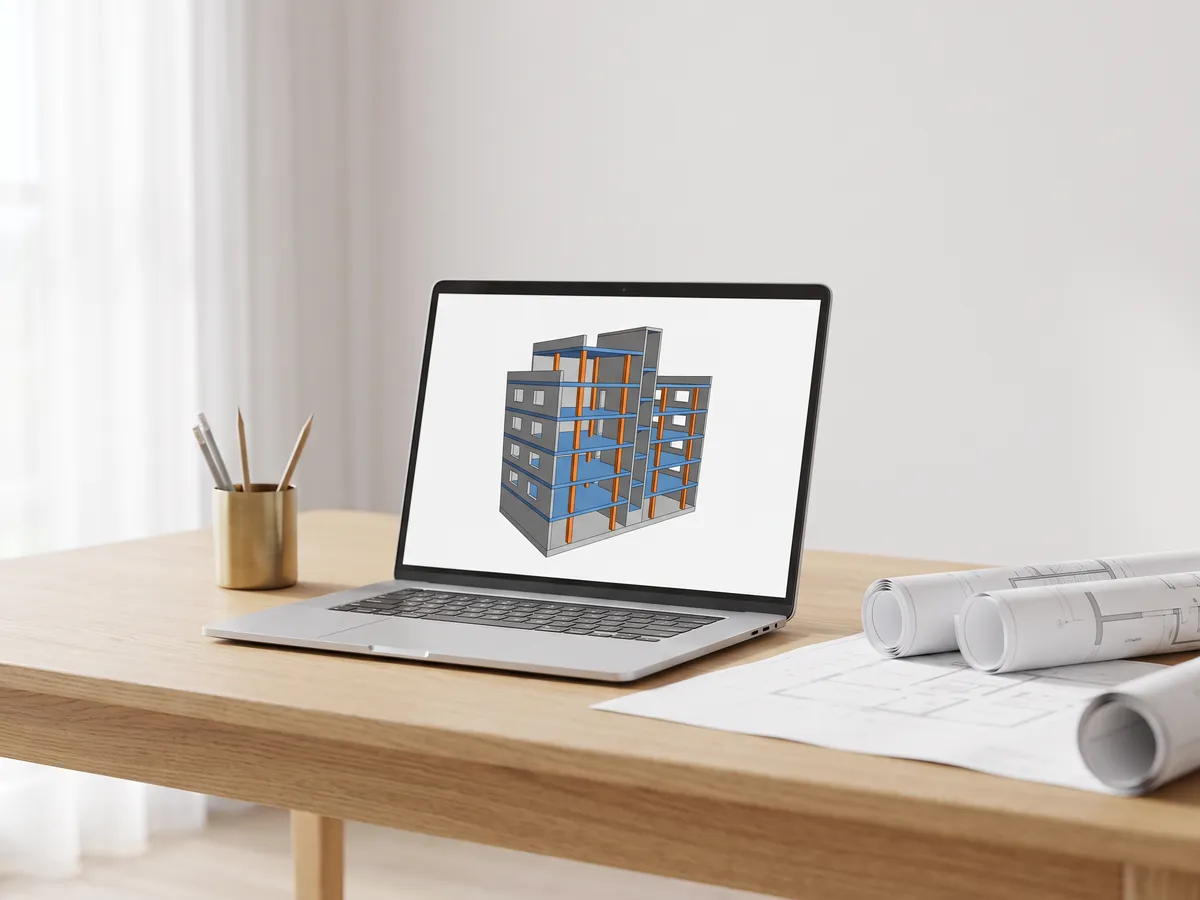
Open IFC files from Revit, ArchiCAD and Tekla. Filter by element and level, check properties and measure.
Open the IFC viewer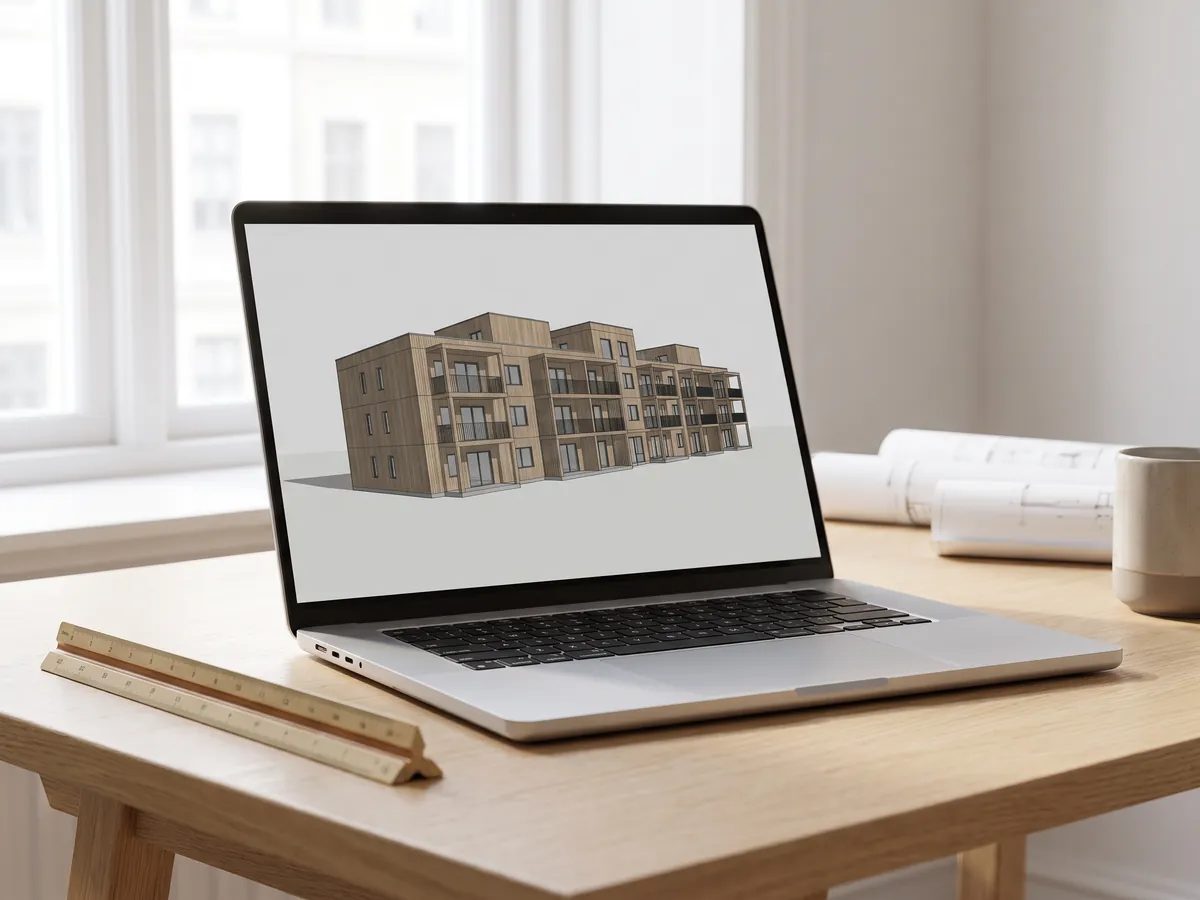
Revit viewer
Open .rvt files without Revit: converted to IFC by Autodesk, then viewed with levels and properties.
Open the Revit viewer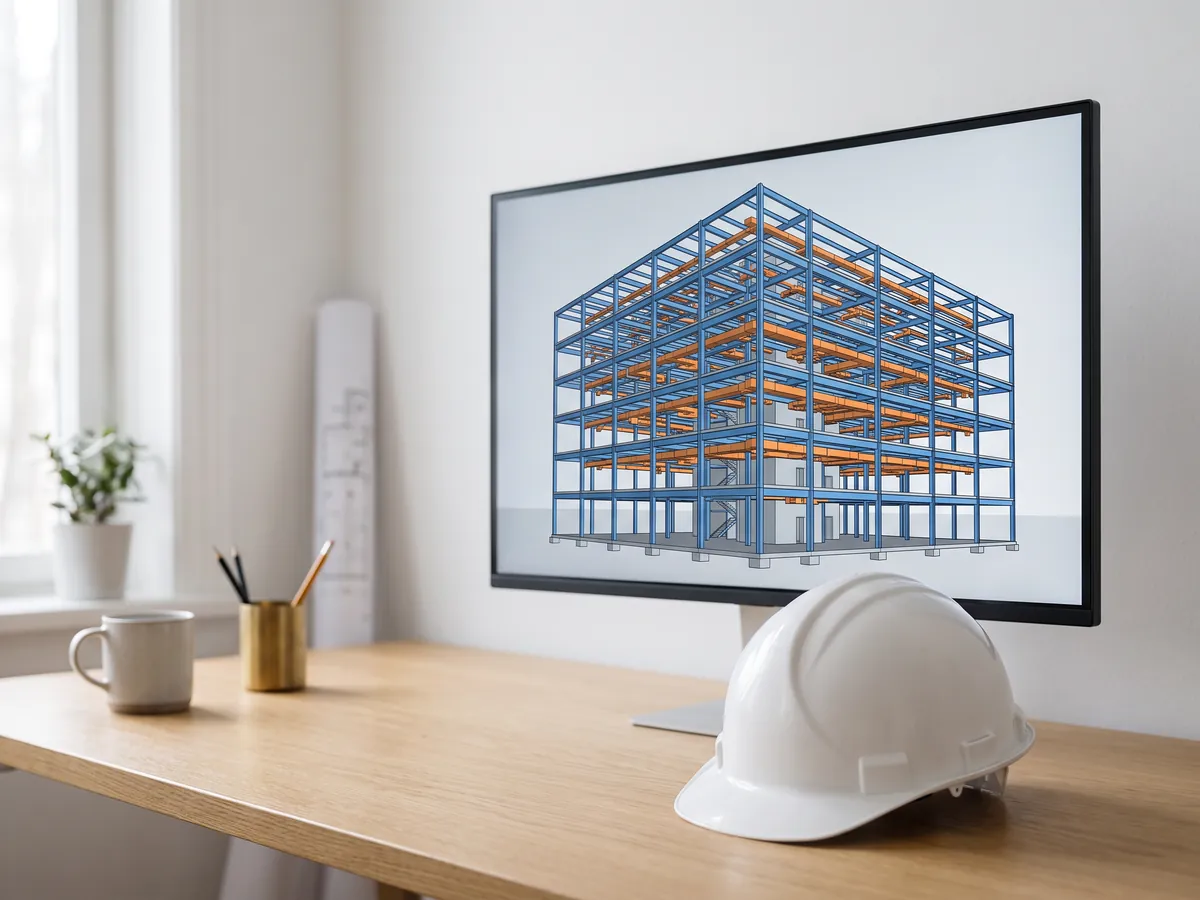
BIM viewer
Review BIM models from Revit, Archicad and Tekla without a licence: levels, properties, measuring.
Open the BIM viewer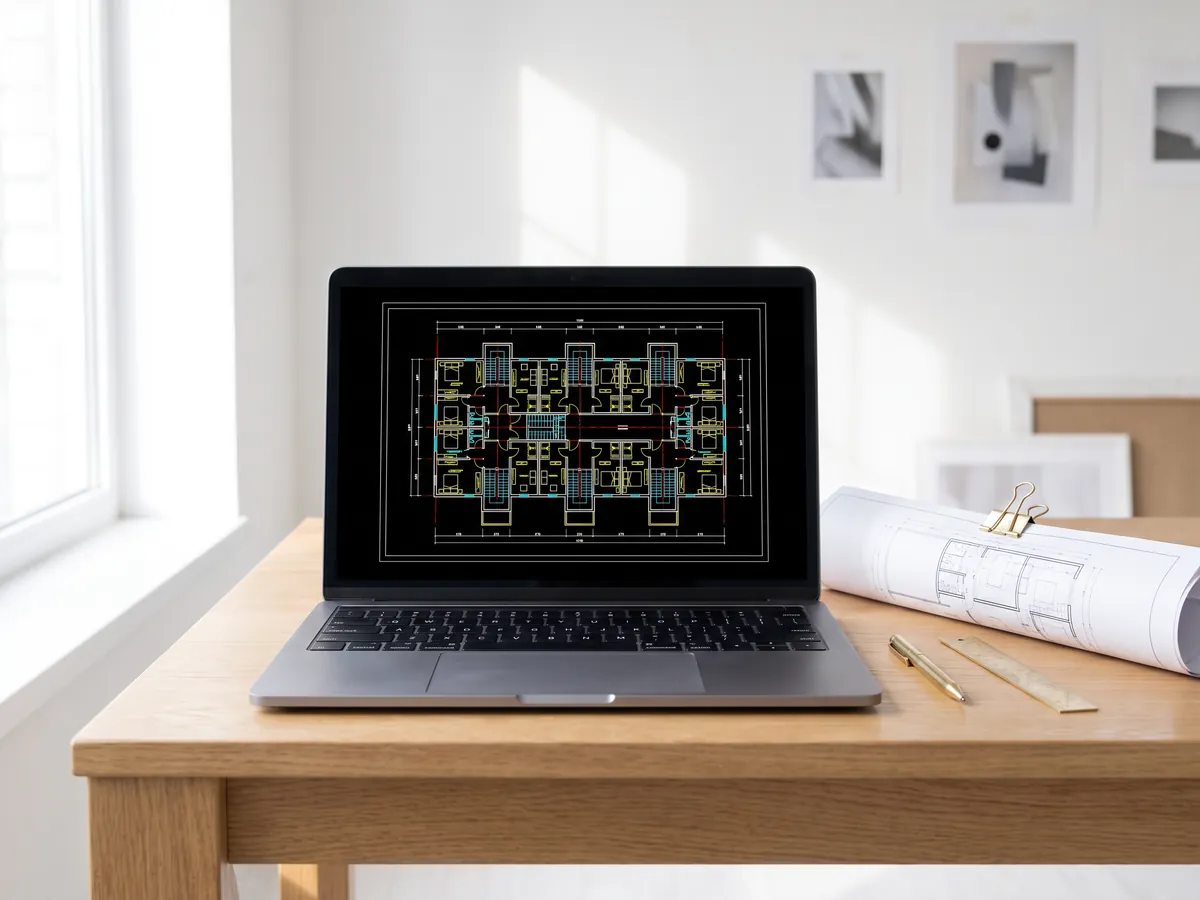
DWG viewer
Open AutoCAD DWG and DXF drawings online: every layout, layers on and off, zoom and pan.
Open the DWG viewer
DXF viewer
Open DXF files online: every layout, layers on and off, zoom, then save as PDF or SVG.
Open the DXF viewer
DWG to PDF
Plot AutoCAD drawings to PDF: layouts 1:1 with title blocks, line weights and hatches.
Open DWG to PDF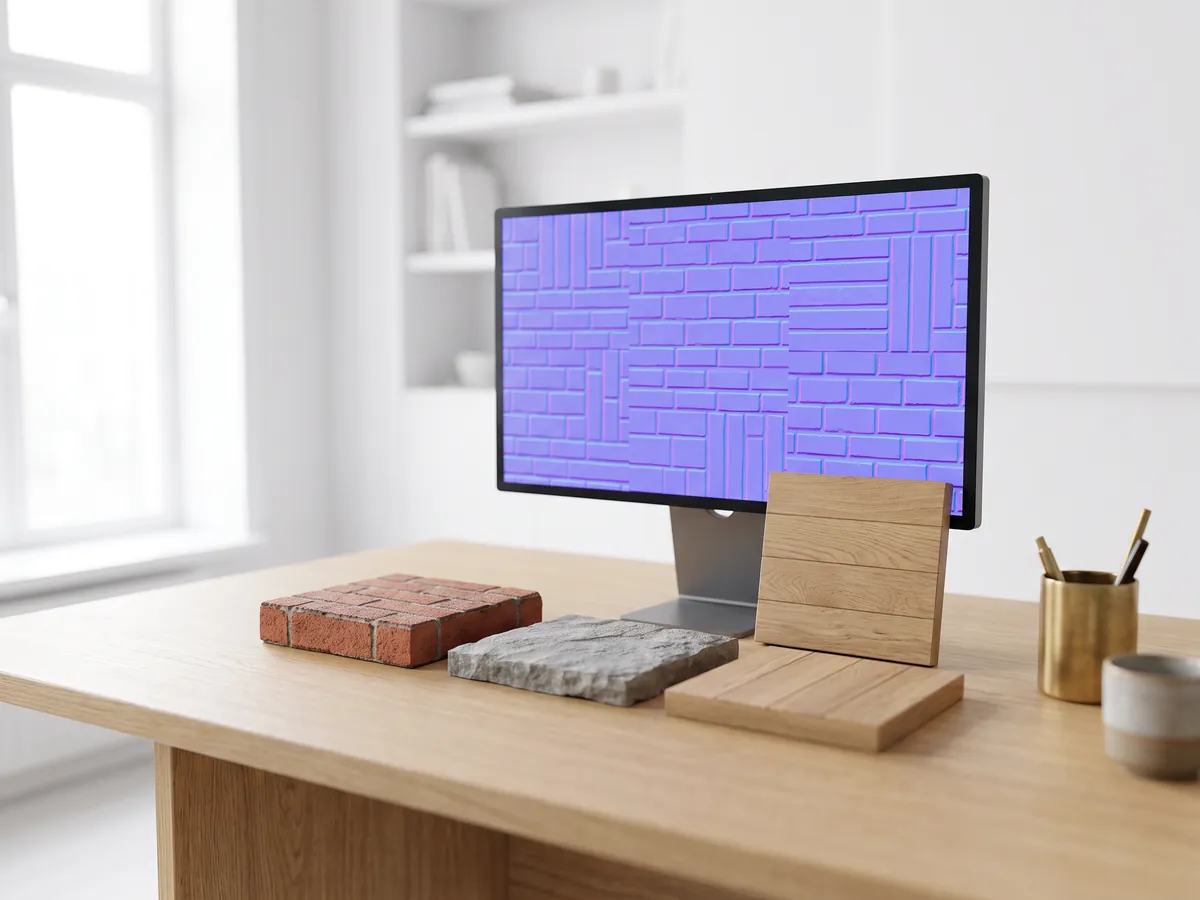
Normal map generator
Make normal, height, roughness and AO maps from any image, seamless if you need it.
Open the normal map generator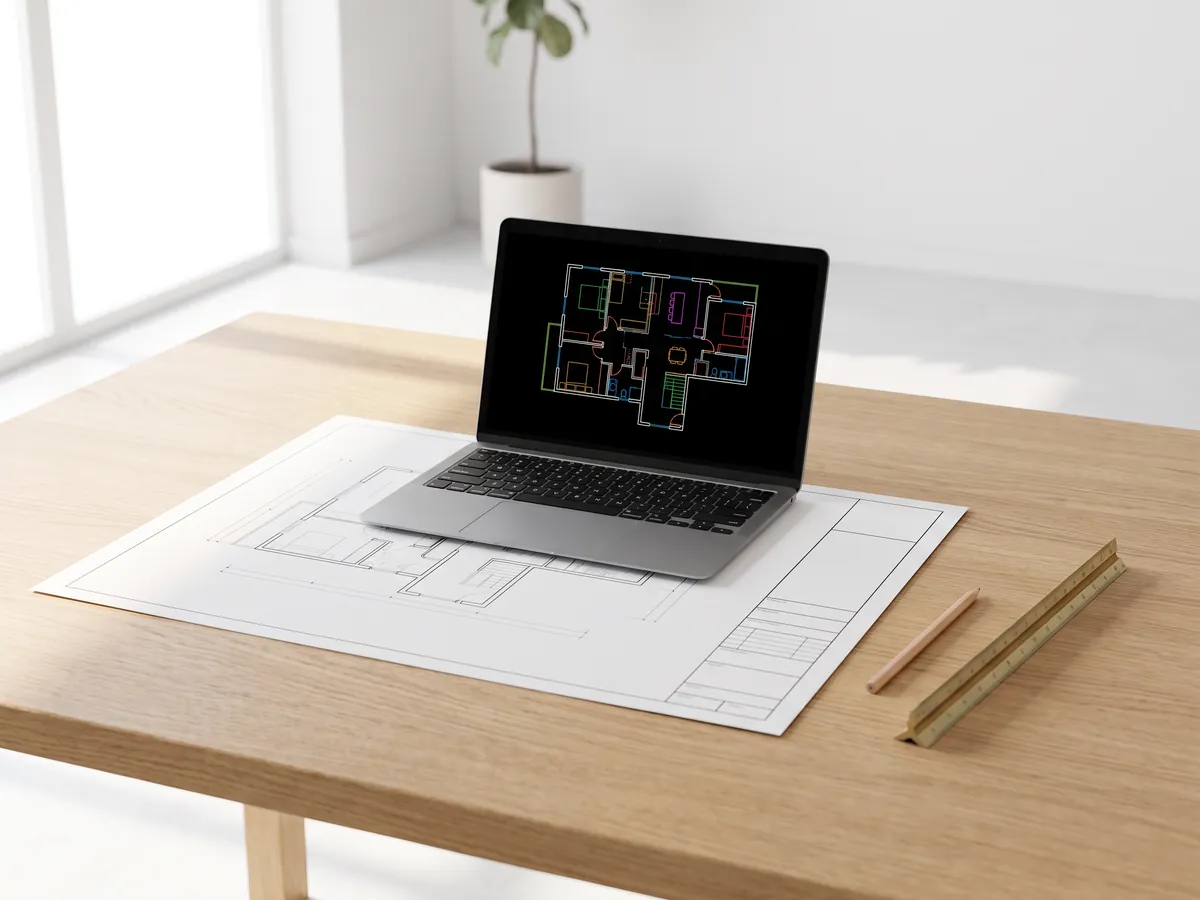
PDF to DWG
Turn PDF drawings into CAD lines for AutoCAD: lines, text and layers, at drawing scale.
Open PDF to DWG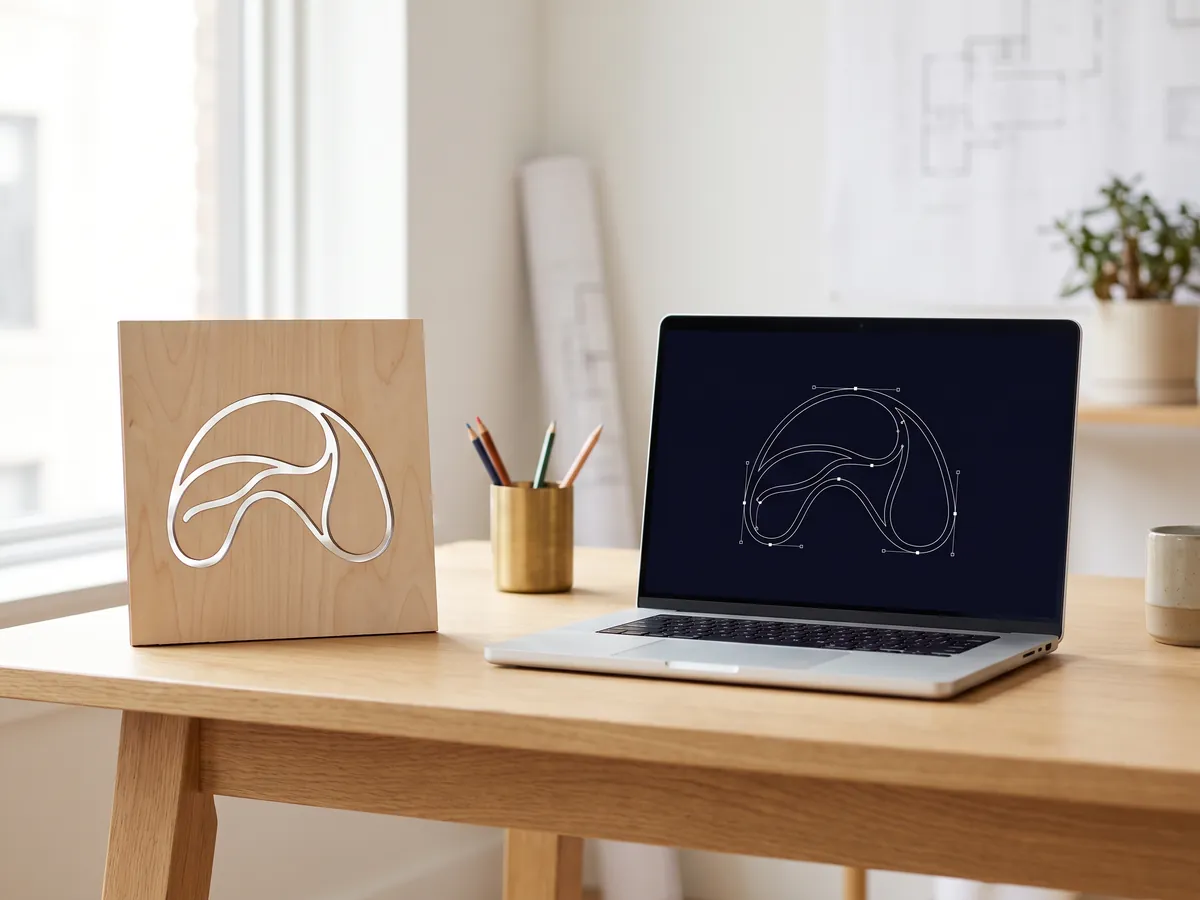
SVG to DXF
Convert SVG to DXF for CAD, laser cutting and CNC: exact lines, layers, real size.
Open SVG to DXF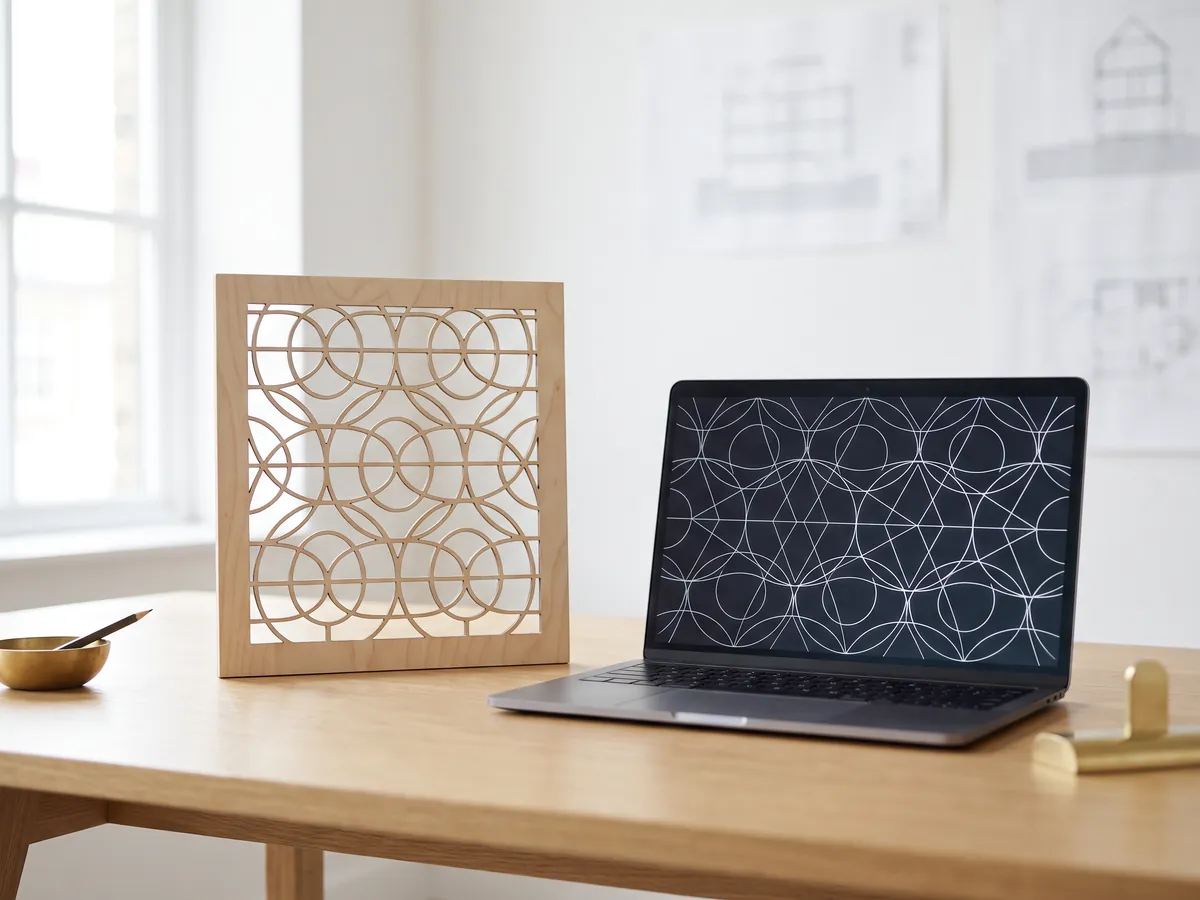
DXF converter
Open DXF drawings and save them as PDF or SVG, with layouts, line weights and hatches.
Open the DXF converter
Before and after slider
Make a before and after slider, video or image from two photos, for listings, Reels and your website.
Open the before and after maker
STEP viewer
Open STEP and IGES files from SolidWorks, Fusion 360 and Inventor. See every part and measure.
Open the STEP viewer
3D viewer
Open 18 kinds of 3D file online, from STEP and FBX to GLB and IFC, with parts and measuring.
Open the 3D viewer
GLB viewer
Open GLB and glTF files with their materials and textures, size and triangle count.
Open the GLB viewer
OBJ viewer
Open OBJ files with their MTL materials and textures, and save as STL, GLB or STEP.
Open the OBJ viewer
SolidWorks viewer
Open SolidWorks part files without SolidWorks, then save them as STL, STEP or GLB.
Open the SolidWorks viewer
STL viewer
View STL files for 3D printing with size, volume, weight and a watertight check.
Open the STL viewer
3D converter
Convert between STEP, OBJ, FBX, STL, glTF, PLY, IFC and more, in both directions.
Open the 3D converter
STEP to STL
Convert STEP and STP files from SolidWorks, Fusion 360 and Inventor to STL for 3D printing.
Open STEP to STL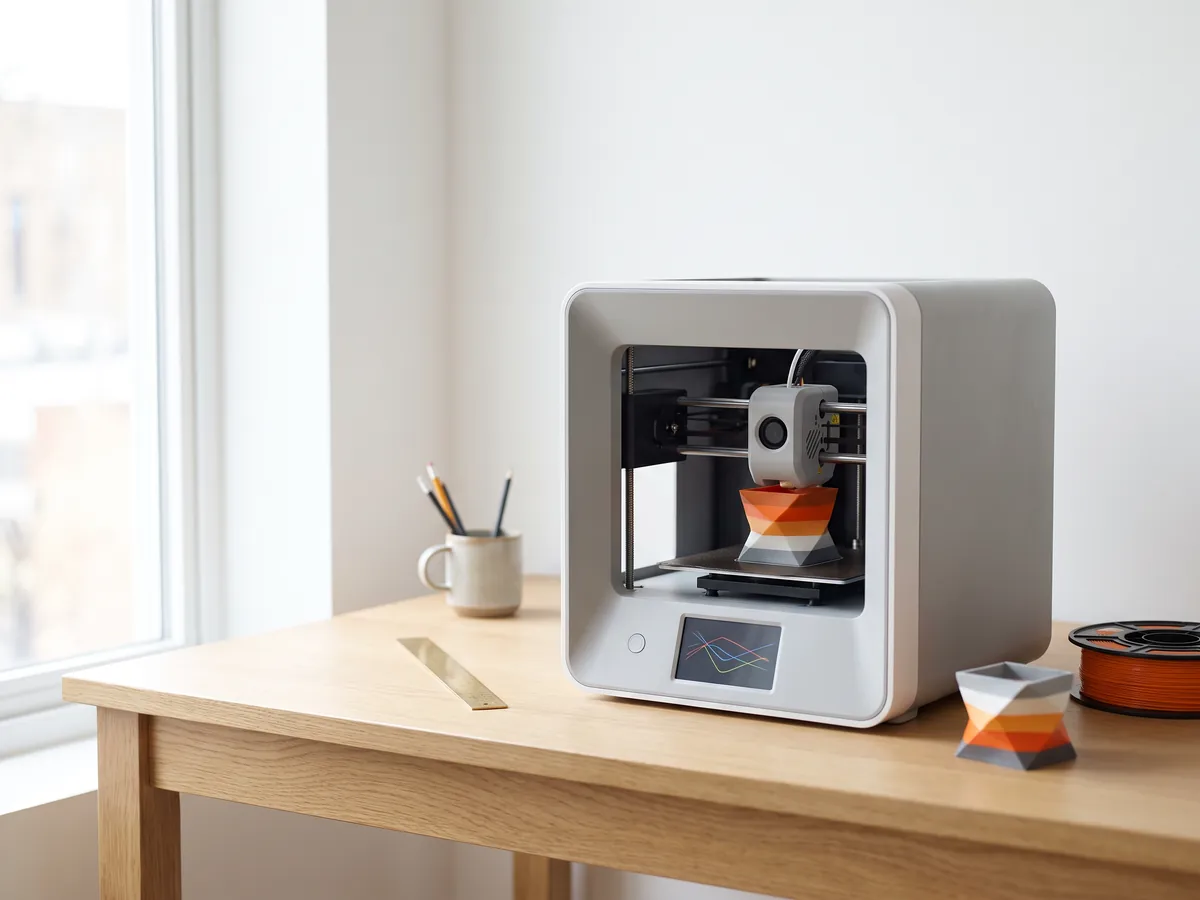
3MF to STL
Convert 3MF files from Bambu Studio and PrusaSlicer to STL, or STL to 3MF.
Open 3MF to STL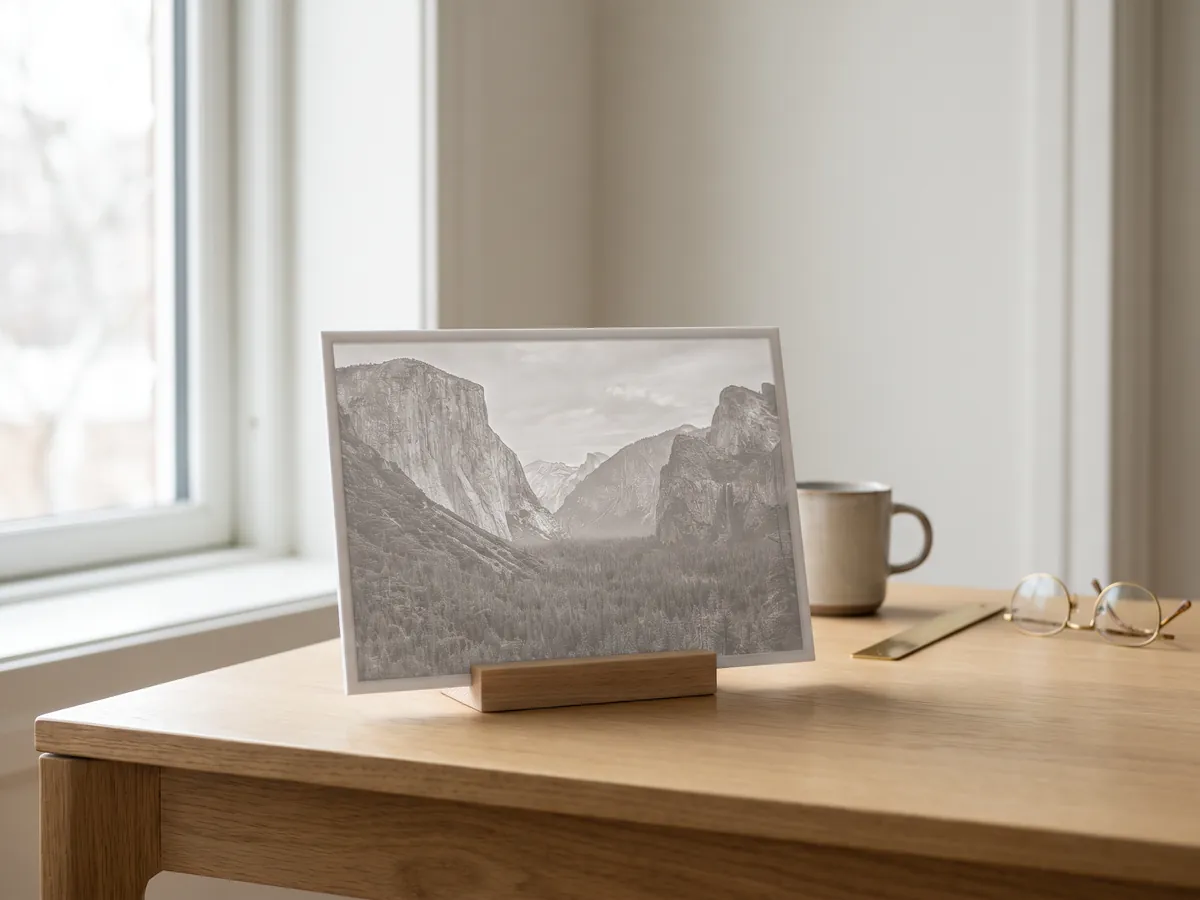
Image to STL
Turn PNG and JPG images into STL or OBJ reliefs and lithophanes for 3D printing.
Open image to STL
STL converter
Convert 3D files and images to STL for 3D printing, with a watertight check.
Open the STL converter
OBJ converter
Convert STL, FBX, STEP, glTF and 3DS to OBJ with materials, or OBJ to other formats.
Open the OBJ converter
FBX converter
Convert FBX files from 3ds Max, Maya and Blender to OBJ, GLB or STL.
Open the FBX converterEmbed this tool
Put the free PNG to DXF on your own site, course page or wiki. Paste this code where it should appear.
Cite this tool
For a thesis, paper or course material: APA style first, then BibTeX.
1,247
Projects completed
13
Years in business
17
Countries delivered to









★★★★★
Rated 5.0 on Clutch · See our reviews
Architects, developers & interior designers.
Working for 215 companies since 2013.
125 of 220 clients came back.
More than half of our clients have hired us again.

From picture to 3D
Need it as a 3D model?
Send the pictures or sketches and say what you need. We reply with one fixed price within 30 minutes.