

Free SolidWorks viewer
Open SLDPRT files and save them as STL
Drop a SolidWorks part (.sldprt) and it is converted by Autodesk's own conversion service, then opens here in 3D with its size, so you can check it and save it as STL for 3D printing, or as STEP, GLB or 3MF.
No SolidWorks, no eDrawings to install, no account. STEP exports open without any upload.
This is a Revit file:This is a SolidWorks part:
Uploading to Autodesk...Converting to IFC. This takes 1 to 5 minutes...Opening the IFC...
You have converted 3 files today. Try again tomorrow.
Today's free conversions are used up. Try again tomorrow.
This file is over 2 GB, the largest the converter takes.
The file is over 100 MB, so here is a download link (WeTransfer, Google Drive or Dropbox):
Enter your email and choose what you do.
The conversion did not work for this file. Try an IFC export from your CAD program instead.
The free Revit converter is paused. An IFC export from Revit (File > Export > IFC) opens here straight away, free.
Get an email when the free converter is back:
Need this part rendered for a web shop, a catalogue or a launch? We render from SolidWorks and STEP files and reply within 30 minutes: a fixed price and a delivery date, or the 1-2 questions we need answered first.
Free. IFC and other 3D files stay on your computer: they open in this browser tab and are never uploaded. Revit and SolidWorks files are the exception: they are sent to Autodesk's conversion service in the EU and deleted within 24 hours.
File will not convert, or the model needs cleaning up? Our team fixes and converts it for you. Send us the file and we reply with a fixed price. Send the file
- SolidWorks parts (.sldprt) open in about a minute
- Save as STL, STEP, GLB, OBJ or 3MF
- Size and measuring, no install, no account
How it works
How to open a SolidWorks file online
3 steps, about a minute.
1. Drop the .sldprt
Drop the SolidWorks part, enter your email and click Convert and open. The file goes to Autodesk's conversion service in the EU and comes back as a 3D mesh.
2. Check the part
It opens here in about a minute, with its size. Rotate, zoom and measure between two points.
3. Save it as STL or STEP
Choose STL for 3D printing, STEP for other CAD programs, GLB for the web, or 3MF for Bambu Studio and PrusaSlicer.
What to expect
What you get from a SolidWorks part
Parts, meshes, STL and where the file goes.
Parts, not assemblies
A part file holds the whole shape, so it converts on its own. An assembly (.sldasm) only points to its part files, so export it as STEP from SolidWorks and open that.
A mesh, not features
The part comes back as a fine triangle mesh, ready to view, measure and print. Sketches, features and the design history stay in SolidWorks.
STL for printing
STL is what Cura, PrusaSlicer and Bambu Studio expect. The size is kept from the part, so check it in millimetres before printing.
Where the file goes
SolidWorks files are closed, so no browser can read them. The part is converted by Autodesk's Model Derivative service in the EU and deleted within 24 hours.
From CAD to images
What we make from SolidWorks files
Product designers and manufacturers send us their SolidWorks and STEP files to be turned into images that sell the product before it is made.
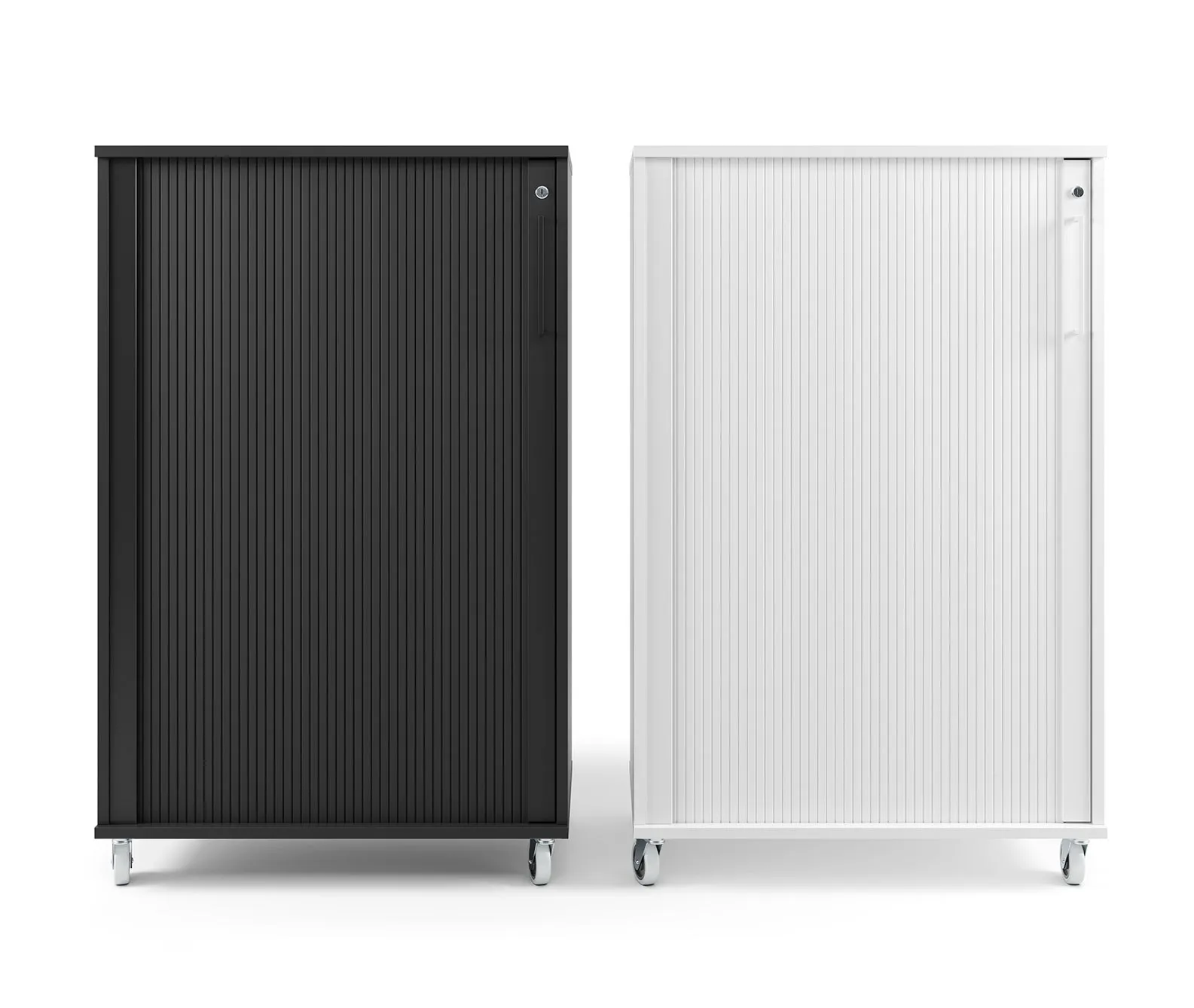
3D product rendering
Photoreal studio and lifestyle images, made from your CAD file.
See product rendering

Architectural visualization
Photoreal buildings and interiors, with your product placed in them.
See architectural visualization
SolidWorks viewer FAQ
Questions about viewing SolidWorks files
Parts, assemblies, STL and privacy.
Ask us a questionHow do I open a SLDPRT file without SolidWorks?
Drop it on the viewer on this page. It is converted by Autodesk's conversion service and opens in your browser in about a minute, with nothing to install. Dassault's free eDrawings viewer is the other option, but it has to be installed.
How do I convert SLDPRT to STL?
Open the part here, choose STL and click Download. The STL is a fine mesh of the part, ready for any slicer.
Can it open SolidWorks assemblies or drawings?
Not as .sldasm or .slddrw files: an assembly only points to its separate part files. In SolidWorks, save the assembly as STEP and open that here, without any upload.
What happens to my SolidWorks file?
It is uploaded straight from your browser to Autodesk's storage in the EU, converted, and deleted by Autodesk within 24 hours. It is never stored on our server. We keep your email, the file name and its size. It is free, up to 3 files a day.
More free tools
Other free 3D and CAD tools
Each one runs in your browser, like this one.
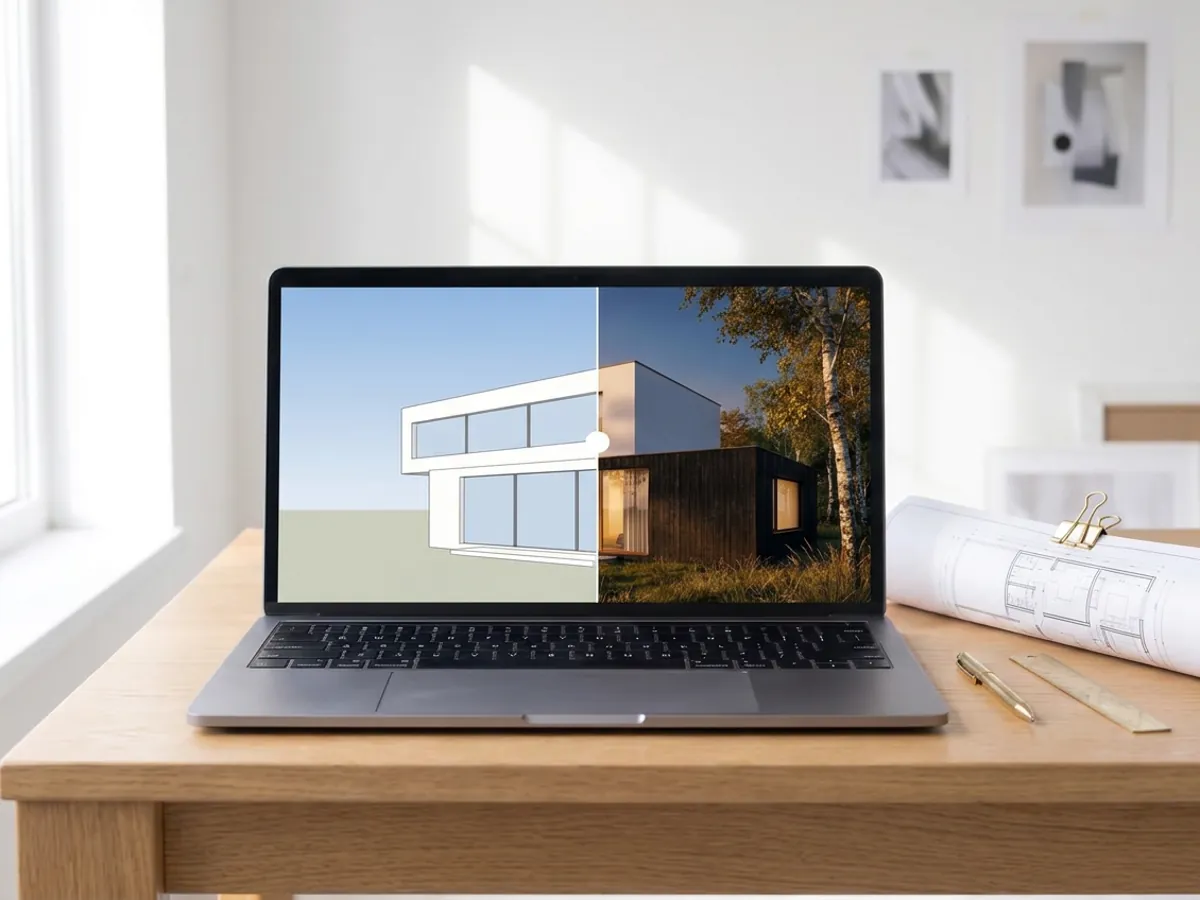
AI rendering
Turn a screenshot of your SketchUp, Revit or Rhino model into a photoreal render in about 20 seconds.
Make an AI render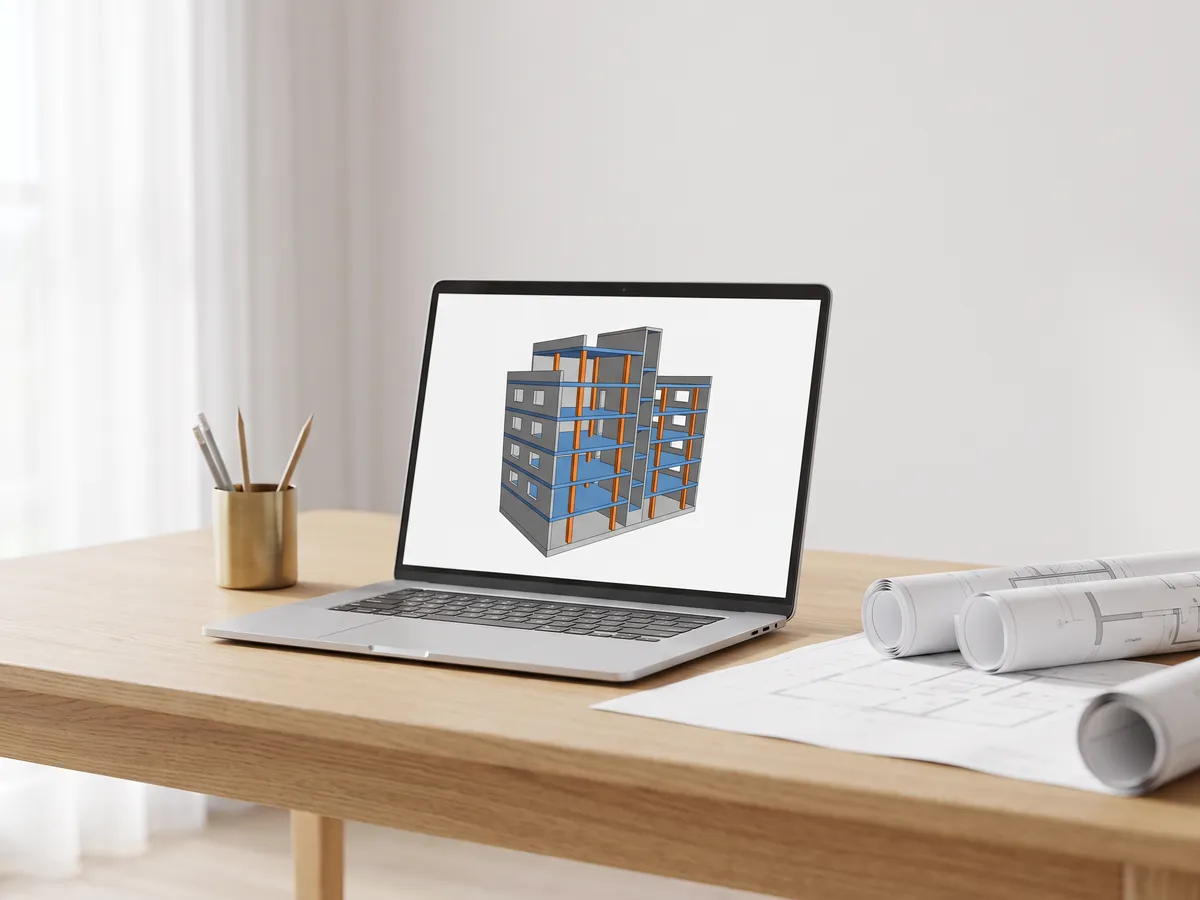
IFC viewer
Open IFC files from Revit, ArchiCAD and Tekla. Filter by element and level, check properties and measure.
Open the IFC viewer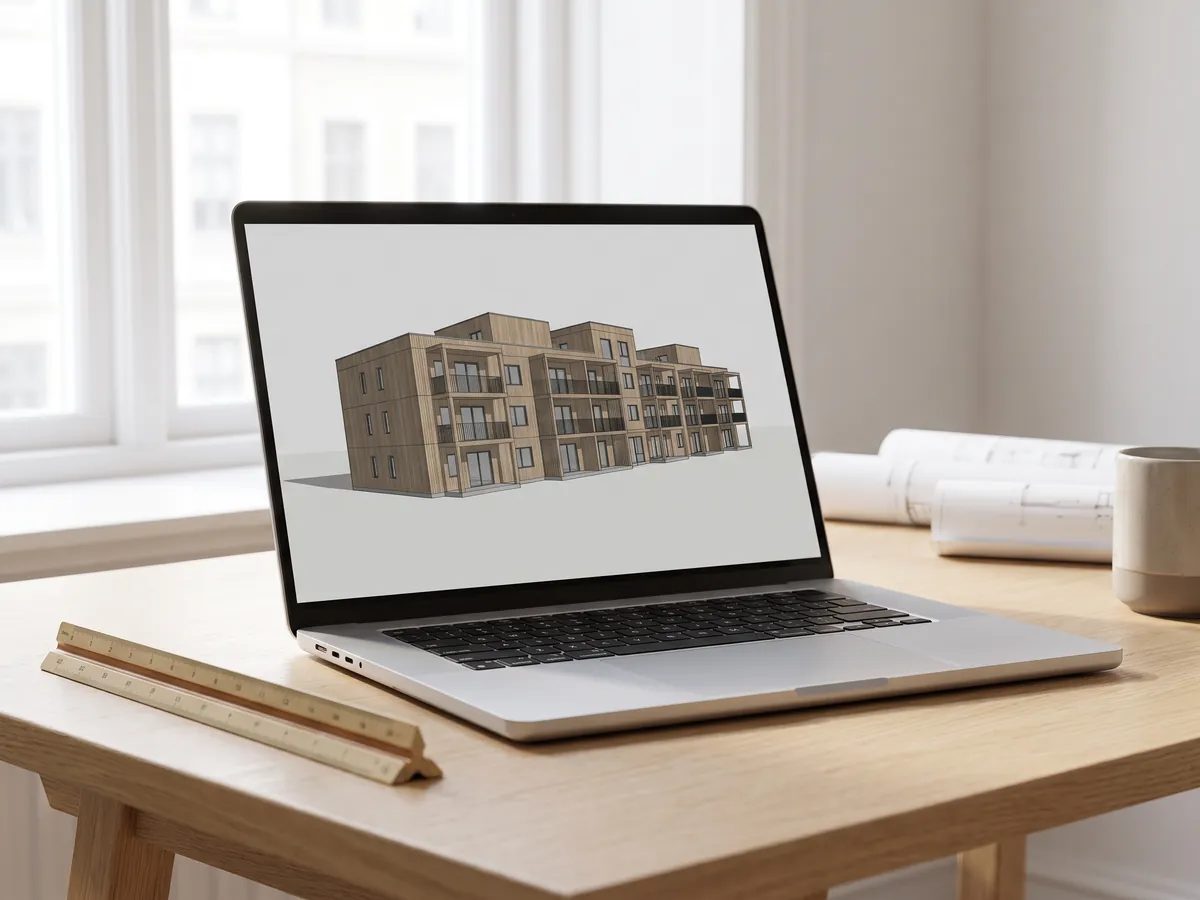
Revit viewer
Open .rvt files without Revit: converted to IFC by Autodesk, then viewed with levels and properties.
Open the Revit viewer
Revit to IFC converter
Convert RVT files to IFC 2x3 with levels and properties, using Autodesk's own conversion.
Convert Revit to IFC
BIM viewer
Review BIM models from Revit, Archicad and Tekla without a licence: levels, properties, measuring.
Open the BIM viewer
DWG viewer
Open AutoCAD DWG and DXF drawings online: every layout, layers on and off, zoom and pan.
Open the DWG viewer
DXF viewer
Open DXF files online: every layout, layers on and off, zoom, then save as PDF or SVG.
Open the DXF viewer
DWG to PDF
Plot AutoCAD drawings to PDF: layouts 1:1 with title blocks, line weights and hatches.
Open DWG to PDF
Normal map generator
Make normal, height, roughness and AO maps from any image, seamless if you need it.
Open the normal map generator
PDF to DWG
Turn PDF drawings into CAD lines for AutoCAD: lines, text and layers, at drawing scale.
Open PDF to DWG
SVG to DXF
Convert SVG to DXF for CAD, laser cutting and CNC: exact lines, layers, real size.
Open SVG to DXF
DXF converter
Open DXF drawings and save them as PDF or SVG, with layouts, line weights and hatches.
Open the DXF converter
Before and after slider
Make a before and after slider, video or image from two photos, for listings, Reels and your website.
Open the before and after maker
STEP viewer
Open STEP and IGES files from SolidWorks, Fusion 360 and Inventor. See every part and measure.
Open the STEP viewer
3D viewer
Open 18 kinds of 3D file online, from STEP and FBX to GLB and IFC, with parts and measuring.
Open the 3D viewer
GLB viewer
Open GLB and glTF files with their materials and textures, size and triangle count.
Open the GLB viewer
OBJ viewer
Open OBJ files with their MTL materials and textures, and save as STL, GLB or STEP.
Open the OBJ viewer
STL viewer
View STL files for 3D printing with size, volume, weight and a watertight check.
Open the STL viewer
3D converter
Convert between STEP, OBJ, FBX, STL, glTF, PLY, IFC and more, in both directions.
Open the 3D converter
STEP to STL
Convert STEP and STP files from SolidWorks, Fusion 360 and Inventor to STL for 3D printing.
Open STEP to STL
3MF to STL
Convert 3MF files from Bambu Studio and PrusaSlicer to STL, or STL to 3MF.
Open 3MF to STL
Image to STL
Turn PNG and JPG images into STL or OBJ reliefs and lithophanes for 3D printing.
Open image to STL
STL converter
Convert 3D files and images to STL for 3D printing, with a watertight check.
Open the STL converter
OBJ converter
Convert STL, FBX, STEP, glTF and 3DS to OBJ with materials, or OBJ to other formats.
Open the OBJ converter
FBX converter
Convert FBX files from 3ds Max, Maya and Blender to OBJ, GLB or STL.
Open the FBX converterPopular conversions: PNG to STL · OBJ to STL · GLB to STL · GLB to OBJ · STL to STEP · FBX to OBJ · STL to OBJ · FBX viewer · 3MF viewer · PLY viewer
Embed this tool
Put the free SolidWorks viewer on your own site, course page or wiki. Paste this code where it should appear.
Cite this tool
For a thesis, paper or course material: APA style first, then BibTeX.
1,247
Projects completed
13
Years in business
17
Countries delivered to







★★★★★
Rated 4.9 on Clutch · See our reviews
Architects, developers & interior designers
Working for 215 companies since 2013
125 of 220 clients came back
More than half of our clients have hired us again

From CAD to images
Send us the part and get the renders
Attach the SolidWorks or STEP file and say what the images are for. We reply within 30 minutes: a fixed price and a delivery date, or the 1-2 questions we need answered first.