

Free before and after slider maker
Slider, video and image from two photos
Drop a before photo and an after photo, drag the line to compare them, and save the result as a video for Reels and TikTok, an image for a listing, or a slider for your own website.
Everything is made in your browser, so the photos never leave your computer.
Need the after photo itself? We furnish empty rooms with virtual staging and render renovations before they are built. Send the photos and get a reply within 30 minutes: a fixed price and a delivery date, or the 1-2 questions we need answered first.
Free, no sign-up, no watermark. Your photos stay on your computer. The slider, images and video are made in this browser tab and the photos are never uploaded to us or anyone else.

- Wipe video in MP4, square, portrait, vertical or landscape
- Split or side by side images in full resolution
- A slider for WordPress, Webflow or any website
How it works
How to make a before and after slider
3 steps, and the photos never leave your computer.
1. Add the two photos
Drop the before photo on the left box and the after photo on the right, or drop both at once. Take them from the same spot so the line lines up.
2. Compare and set up
Drag the line on the preview. Choose the format, change or hide the Before and After labels, and swap the photos if they are the wrong way round.
3. Download
Save a wipe video, an image with the line, a side by side image, or a slider for your website as a ZIP with the HTML and both photos.
What you get
A video, an image and a slider from the same two photos
Every output, and the settings that go with it.
Before and after video
The line sweeps across and back in 4 to 10 seconds and loops cleanly. Choose vertical 9:16 for Reels, TikTok and Stories, 4:5 or square for the feed, or 16:9 for YouTube and websites. MP4 where your browser can record it, otherwise WebM.
Before and after image
A JPG with the line where you leave it, or the two photos side by side (one above the other in the tall formats). Up to 4,096 pixels on the long side, so it holds up in print and on listing portals.
Slider for your website
A ZIP with index.html, before.jpg and after.jpg. The slider is plain HTML and CSS with one line of script: paste the block into WordPress, Webflow, Squarespace or Shopify as custom HTML and upload the two photos.
Labels and credit
Rename the labels to anything, for example Empty and Staged or 2019 and 2026, or switch them off. The small 3dstudio.co credit is on by default and goes away with one click.
Who uses it
Before and after for listings, renovations and renders
The jobs a before and after does best.
Estate agents
Show an empty room next to its staged version, or a tired kitchen next to the renovation it could have. A vertical video gets more views on Reels than two separate photos.
Renovation and interiors
Builders, kitchen fitters, painters and interior designers: put the job before and after on your website as a slider, and on social media as a video.
Architects and developers
Compare a site photo with the render of what will be built there, for planning presentations, sales pages and neighbours' information evenings.
Photo editing
Show a retouch, a colour grade, a sky replacement or an AI edit next to the original. The website slider lets clients judge the change themselves.
When you need the after photo
What we make for before and after
The after photo is the hard part. These are real virtual staging jobs from our team: drag each line to compare.
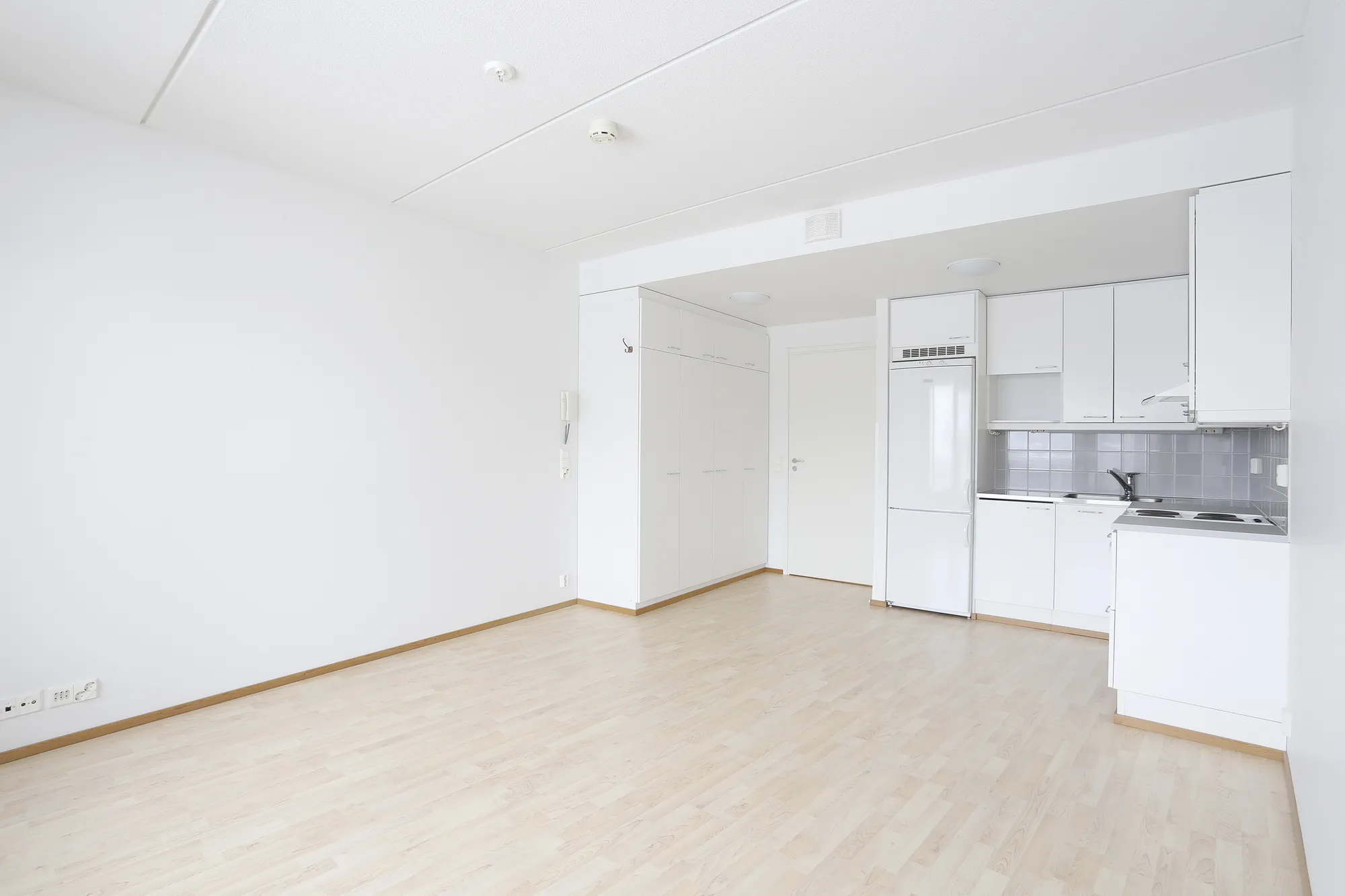
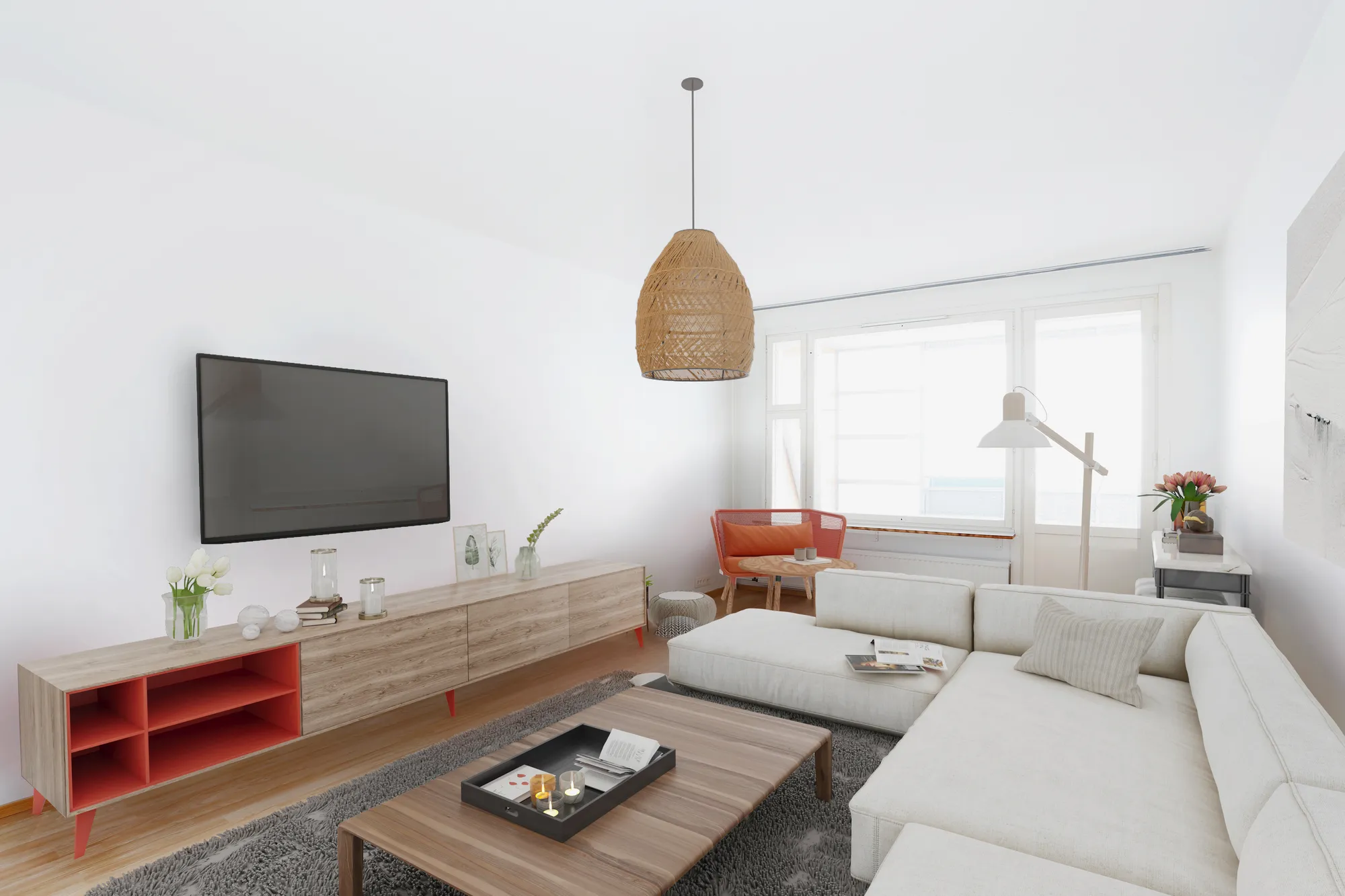 BeforeAfter
Homes for sale and rent
Empty apartments and houses furnished in the photo, for listings and lettings.
See virtual staging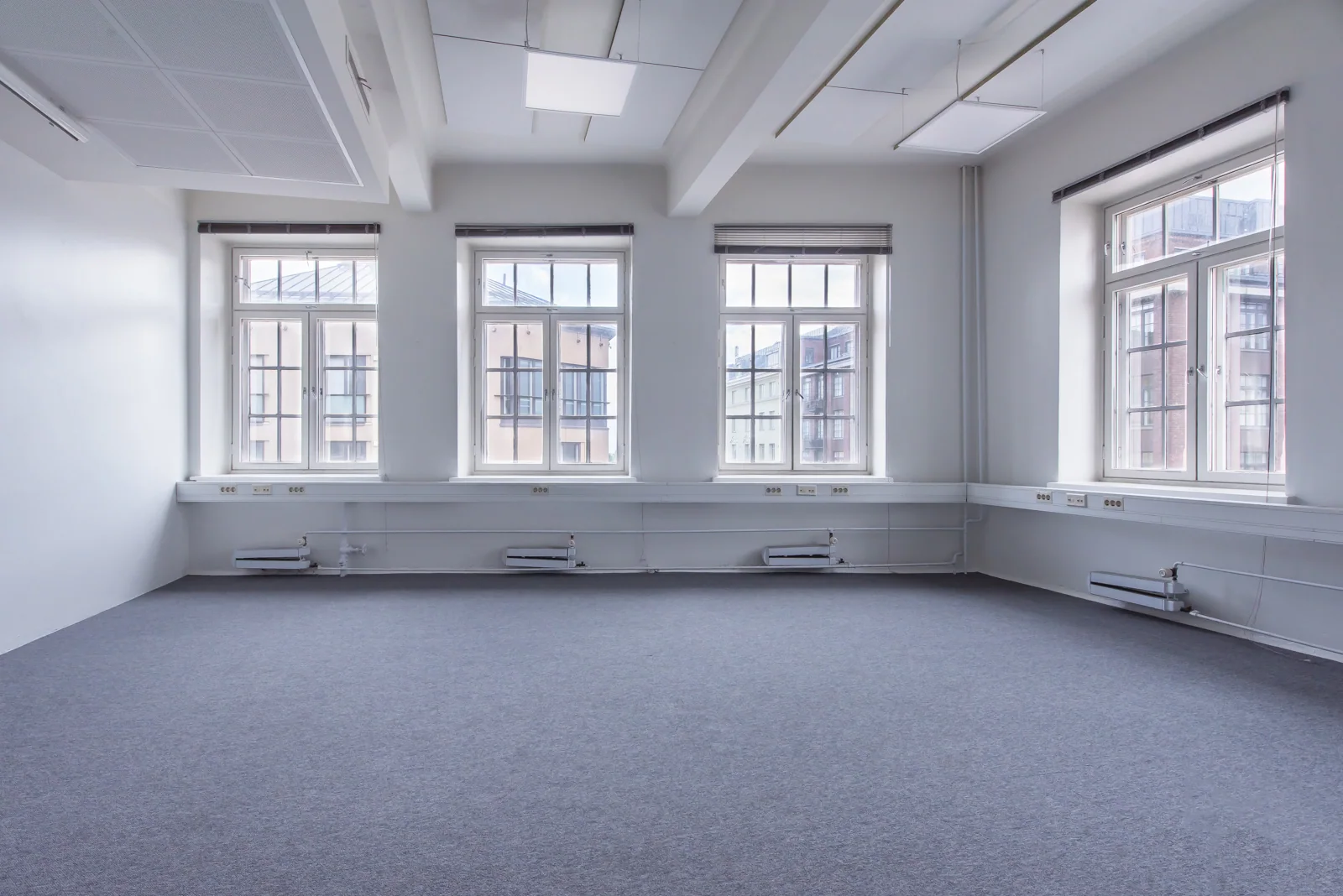
 BeforeAfter
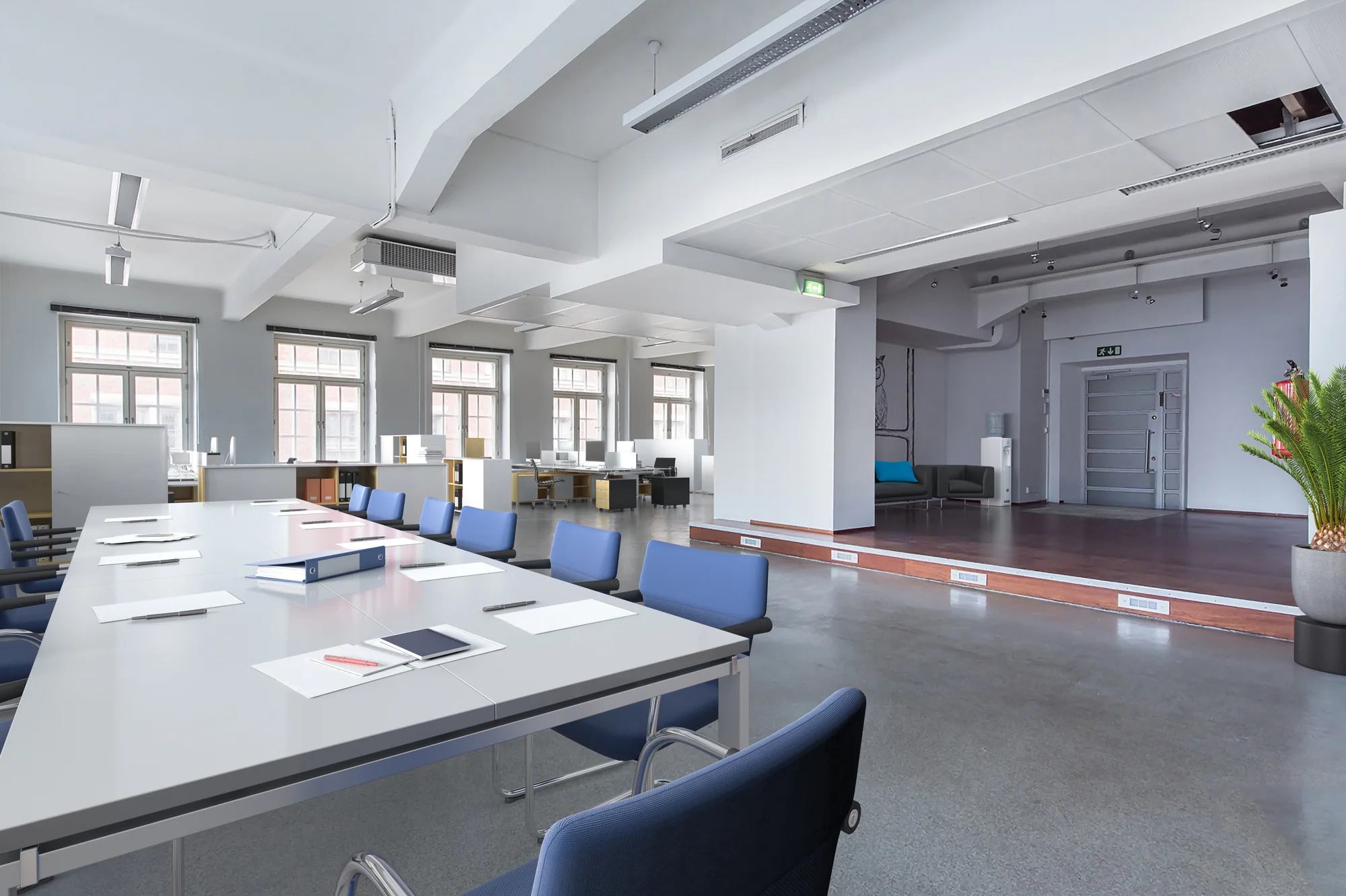
Offices and meeting rooms
Bare offices furnished so a leasing agent can show what the space is for.
See virtual staging for offices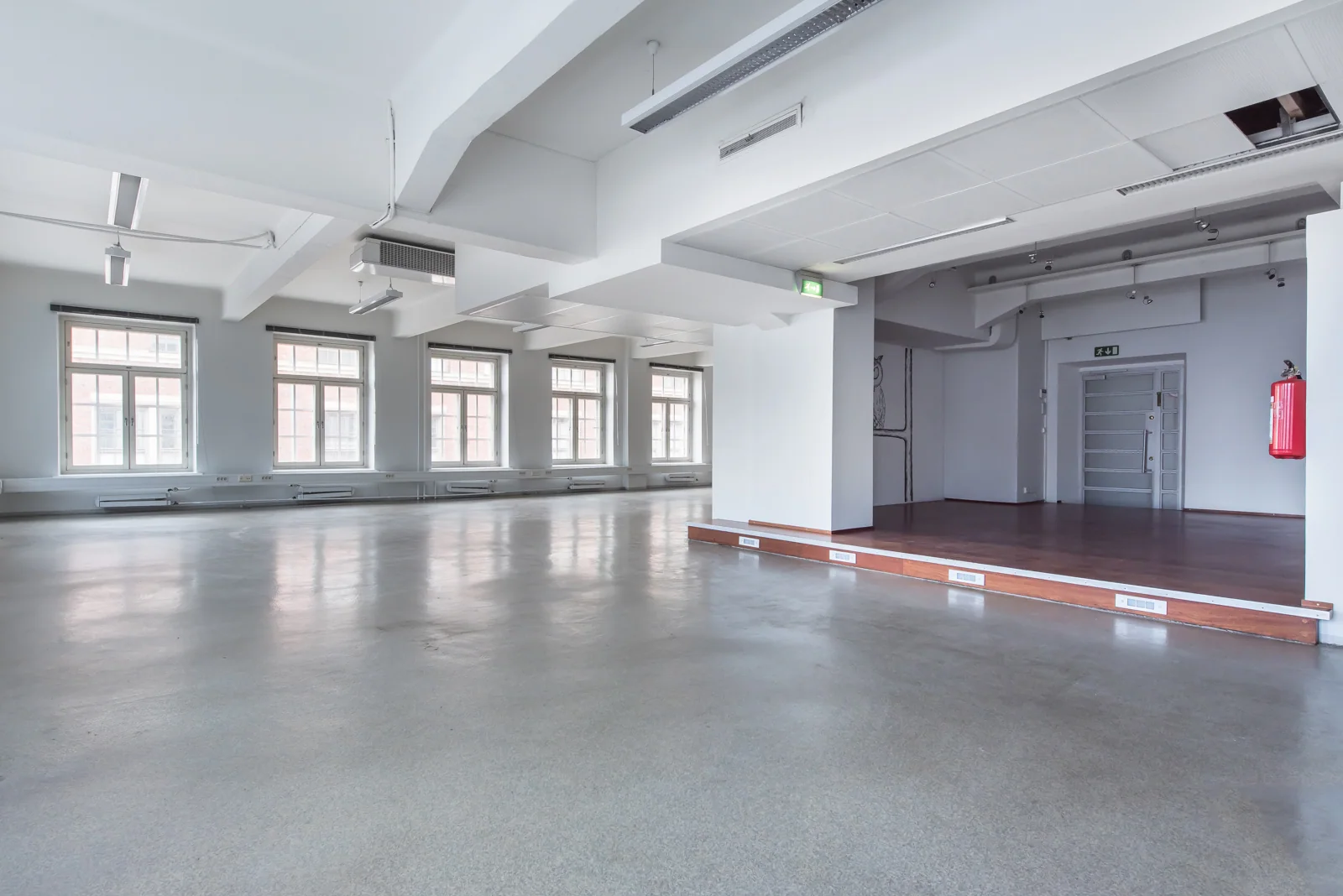
 BeforeAfter
Shared and commercial spaces
Canteens, lounges and open floors shown in use before anyone moves in.
Get a virtual staging quote
Before and after FAQ
Questions about the before and after maker
Formats, the website slider, privacy and the credit.
Ask us a questionHow do I make a before and after video for Instagram Reels?
Add the two photos, set the format to Vertical 9:16, choose a video length of 6 or 8 seconds and download the video. Upload it to Reels, TikTok or Stories as it is. For the feed, use Portrait 4:5 or Square.
How do I add a before and after slider to my website?
Choose Slider for your website and download the ZIP. Open index.html to see it working. Copy the block that starts with div class ba-slider into a custom HTML block in WordPress, Webflow, Squarespace or Shopify, and upload before.jpg and after.jpg to the same place, or change the two image addresses to where you uploaded them.
What if my two photos are different sizes?
The output takes its shape from the before photo, or from the format you choose, and both photos are cropped from the centre to fill it. For a clean line, take both photos from the same spot with the same zoom.
Is it really free, and is there a watermark?
It is free with no sign-up and no limit. A small 3dstudio.co credit is added in the corner by default; untick Add a small 3dstudio.co credit and it is gone.
Are my photos uploaded?
No. The photos are opened, drawn and saved in this browser tab on your own computer and are never sent to us or anyone else.
More free tools
Other free 3D and CAD tools
Each one runs in your browser, like this one.
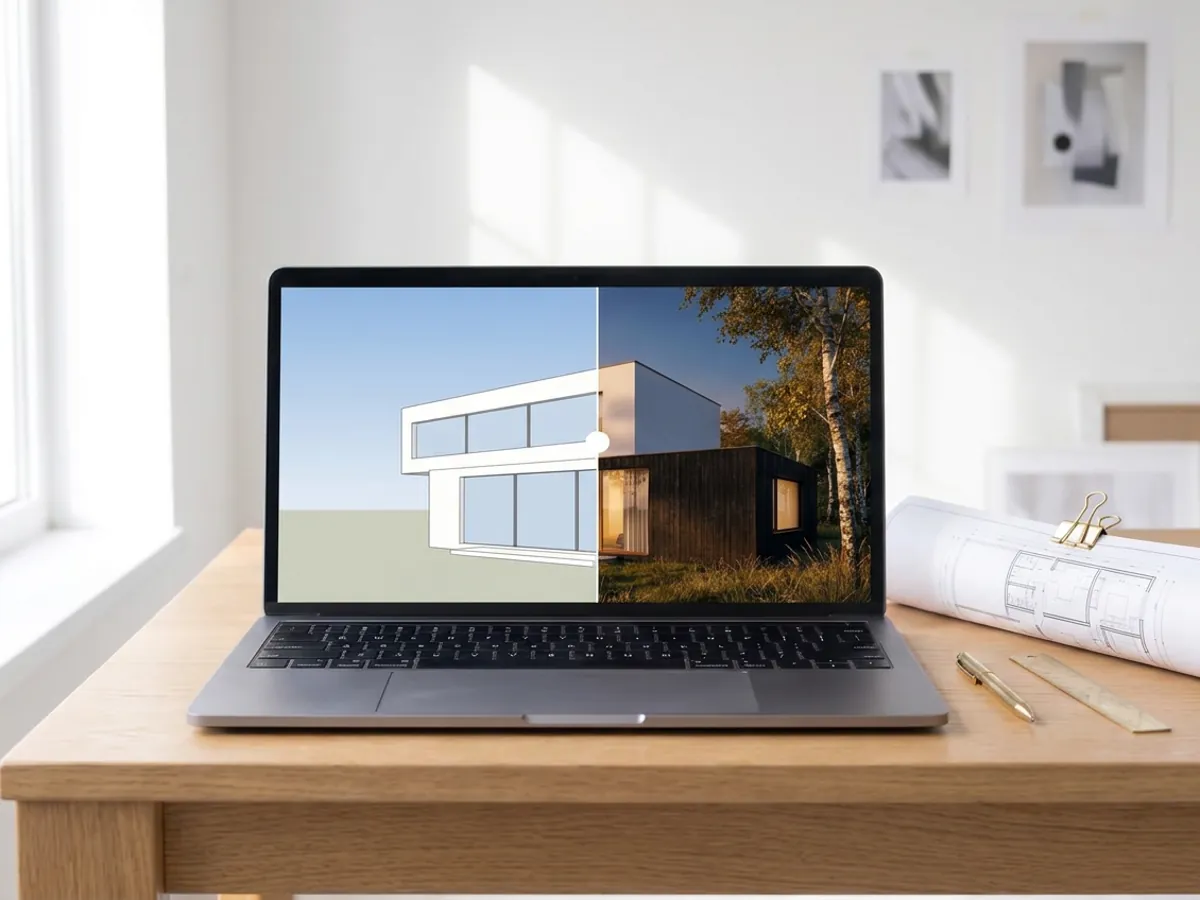
AI rendering
Turn a screenshot of your SketchUp, Revit or Rhino model into a photoreal render in about 20 seconds.
Make an AI render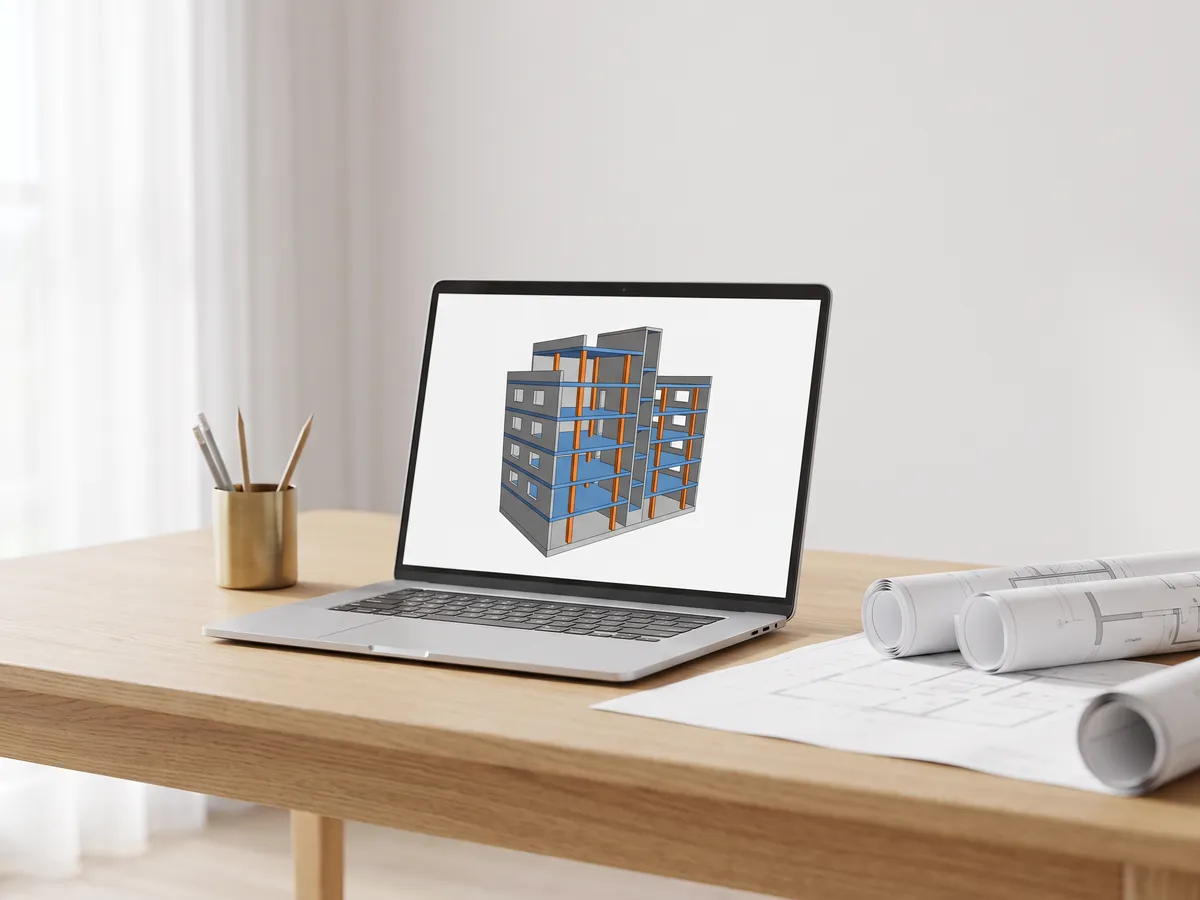
IFC viewer
Open IFC files from Revit, ArchiCAD and Tekla. Filter by element and level, check properties and measure.
Open the IFC viewer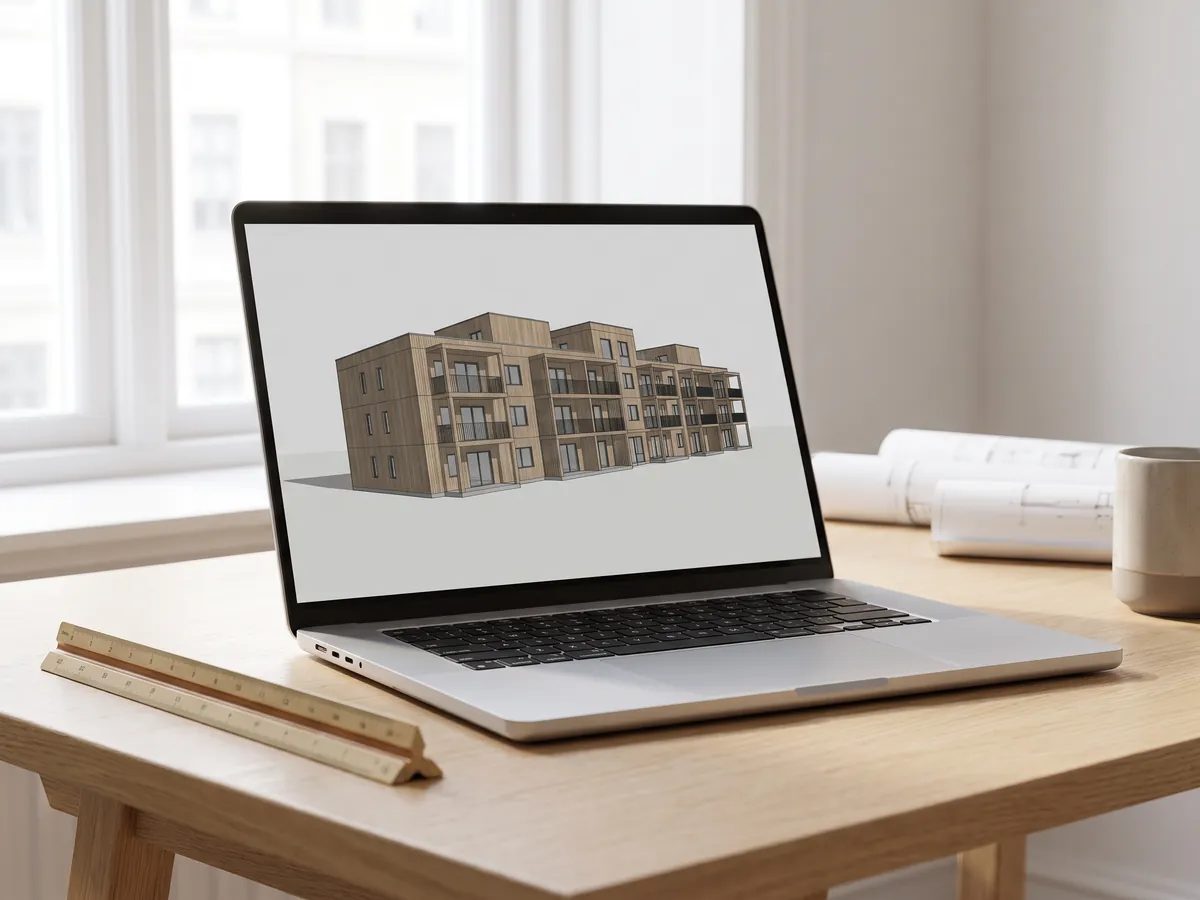
Revit viewer
Open .rvt files without Revit: converted to IFC by Autodesk, then viewed with levels and properties.
Open the Revit viewer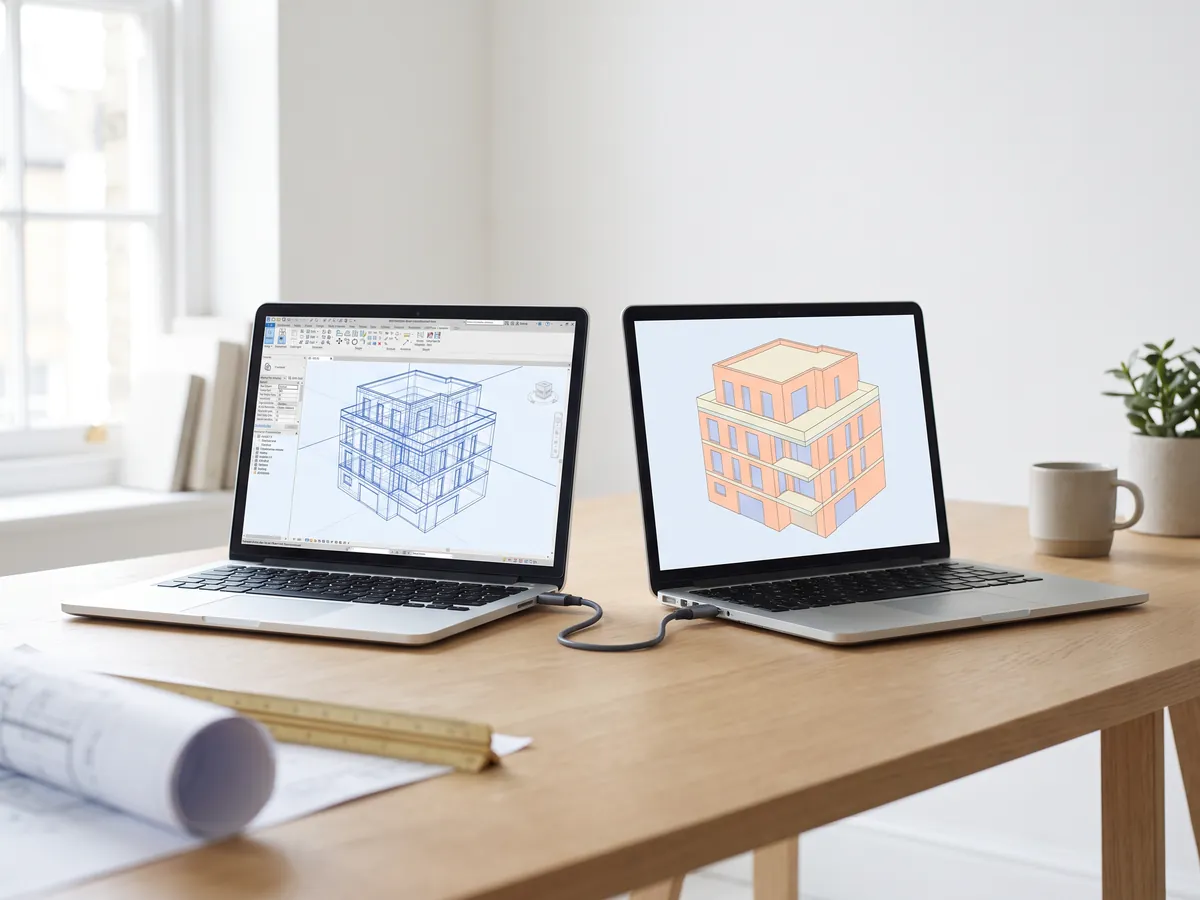
Revit to IFC converter
Convert RVT files to IFC 2x3 with levels and properties, using Autodesk's own conversion.
Convert Revit to IFC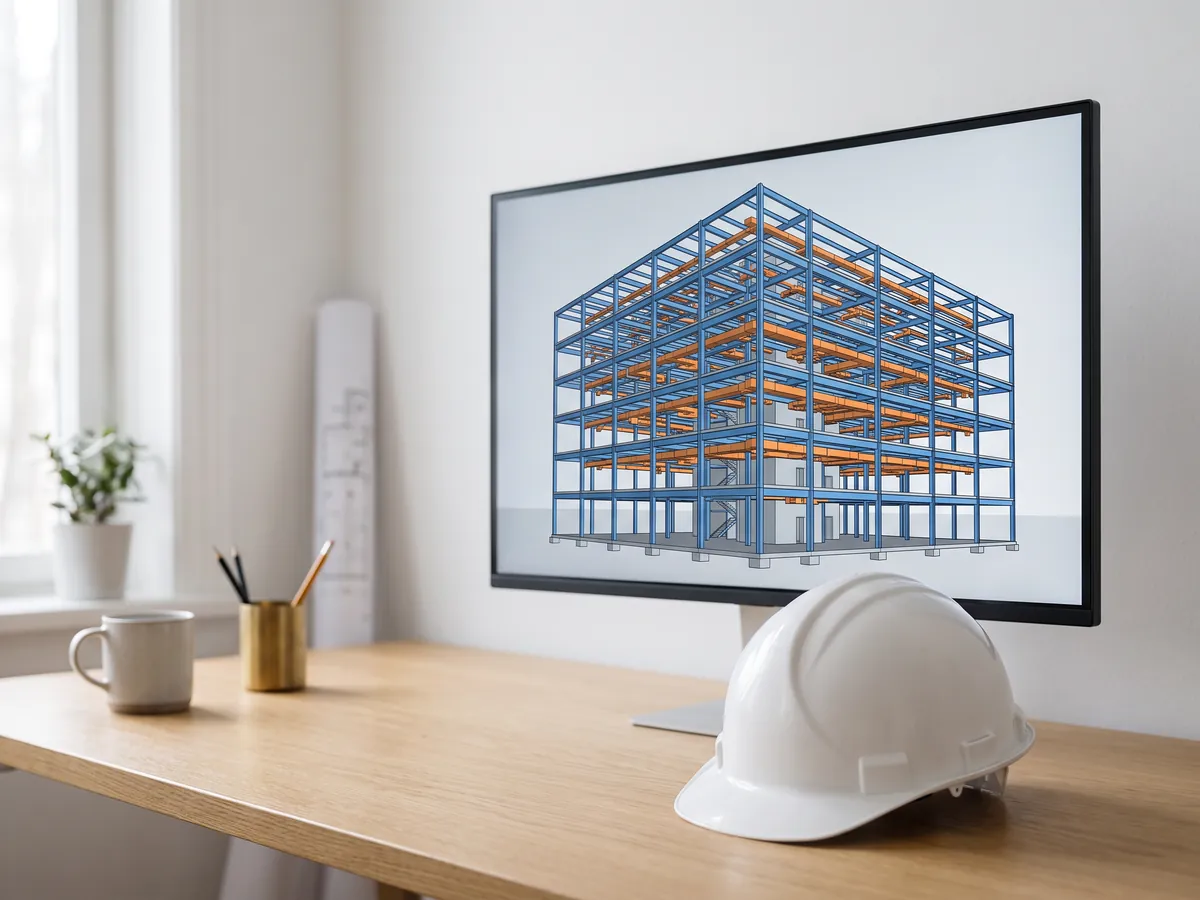
BIM viewer
Review BIM models from Revit, Archicad and Tekla without a licence: levels, properties, measuring.
Open the BIM viewer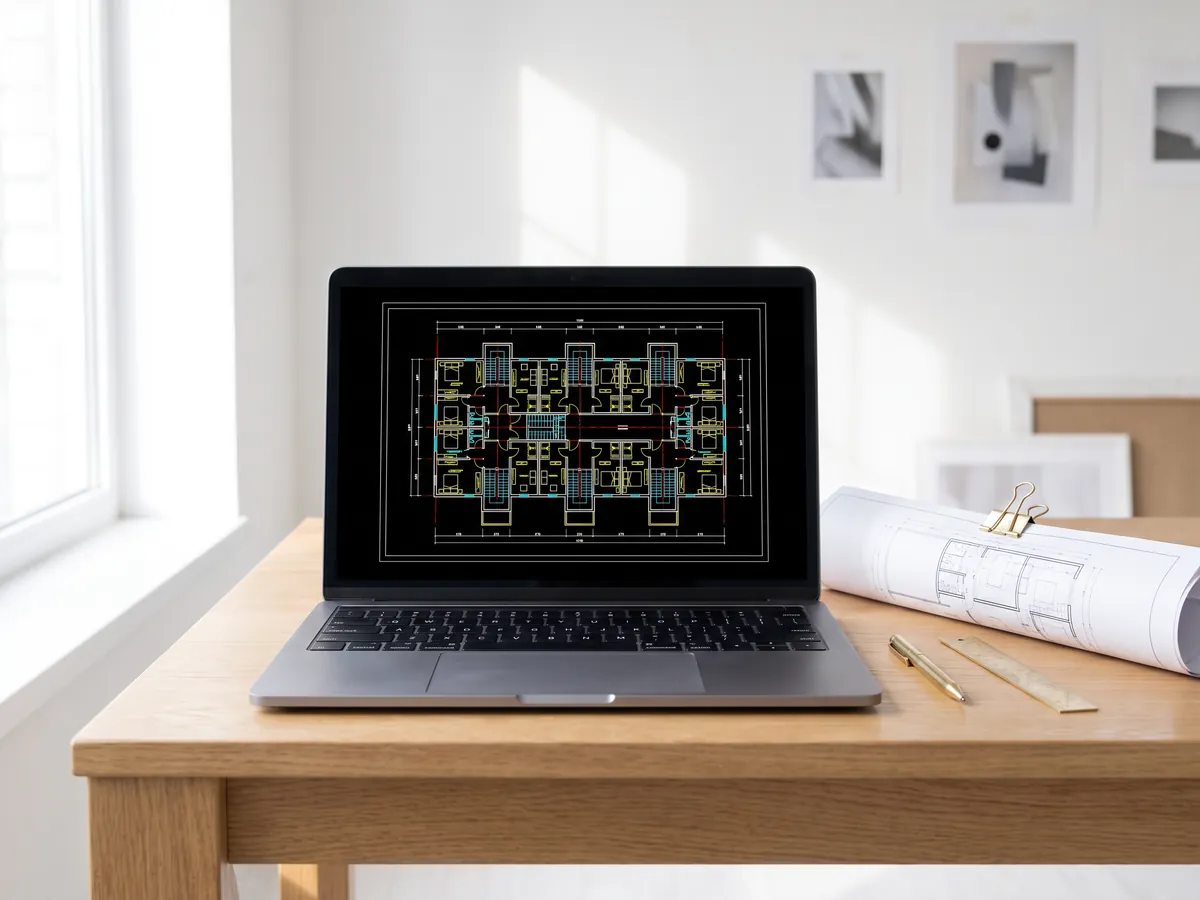
DWG viewer
Open AutoCAD DWG and DXF drawings online: every layout, layers on and off, zoom and pan.
Open the DWG viewer
DXF viewer
Open DXF files online: every layout, layers on and off, zoom, then save as PDF or SVG.
Open the DXF viewer
DWG to PDF
Plot AutoCAD drawings to PDF: layouts 1:1 with title blocks, line weights and hatches.
Open DWG to PDF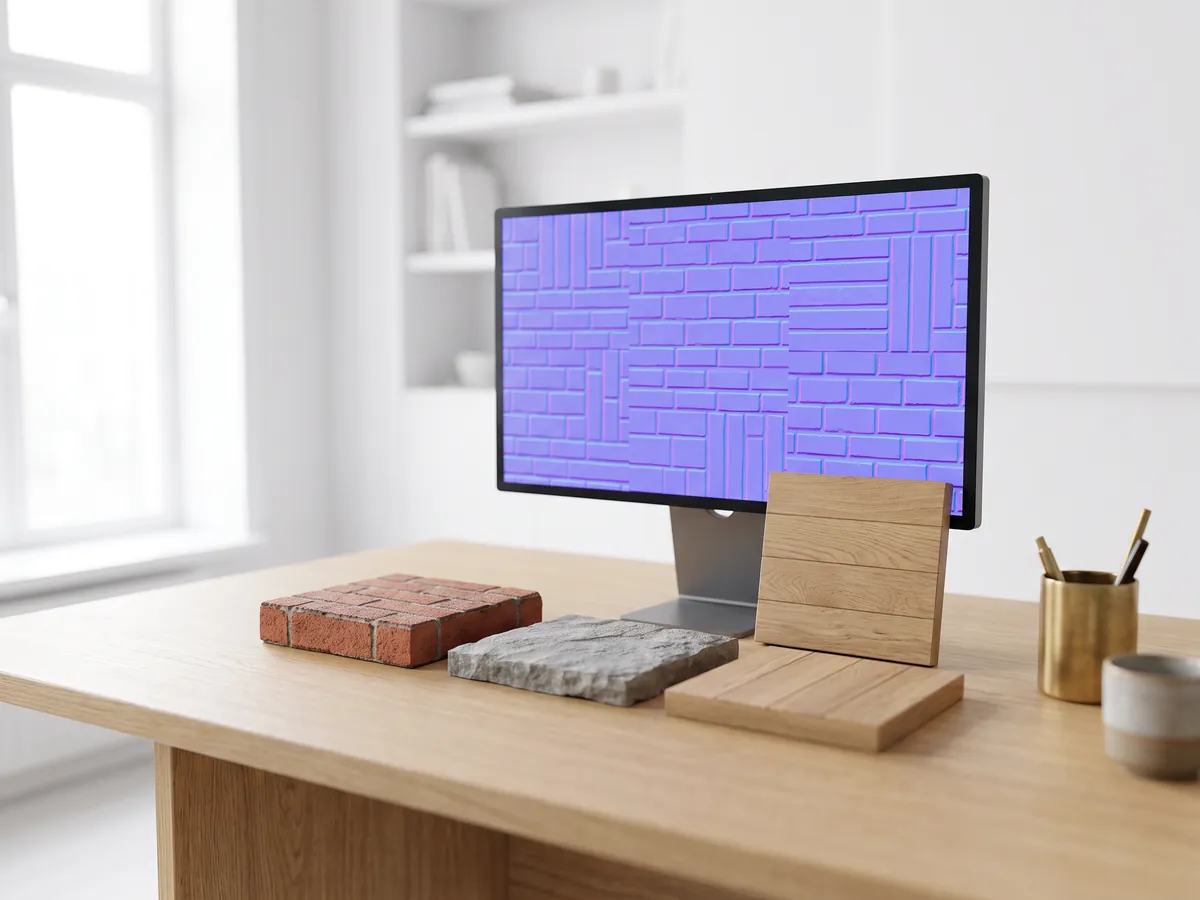
Normal map generator
Make normal, height, roughness and AO maps from any image, seamless if you need it.
Open the normal map generator
PDF to DWG
Turn PDF drawings into CAD lines for AutoCAD: lines, text and layers, at drawing scale.
Open PDF to DWG
SVG to DXF
Convert SVG to DXF for CAD, laser cutting and CNC: exact lines, layers, real size.
Open SVG to DXF
DXF converter
Open DXF drawings and save them as PDF or SVG, with layouts, line weights and hatches.
Open the DXF converter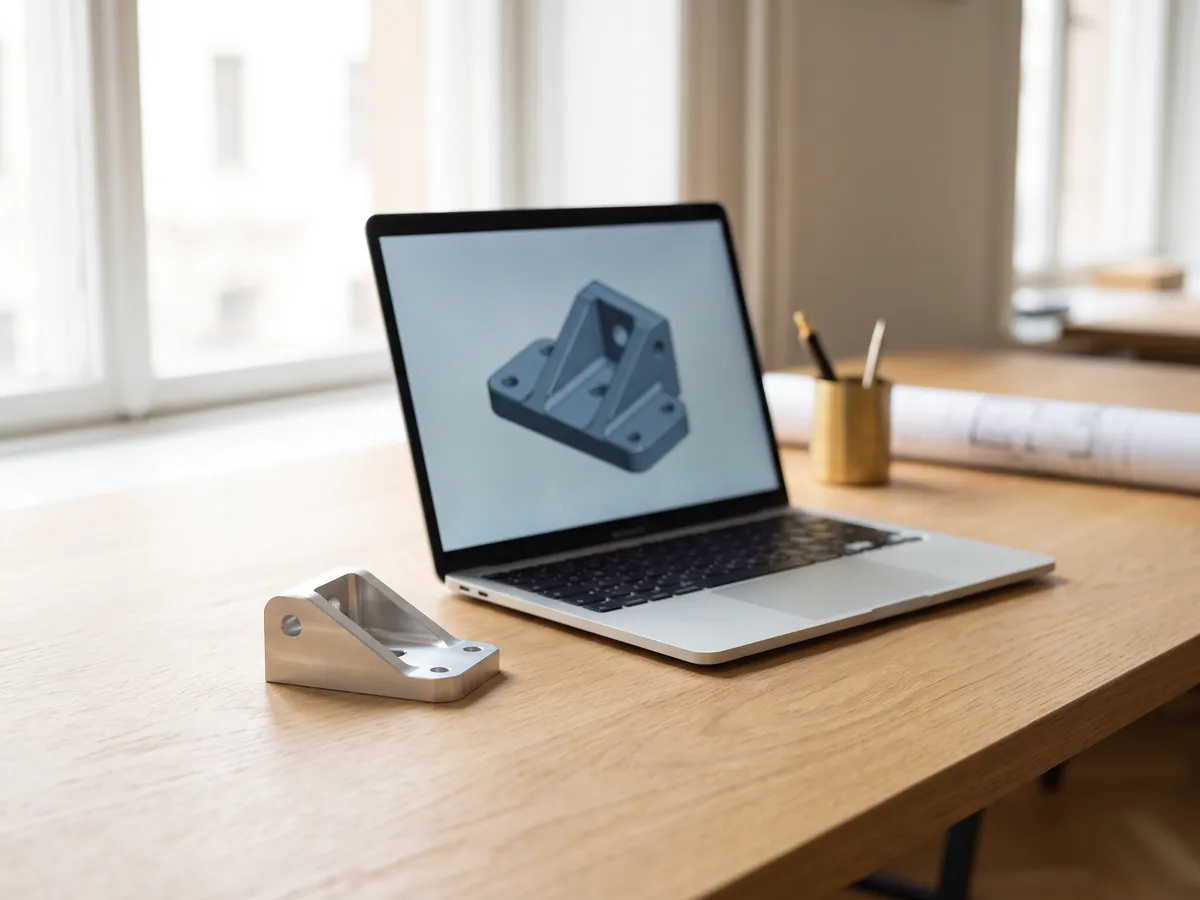
STEP viewer
Open STEP and IGES files from SolidWorks, Fusion 360 and Inventor. See every part and measure.
Open the STEP viewer
3D viewer
Open 18 kinds of 3D file online, from STEP and FBX to GLB and IFC, with parts and measuring.
Open the 3D viewer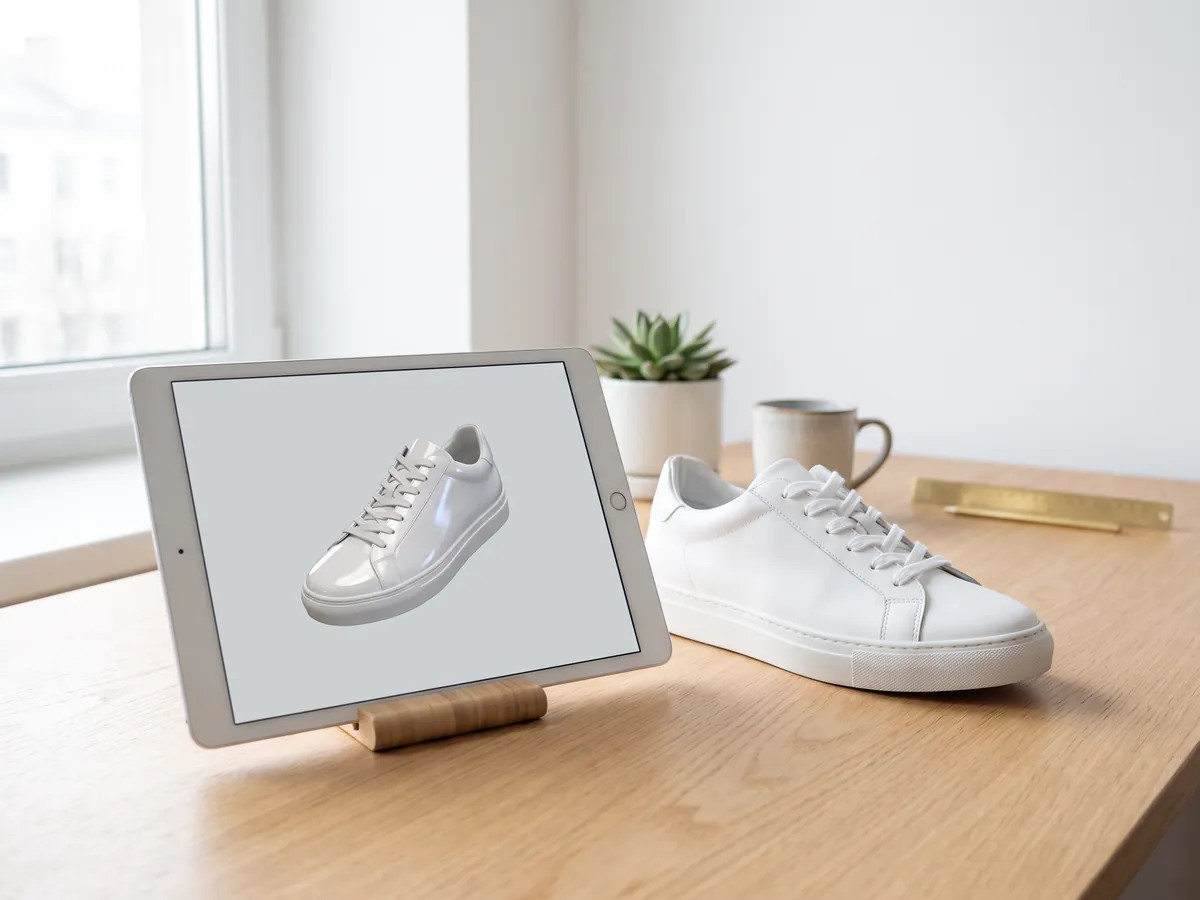
GLB viewer
Open GLB and glTF files with their materials and textures, size and triangle count.
Open the GLB viewer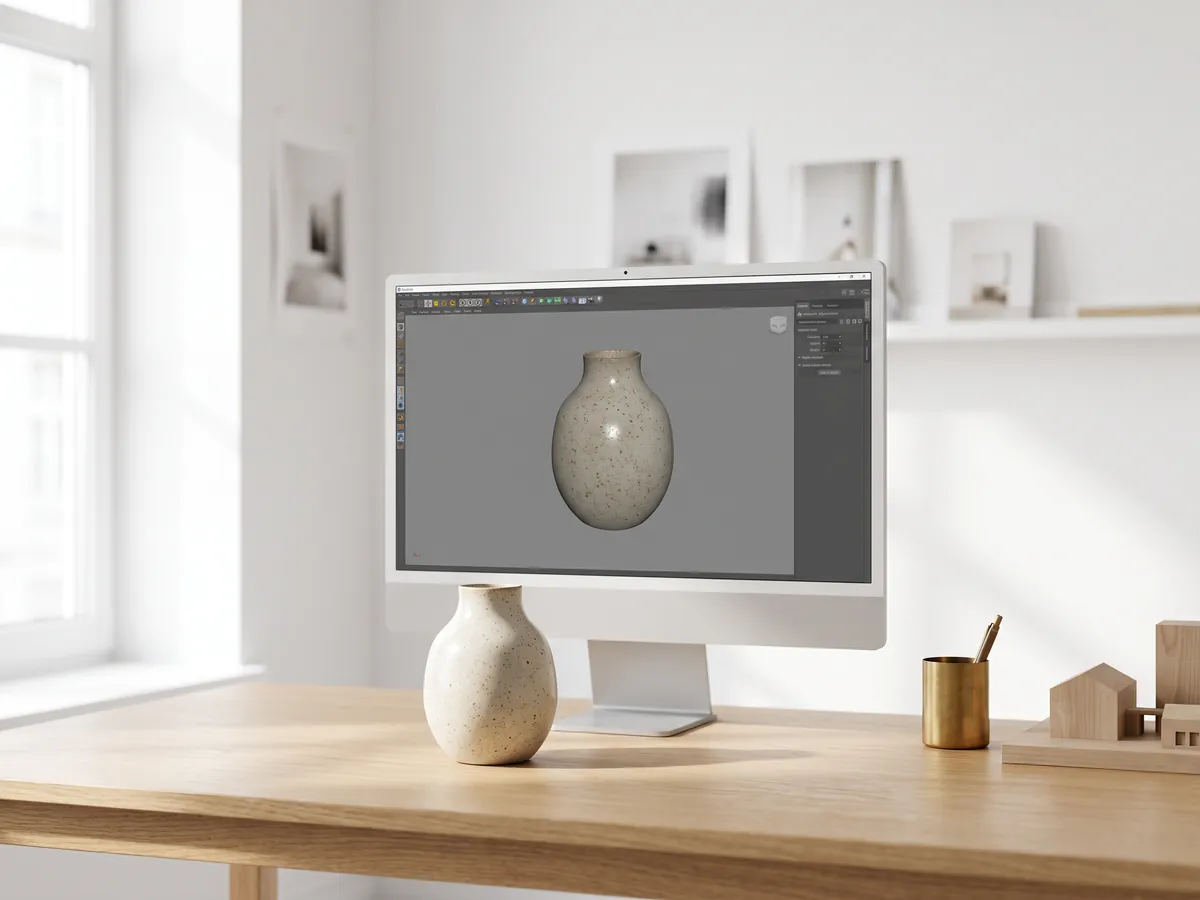
OBJ viewer
Open OBJ files with their MTL materials and textures, and save as STL, GLB or STEP.
Open the OBJ viewer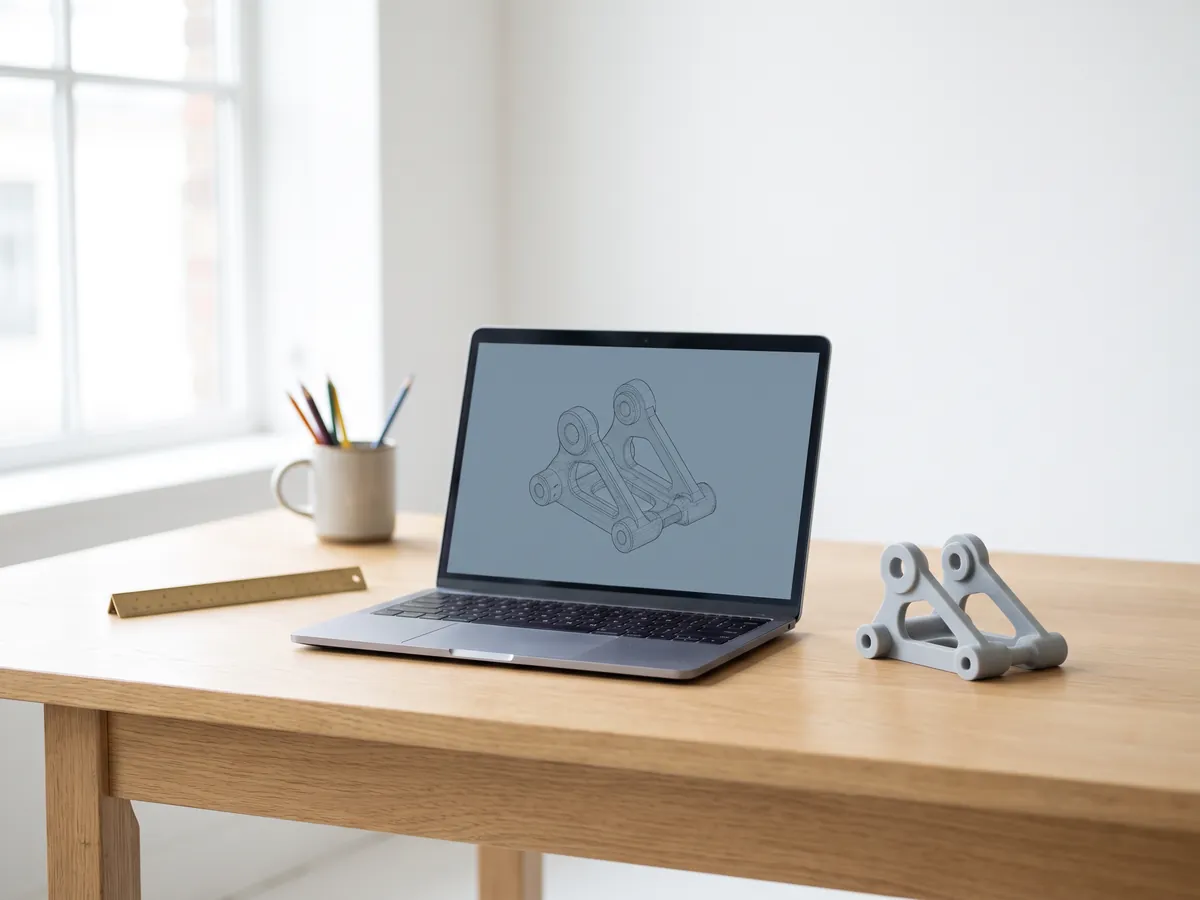
SolidWorks viewer
Open SolidWorks part files without SolidWorks, then save them as STL, STEP or GLB.
Open the SolidWorks viewer
STL viewer
View STL files for 3D printing with size, volume, weight and a watertight check.
Open the STL viewer
3D converter
Convert between STEP, OBJ, FBX, STL, glTF, PLY, IFC and more, in both directions.
Open the 3D converter
STEP to STL
Convert STEP and STP files from SolidWorks, Fusion 360 and Inventor to STL for 3D printing.
Open STEP to STL
3MF to STL
Convert 3MF files from Bambu Studio and PrusaSlicer to STL, or STL to 3MF.
Open 3MF to STL
Image to STL
Turn PNG and JPG images into STL or OBJ reliefs and lithophanes for 3D printing.
Open image to STL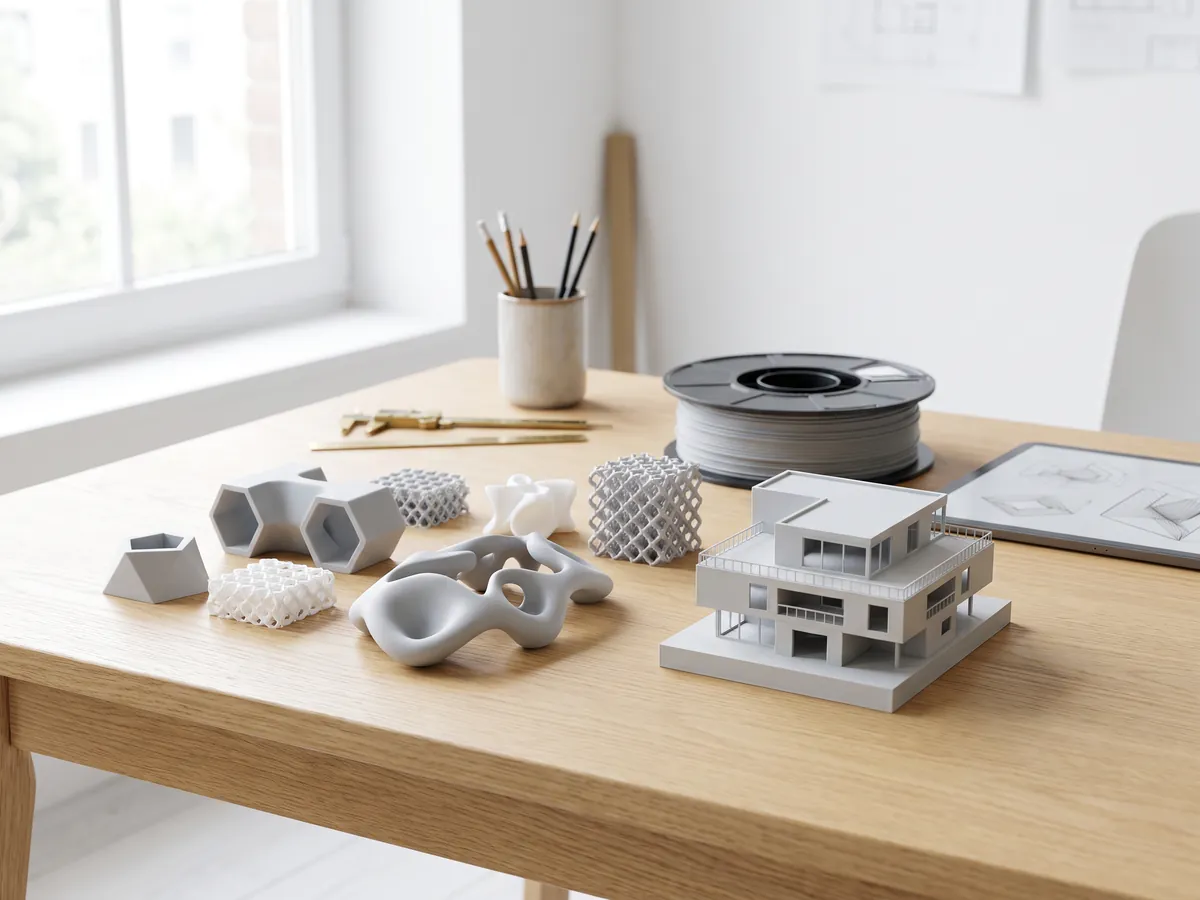
STL converter
Convert 3D files and images to STL for 3D printing, with a watertight check.
Open the STL converter
OBJ converter
Convert STL, FBX, STEP, glTF and 3DS to OBJ with materials, or OBJ to other formats.
Open the OBJ converter
FBX converter
Convert FBX files from 3ds Max, Maya and Blender to OBJ, GLB or STL.
Open the FBX converterPopular conversions: PNG to STL · OBJ to STL · GLB to STL · GLB to OBJ · STL to STEP · FBX to OBJ · STL to OBJ · FBX viewer · 3MF viewer · PLY viewer
Embed this tool
Put the free Before and after slider on your own site, course page or wiki. Paste this code where it should appear.
Cite this tool
For a thesis, paper or course material: APA style first, then BibTeX.
1,247
Projects completed
13
Years in business
17
Countries delivered to







★★★★★
Rated 4.9 on Clutch · See our reviews
Architects, developers & interior designers
Working for 215 companies since 2013
125 of 220 clients came back
More than half of our clients have hired us again

From empty to finished
Need the after photo made?
Send the photos of the empty rooms or the site, and say what the after should show. We reply within 30 minutes: a fixed price and a delivery date, or the 1-2 questions we need answered first.