What Is LOD? Level of Detail in Games and 3D Explained
LOD, or level of detail, swaps a 3D model for simpler versions as it gets smaller on screen. Here is how LOD0 to LOD3, popping, HLOD and the LOD quality setting work.
In this article
- LOD swaps a 3D model for lighter versions as it gets smaller on screen, usually because it is farther from the camera.
- Engines switch levels by screen size, not by a fixed distance, and the LOD quality setting moves all switch points at once.
- LOD levels are made by hand or by decimation, then blended or dithered so the switch is not visible as popping.
- In BIM, LOD usually means Level of Development, a measure of how reliable a model element is, not a polygon count.
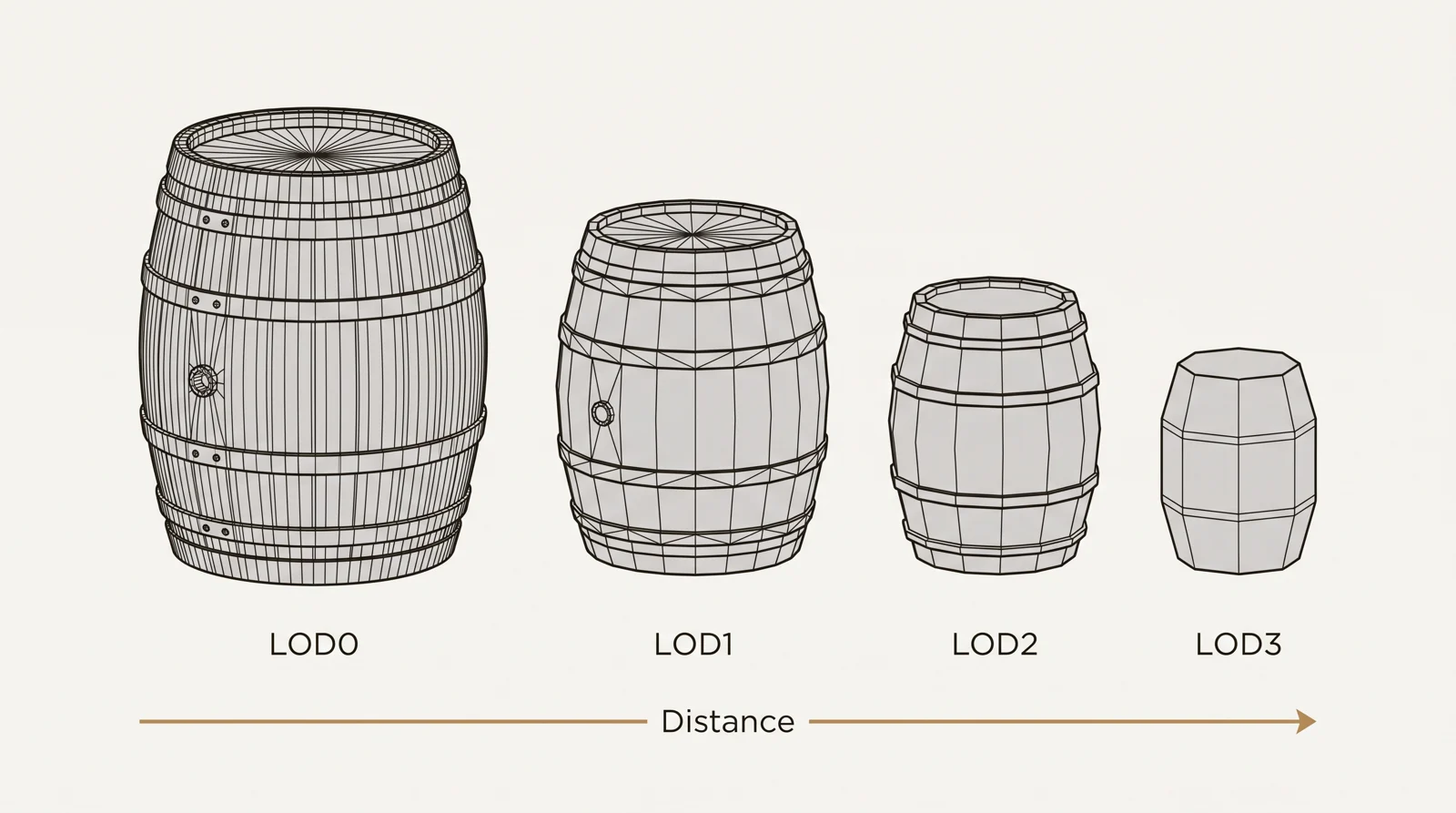
LOD (level of detail) is a 3D graphics technique that swaps a model for simpler versions as it gets smaller on screen, usually because it is farther from the camera. The full detail version is called LOD0, and each higher number is lighter than the one before.
It lets a game draw a large scene at a steady frame rate by spending triangles only where the player can see them. This guide covers LOD0 to LOD3, how engines pick a level, how to stop LOD popping, what the LOD quality setting does, and how LOD differs from Level of Development in BIM. If you need game art with authored LOD chains, the last section explains how we work.
What is LOD (level of detail)
LOD stands for level of detail. You will also see it written as “levels of detail” or “level of details”, and all 3 mean the same technique. LOD means keeping several versions of the same 3D model, each with a different polygon count, and showing the one that fits the situation. An object far from the camera covers only a few pixels, so the viewer cannot see the difference between a detailed mesh and a light one. The engine swaps in the light one and spends the graphics card’s work on objects that fill more of the screen.
The idea was described by James Clark in a 1976 paper on hierarchical geometric models. Game engines such as Unity and Unreal Engine have it built in.
The LOD0 to LOD3 levels compared:
| Level | When it shows | Triangles compared with LOD0 | What gets simplified |
|---|---|---|---|
| LOD0 | Close up, the object fills a large part of the screen | All of them | Nothing, this is the full model |
| LOD1 | Middle distance | About half | Small bevels and hidden faces are removed, curves get fewer segments |
| LOD2 | Far away | About a quarter | Small parts are merged or removed, some material slots are combined |
| LOD3 (last level) | Very far away | A small fraction | Only the silhouette is kept, or a flat impostor card replaces the mesh |
| Culled | Too small to matter | None | Nothing is drawn |
The half and quarter figures are common starting points, not rules. Epic Games suggests reducing LOD1 to half the triangles and LOD2 to a quarter in its LOD guidance for Fortnite. The right number depends on the asset.
LOD in gaming: why games use it
The LOD game meaning is simple: each object is drawn with only as much detail as its size on screen needs. In LOD gaming and in most LOD games, a scene holds hundreds or thousands of objects at once, and most of them are in the middle or far distance. Drawing all of them at full detail would waste triangles and vertex processing on pixels nobody can resolve. LOD cuts that cost per object. HLOD, covered below, also cuts the number of draw calls by merging groups of objects.
Have a 3D model? Our AI Render Studio turns a screenshot of it into a photoreal image in about 20 seconds. Your first render needs no account.
Render your model freeHow LOD levels are made
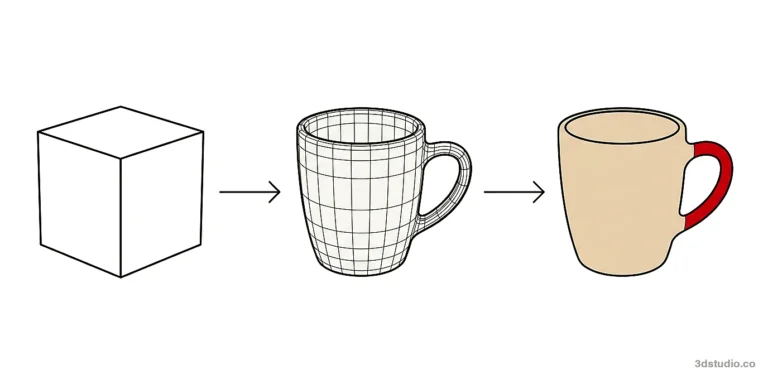
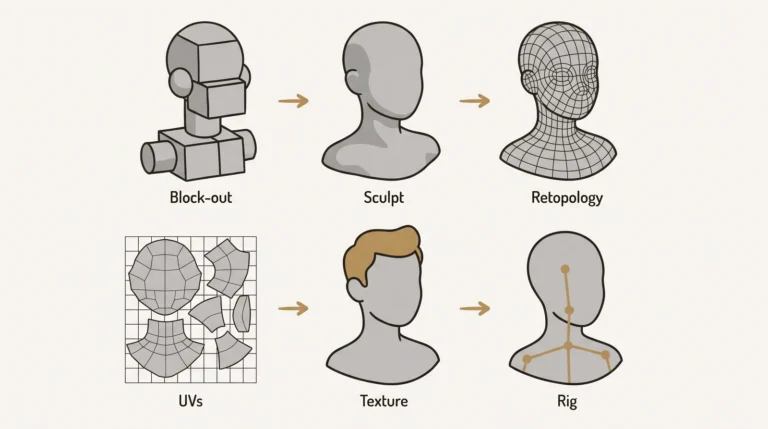
Every LOD chain starts from the full detail LOD0 model, built with normal 3D modeling methods. The lighter versions are made in one of 2 ways.
Manual reduction
An artist builds each lower level by hand, using the same skills you need to learn how to 3D model anything from scratch: removing edge loops, simplifying shapes and merging small details that do not read at a distance. This takes longer, but gives the most control over which edges stay.
Automatic decimation
A decimation tool reduces the triangle count to a target. Common options are Blender’s Decimate modifier, ProOptimizer in 3ds Max, Reduce in Maya and PolyReduce in Houdini. Unreal Engine can also generate LODs from the Static Mesh editor. Simplygon and InstaLOD are dedicated LOD tools for studios that process many assets.
Decimation is fast, but the tool does not know which edges matter to the shape. On architecture it often removes the edges that form the silhouette: rooflines, window reveals and cornices. A building at LOD2 then stops reading as that building. Organic shapes such as rocks tolerate decimation better.
Bake the detail into textures
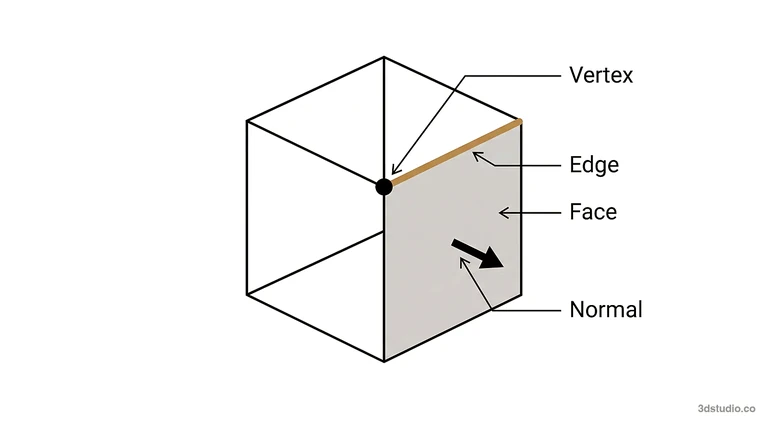
Lower levels keep their look through normal maps baked from the high poly model. The levels usually share one texture set, so extra levels cost no extra texture memory. Lower levels often use fewer material slots, which cuts draw calls. The high poly to low poly workflow explains the bake itself.
How an engine decides when to switch LOD
Engines do not switch by a fixed distance in meters. Unity’s LOD Group uses screen relative height: the share of the camera view’s height that the object fills. Unreal Engine uses a Screen Size value in the same way. The Unity LOD Group documentation gives the example that a level can become active when the object fills half the height of the camera view.
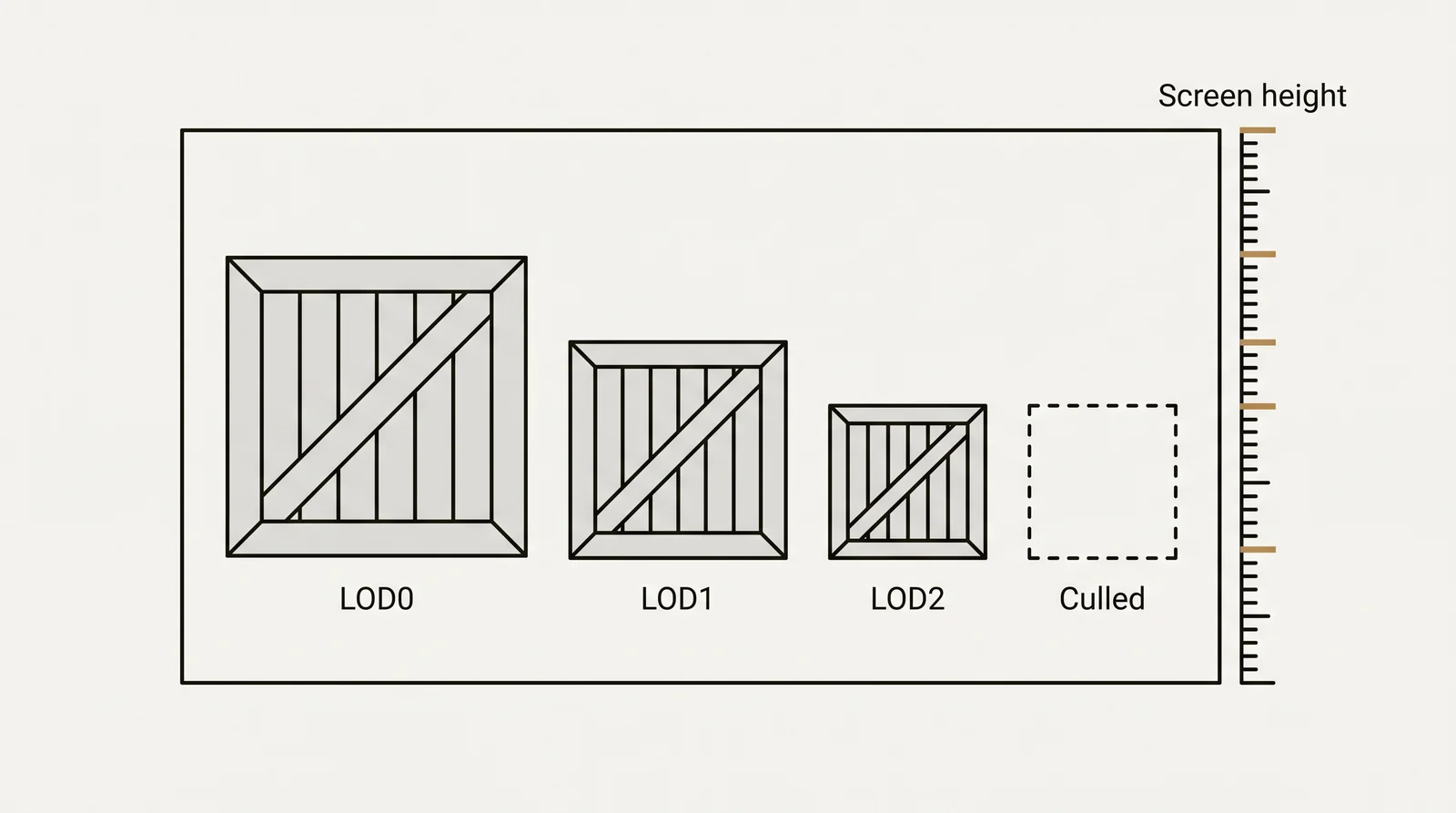
Screen size is used because the same distance gives a different size on screen with a different field of view or screen resolution. A large building and a small cup at the same distance also need different levels. Distance is only the usual cause of a small object on screen.
Two settings change the switch points for everything at once:
- LOD Bias in Unity moves all thresholds. A value below 1 selects lower quality levels sooner. A value above 1 keeps detailed levels longer.
- Minimum LOD per platform in Unreal Engine lets a mobile build start at a lower level than a PC build, so mobile drops detail earlier.
LOD popping and how to reduce it
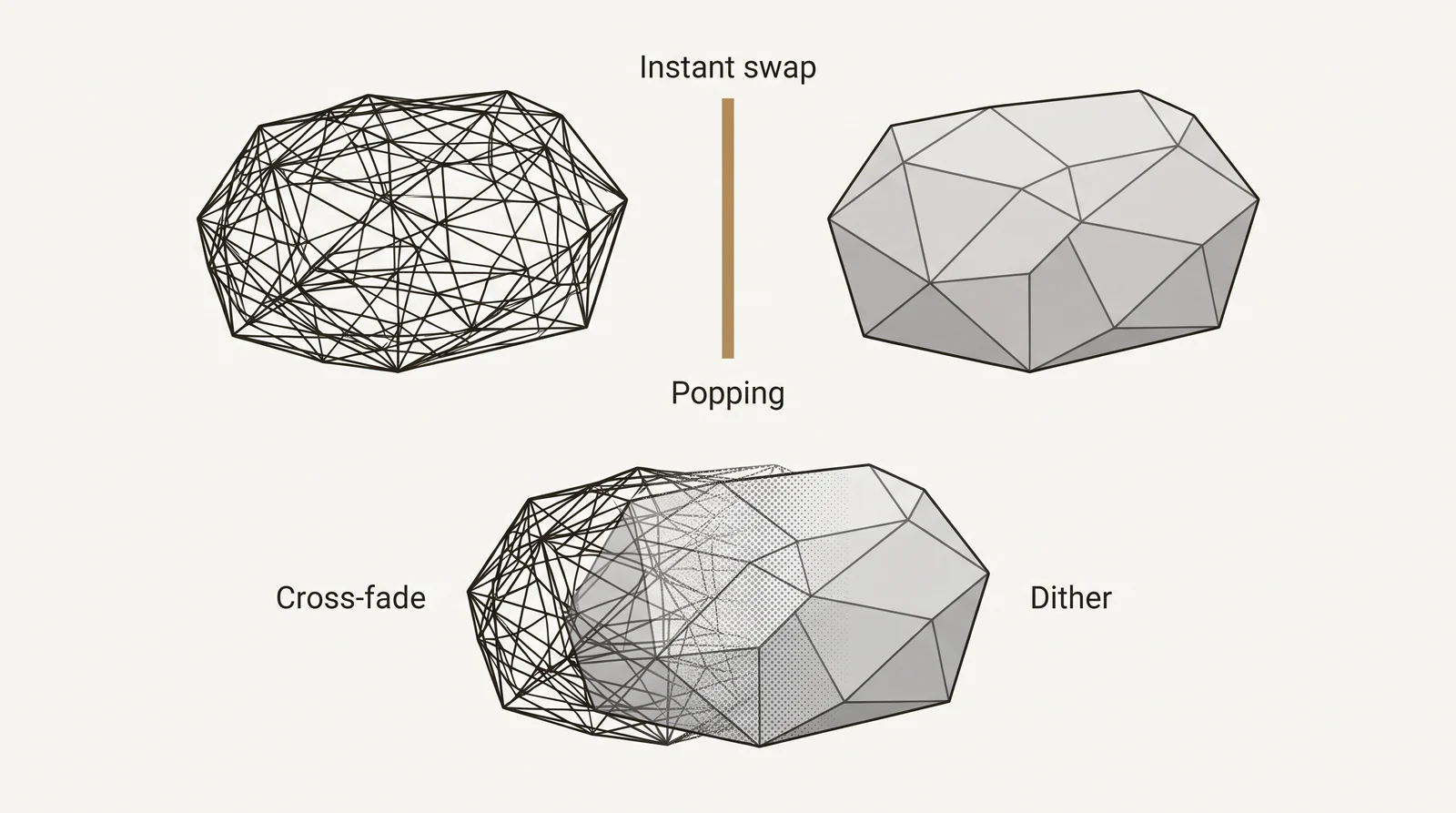
The visible jump when a model changes level is called popping. There are 2 common fixes:
- Blend the 2 levels over a short transition. Unity calls this Cross Fade in its LOD Group.
- Dither the transition, so one level dissolves into the other through a fine pattern. Unreal Engine materials have a Dithered LOD Transition option for this.
Tip: set thresholds per asset type. Props, architecture and foliage usually need different switch points. Epic suggests starting screen sizes of 0.4, 0.1 and 0.03 for LOD1 to LOD3 on architecture, and 0.2, 0.08 and 0.02 for props, with separate LOD groups for each.
What the LOD quality setting in a game does
Many games let the player change LOD in the graphics menu. The setting goes by names such as LOD quality, Object LOD, Object detail, Model quality, Mesh quality or LOD distance. In most games it works like LOD Bias: it moves every switch point at once.
- Higher setting: detailed versions stay on screen until objects are smaller. Distant trees and buildings look sharper and pop less, but the graphics card and processor do more work, and the frame rate can drop.
- Lower setting: the game switches to lighter versions sooner. The frame rate goes up, and popping becomes easier to see.
If a game runs badly in large open scenes, lower the setting first. If you see trees and buildings change shape while you move, raise it. Names and effects vary from game to game, so check what the in-game description says.
Types of LOD
Mesh swapping is the best known form, but LOD covers more than polygons.
Discrete LOD
Separate prebuilt meshes, as described above. The engine swaps whole models. This is the type most people mean by LOD.
Continuous LOD
The mesh is simplified step by step at run time instead of being swapped whole. Progressive meshes work this way, and terrain systems use the same idea. It avoids large jumps, but needs more engine support.
Texture LOD and mipmaps
Mipmaps are smaller copies of a texture. The graphics card samples a smaller copy for distant surfaces. This is also LOD, but it saves texture work, not polygons, and the copies cost some extra memory.
Material, shader and animation LOD
Far away, an object can use a cheaper shader or fewer texture layers. A distant character can use cheaper animation, such as fewer bones or a lower update rate.
Virtualized geometry (Nanite)
Nanite in Unreal Engine 5 handles detail in a different way. Meshes that use Nanite need no hand-made LODs, because the engine draws only as many triangles as the screen can show. Nanite supports opaque and masked materials, but not translucent ones. Other engines, and assets that Nanite does not support, still use LOD chains.
HLOD and impostors
Two related techniques apply once an object, or a whole group, is far enough away.
- HLOD (hierarchical LOD) merges a cluster of separate objects, such as a block of buildings or a group of props, into one simplified mesh. The pieces can no longer be told apart at that distance, and the engine draws one object instead of many.
- Impostors replace the 3D geometry with an image. A billboard is a flat image that always faces the camera. An impostor can go further and store the object from many angles, then show the view that matches the camera.
Both hold up only at a distance. Close up, or when the lighting changes, a flat image is easy to spot.
LOD vs culling
LOD and culling both save work, but they do different things. LOD still draws the object, with fewer triangles. Culling does not draw it at all.
| Technique | What happens | Object drawn? |
|---|---|---|
| LOD | A lighter version is drawn | Yes, with fewer triangles |
| Frustum culling | Objects outside the camera view are skipped | No |
| Occlusion culling | Objects hidden behind other objects are skipped | No |
| Distance culling | Objects beyond a set size or distance are skipped (the last step of an LOD chain) | No |
Games use all of them together. Culling removes what cannot be seen, and LOD makes what remains cheaper.
LOD in architecture and BIM
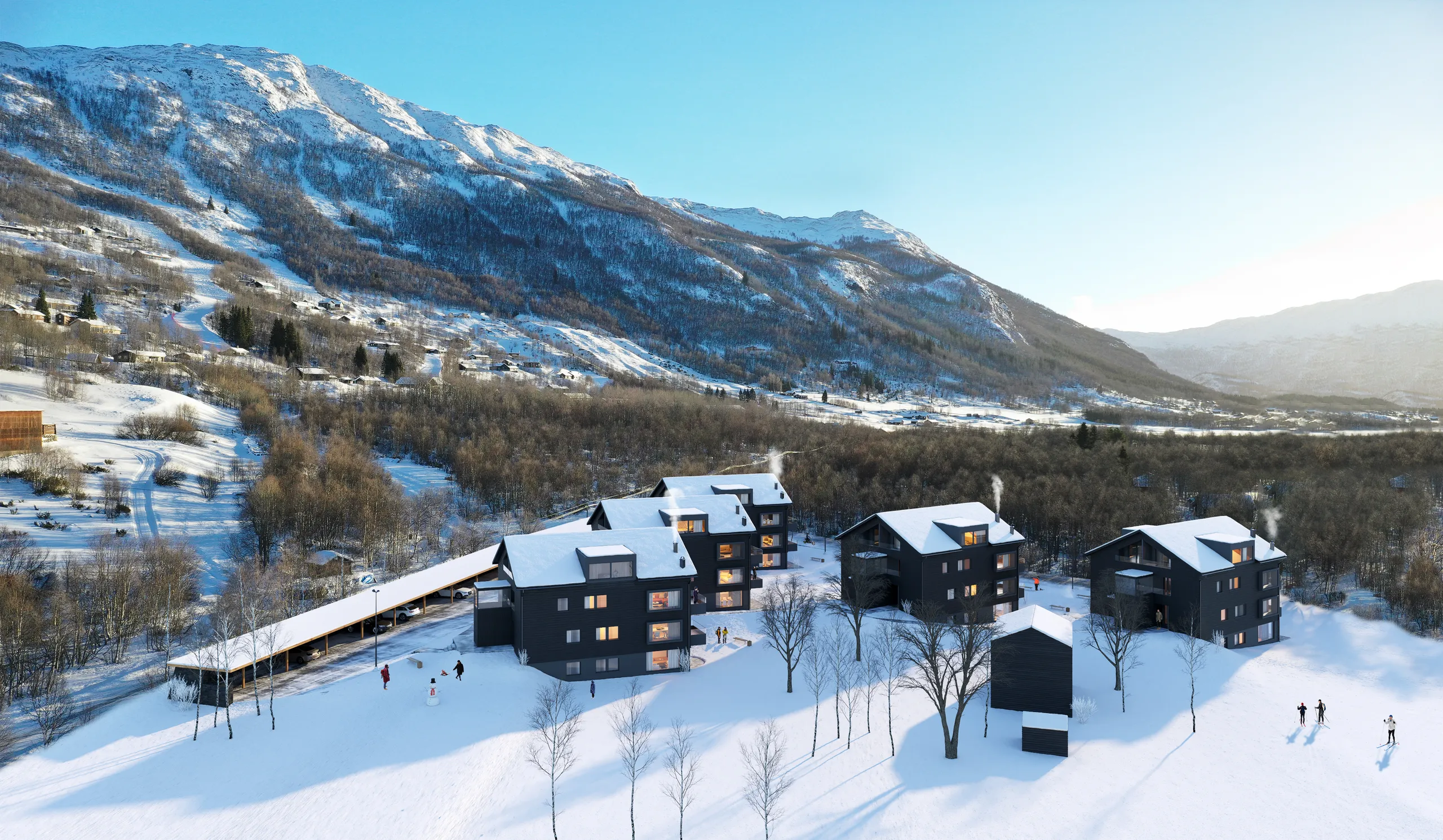
In BIM, LOD usually means Level of Development, a measure of how reliable a model element’s geometry and data are. It is not about triangles. Both terms are in use, so check which one a document means.
| Term | Field | What it measures | Scale |
|---|---|---|---|
| Level of detail | Games and real time 3D | How many triangles a model shows, chosen by screen size | LOD0 upward |
| Level of Development | BIM (BIMForum specification) | How reliable an element’s geometry and data are, set per element | LOD 100, 200, 300, 350, 400 and 500 (field verified, as built) |
| Level of Information (LOI) | BIM | The non-graphical data attached to an element | Set per project |
| Level of detail in CityGML | 3D city models and GIS | How detailed buildings are in a city model, on the standard’s own levels | Defined by the CityGML standard |
A BIM model answers a contractor’s questions, not a camera’s. A render or a game model is usually rebuilt from it. Our guide to architectural modeling explains how a model is built from drawings for a specific use.
How to check an LOD chain before it goes into the engine
Use this list on any LOD set, from us or from anyone else:
- Count triangles per level. Open each file in a viewer and write down the number. Our free 3D viewers show the triangle count of GLB, FBX, OBJ and other files. Each level should be clearly lighter than the one before.
- Match pivot, scale and bounds. If these differ between levels, the object jumps when it swaps.
- Check the silhouette. View each level at the screen size where it will show. The outline should not change.
- Check seams and normals. Reduction must not add shading seams or flipped faces. Keep the UV layout in the same place on the texture, so every level can share one texture set.
- Check material slots. Lower levels should use the same slots or fewer.
- Keep collision separate. Collision is a simple mesh of its own, not the render mesh.
- Walk the camera toward the object in the engine. Watch every switch, at the speed and field of view the game uses.
Getting LOD ready game assets built
We model 3D assets for game studios alongside architectural and product work. Our LOD chains are authored, not a decimation pass, and collision is simple and separate. Delivery is FBX or glTF plus textures, or an Unreal or Unity package, with a short manifest listing what is inside. We work to your triangle budget, which is stricter for mobile and Quest than for PC. We recommend a small paid test piece before a batch, and we work under NDA as standard.
To get a fixed quote, send:
- The triangle budget for each asset class
- The engine and its version
- Your naming convention
- The number of LODs and the screen size settings, if they are fixed
- Texture resolution and channel packing
- Reference images or drawings of the object
Questions about LOD
What does LOD mean?
LOD stands for level of detail. In 3D graphics it means keeping several versions of one model, from full detail to very simple, and showing the version that suits its size on screen. This saves computing power where extra detail could not be seen. The same letters can also mean Level of Development, which is a different scale.
What are LODs in 3D?
LODs are the separate versions of one 3D model, each with fewer polygons than the one before. LOD0 is the full detail version and higher numbers are lighter. The software picks one version depending on how large the object appears on screen.
What does LOD quality mean in game graphics settings?
It controls how long the game keeps the detailed versions of objects before switching to lighter ones. A higher setting keeps detail farther away and reduces popping, but costs frame rate. A lower setting switches sooner and raises the frame rate.
What does LOD0 mean?
LOD0 is the full detail version of a model, shown when the object fills a large part of the screen, usually up close. LOD1, LOD2 and LOD3 are progressively lighter versions of the same object.
What is LOD1?
LOD1 is the first reduced version of a model. It is shown once the object is smaller on screen than the LOD0 threshold. It usually has about half the triangles of LOD0, with small details removed.
What is the difference between HLOD and LOD?
LOD swaps versions of one object. HLOD merges a group of separate objects into one simplified mesh once the group is far away, which also cuts the number of draw calls.
Does Nanite replace LODs in Unreal Engine 5?
For many static meshes it removes the need for a hand-made LOD chain, because Nanite scales the triangles to the screen. Translucent materials are not supported, and other engines still use LOD chains.
Does LOD apply to textures?
Yes. Mipmaps are smaller copies of a texture that the graphics card uses for distant surfaces. This is texture LOD, and it is separate from mesh LOD.
Is LOD the same as Level of Development in BIM?
No. The abbreviation is shared, but level of detail is about triangles and render size in real time graphics. Level of Development is about how reliable a building model element is, on a scale from LOD 100 to LOD 500.
Diagrams in this post are drawn with an AI image tool from our brief and checked by our team.