

Free AI rendering for architecture
From a screenshot of your 3D model
AI rendering for architects and designers. Upload a screenshot from SketchUp, Revit, Archicad or Rhino. In about 20 seconds you get a photoreal image with new materials, light and planting, and the same building.
- 3 free renders a day, no sign-up
- Works with any 3D program you already use
- Nothing to install and no plugin
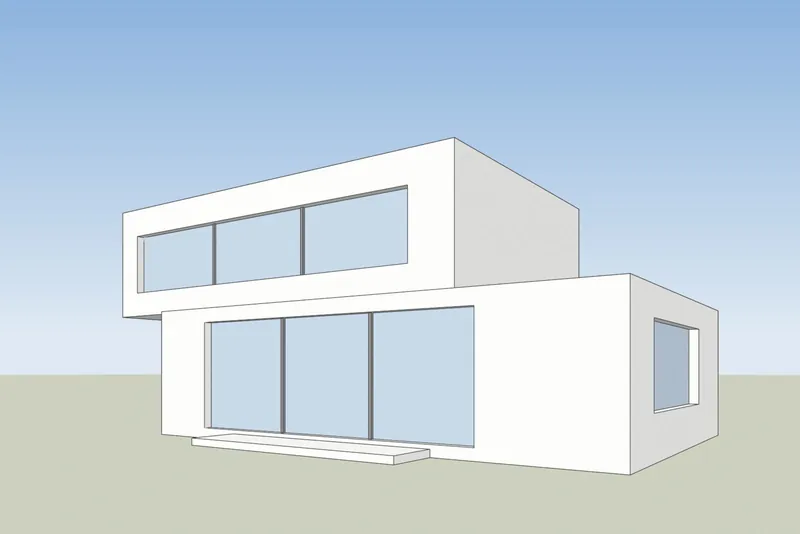
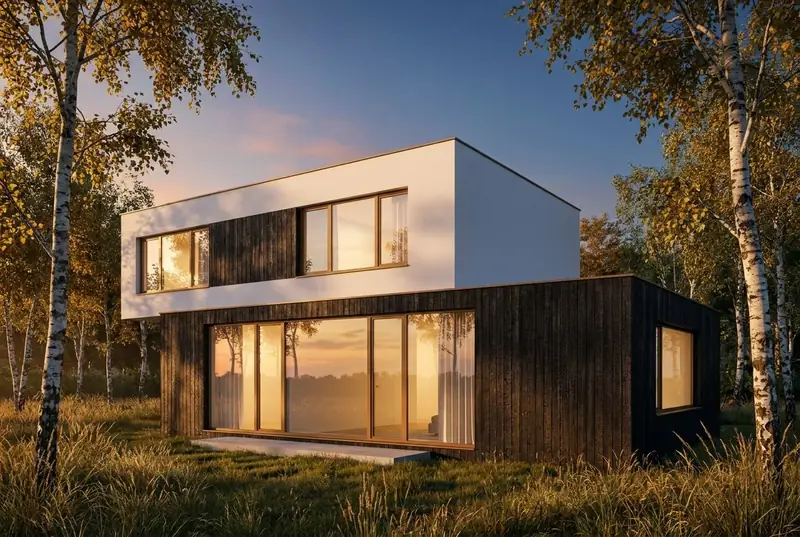 Your modelAI render
See it work
From model screenshot to render in about 20 seconds
A real session in the AI Render Studio. The wait is shown faster here; the timer on screen shows the real time.
Examples
AI rendering for architects: model screenshot in, photoreal render out
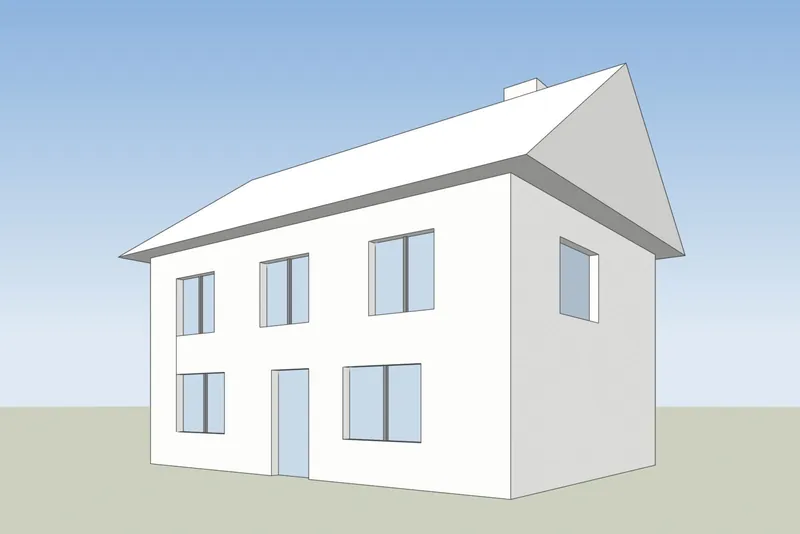
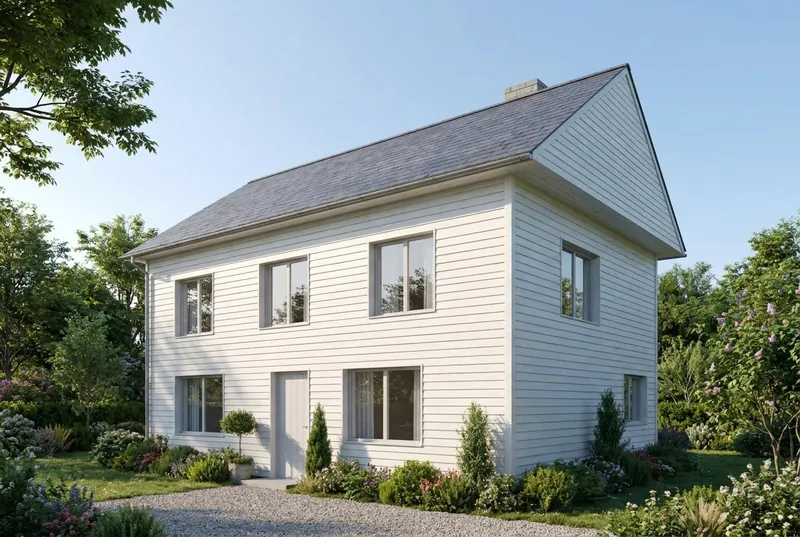
Drag across each image. The left side is the screenshot that was uploaded and the right side is the render that came back, not edited.
 Your modelAI render
Family house
A pitched roof house on a summer morning, with a family on the drive. The gable, the chimney, the door and all 8 windows are where the model has them.
 Your modelAI render
Apartment building
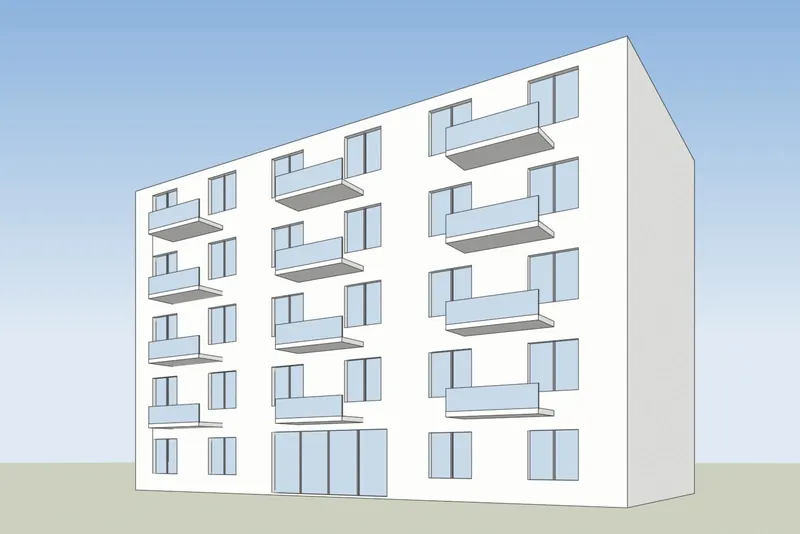
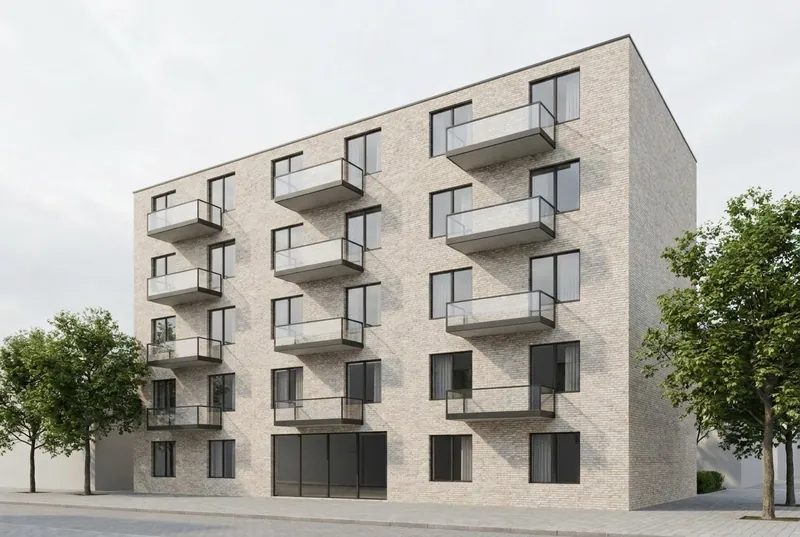
5 floors in late sun, with planted balconies, a cafe and people on the street. The balcony positions and the window grid follow the model.
 Your modelAI render
Glass pavilion cafe
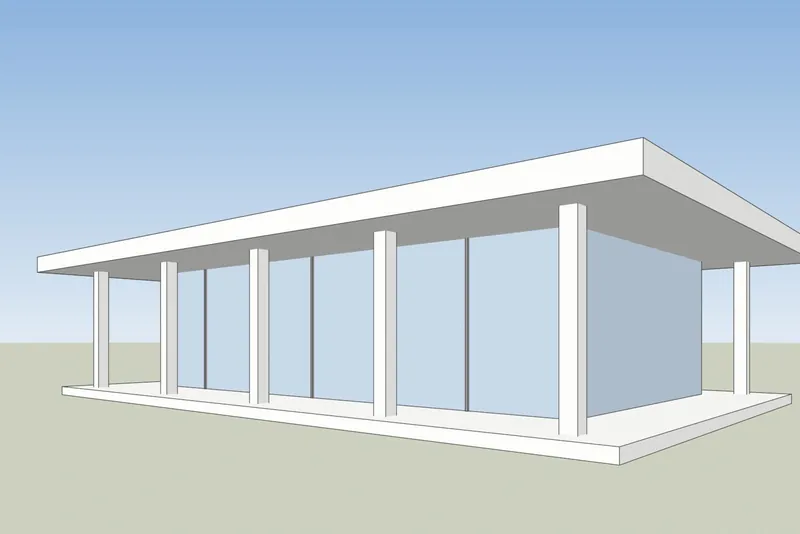
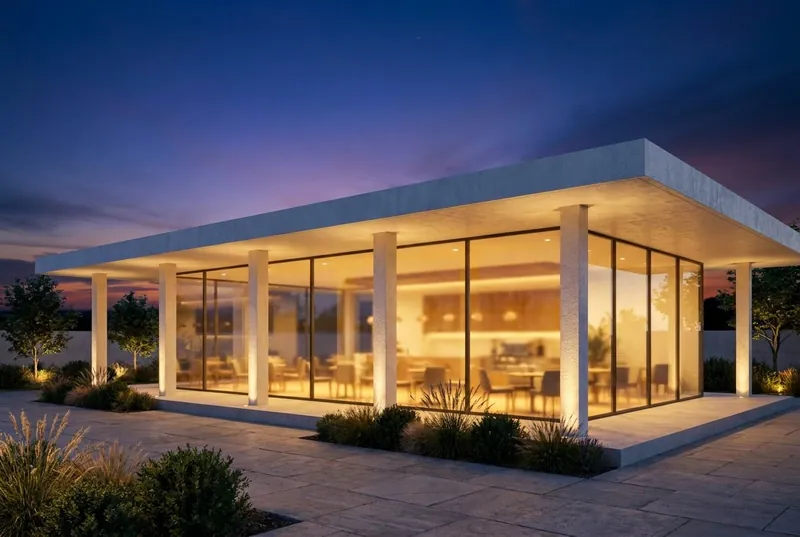
A flat roof pavilion at dusk, busy inside and on the terrace. The columns and the roof overhang match the model.
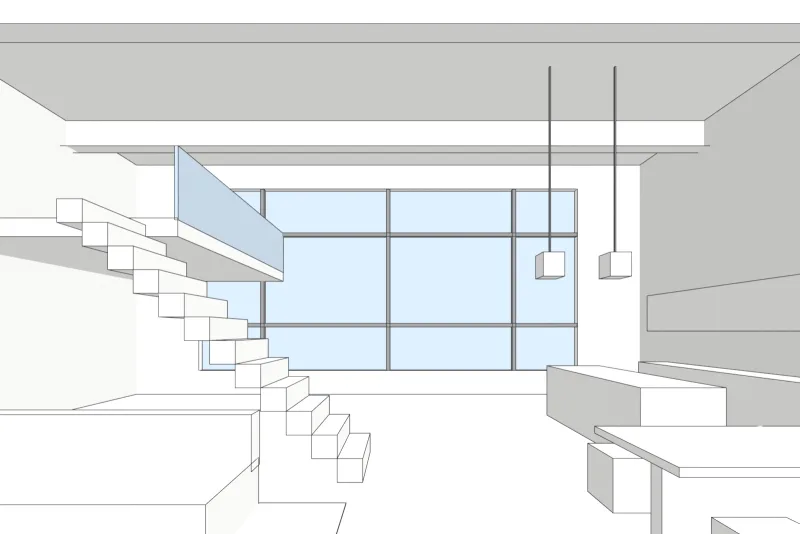
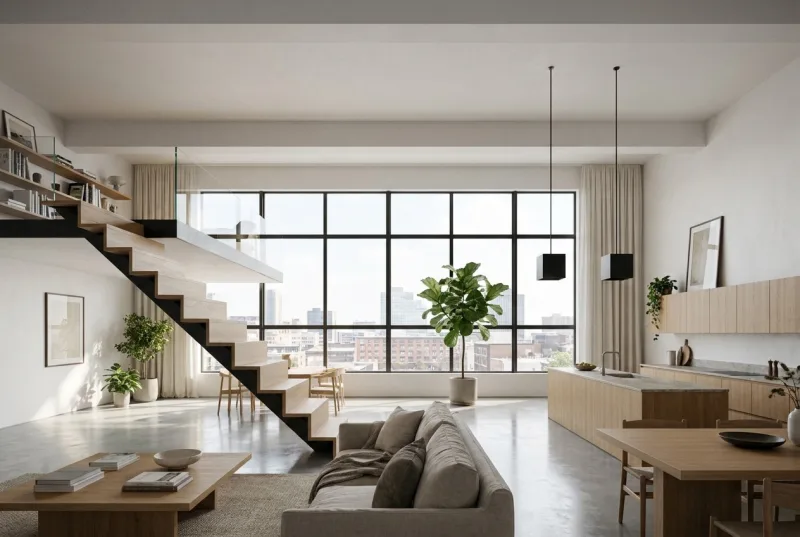 Your modelAI render
Loft apartment
A double height interior in daylight. The steel window grid, the mezzanine and the stair are as drawn, with new finishes and furniture.
How it works
How to make an AI render of your building
3 steps and about 20 seconds.
1. Take a screenshot
Frame the view in your 3D program and save a screenshot. Start from a white or clay model if you can: a plain shaded model gives the cleanest result. Turn off shadows and textures you do not want in the picture.
2. Choose the light
Pick exterior or interior, then the light: daylight, overcast, evening sun or dusk. Add a short note about materials if you want, such as timber cladding or a stone floor.
3. Render and download
The render takes about 20 seconds. Drag across the result to compare it with your model, then download it or try another light on the same view.
Your 3D program
How to take the screenshot in SketchUp, Revit, Archicad and Rhino
Any screenshot works. These menu steps give the cleanest result.
SketchUp
Frame the view and set the face style to Shaded or Hidden Line. Then use File, Export, 2D Graphic and save a PNG. A normal screenshot of the window also works.
SketchUp AI rendering guideRevit
Open a 3D view and set the visual style to Shaded or Consistent Colors. Then use File, Export, Images and Animations, Image and save a PNG.
Archicad
Open the 3D window with a simple shaded 3D style. Then use File, Save As and choose PNG as the file type.
Rhino
Set the viewport to Shaded or Arctic. Then run the ViewCaptureToFile command and save a PNG at the size you want.
Students and teachers
Free AI rendering for architecture students and teachers
Made for quick design studies, not only for paid projects.
For students
Render your design project for a review or your portfolio. You get 3 free renders a day without an account. A free account adds 40 credits and keeps your renders in one place. The images are yours to use.
For teachers
Use it in class to show how light and materials change a design. On a shared school network the 3 free daily renders are shared by everyone, so ask students to create a free account each. Write to us if you want to use it with a whole course.
What to expect
What the AI keeps and what it changes
So you know what to show a client and what to send to our studio.
What stays the same
The shape of the building, the windows and doors, the roofline and the number of floors. The camera angle stays exactly as in your screenshot.
What the AI changes
Materials, light, sky, planting and furniture finishes. Use the note field to steer them, for example white render and oak windows.
What can be simplified
Very fine details, such as thin window bars or small railings, can come out simpler than in the model. For exact final images, use our studio.
What happens to your file
Only the screenshot is sent, never your model file. We do not use your images to train AI, and we do not publish your renders.
Price
Start free, pay only if you render a lot
Credits never expire, and you can cancel from your account page.
Free
3 renders a day with no account. Sign up for 40 credits, enough for 3 HD renders. No watermark, commercial use allowed.
Pro, 19 euro a month
600 credits a month, about 46 HD renders. Unused credits roll over and never expire. Cancel from your account page.
Studio, 49 euro a month
2,000 credits a month, about 153 HD renders, for a practice that renders options every week. Credits never expire.
When it has to be perfect
Need final images for a client or a competition?
AI renders are made for trying options. For images that sell, win planning or win a competition, our studio renders your model by hand.
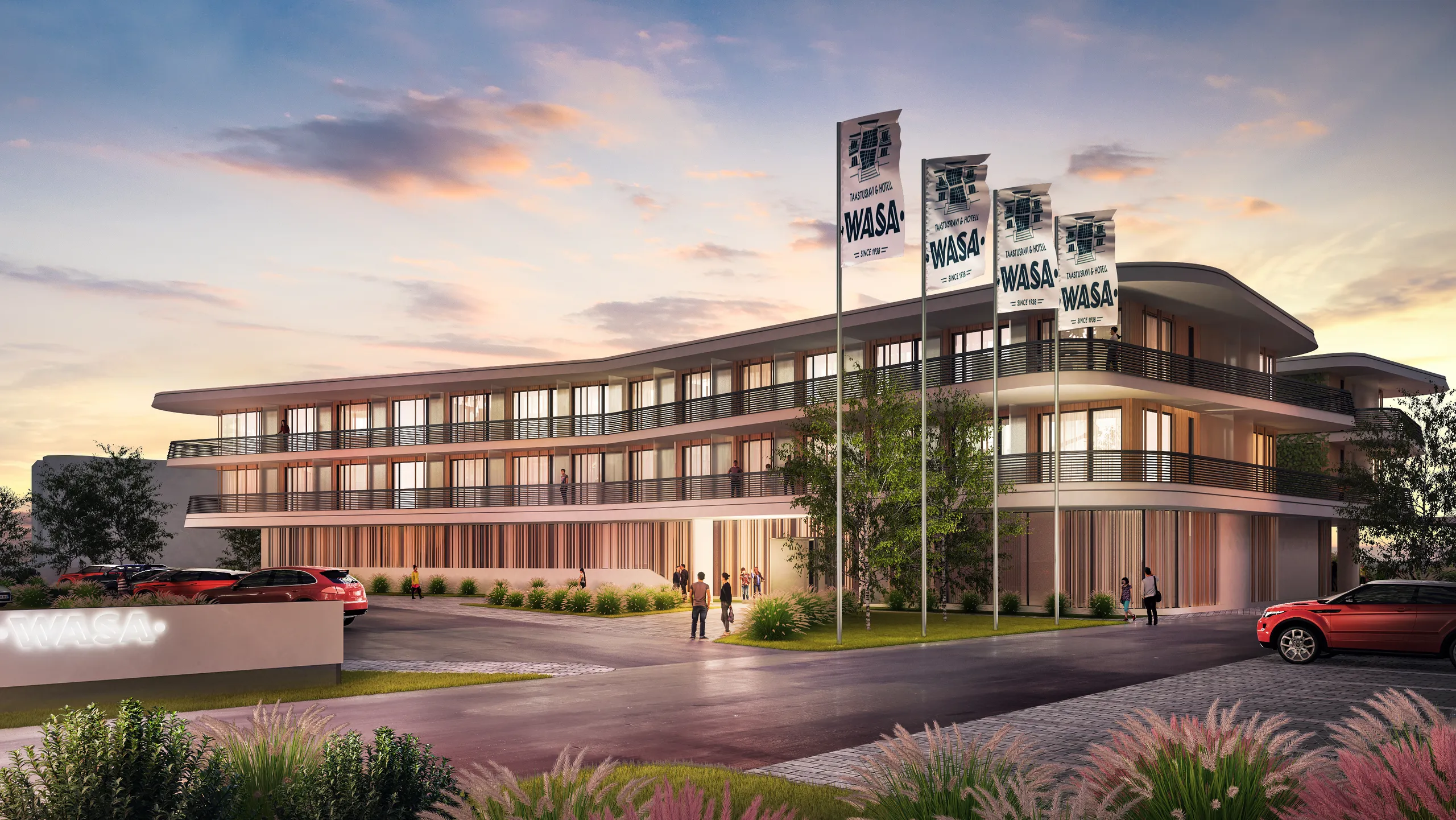
Architectural visualization
Photoreal exteriors, interiors and aerials from your model, checked by an artist line by line.
See architectural visualization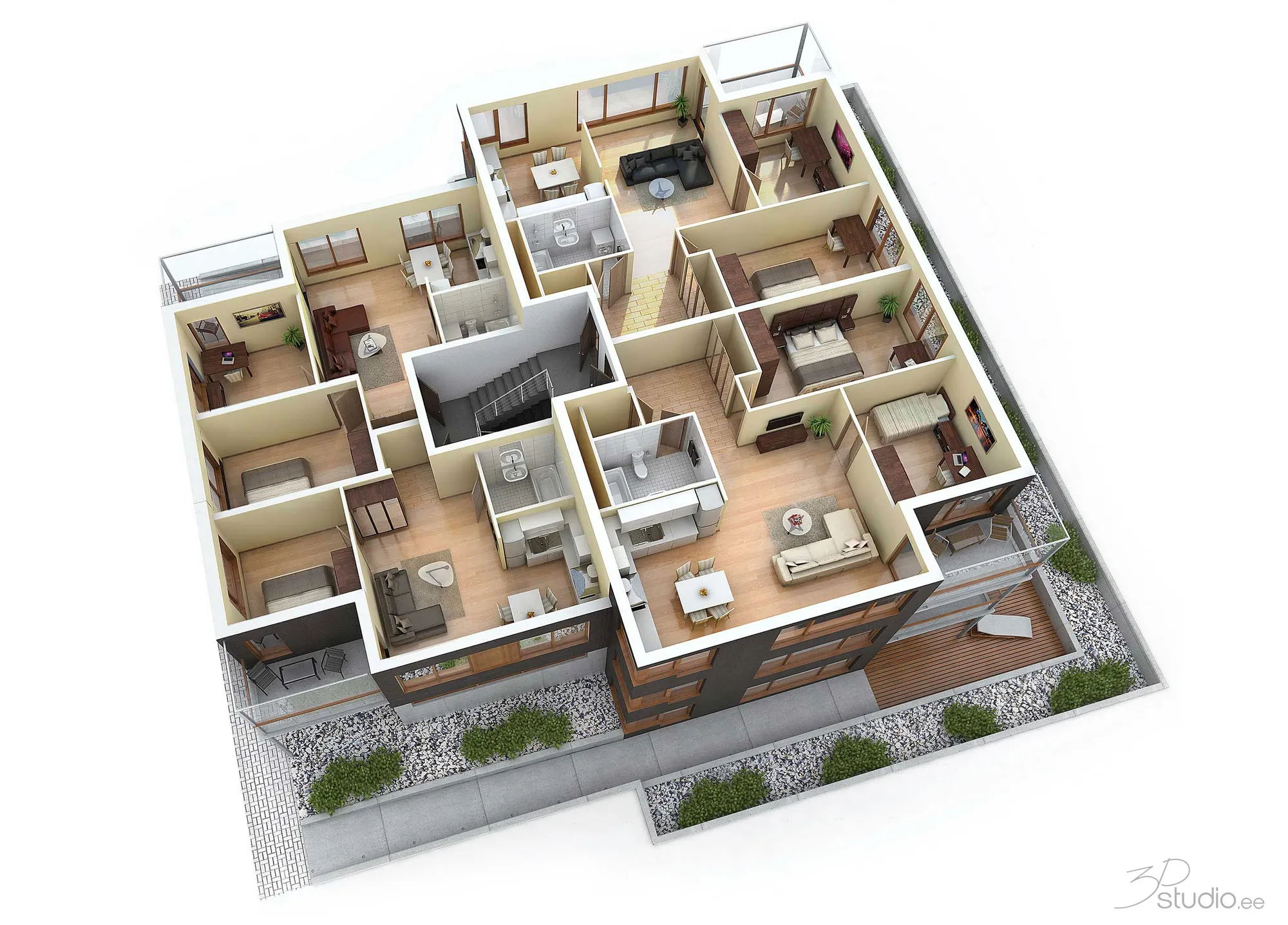
3D floor plans
Furnished 3D floor plans from your model, for brochures and property portals.
See 3D floor plans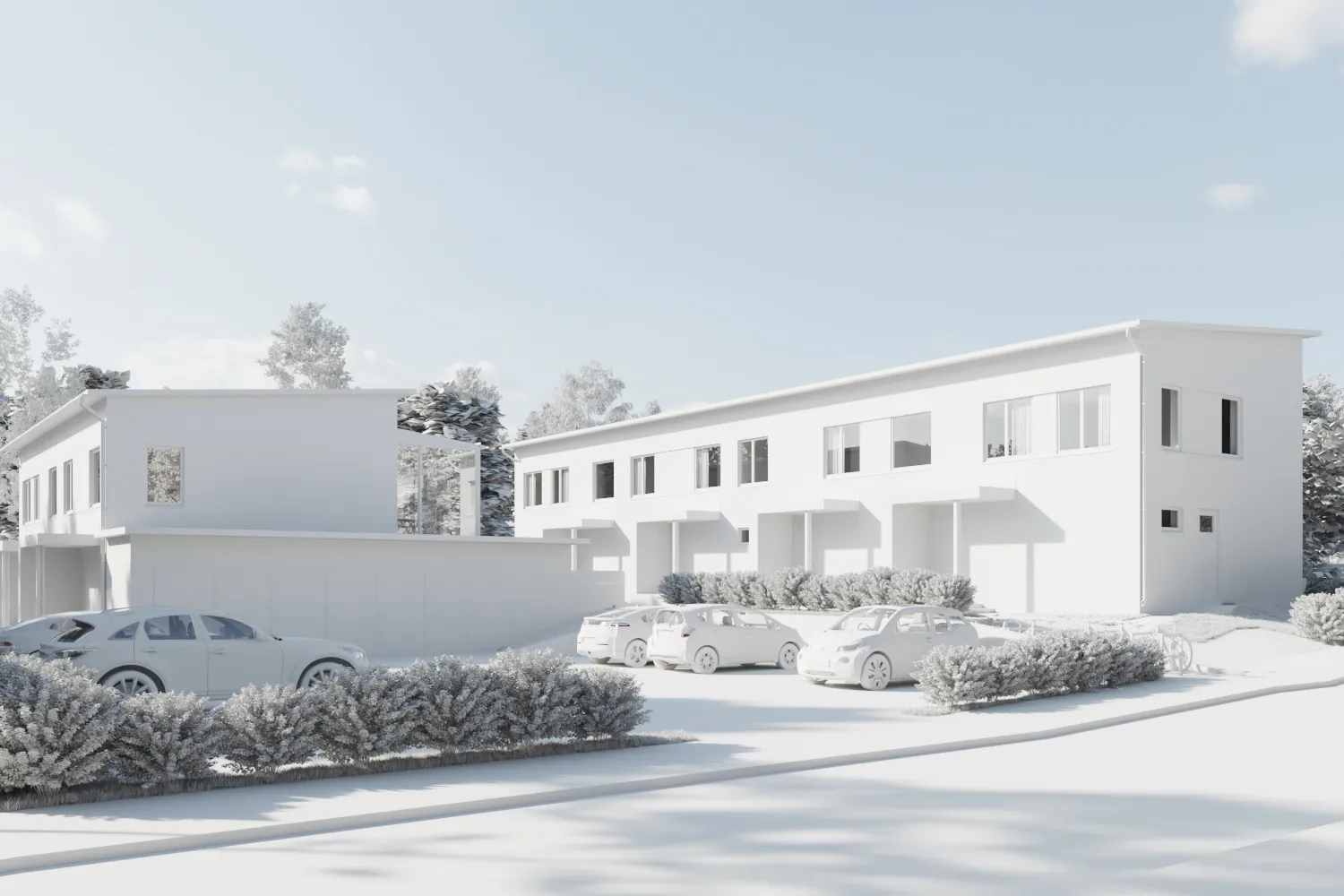
AI rendering FAQ
Questions about AI rendering for architecture
Files, accuracy, price and privacy.
Ask us a questionWhat file do I upload?
A screenshot of your 3D model as a PNG, JPG or WebP image. It can come from any program: SketchUp, Revit, Archicad, Rhino, Vectorworks, 3ds Max or Blender. You do not upload the model file itself.
Will the AI change my design?
It keeps the shape of the building, the windows, the roofline and the number of floors. It changes the materials, the light and the surroundings. Very fine details, such as thin window bars, can come out simpler than in the model.
How long does a render take?
About 20 seconds for an HD render. The first render after a quiet period can take a little longer while the system starts.
Is it really free?
Yes. You get 3 renders a day without an account or a card. A free account adds 40 credits, enough for 3 more HD renders, and keeps your renders in one place.
Can I use the images commercially?
Yes, on every plan, including the free one. There is no watermark.
What happens to my images?
Only the screenshot you choose is sent, never your model file. We do not use your images to train AI and we do not publish your renders.
Can your studio make the final images?
Yes. 3Dstudio.co has rendered architecture for 13 years. Send the model and say what the images are for, and we reply within 30 minutes: a fixed price and a delivery date, or the 1-2 questions we need answered first.
More free tools
Other free 3D and CAD tools
Each one runs in your browser, like this one.
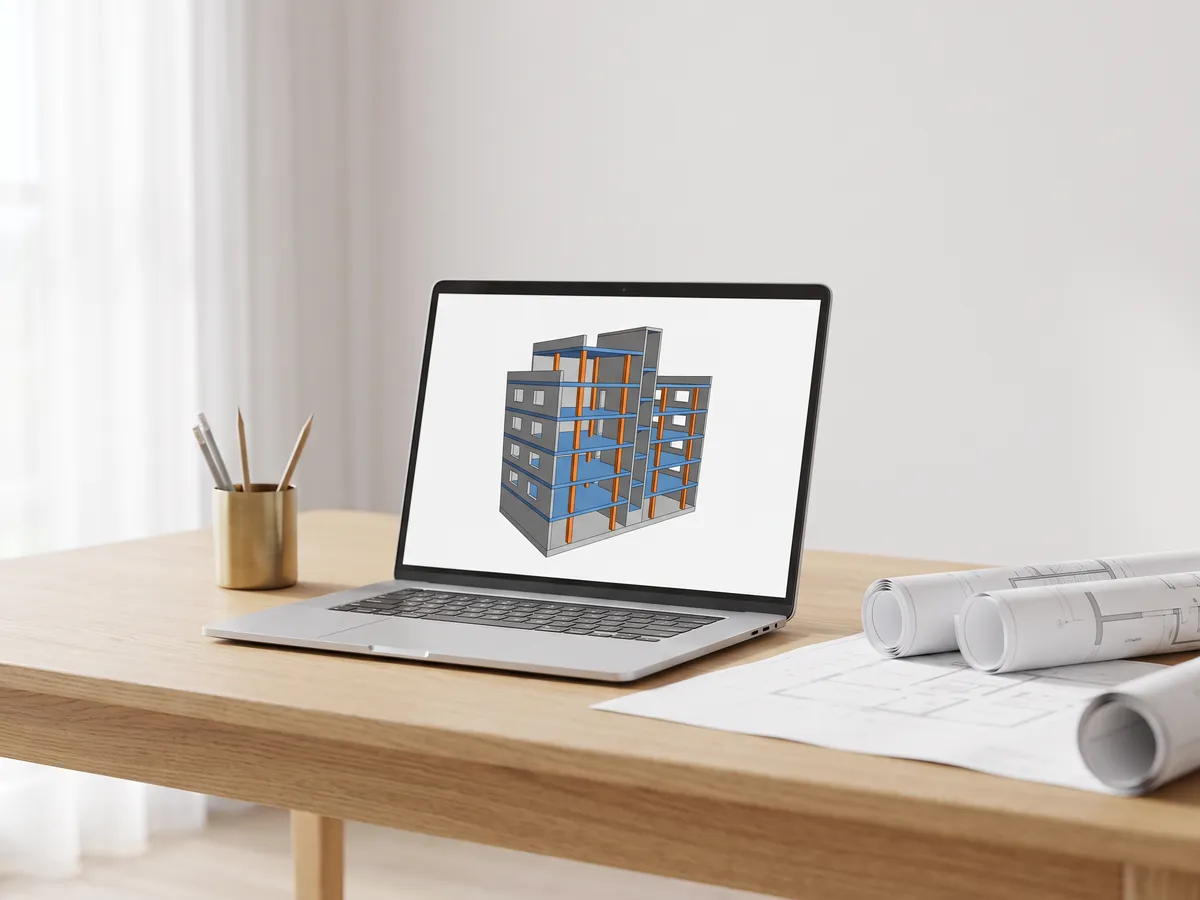
IFC viewer
Open IFC files from Revit, ArchiCAD and Tekla. Filter by element and level, check properties and measure.
Open the IFC viewer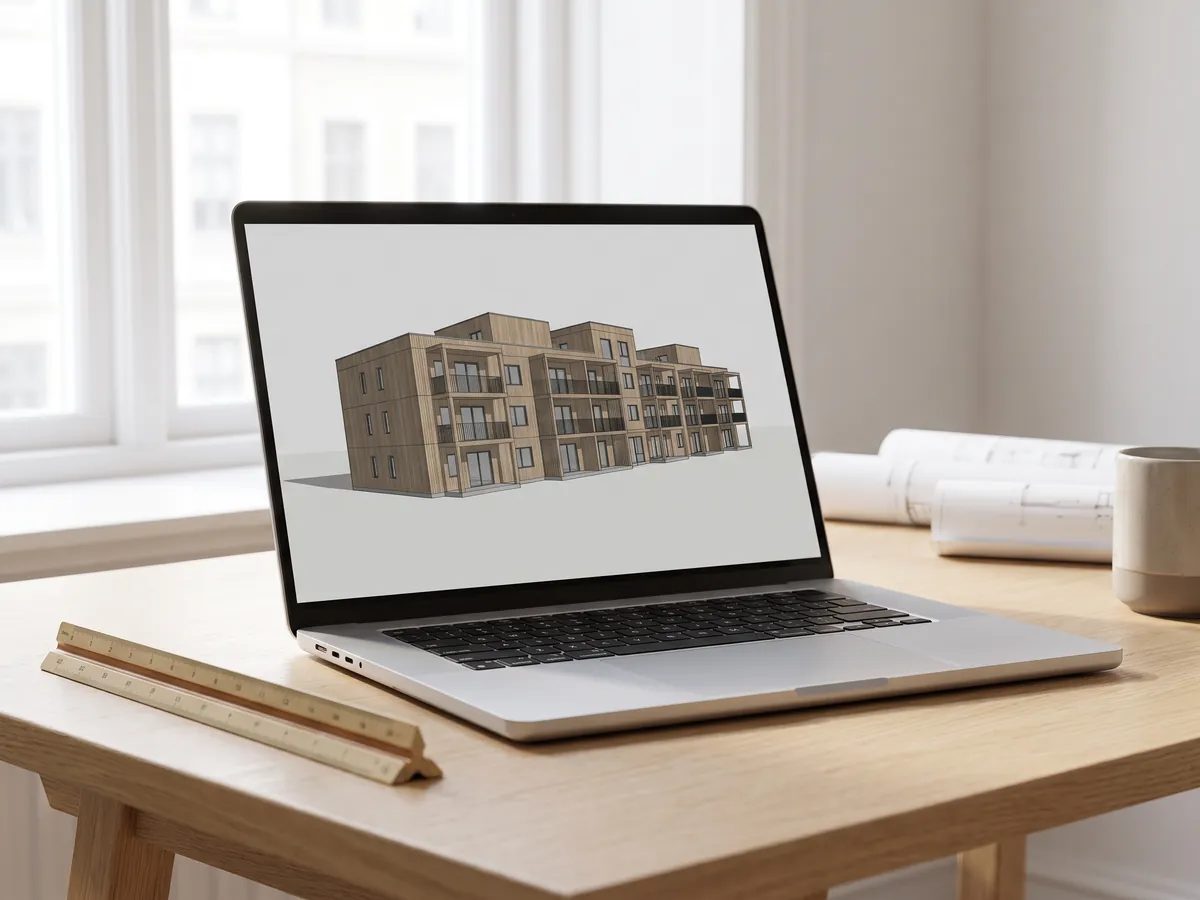
Revit viewer
Open .rvt files without Revit: converted to IFC by Autodesk, then viewed with levels and properties.
Open the Revit viewer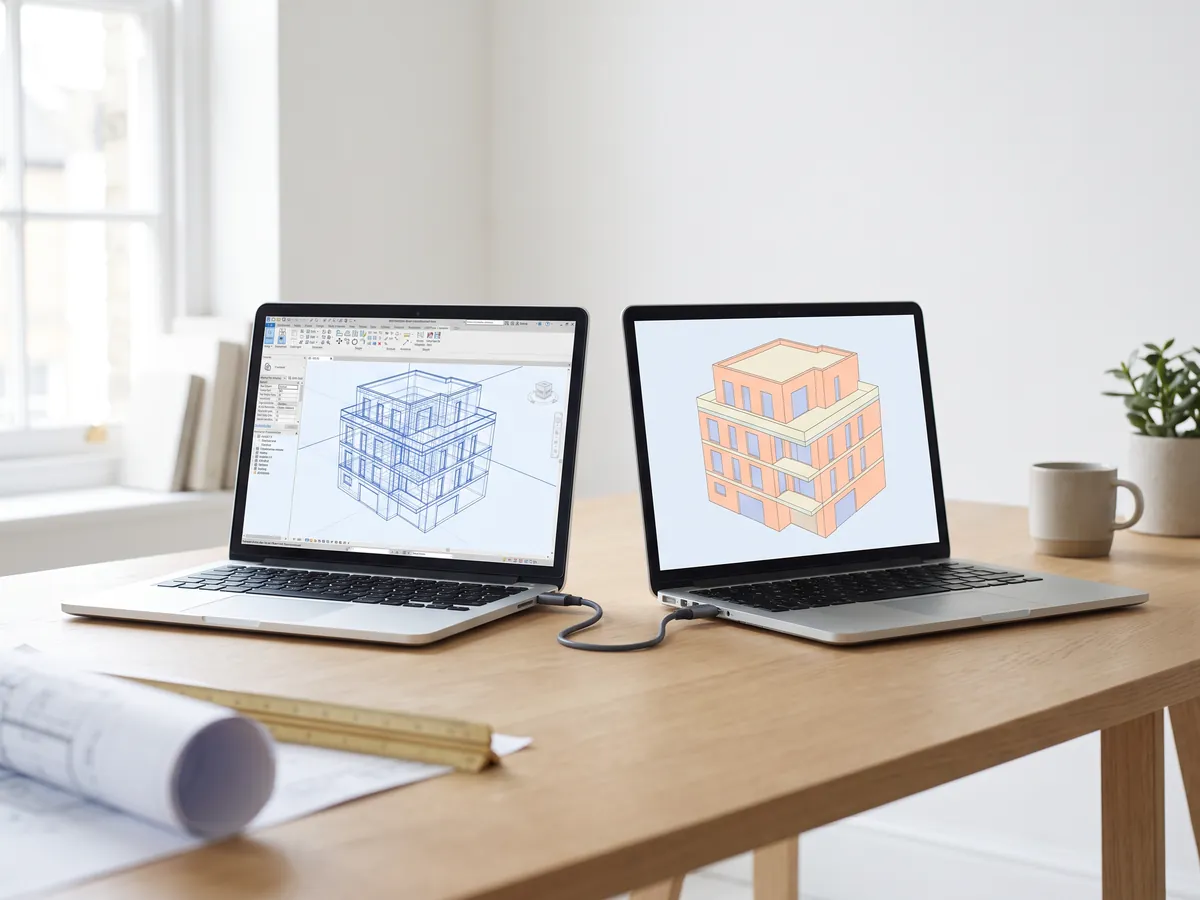
Revit to IFC converter
Convert RVT files to IFC 2x3 with levels and properties, using Autodesk's own conversion.
Convert Revit to IFC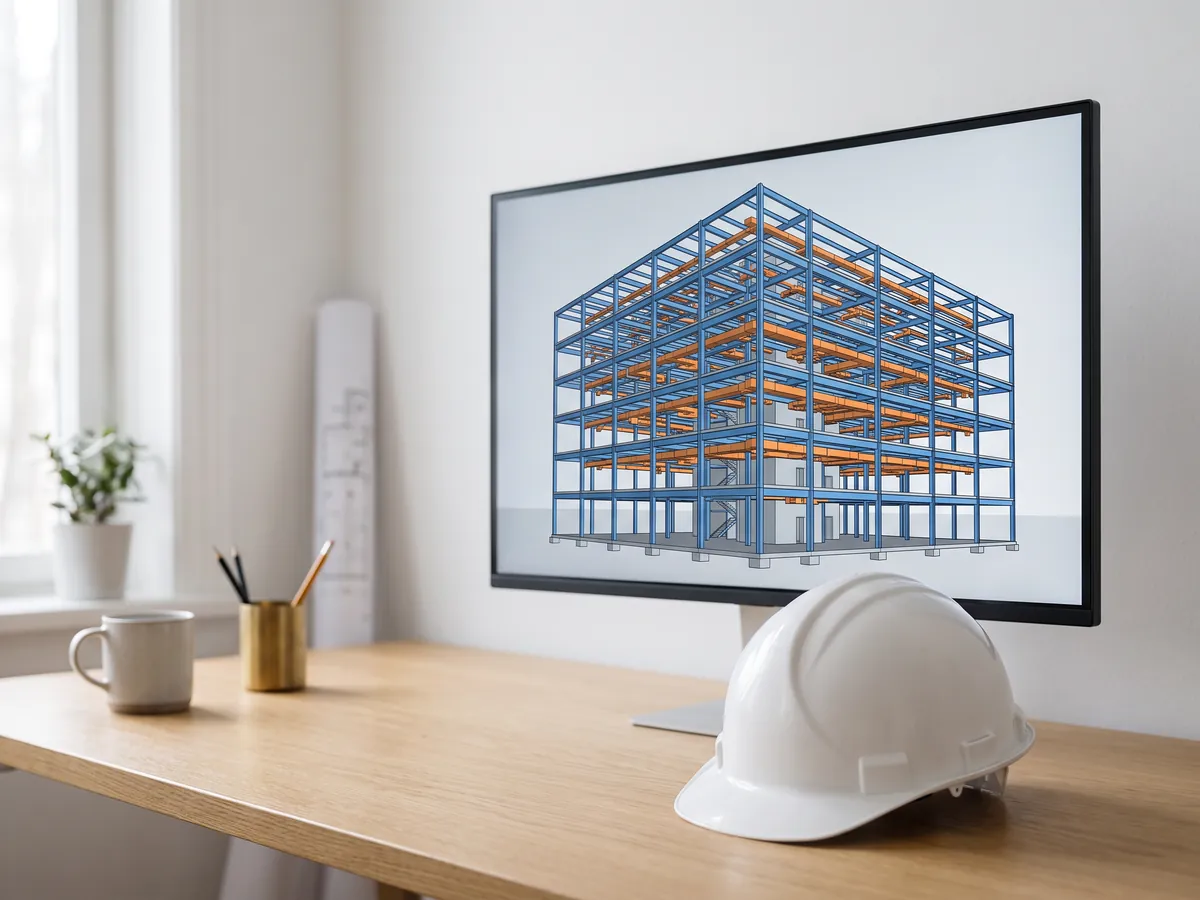
BIM viewer
Review BIM models from Revit, Archicad and Tekla without a licence: levels, properties, measuring.
Open the BIM viewer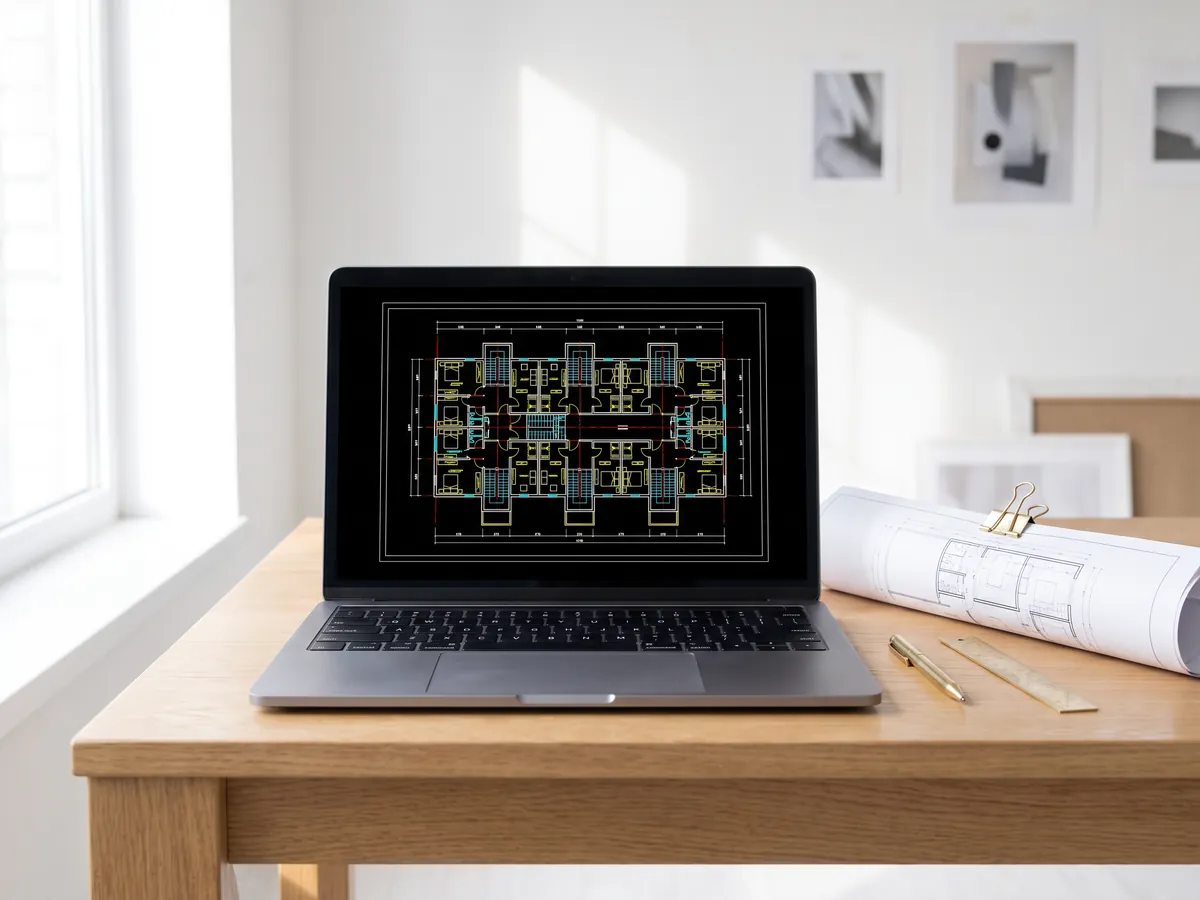
DWG viewer
Open AutoCAD DWG and DXF drawings online: every layout, layers on and off, zoom and pan.
Open the DWG viewer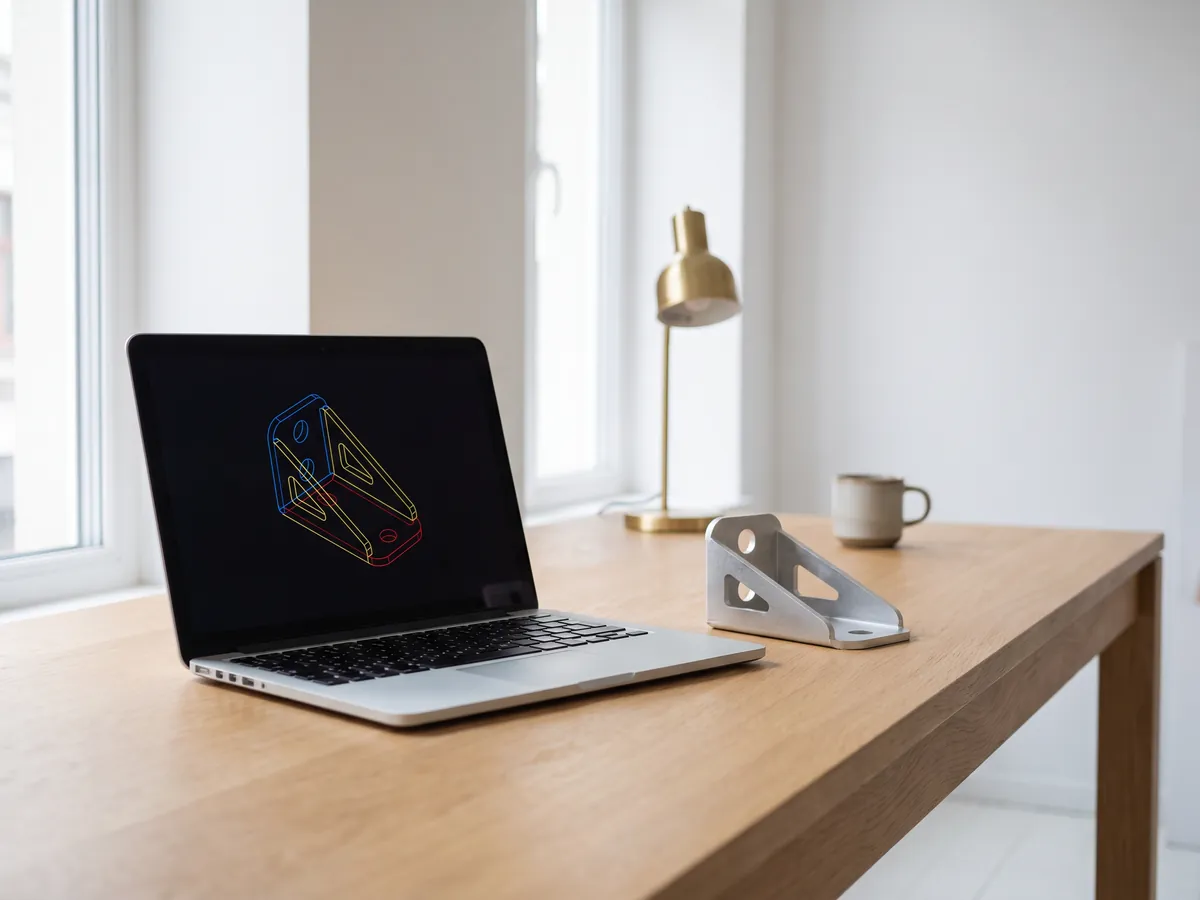
DXF viewer
Open DXF files online: every layout, layers on and off, zoom, then save as PDF or SVG.
Open the DXF viewer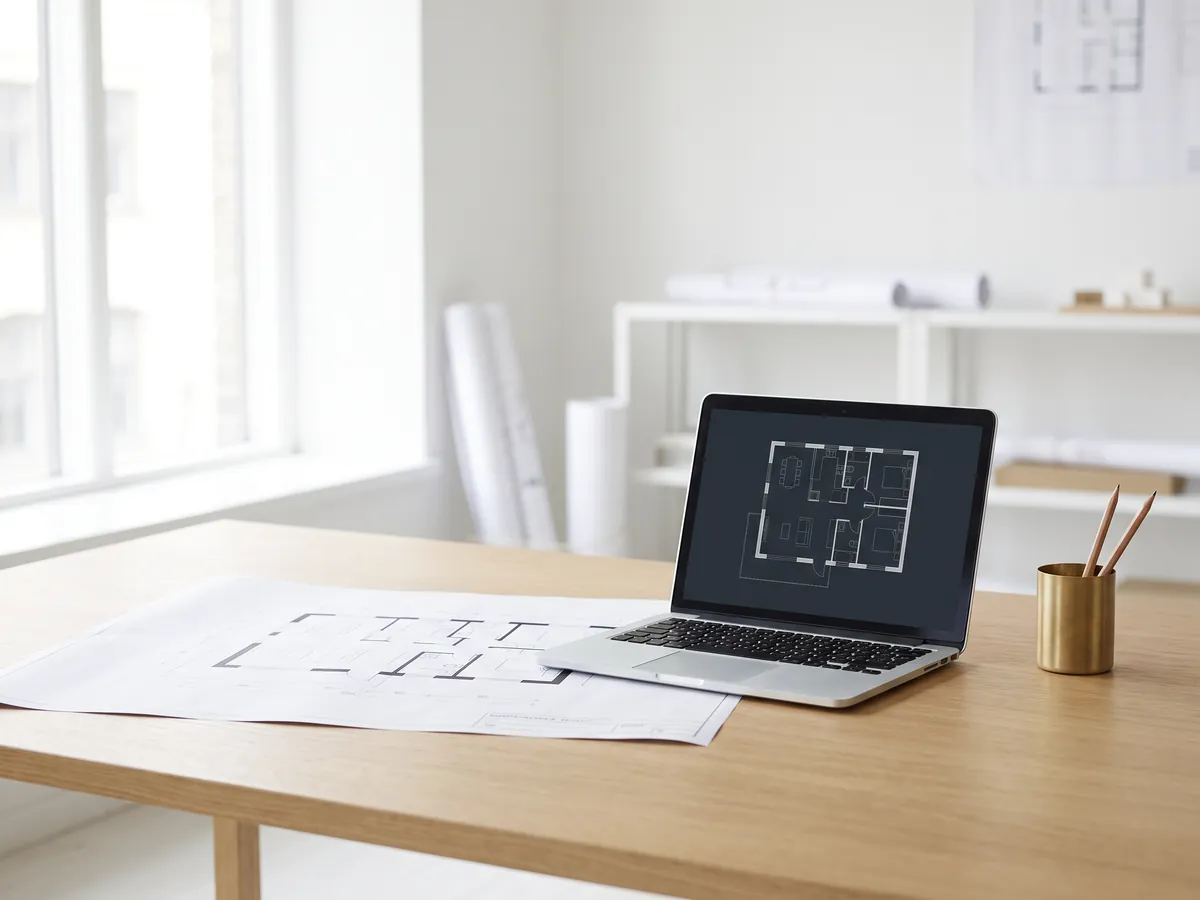
DWG to PDF
Plot AutoCAD drawings to PDF: layouts 1:1 with title blocks, line weights and hatches.
Open DWG to PDF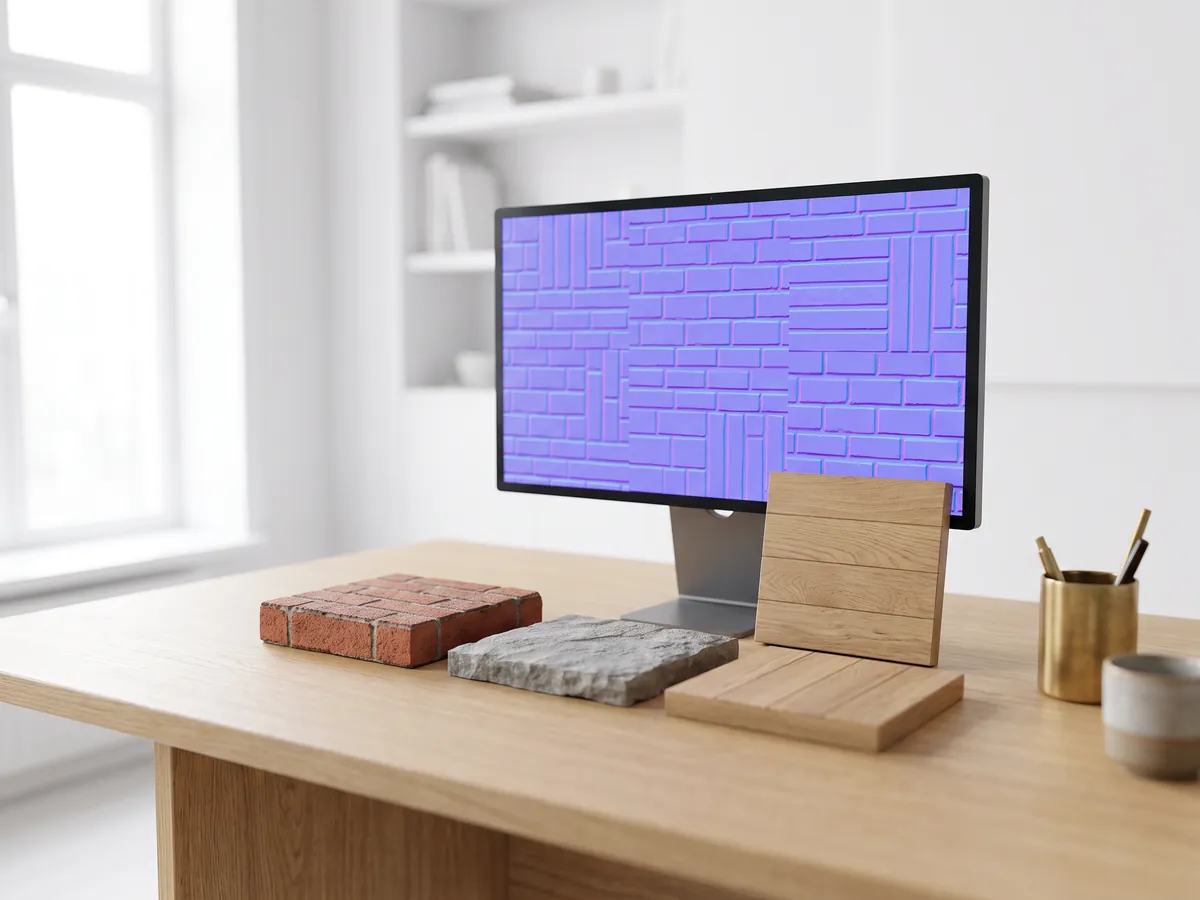
Normal map generator
Make normal, height, roughness and AO maps from any image, seamless if you need it.
Open the normal map generator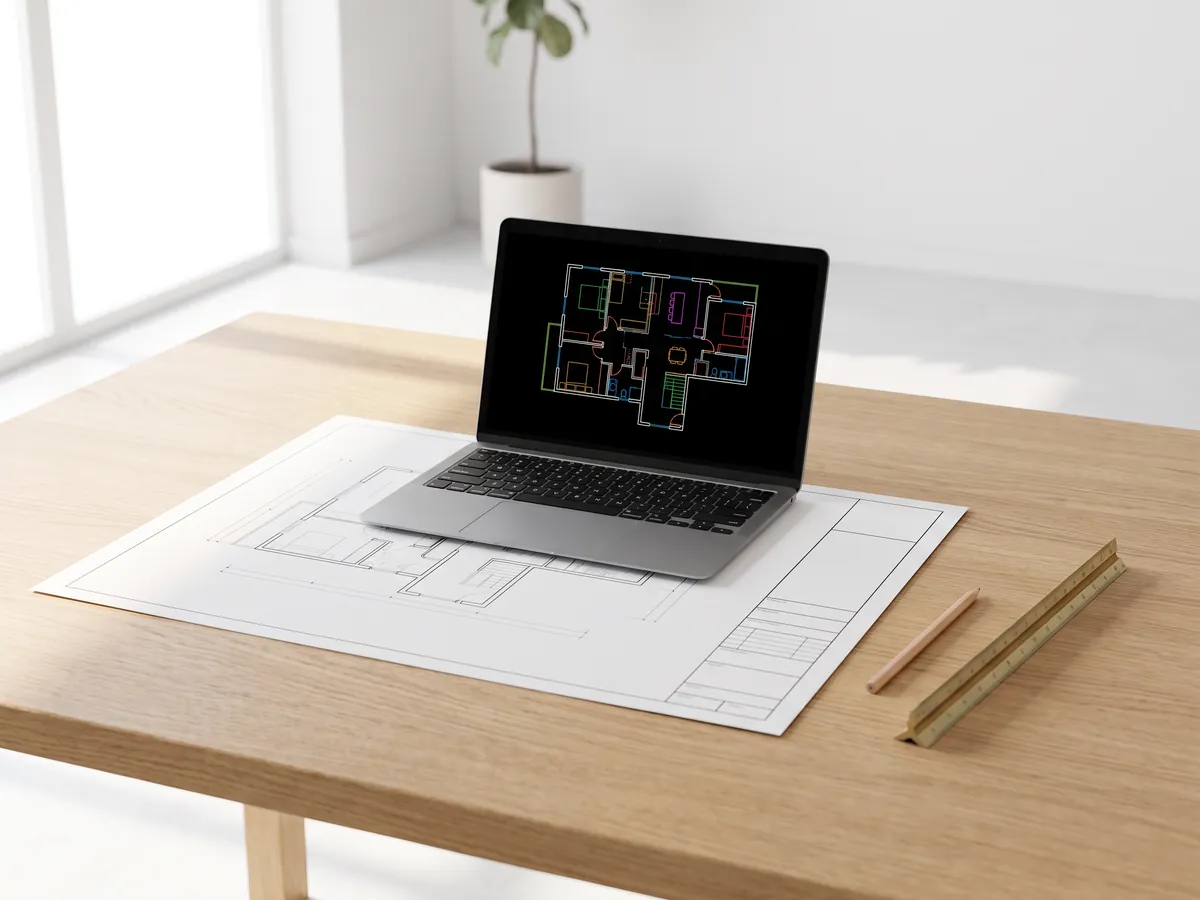
PDF to DWG
Turn PDF drawings into CAD lines for AutoCAD: lines, text and layers, at drawing scale.
Open PDF to DWG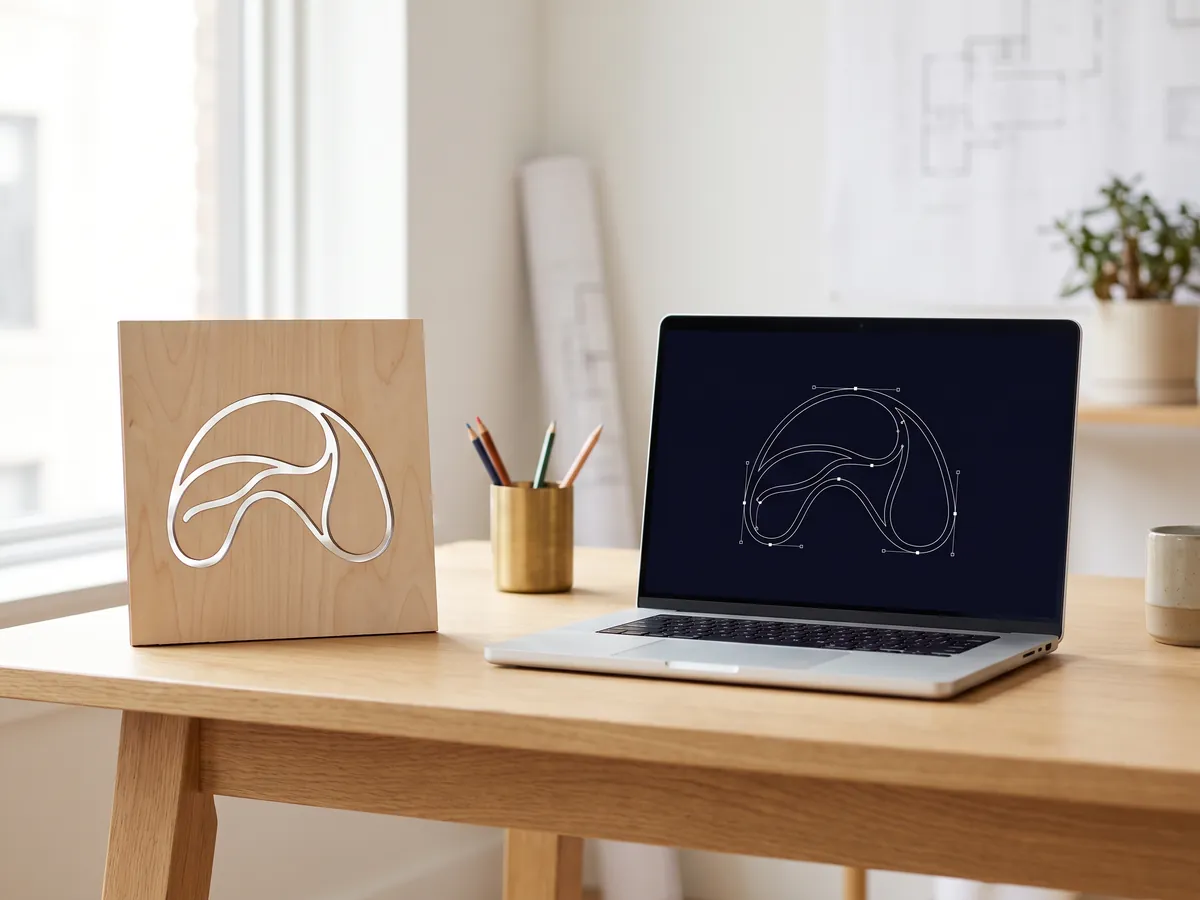
SVG to DXF
Convert SVG to DXF for CAD, laser cutting and CNC: exact lines, layers, real size.
Open SVG to DXF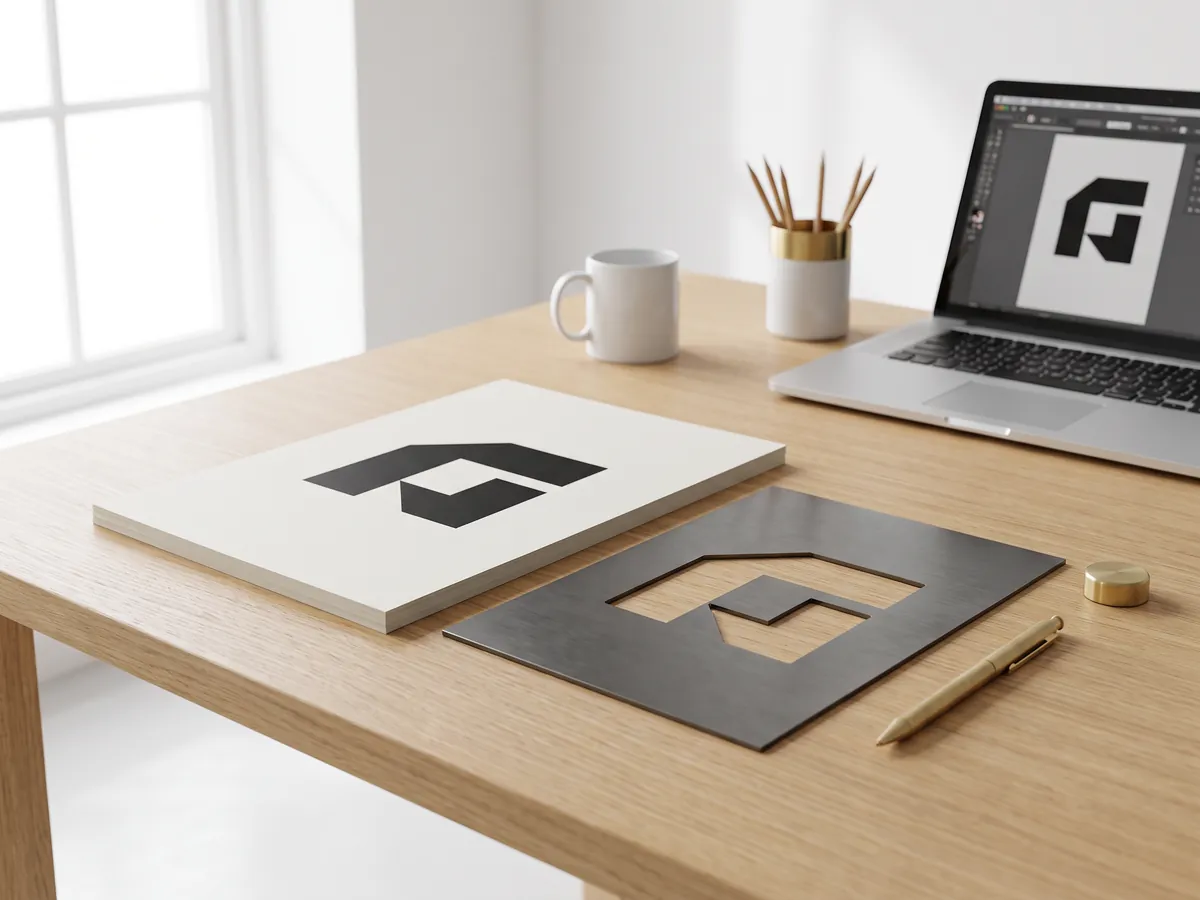
DXF converter
Open DXF drawings and save them as PDF or SVG, with layouts, line weights and hatches.
Open the DXF converter
Before and after slider
Make a before and after slider, video or image from two photos, for listings, Reels and your website.
Open the before and after maker
STEP viewer
Open STEP and IGES files from SolidWorks, Fusion 360 and Inventor. See every part and measure.
Open the STEP viewer
3D viewer
Open 18 kinds of 3D file online, from STEP and FBX to GLB and IFC, with parts and measuring.
Open the 3D viewer
GLB viewer
Open GLB and glTF files with their materials and textures, size and triangle count.
Open the GLB viewer
OBJ viewer
Open OBJ files with their MTL materials and textures, and save as STL, GLB or STEP.
Open the OBJ viewer
SolidWorks viewer
Open SolidWorks part files without SolidWorks, then save them as STL, STEP or GLB.
Open the SolidWorks viewer
STL viewer
View STL files for 3D printing with size, volume, weight and a watertight check.
Open the STL viewer
3D converter
Convert between STEP, OBJ, FBX, STL, glTF, PLY, IFC and more, in both directions.
Open the 3D converter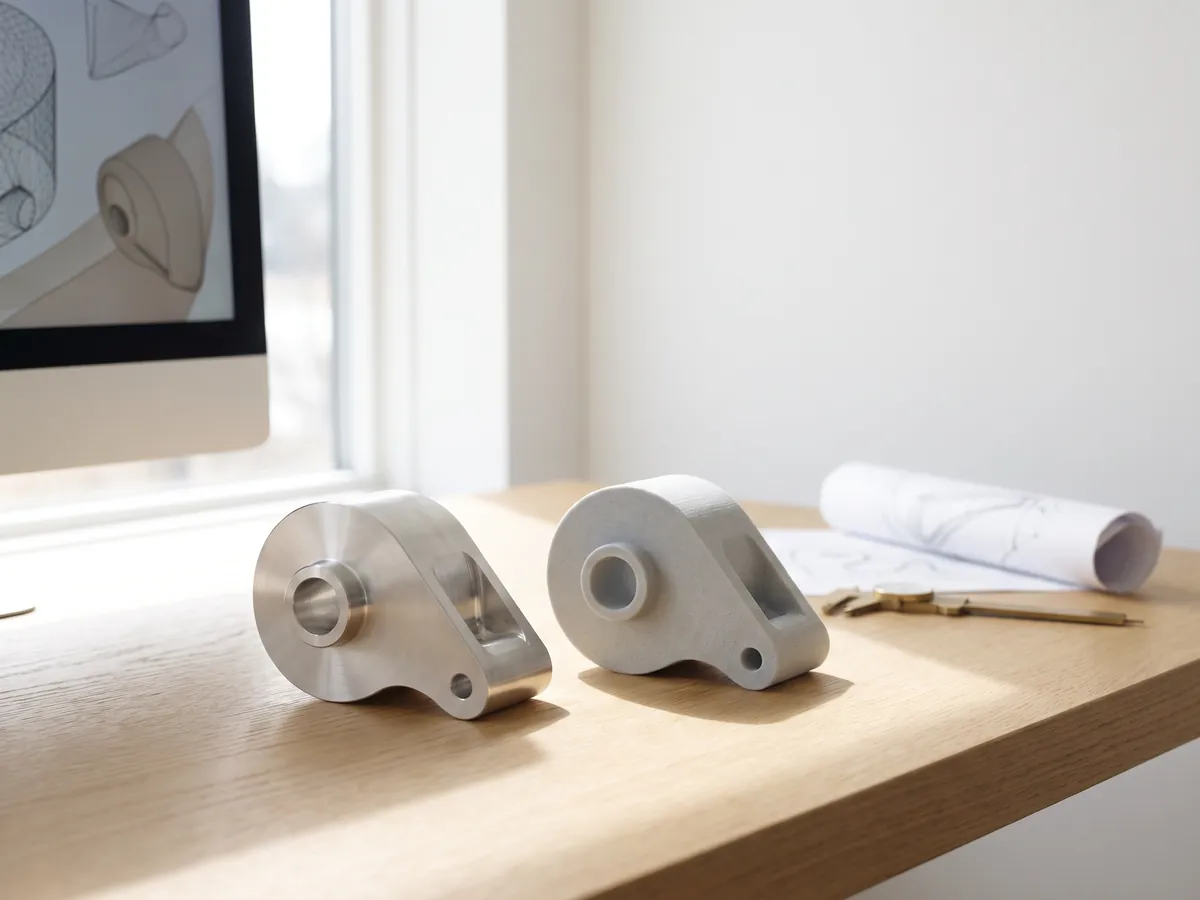
STEP to STL
Convert STEP and STP files from SolidWorks, Fusion 360 and Inventor to STL for 3D printing.
Open STEP to STL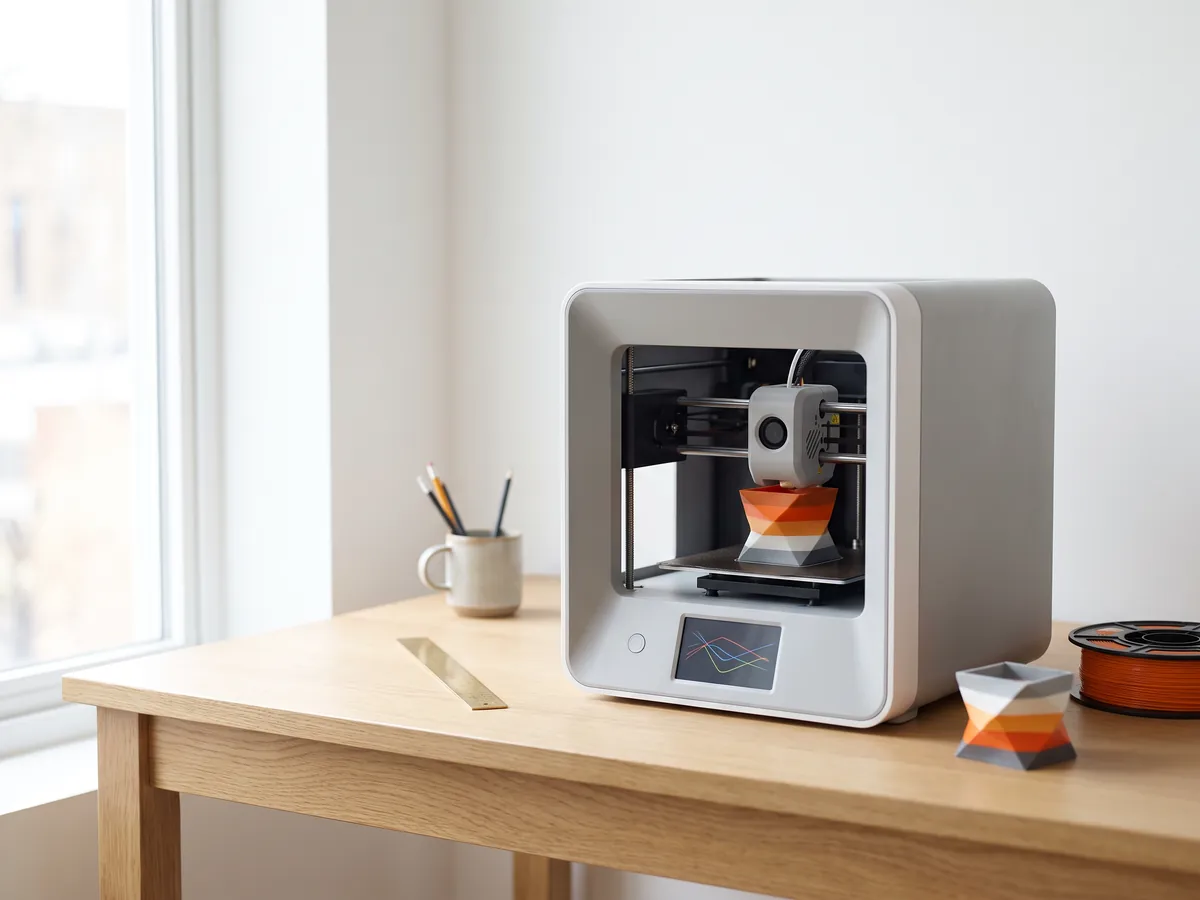
3MF to STL
Convert 3MF files from Bambu Studio and PrusaSlicer to STL, or STL to 3MF.
Open 3MF to STL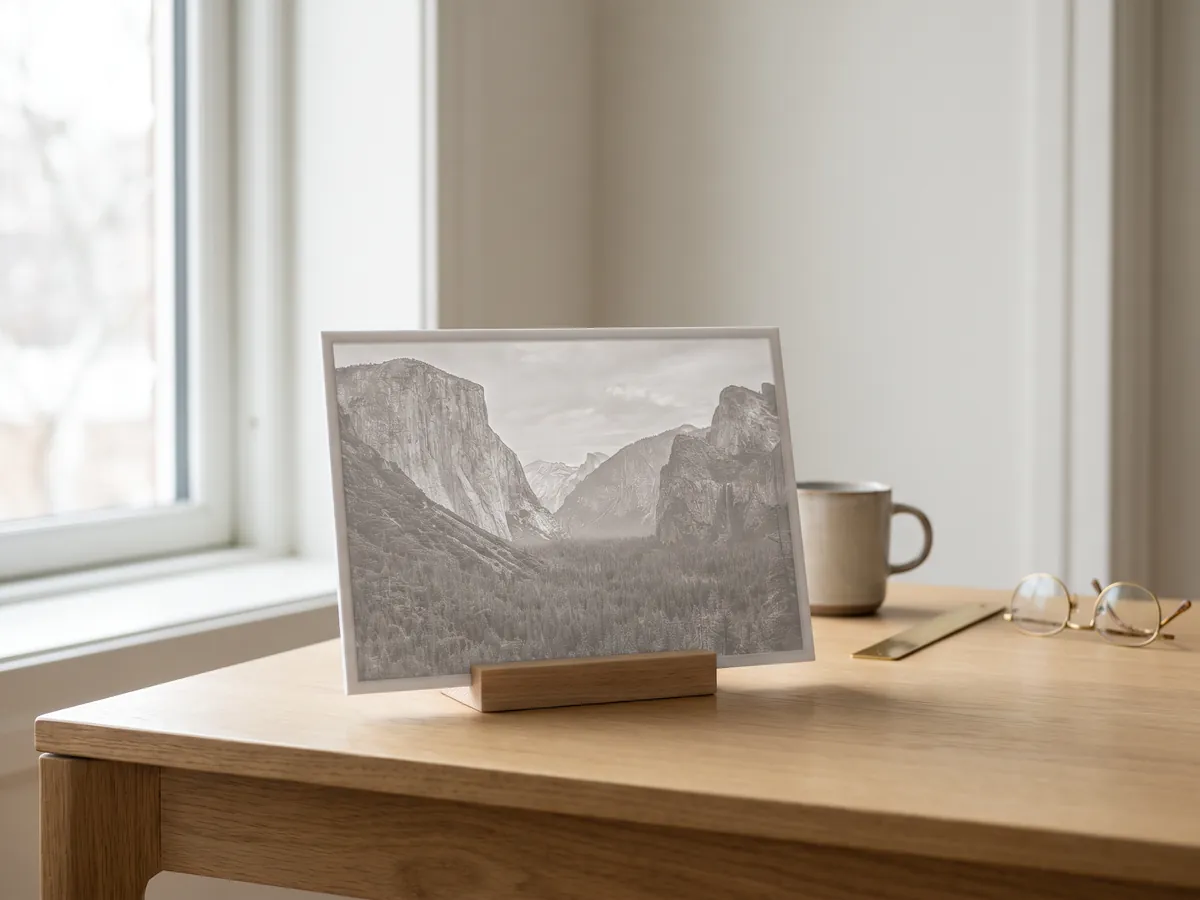
Image to STL
Turn PNG and JPG images into STL or OBJ reliefs and lithophanes for 3D printing.
Open image to STL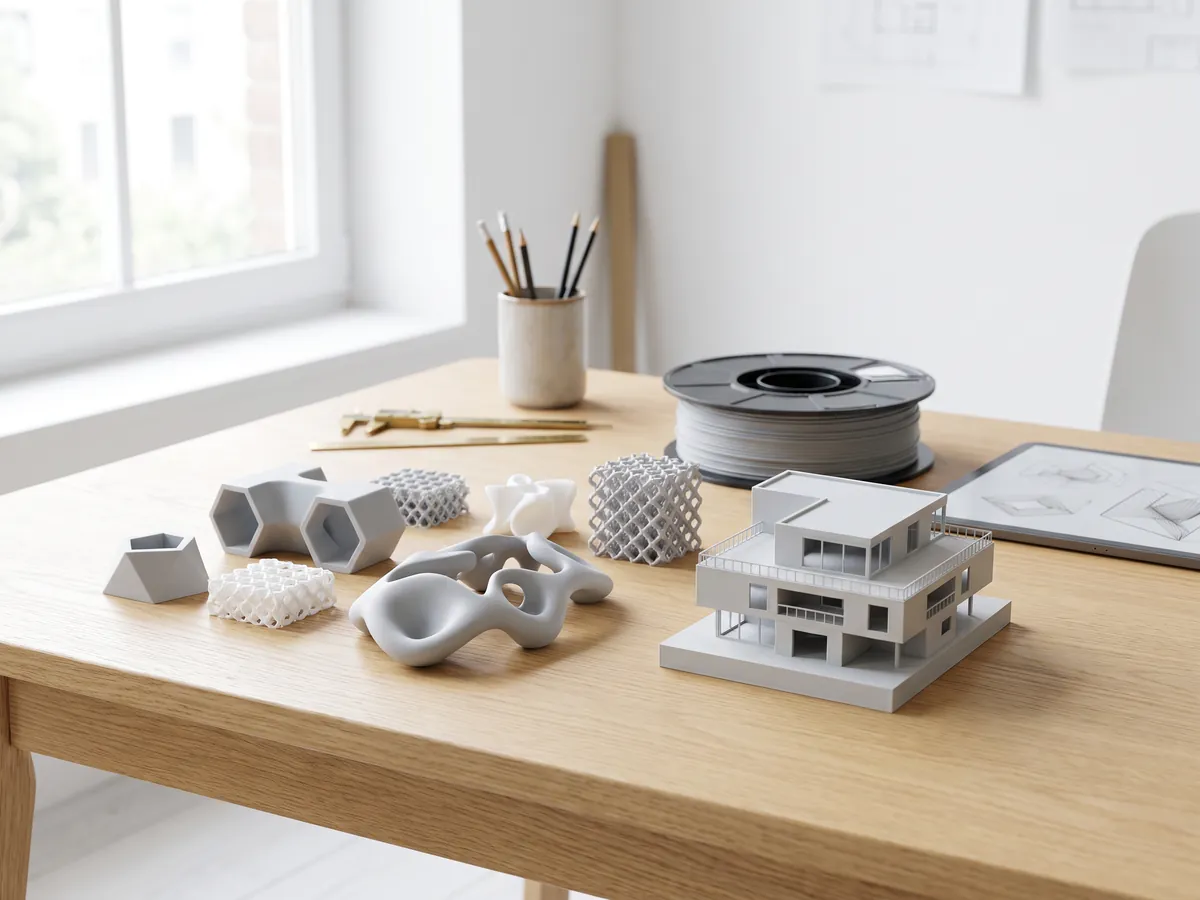
STL converter
Convert 3D files and images to STL for 3D printing, with a watertight check.
Open the STL converter
OBJ converter
Convert STL, FBX, STEP, glTF and 3DS to OBJ with materials, or OBJ to other formats.
Open the OBJ converter
FBX converter
Convert FBX files from 3ds Max, Maya and Blender to OBJ, GLB or STL.
Open the FBX converterPopular conversions: PNG to STL · OBJ to STL · GLB to STL · GLB to OBJ · STL to STEP · FBX to OBJ · STL to OBJ · FBX viewer · 3MF viewer · PLY viewer
Embed this tool
Put the free AI rendering on your own site, course page or wiki. Paste this code where it should appear.
Cite this tool
For a thesis, paper or course material: APA style first, then BibTeX.
1,247
Projects completed
13
Years in business
17
Countries delivered to







★★★★★
Rated 4.9 on Clutch · See our reviews
Architects, developers & interior designers
Working for 215 companies since 2013
125 of 220 clients came back
More than half of our clients have hired us again
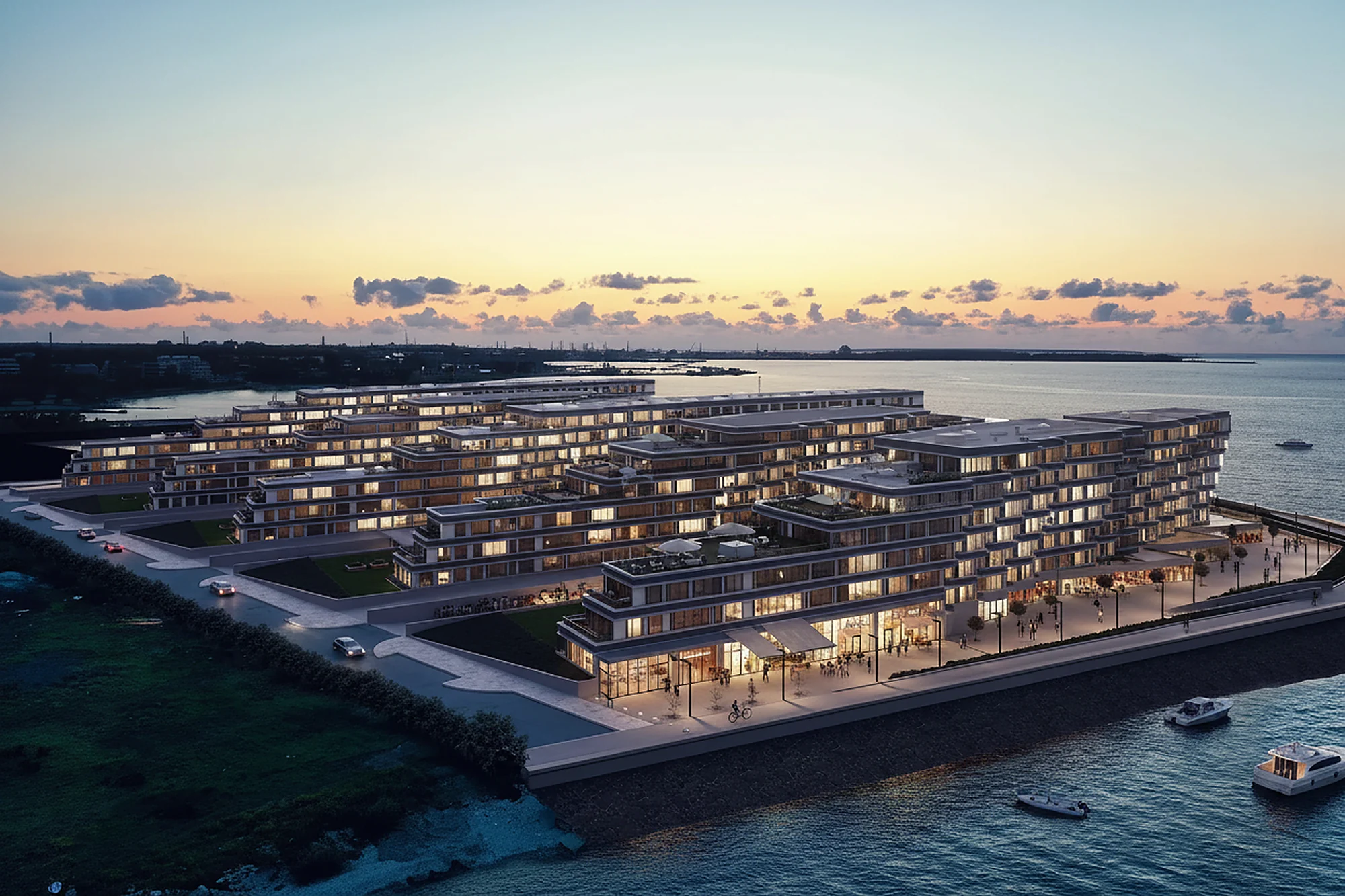
Try it on your own project
Render a screenshot of your model now
3 free renders a day, no sign-up and no card. You get the image in about 20 seconds.